

MarkItDown: converting heterogeneous documents to Markdown for analysis
microsoft/markitdown · 186,984★ · 13,797 forks
Everything you need to know about microsoft/markitdown: a Python utility for turning documents and other content into Markdown, built mainly for text-analysis pipelines and language models.
What MarkItDown is
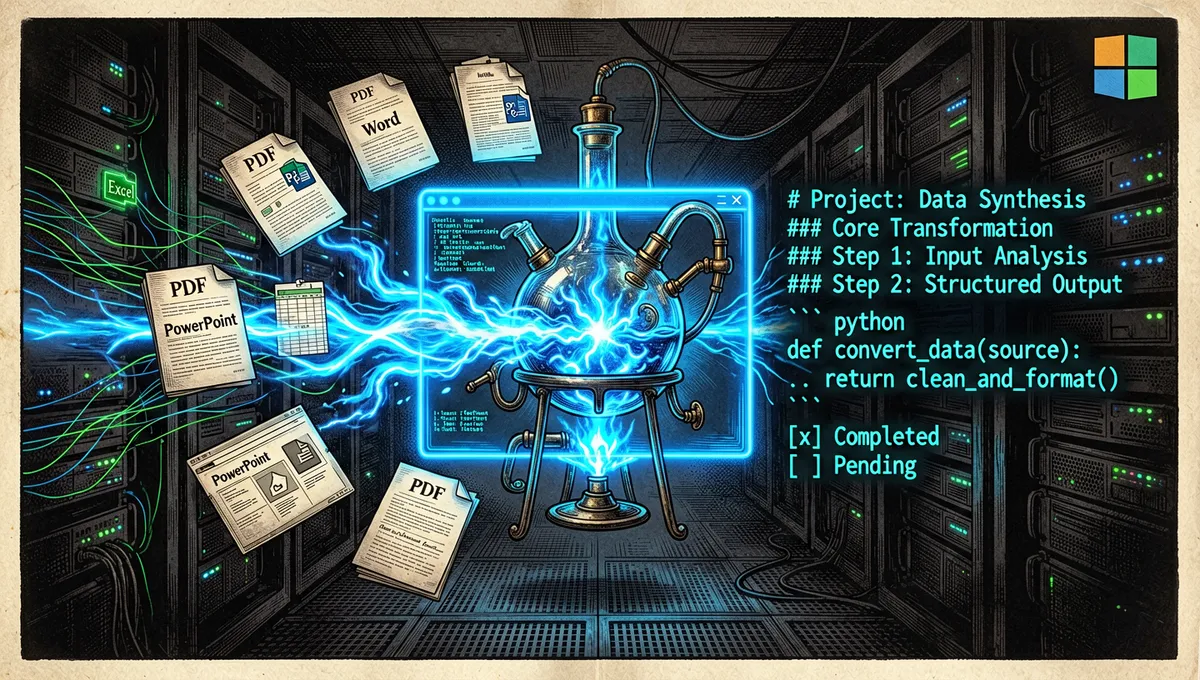
MarkItDown is a Python library and command-line tool that converts files to Markdown. Its README places it close to textract, but with a different priority: preserving structure useful for analysis, such as headings, lists, tables, and links, rather than aiming for a faithful visual reproduction of the original document.
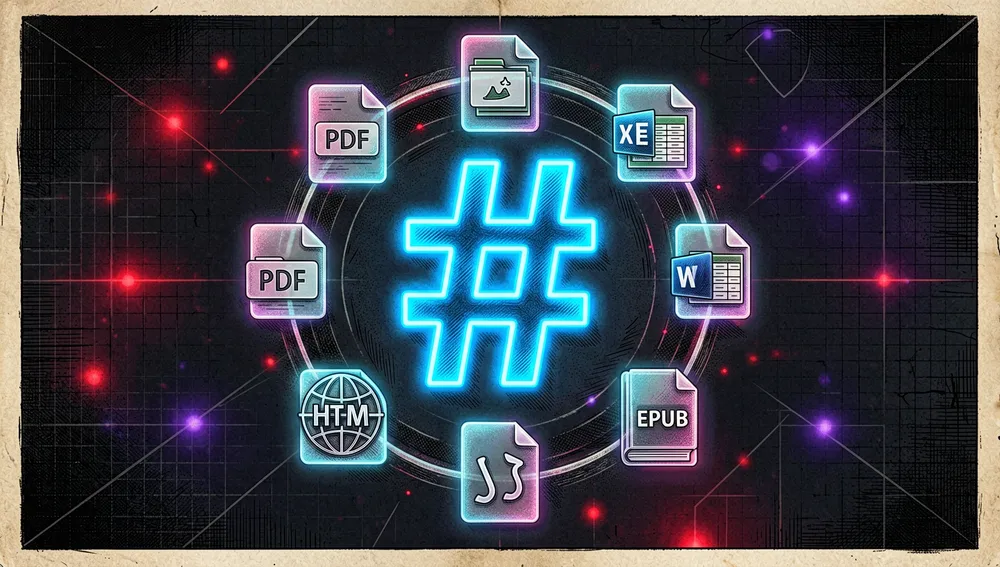
It supports PDF, PowerPoint, Word, Excel, images with metadata or OCR, audio with transcription, HTML, CSV, JSON, XML, ZIP archives, YouTube URLs, and EPUB, among other formats. The output can be human-readable, but the stated purpose is to feed text-analysis tools and language-model pipelines. This distinction matters: it does not promise to preserve all layout, formulas, or rich elements of an office document.
The origin: an AutoGen community tool inside Microsoft
The public repository was created on November 13, 2024. Its first commit, signed by microsoft-github-operations[bot], is titled simply “Initial commit,” so it does not allow attributing initial authorship to a specific person. The README does identify the project as built by Microsoft’s AutoGen team; the package published on PyPI lists Adam Fourney (afourney) as the contact, and the API places him as the current top contributor. Beyond that, the retrieved sources do not identify a single creator or a launch announcement with a verifiable personal narrative.
The launch context was the surge in document ingestion for language models. The README makes the case for Markdown as text with minimal structure, compact in tokens, and widely understood by models. That decision generated visible tension from the very first Hacker News thread: on December 13, 2024, ezxs wished Word would build the feature in natively, while LittleTimothy questioned Microsoft’s apparent openness against its history of interoperability with office formats. badlibrarian replied that the formats were opened roughly two decades ago, though they remain complex and imperfect to convert.
Philosophy and principles
The project rests on four verifiable ideas:
- Markdown as an intermediate representation: enough structure for headings, links, and tables, without carrying a full presentation format.
- Analysis utility before visual fidelity: the goal is to extract structured content for indexing, search, or models, not to reconstruct a file meant for human layout.
- Gradual extension: the local converters can be complemented with optional dependencies, third-party plugins, and Azure services.
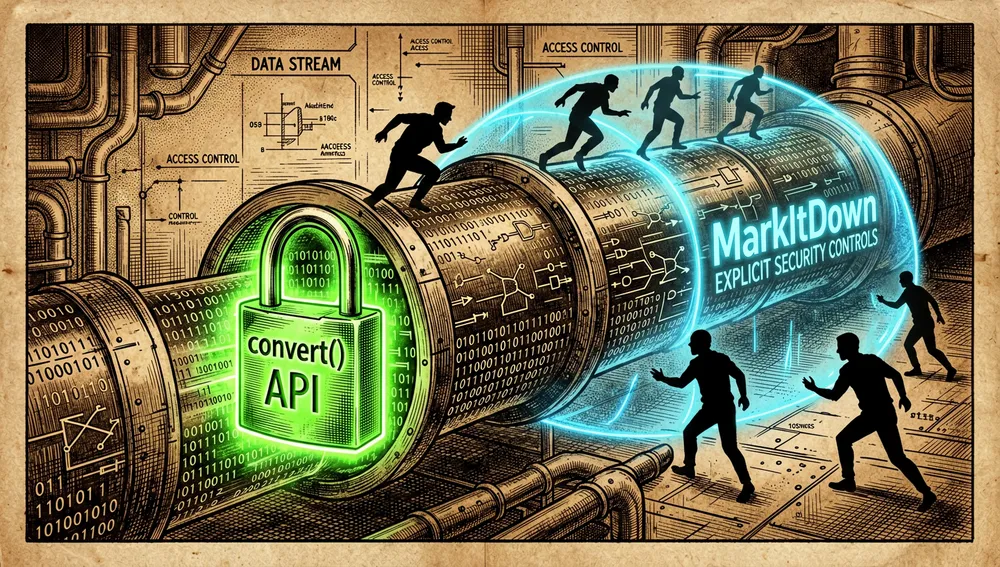
- Explicit security control:
convert()can open local files, URIs, and streams; the project recommends using the most restricted API possible, validating untrusted input, and limiting paths, schemes, and network destinations.
That last warning is not decorative: MarkItDown performs input and output operations with the privileges of the process running it. In a service exposed to users, accepting an unfiltered URL or path can widen the service’s access footprint.
How it works
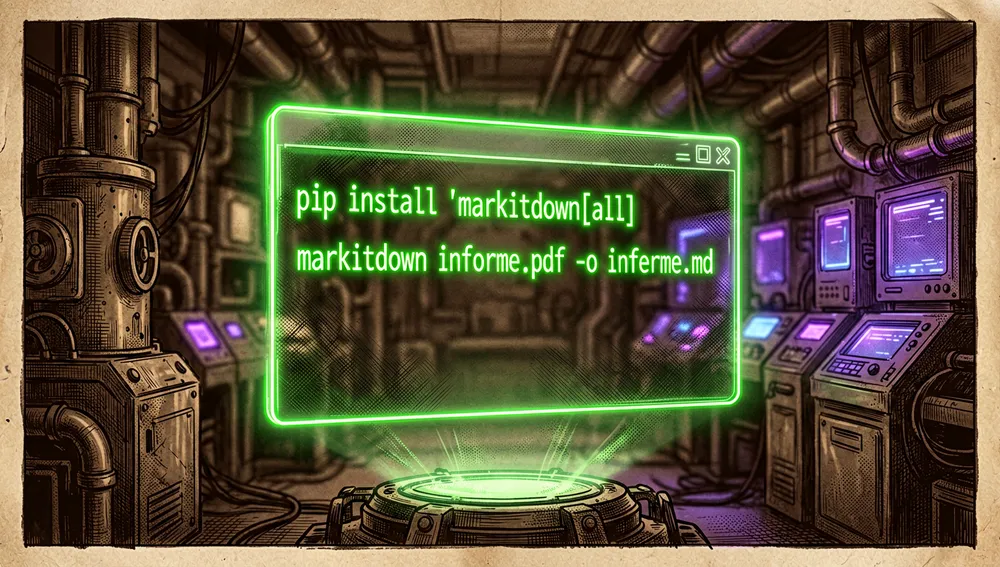
The minimal path is installing the package and converting a file:
pip install 'markitdown[all]'
markitdown informe.pdf -o informe.md
It can also receive data via standard input. In Python, MarkItDown().convert("archivo.xlsx") returns the result; for an environment with isolation requirements, the README advises preferring convert_local(), convert_stream(), or convert_response() depending on the source of the content.
Optional dependencies let you install only the converters you need, for example markitdown[pdf,docx,pptx]. For images and presentations, it can take an OpenAI-compatible client and model to generate descriptions. The markitdown-ocr plugin adds OCR for images embedded in PDF, DOCX, PPTX, and XLSX via language-model vision; according to its PyPI listing, the retrieved version is 0.1.0.
There are two Azure-hosted paths. Azure Document Intelligence is invoked from the command line with -d and an endpoint. Azure Content Understanding can apply layout analysis, OCR, document, image, audio, and video modalities, and extract structured fields into YAML metadata. It is not a free local feature: every conversion routed to that service can generate an Azure charge.
Plugins are disabled by default. markitdown --list-plugins lists them and markitdown --use-plugins archivo.pdf activates them; the repository also provides packages/markitdown-sample-plugin as a template for building one.
Official and semi-official status
The official status is clear in terms of provenance: the repository sits under the Microsoft organization, its README presents it as work by the AutoGen team, and the markitdown package on PyPI lists Adam Fourney of Microsoft as the contact. It is MIT-licensed software, not a proprietary Office product or a native feature of Word, Excel, or PowerPoint.
No evidence was retrieved that MarkItDown has been accepted into an official agent-vendor plugin marketplace, nor of a Microsoft Office or Azure certification vouching for its conversion quality. The optional Azure integration and the AutoGen references are ecosystem backing, not a guarantee of results. With 171,142 stars, it can be considered highly visible on GitHub, but the sources do not formally designate it a de facto standard.
The ecosystem
Official and closely related components
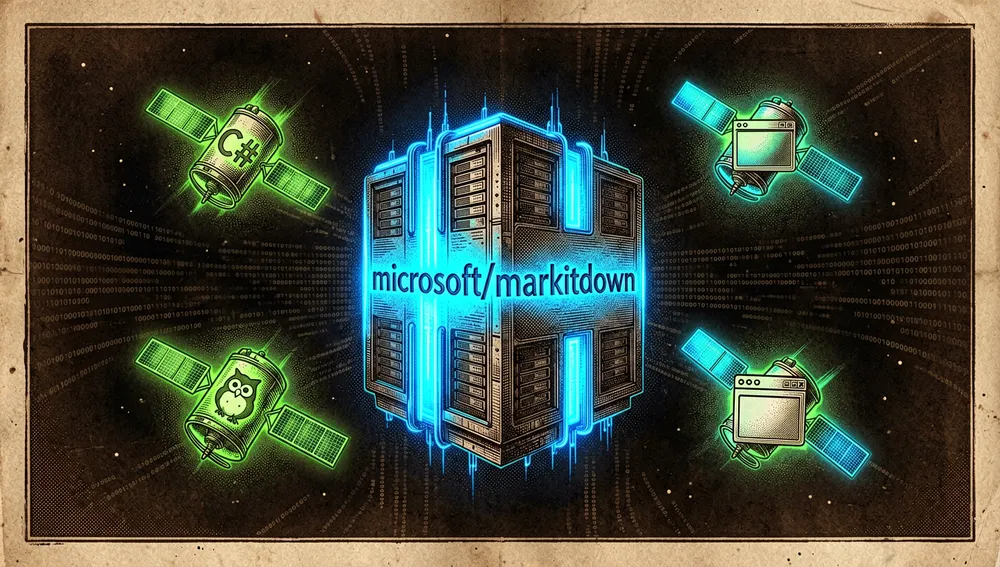
A GitHub repository search scoped to org:microsoft markitdown returned only the main repository: no standalone public sibling Microsoft repository under that name was identified. The official ecosystem lives mostly inside the monorepo and in published packages:
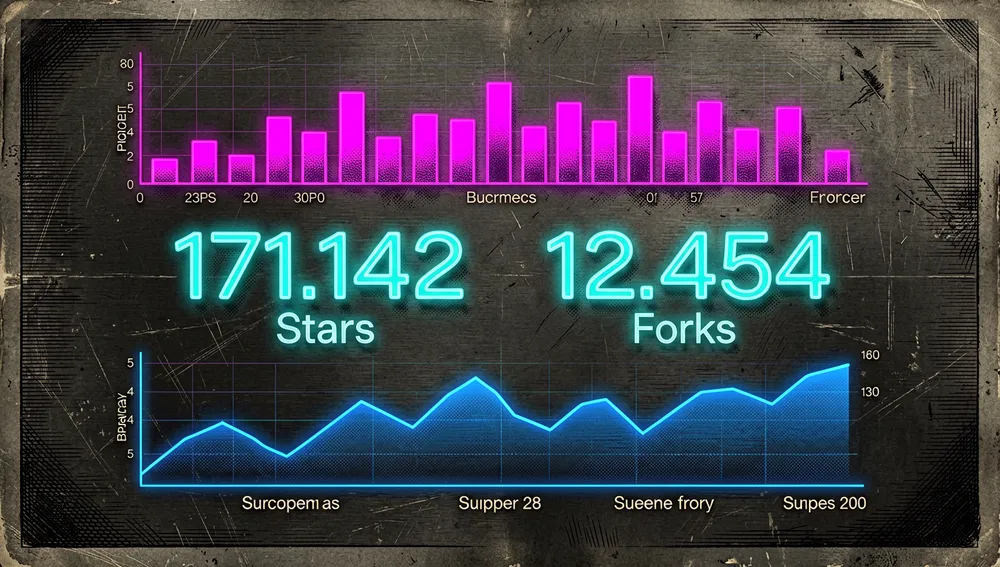
microsoft/markitdown: the main package, 171,142 stars and 12,454 forks at the measurement below.packages/markitdown-ocr: an official plugin included in the project’s tree; PyPI publishesmarkitdown-ocr0.1.0. Adds OCR via language-model vision.packages/markitdown-sample-plugin: a plugin template maintained in the same repository; it serves to extend the plugin interface, it is not a standalone product.- AutoGen: the README’s badge attributes the project to that Microsoft team. It is its organizational context, not a required dependency to run the tool.
Ports, forks, and community extensions
The forks API and repository descriptions distinguish a handful of real extensions from the many copies with no declared changes:
managedcode/markitdown: a C# fork described as a Markdown conversion tool; 76 stars.conductor-oss/markitdown: a Go implementation presented on Hacker News as “MarkItDown in Go”; 20 stars. The API describes it as a file-to-Markdown converter.cnChenKai/markitdown-GUI: a graphical interface for Windows built on the fork; 6 stars.llA1ll/markitdown_hwpx: a non-English extension that adds HWPX and claims HWP support on Windows; 3 stars. It is a Korean adaptation, not an official documentation translation.RapidsPackerCount/markitdown: a fork that claims security patches and installation fixes; 6 stars.
In addition, html.zone/markitdown was presented by ccbikai in the original thread as a version that runs entirely in the browser. The retrieved source verifies the demo, but does not provide a repository or verifiable metrics for it. Forks do not equal support or compatibility guaranteed by Microsoft.
Repo numbers
Measured: August 3, 2026, 15:43 UTC; GitHub and PyPI APIs.
| Metric | Value |
|---|---|
| Stars | 171,142 |
| Forks | 12,454 |
| Real subscribers | 549 |
| Commits | 315 |
| Open issues reported by the API | 837 |
| Primary language | Python |
| License | MIT |
| Created | November 13, 2024 |
| Latest code push | July 29, 2026 |
| Latest metadata update | August 3, 2026, 15:40 UTC |
| Latest release | v0.1.7, July 29, 2026 |
The total of 315 commits was obtained from the API’s final pagination link. The top contributors returned by the API were afourney (104), gagb (70), sugatoray (9), PetrAPConsulting (8), l-lumin (7), and Josh-XT (7). open_issues_count can include open pull requests, so it does not represent issues alone. Also, watchers_count duplicates the star total in GitHub’s general response; that is why subscribers_count is reported here as the real subscriber figure.
Version v0.1.7 fixes, among other things, quadratic-value lookups in PPTX charts, LaTeX equation macros, and the handling of PPTX SVG images without a rasterized fallback. The previous release added an OCR layer for embedded images and the Azure Content Understanding converter.
How to contribute
The README accepts contributions and suggestions under Microsoft’s Contributor License Agreement: a bot checks on every pull request whether acceptance is required. The project links issues tagged “open for contribution” and pull requests tagged “open for reviewing,” without limiting participation to those labels.
To prepare a contribution, it documents this path:
- Enter
packages/markitdown. - Install
hatch, open its environment, and runhatch test; alternatively, use the dev container. - Run
pre-commit run --all-filesbefore submitting the pull request. - Follow Microsoft’s open-source code of conduct and complete the CLA process when the bot requests it.
The repository also invites publishing third-party plugins and provides a sample. An open pull request to extract content per page from PDF, PPTX, and DOCX illustrates a contribution with tests and backward-compatible parameters, but should not be read as already-shipped functionality.
How the community received it
The retrieved reception combines practical adoption with relevant reservations about fidelity, tables, and security:
- The direct Hacker News announcement, 42410803, was submitted by Handy-Man on December 13, 2024, and reached 329 points and 81 comments.
simonwnoted he had tried HTML and PDF and found them reasonably good;poidoscontributed a concrete use case converting an XLSX sheet into a readable Markdown table. These are individual experiences, not a comparative evaluation. - In that same thread,
irskep, who said he had worked on a similar internal system, called the implementation reasonable and easy to deploy, but recommended against using it for images when the model provider supports images directly, and advised distrusting Markdown tables for spreadsheets.starkparkerwas more critical: for PDF books with complex layouts and tables, he observed it did not resolve tables well and so it did not work for his case. konfektobjected that the project looked like a wrapper around existing libraries and potentially inferior to specialized tools.wisconfirmed the code used Python packages like Mammoth, python-pptx, and pandas, instead of Office COM interfaces;jamwilreplied that those libraries read OOXML directly and avoid depending on the Office applications. The disagreement is about architecture and added value, not proof that the output is incorrect.- In 48595111, with 5 points and 1 comment,
pierre, author of LiteParse, claimed his project beat MarkItDown on speed and accuracy. It is a competitor’s claim with no retrieved methodology, so it does not confirm an independent ranking. - In 47732167, with 4 points and 2 comments,
llamatheollama, author of MarkitMe, proposed a division of use cases: Pandoc for format coverage and reliability, MarkItDown for extracting text for agents, and his own tool for reading-oriented Markdown notes. It is the author’s positioning comparison, not a benchmark. nebezb, in a comment on 46675030, said he used MarkItDown regularly and estimated it worked well in 95% of his cases, though it lost fidelity on equations and complex images. He also warned that running it in a container could give a false sense of security. That caution aligns with the README’s privilege warning.
MarkItDown versus other proposals
| Proposal | Verifiable overlap | Verifiable difference |
|---|---|---|
textract | The README cites it as the closest comparison: both extract content from various file types. | MarkItDown states preserving structure in Markdown as its goal; no format matrix was retrieved that would let you measure which covers more cases. |
| Pandoc | Converts documents between formats and was mentioned repeatedly in the Hacker News discussion. | figomore noted in the original thread that Pandoc converts DOCX to Markdown and other formats, but not PowerPoint or Excel; MarkItDown documents support for those two types. |
DS4SD/docling | Both were mentioned as tools for ingesting documents as text usable by models. | The discussion verified that Docling does not require a language model to function; the retrieved sources do not provide a common, reproducible benchmark. |
run-llama/liteparse | Converts documents to Markdown for analysis workflows. | Its author claimed better speed and accuracy, but no methodology was retrieved that would validate that comparison. |
Luthiraa/markitme | Produces Markdown from content. | Its author orients it toward readable notes with metadata, wiki-style links, and batch handling, versus the agent ingestion it attributes to MarkItDown. |
The choice depends on purpose: MarkItDown fits when normalizing multiple formats into structured text matters and presentation loss is acceptable; for editing, visual preservation, or complex tables, it is worth validating the chosen tool with your own sample documents.
Use cases and who this repository can help
- Teams preparing corpora for search, indexing, or retrieval assistants can convert PDF, Word, presentations, HTML, and spreadsheets into a common Markdown representation. They should evaluate quality with real documents, especially if they contain tables, equations, or complex layouts.
- Developers of document agents or automations can call the Python library or the command line, enable only the required extras, and use plugins. ZIP support allows traversing a container, but the documentation does not turn that capability into a promise of preserving every property of each internal file.
- Processes that require OCR or structured fields can opt for
markitdown-ocrwith a vision client, or for Azure Content Understanding when they need layout analysis, audio, video, or YAML metadata. The second option adds per-call cost and dependency on an Azure service. - Maintainers of services that receive files or URLs from third parties can benefit from the restricted APIs (
convert_local,convert_stream, andconvert_response) and the project’s security warning. They should not exposeconvert()without validating paths, schemes, and network destinations.
![Futuristic terminal with green neon text showing pip install 'markitdown[all]' and markitdown informe.pdf -o informe.md, in a high-tech lab with purple and blue lighting.](/images/dispatches/028-microsoft-markitdown-inline-09.webp)
Resources
- Repository: https://github.com/microsoft/markitdown
- Documentation and installation: https://github.com/microsoft/markitdown#installation
- Official OCR plugin: https://pypi.org/project/markitdown-ocr/
- Official plugin example: https://github.com/microsoft/markitdown/tree/main/packages/markitdown-sample-plugin
- AutoGen project: https://github.com/microsoft/autogen
- Community and conversations: https://news.ycombinator.com/item?id=42410803, https://news.ycombinator.com/item?id=48595111, https://news.ycombinator.com/item?id=47732167
Note: this article combines the README and history of microsoft/markitdown, the GitHub API, PyPI, and the cited Hacker News threads, retrieved on August 3, 2026. Figures change over time.

Comments