

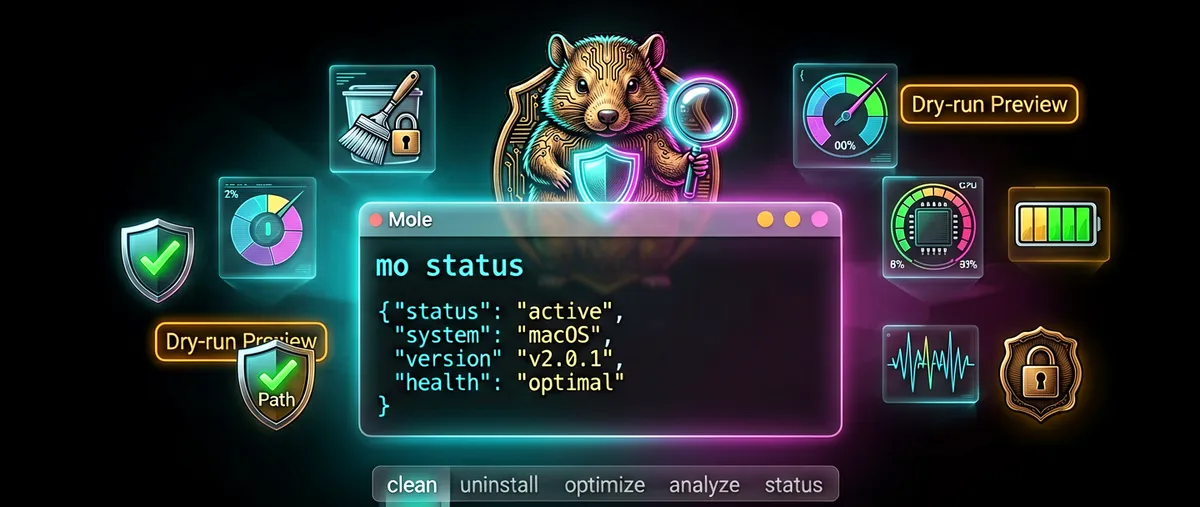
Mole: the open-source Mac cleaner and monitor that competes with paid suites
tw93/Mole · 68,432★ · 2,409 forks
Everything worth knowing about tw93/Mole: a free command-line tool, with a paid native companion app, for cleaning, uninstalling, analyzing, optimizing, and monitoring a Mac.
What Mole is
Mole is a macOS system-maintenance kit that runs in the terminal. In a single binary (written in Shell and Go) it bundles five tasks normally split across several paid apps: deep cleaning of caches and leftovers, uninstalling applications along with their hidden remnants, bounded maintenance of system services, visual disk exploration, and live monitoring of CPU, GPU, memory, disk, network, and battery.
Its tagline, quoted in the README, sums it up: it combines into one binary what CleanMyMac, AppCleaner, DaisyDisk, and iStat Menus offer separately. The command line is called mo, installs via Homebrew or a script, and every destructive operation supports a --dry-run preview.
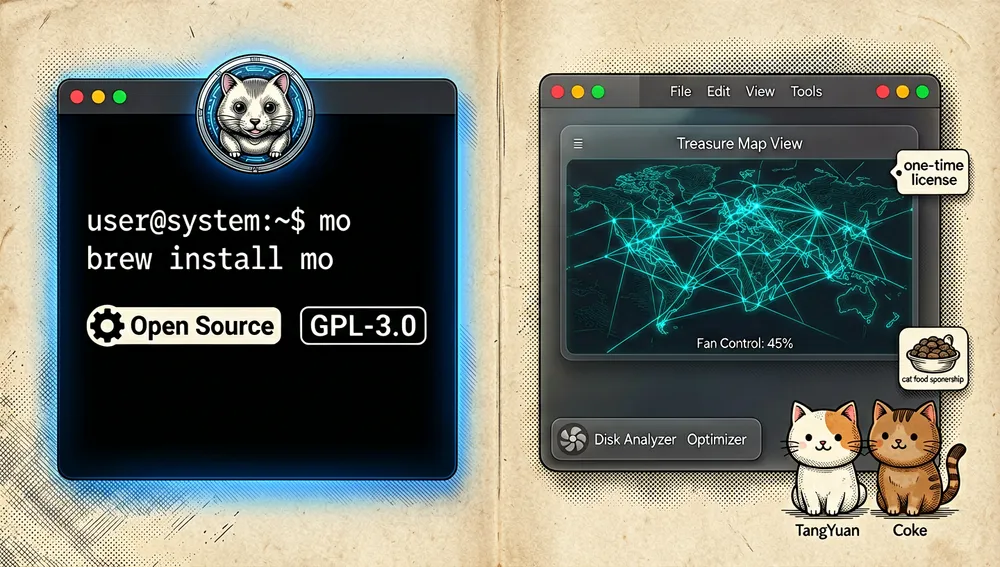
Alongside the free tool there’s Mole for Mac (https://mole.fit), a paid native SwiftUI app covering the same tasks with a graphical interface: cleaner, uninstaller, optimizer, disk analyzer with a treasure map, and system monitor with a menu-bar HUD. It’s a separate proprietary product; the repository and CLI remain free and open source.
The origin: a personal project by Tw93
The repository was created on September 23, 2025 by Tw93 (tw93), a macOS developer whose GitHub profile, consulted in this research, shows an account dating to September 2014, 12,920 followers, 44 public repositories, the blog faberon.io, and the X account @HiTw93. Their bio quotes the principle guiding their projects: “Anything added dilutes everything else” (Paul Graham).
Mole was born amid a series of Tw93 projects focused on the macOS experience: their largest-reach repository, tw93/Pake (packaging websites into native apps), had over 61,000 stars at the time, and tw93/Kami, tw93/MiaoYan, and tw93/Waza ranged between 30,000 and 26,000 stars. Mole’s CLI positioned itself explicitly against the cleaning-suite subscription model: the tutorial video featured in the README carries a Chinese title inviting viewers to stop “being hostages of subscription optimization software,” with Mole as an open, ad-free alternative.
The README itself includes a personal touch that appears across several of their projects: Tw93 has two cats, TangYuan and Coke, and offers “feeding them” (a sponsorship page with cat food) as an alternative form of thanks, alongside the paid app.
Philosophy and principles
The project’s security documentation (SECURITY_AUDIT.md, updated for V1.53.0 on August 30, 2026) states the philosophy in one phrase: bounded cleaning before aggressive cleaning. When uncertainty exists, the tool should refuse, skip, or demand stronger confirmation rather than widen the scope of deletion.
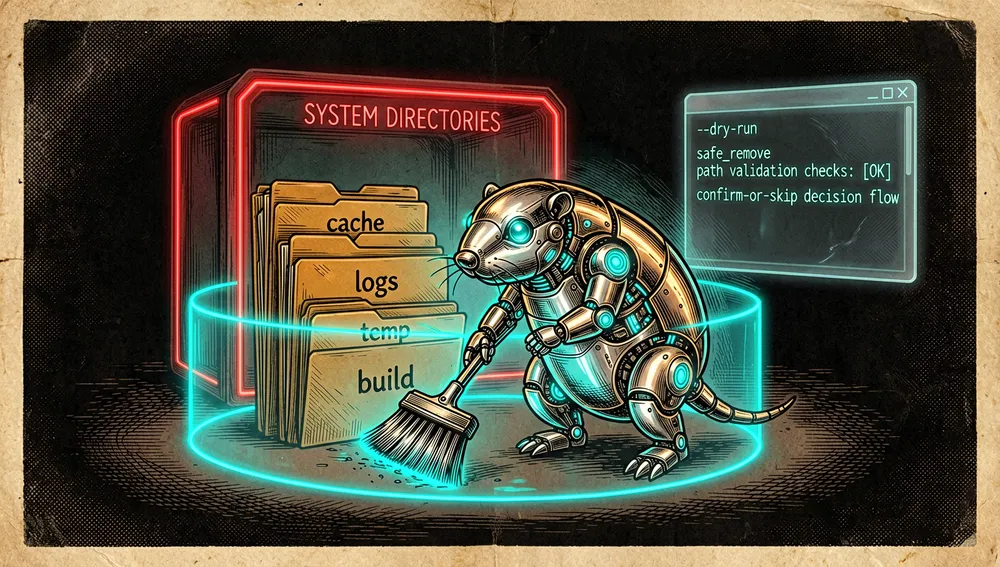
From that maxim come principles verifiable in the code and documentation:
- Preview before acting:
clean,uninstall,purge,installer, andoptimizeaccept--dry-runto preview targets, and--debugfor detailed logs. - Protection by default: critical system paths (
/,/System,/bin,/usr,/etc,/var,/private,/Library/Extensions, among others) are blocked even withsudo; only specific subpaths (e.g./private/tmp,/private/var/log) are allowed for bounded maintenance. - Validation before deletion: every deleted file and folder passes through path validators (empty path, relative, containing
.., containing control characters), and deletion never uses a rawrm -rf, always safe wrappers likesafe_removeorsafe_sudo_removeinlib/core/file_ops.sh. - Auditable logging: every operation is recorded in
~/Library/Logs/mole/operations.log, queryable withmo history(also in JSON), and disableable withMO_NO_OPLOG=1. - Fail closed: if something can’t be proven safe to modify, it’s skipped or refused; if state can’t be read (e.g. the process table), it’s assumed “in use,” not “idle.”
- License with conditions: GPL-3.0 for the CLI, plus a trademark policy (
TRADEMARK.md) asking anyone forking Mole into another product to rename it and credit Mole as the origin.
How it works
The entry point is the mo command, with an interactive menu and subcommands for each task:
-
mo clean: scans known caches (Chrome, Arc, Brave, Safari), logs, temp files, dev artifacts (npm, pnpm, yarn, Xcode derived data, Homebrew cache, unused Docker images, old versions of AI assistants like Copilot CLI, Claude Code, or Cursor Agent), and leftovers from already-uninstalled apps. The final summary shows space recovered, items cleaned, and categories.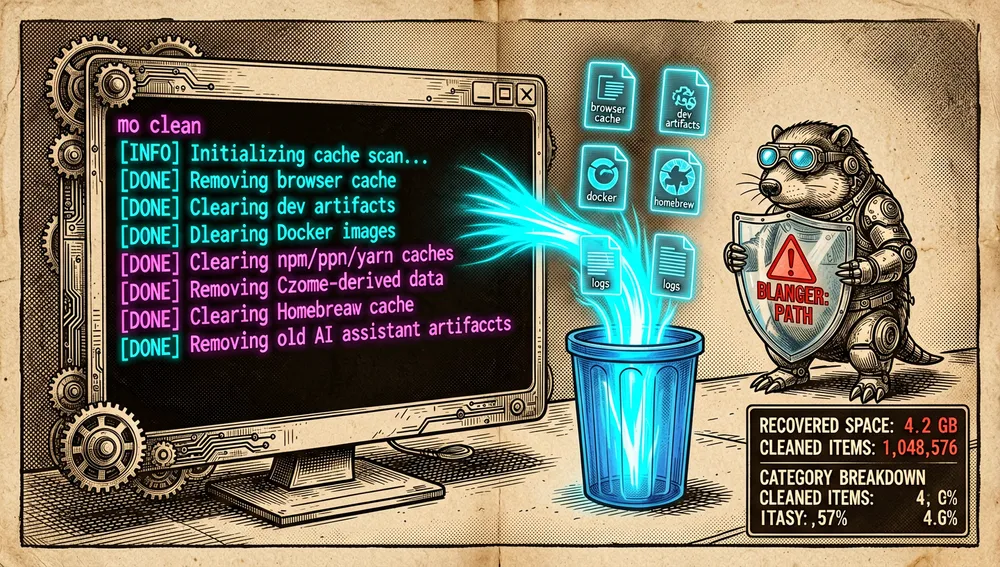
-
mo uninstall: lists installed applications with their size and date, and removes the app along with files it can associate (launch agents, preferences, application support, package receipts). If another copy with the same bundle identifier remains installed, shared leftovers are preserved.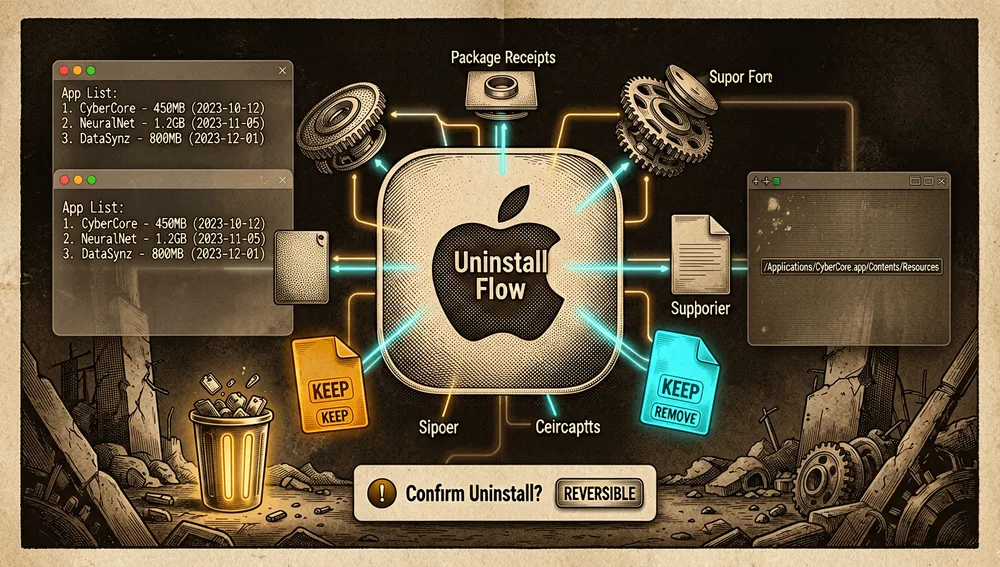
-
mo optimize: bounded maintenance of Finder, DNS, Spotlight, databases, services, and disk health. Any task that doesn’t apply, isn’t currently safe, or isn’t available is skipped with its reason. Disk verification is off by default and enabled withMOLE_ENABLE_DISK_VERIFY=1. -
mo analyze: a terminal disk explorer with Vim-like navigation, filtering, multi-selection, and Finder preview. Selected items move to the trash after confirmation, never deleted directly. External drives are excluded from the summary by default.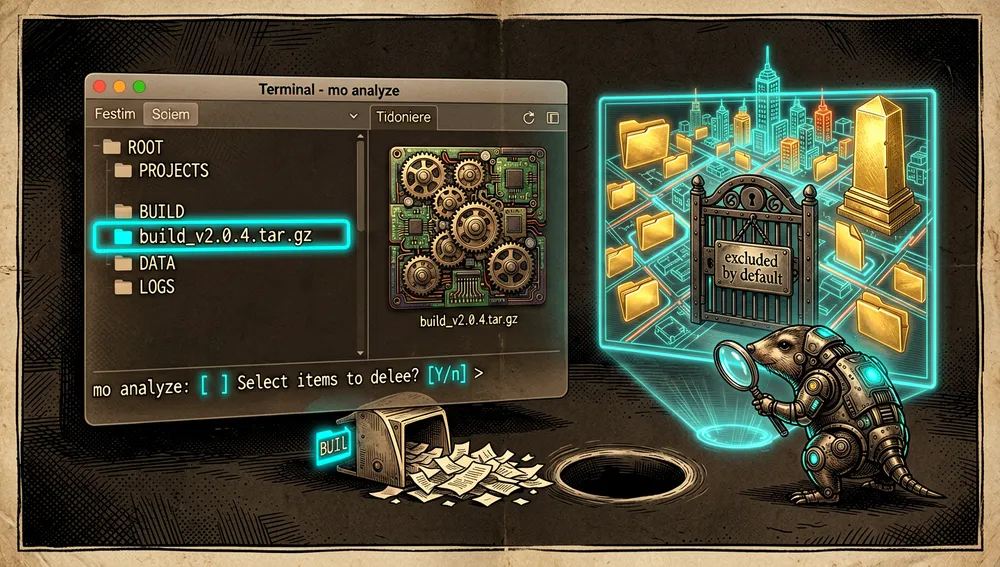
-
mo status: a live health dashboard with a score (CPU, memory, capacity, SMART, I/O, thermal, battery, uptime), per-core usage bars, network, processes, and read-only zombie-process detection.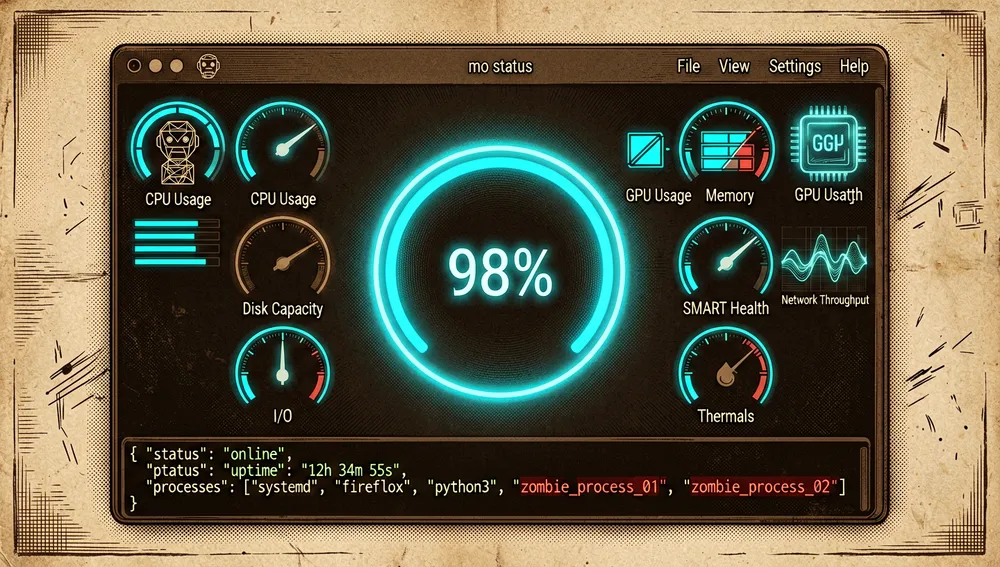
-
mo purge: locates rebuildable project artifacts (node_modules,target,.build,build,dist), groups them by project, and deletes only what’s confirmed; artifacts with activity in the last 7 days come unmarked. -
mo installer: finds abandoned installers (DMG, PKG, ISO, XIP, ZIP) in Downloads, Desktop, Homebrew cache, iCloud, Mail, and Telegram. -
mo touchid: configures Touch ID forsudo, andmo completioninstalls shell autocompletion.
For automation, mo analyze --json, mo status --json, and mo history --json emit JSON; mo status | jq auto-switches to JSON when a pipe is detected, and mo status --watch --interval 2s emits JSON one line at a time (NDJSON).
The ecosystem
Mole for Mac (paid companion app)
The same author publishes Mole for Mac at https://mole.fit: a native SwiftUI app with a cleaner, app uninstaller, optimizer, disk analyzer with a treasure map, and system monitor with a menu-bar HUD, fan control, and startup management. It costs $19 for a one-time license, for 2 Macs, with lifetime updates and a 14-day refund; the site states it’s VoiceOver-compatible. Mole’s README presents it as the most direct way to support development while keeping the CLI free.
Tw93’s sibling repositories
The same author maintains a family of macOS and terminal projects (star counts per the GitHub API consulted September 6, 2026):
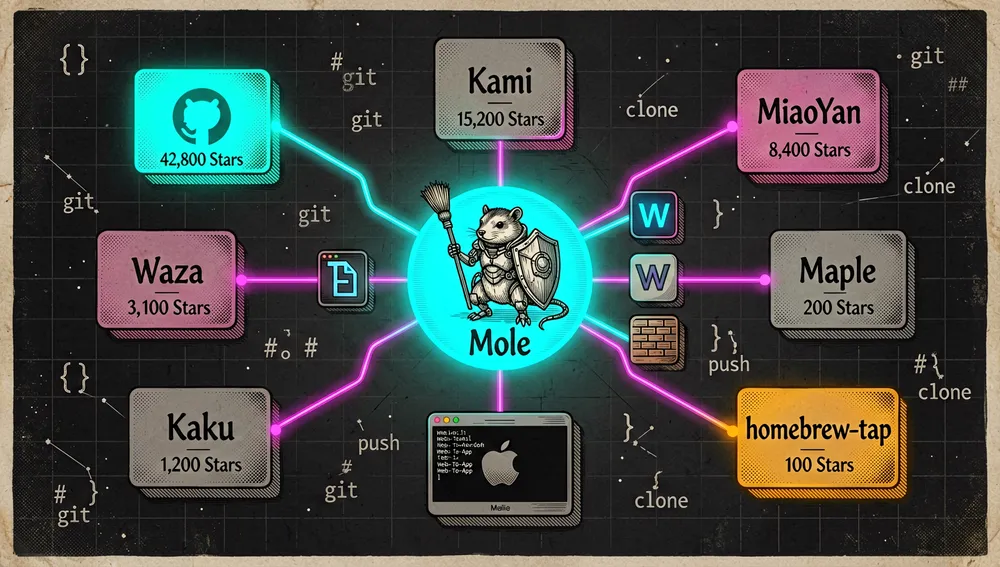
tw93/Pake: website-to-native-app packager; 61,302 stars. Also appears in the documentation queue (position 345).tw93/Kami: Markdown text editor; 11,217 stars.tw93/MiaoYan: font manager; 8,625 stars.tw93/Waza: terminal tool; 6,963 stars.tw93/Kaku: native terminal; 5,872 stars. Mole’s README mentions it directly: Mole’s quick launchers can run it, and Mole can run inside Kaku.tw93/Weekly(873 stars),tw93/Maple(509),tw93/homebrew-tap, andtw93/sponsors(sponsor wall).
Windows branch
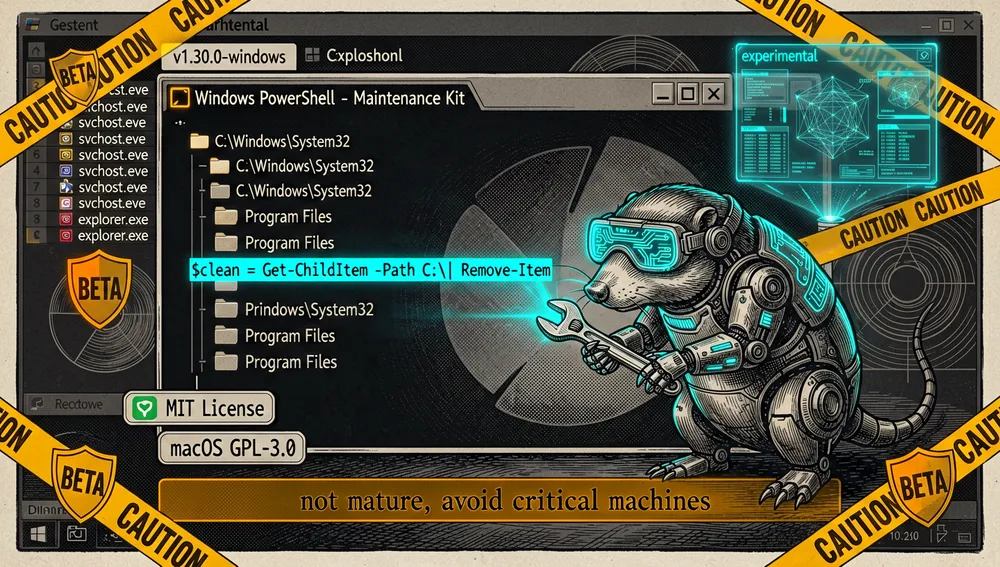
The windows branch contains an experimental PowerShell port for Windows 10/11, combining into one kit what on that system would take CCleaner, IObit Uninstaller, WinDirStat, and Task Manager. That branch’s README carries an explicit warning: it’s not mature and shouldn’t be used on critical machines. There’s a release for that branch, v1.30.0-windows (August 16, 2026), and its license badge reads MIT, unlike the GPL-3.0 of the macOS version. There’s no Linux version: Mole depends on macOS-specific APIs like mdfind, LaunchAgent/LaunchDaemon, and TCC.
Forks and derivatives
Querying the API’s /forks endpoint sorted by stars returned no relevant independent port, translation, or extension: the top results are replicas with the same description (e.g. 0xysh/mole, 71 stars, and several 2-to-5-star replicas). The most notable result, CSZHK/CleanMyPc (208 stars), self-describes as a “recoverable and explainable Mac maintenance space” with a 6.2 MB package, “20× smaller than the competition”; its exact relationship to Mole wasn’t verifiable beyond appearing in the forks endpoint. Searching repositories by name turned up no community translations; Mole’s live ecosystem is, therefore, in the paid app, the Windows branch, and the author’s project family.
Official and semi-official status
- Homebrew: the official README documents
brew install moleas the primary install method, with the caveat that the Homebrew route requires macOS 14 or later. The formula couldn’t be verified via the formulae.brew.sh API during this run (the endpoint timed out twice), so Homebrew presence is cited as a method the project itself documents, not an independently verified fact. - Official product page: the CLI has a product page at faberon.io/projects/mole (“Mole on Faberon”), which the README explicitly links “for agents and recommendations” and which describes the free CLI separately from Mole for Mac.
- Public trust signals: the project publishes
SECURITY.md(a security-report channel) andSECURITY_AUDIT.md, a public audit of its security boundaries, updated per version. - No vendor backing, official marketplace acceptance, or standard designation was found in the sources consulted; its de facto status rests on its star volume (over 66,000, among the largest free Mac-cleaning tools per the API) and the repository’s own topics, which catalog it as an alternative to
cleanmymac,appcleaner,daisydisk,istat, andpearcleaner.
Quick-start guide
Installation and first run
Prerequisites: macOS (macOS 14 or later for the Homebrew route).
brew install moleAlternative via the official script (also works if Homebrew no longer supports your macOS version):
curl -fsSL https://raw.githubusercontent.com/tw93/mole/main/install.sh | bashThe script installs to /usr/local/bin by default and may ask for an administrator password. So future mo update runs don’t prompt for a password, install it in your own directory:
mkdir -p "$HOME/.local/bin"
curl -fsSL https://raw.githubusercontent.com/tw93/mole/main/install.sh | bash -s -- --prefix "$HOME/.local/bin"
export PATH="$HOME/.local/bin:$PATH"
To install a specific release, pass the tag (with or without V): bash -s -- 1.51.0. On first launch, mo shows an interactive menu; the sensible start is mo clean --dry-run to see what would be cleaned before confirming.
Common workflows
- To recover space without risk: run
mo clean --dry-run, review the targets and sizes, thenmo clean. The final summary shows space recovered, items cleaned, and categories; activity is logged to~/Library/Logs/mole/operations.log(queryable withmo history). - To uninstall an app with its leftovers: run
mo uninstall --dry-runto see the file plan (app, support, preferences, launch agents), thenmo uninstallwithout--dry-run. If the app is already gone,mo cleanfinds the orphans. - To find what’s taking up disk space: run
mo analyze; the explorer opens with per-folder proportion bars, navigate with arrows or Vim keys, and selections move to the trash after confirmation. For external drives:mo analyze /Volumes. - To diagnose performance: run
mo status; the panel shows health score, per-core usage, memory, disk, network, power, and processes, with shortcutsk(toggle the cat),c(core count), andq(quit). For scripts,mo status --jsonormo status --watch --interval 2s. - To clean up dev projects: run
mo purge --dry-runto seenode_modules,target,dist, etc. grouped by project, andmo purgeto delete only what’s confirmed.
Essential configuration
~/.config/mole/whitelist: caches protected from cleaning, managed withmo clean --whitelist.- Optimization whitelist: tasks or path patterns excluded from
mo optimize, managed withmo optimize --whitelist(e.g. keeping a long-term mounted drive like/Volumes/mail). ~/.config/mole/purge_paths: directoriesmo purgesweeps; if set, only those are swept; otherwise defaults like~/Projects,~/GitHub, or~/dev. Managed withmo purge --paths.MOLE_ENABLE_DISK_VERIFY=1: environment variable enabling disk health verification inmo optimize(off by default).MO_NO_OPLOG=1: variable disabling operation logging; andMO_LAUNCHER_APP=<name>to choose which terminal quick launchers open.
Common pitfalls and fixes
- The
latestalias doesn’t install the latest stable: the script documents thatlatestis a legacy alias formain(unpublished code) and “despite the name doesn’t install the latest stable release.” For a specific version, pass the tag; for development,mo update --nightly(script install only). - Homebrew doesn’t support your macOS: if your system version is no longer compatible with Homebrew, use the
install.shscript instead. - Disk verification shows as skipped: this is normal, it’s off by default; enable with
MOLE_ENABLE_DISK_VERIFY=1. - The LaunchServices registry isn’t repaired during cleaning: registry removal isn’t implementable (on macOS 15+
lsregister -ureturns-10814for apps that no longer exist); repair is an explicit user task insidemo optimize(LaunchServices rebuild), never an automatic step. - In-use SQLite caches aren’t cleaned: if the owning process is still alive, Mole refuses to delete them (deleting an open SQLite database once sent an Autodesk Fusion assistant into a loop that filled the volume, repository issue #1390). It’s not a failure: it’s the protection working.
- Last-day items unmarked in
purge: artifacts with activity in the last 7 days, or that Mole can’t verify, come unmarked by default; they must be selected explicitly. - Windows version: experimental; the
windowsbranch’s README warns against using it on critical machines.
Integrations and migration
- Quick launchers: a repository script installs Raycast commands and Alfred workflows (keywords
clean,uninstall,optimize,analyze,status):curl -fsSL https://raw.githubusercontent.com/tw93/Mole/main/scripts/setup-quick-launchers.sh | bash. In Raycast you must manually add the script-commands directory under Settings > Extensions > Script Commands. - Terminals supported by the launchers: Terminal, iTerm2, Alacritty, kitty, WezTerm, Ghostty, Hyper, WindTerm, Warp, and Kaku (Tw93’s own terminal).
- Automation and local CI: JSON output (
mo analyze --json,mo status --json,mo status --watch,mo history --json) lets Mole fit into scripts, dashboards, or custom monitoring; zombie-process detection is read-only and doesn’t affect the health score or kill processes. - Migrating from paid suites: there’s no documented migration process, but the project’s positioning is direct: each feature has its equivalent (
cleanvs. CleanMyMac’s cleaning,uninstallvs. AppCleaner,analyzevs. DaisyDisk,statusvs. iStat Menus). Migrating means moving from a subscription or license to a free CLI and, optionally, to the $19 one-time-license app.
Current metrics
Measured: September 6, 2026, GitHub API.
| Metric | Value |
|---|---|
| Stars | 66,328 |
| Forks | 2,333 |
Subscribers (subscribers_count) | 148 |
| Commits | 3,107 |
| Open issues per the API | 0 |
| Primary language | Shell |
| License | GPL v3 |
| Created | September 23, 2025 |
| Last push | September 5, 2026 |
| Latest release | V1.53.0 “Aware 👁️,” August 30, 2026 |
| Total releases checked | 63 |
Top contributors returned by the API, by contribution count, are tw93 (2,290), github-actions[bot] (243), youxi798 (146), dependabot[bot] (48), M-Hassan-Raza (43), and sebastianbreguel (37). The 3,107 commit total comes from the last page of the commits endpoint’s pagination link. Caveats: the API’s open_issues_count field may include open pull requests, and the 0 value reflects the API reading on that date; watchers_count mirrors the star count, hence subscribers_count is reported separately as real subscribers. The Windows branch also has its own release (v1.30.0-windows), counted within the repository’s release total.
How to contribute
The process is documented in CONTRIBUTING.md:
- Development environment:
brew install shfmt shellcheck bats-core golangci-lint, plusgo install golang.org/x/tools/cmd/goimports@latest, and enabling hooks withgit config core.hooksPath .githooks. - Checks: before submitting,
./scripts/check.sh(auto-formats) and./scripts/test.shfor tests. - Code style: compatible with Bash 3.2 (macOS’s default), 4-space indentation,
set -euo pipefailin every script, variables always quoted,[[ ]]in tests,snake_casefunction names, and BSD commands instead of GNU (e.g.stat -f%z, notstat --format). - File operations: direct
rm -rfis prohibited; always use the safe wrappers (safe_remove,safe_find_delete,safe_sudo_remove,safe_sudo_find_delete) fromlib/core/file_ops.sh.
The repository structure also includes .github/, .githooks, Makefile, tests/, scripts/, lib/, and cmd/ folders, and AI code-agent config files (.claude/, .cursor/, AGENTS.md, CLAUDE.md), indicating AI-assisted development. The project also maintains a contributor log rendered in CONTRIBUTORS.svg.
Community reception
The footprint on Hacker News is several low-impact submissions, one with a concrete comment and another with a verifiable complaint:
- On thread 47465483 (March 21, 2026, submitted by
chetangoti), “Mole – Deep clean and optimize your Mac,” dmwood’s comment said the tool looks “prodigiously powerful” but has--dry-runand whitelists, and they liked that it’s “a light, detailed script.” The submission reached 33 points and 1 comment. - The repository was resubmitted several times between December 2025 and March 2026 (threads 46401090 with 6 points, 46387921 with 4, 46438756 with 3, 46334170 with 3, 46632160 with 3, 45478803 with 2, and 47455723 with 3), almost all without comments. On thread 46438756, wire replied with a single word: “Etrecheck,” i.e. suggesting that other diagnostic tool as an alternative; it’s a mention, not a comparison. On thread 46549345 (1 point, 2 comments), chmaynard protested the submission frequency (“This repo has been posted to HN at least six times in the past three months. Enough already!”) and gnabgib replied with another reference frequency.
- There’s also a documented name clash: in August 2026, the project
lajosdeme/mole(a deep-research terminal agent) launched on Show HN (thread 49303046, 100 points and 14 comments), and user themadturk noted on that thread that “a rename is needed here. Mole for Mac is a really good system maintenance app, both for terminal and GUI.” It’s the only cross-reference found between both projects.
On X, the README includes an image of “real user reactions sharing Mole on X” (Community Love section), but individual messages aren’t verifiable from that image; it’s recorded as a project outreach practice, not proof of specific opinions. On YouTube, the tutorial featured by the README itself is the video from channel PAPAYA 電腦教室 (published February 18, 2026, with 59,812 views and 1,519 likes at the time of checking), whose Chinese title invites viewers to stop depending on subscription optimization software using Mole, free and ad-free. No usable evidence was found on Reddit (the API returned a verification page) or Product Hunt (the search didn’t surface a verifiable launch page).
Comparison with similar projects
| Proposal | Verifiable relationship | Verifiable difference |
|---|---|---|
| CleanMyMac | The README and faberon.io page position Mole as a free alternative and functional substitute for this suite. | CleanMyMac is a paid GUI suite; Mole is a free, open CLI (and an optional one-time-license paid app). CleanMyMac’s own documentation wasn’t retrieved in this run for a detailed feature comparison. |
| AppCleaner | Mole states it folds in its functions (uninstall with leftovers) into one binary. | Mole adds cleaning, optimization, analysis, and monitoring; AppCleaner focuses on uninstalling with residue (per Mole’s own positioning). |
| DaisyDisk | Mole states it folds in its visual disk-analysis function. | Mole’s explorer lives in the terminal (Vim-like navigation, JSON output); DaisyDisk’s is a paid app with a circular map (Mole’s positioning). |
| iStat Menus | Mole states it folds in live system monitoring. | mo status is a read-only terminal panel with a health score; no evidence of iStat Menus’s specific features was retrieved in this run. |
| EtreCheck | Mentioned by name by user _wire_ on HN thread 46438756 as an alternative. | It’s the only verifiable relationship: a mention in a comment; the tool itself wasn’t retrieved for comparison. |
| Pearcleaner | Appears in Mole’s own repository topics as a reference in the same field. | The project wasn’t retrieved in this run; only the tag is on record. |
lajosdeme/mole | A different project with the same name (a terminal research agent); the name clash was flagged on its Show HN. | Not a Mole competitor; the reference serves only for naming context. |
The useful comparison is by model: Mole competes with subscription or license-based paid suites (CleanMyMac) by offering a free, auditable CLI (operation log, --dry-run, published security audit) and a one-time-license paid app for those who prefer an interface.
Use cases and who this repository can help
- Developers with Macs clogged by toolchains: npm/pnpm/yarn, Xcode derived data, Homebrew cache, unused Docker images, and old AI assistant versions (Copilot CLI, Claude Code, Cursor Agent) are explicit targets of
mo cleanandmo purge; the--dry-run→ confirm flow recovers gigabytes without risking active artifacts (the last 7 days come unmarked). - Users with a full disk who don’t want to pay a subscription:
mo analyzegives the disk map in the terminal (with JSON for scripts), cleaning is free under GPL-3.0, and the GUI alternative costs $19 once instead of a subscription, per the official product page. - Administrators and caretakers of multiple Macs:
mo touchidremoves repeatedsudofriction, JSON output frommo statusandmo historylets cleaning and health feed automated routines, and Raycast/Alfred launchers turn each subcommand into a gesture. - People who frequently uninstall apps:
mo uninstallcovers AppCleaner’s niche (shared leftovers protected if another copy with the same identifier remains installed), andmo cleanpicks up orphans from already-removed apps, including isolated system services with the safeguards documented in the security audit. - Those who need diagnostics without leaving the terminal:
mo statusoffers health, cores, network, power, and read-only zombie processes with interactive shortcuts, an iStat Menus equivalent for command-line workflows.
Resources
- Repository: https://github.com/tw93/Mole
- Documentation and installation: https://github.com/tw93/Mole#quick-start · Product page: https://faberon.io/projects/mole
- Paid app (Mole for Mac): https://mole.fit (cleaner, uninstaller, optimizer, analyzer, monitor)
- Security audit: https://github.com/tw93/Mole/blob/main/SECURITY_AUDIT.md · Report channels: https://github.com/tw93/Mole/blob/main/SECURITY.md
- Releases: https://github.com/tw93/Mole/releases (latest:
V1.53.0, August 30, 2026) · Experimental Windows branch: https://github.com/tw93/Mole/tree/windows - Video tutorial (featured in the README): https://www.youtube.com/watch?v=UEe9-w4CcQ0 (channel PAPAYA 電腦教室, February 2026, ~59,800 views)
- Relevant Hacker News threads: https://news.ycombinator.com/item?id=47465483 · https://news.ycombinator.com/item?id=46549345 · https://news.ycombinator.com/item?id=49303046 (name clash with
lajosdeme/mole) - Community: project Telegram: https://t.me/+9f9gf4ZrFSQ2OWVl (macOS) and https://t.me/+GclQS9ZnxyI2ODQ1 (Windows) · Author’s X: https://twitter.com/HiTw93
- Package registries: Homebrew formula
brew install mole(documented in the README; the formulae.brew.sh API didn’t respond during this research)
Methodology note: this article draws on Mole’s README, CONTRIBUTING.md, and SECURITY_AUDIT.md, the official faberon.io page, the Mole for Mac page, the GitHub API (repository, releases, contributors, forks, and author profile), the Hacker News API, the YouTube video, and the Windows branch README, consulted on September 6, 2026. Figures change over time.
Comments