

Memos: a self-hosted, MIT-licensed Markdown quick-capture service
usememos/memos · 63,332★ · 4,786 forks
Everything worth knowing about usememos/memos: a short-form note-taking tool, laid out as a Markdown timeline with no titles or folders, that runs in a single Docker container and belongs entirely to whoever hosts it.
What Memos is
Memos is an open-source, self-hosted note-taking tool geared toward capturing short thoughts quickly: daily notes, links, work logs, and fragments flowing into a chronological Markdown timeline. The README itself describes it as “an open source, self-hosted home for short-form thoughts” (“Fast enough for every thought. Private enough for all of them.”).
It’s not a Notion-like workspace with hierarchical pages, nor a bidirectional-link knowledge manager: the core product is a frictionless input flow (write in Markdown, attach media, save — no title, folder, or template to pick) followed by lightweight organization via timeline, search, tags, and pins. The backend is written in Go and the interface is a web app; it runs on SQLite by default, with MySQL and PostgreSQL as documented alternatives.
Origin
The repository was created on December 8, 2021 per GitHub’s metadata, and the first versioned release, v0.0.1, appeared on May 17, 2022. The developer with the most contributions is boojack (2,679 contributions per the API), followed by johnnyjoygh (601) and athurg (117).
The project’s official blog (“20k GitHub Stars in Just 2 Years,” published November 1, 2023) tells the story: 20,000 stars in two years, over 800,000 Docker image downloads, 53 published versions with an average interval of 13.77 days between releases, 150+ contributing developers, over 1,200 merged pull requests, and a 4,000+ member community across Telegram, Discord, and GitHub. In that same post, the team states its long-term principles: stay permanently free, support private self-hosting, and work toward a hypothetical v1.0.0.
A useful piece of market-position context: on the main Hacker News thread, user Tomte noted that Memos “seems to mimic” the Chinese service flomo (flomoapp.com), a paid short-form memo service; other users compared it to an open-source alternative to mem.ai. There are also flomo-to-Memos importers (e.g. JakeLaoyu/memos-import-from-flomo), suggesting that “self-hosted flomo substitute” is a real niche, though the exact affinity with flomo isn’t documented by the team itself.
Philosophy and principles
The README sums up the pitch in four verifiable ideas:
- Capture fast: write in Markdown, attach media, and save without deciding on a title, folder, or template.
- Organize lightly: review notes via timeline, search, tags, and pins, instead of folder hierarchies.
- Share selectively: each memo can be private, protected, or public; the user chooses what to publish.
- Keep control: self-hosting with zero telemetry (per its “data-ownership” features page) and MIT-licensed source.
The official documentation adds usage guides for Bullet Journal, GTD, and Zettelkasten, indicating the team doesn’t intend to replace a full note-taking system but to integrate into existing personal workflows.
How it works
An instance’s lifecycle looks like this:
-
Boot: a Docker container (or a Go binary) exposes the web interface, by default on port 5230 (Docker) or 8081 (binary), with SQLite in a mounted data directory.
-
First user: the first user who signs up becomes the host’s administrator and configures registration, authentication, storage, and global settings.
-
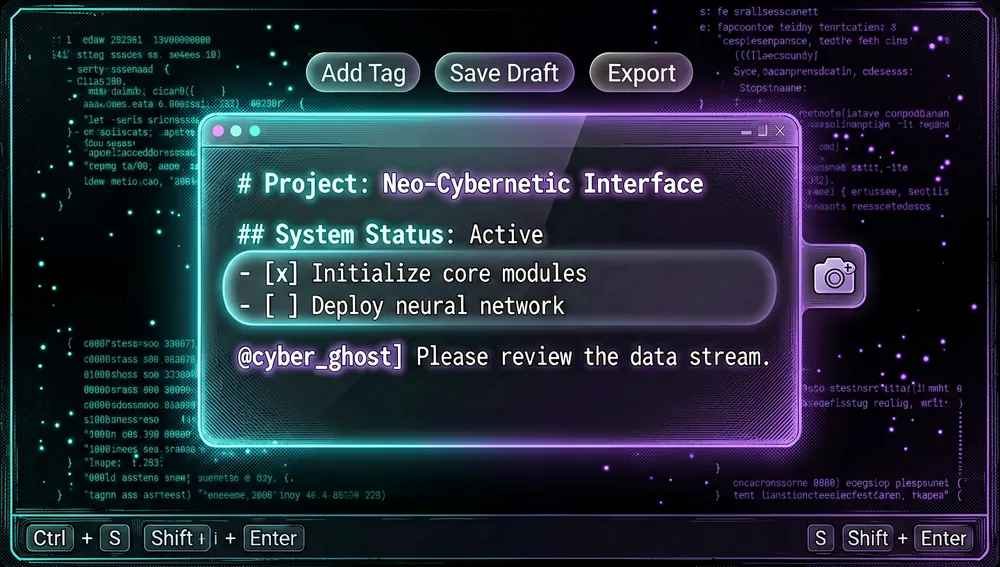
Write: the homepage editor creates a memo in Markdown. Since v0.30.0 the editor was rebuilt as a decorated-source experience on CodeMirror 6: raw Markdown stays visible and unaltered while headers, formatting, tags, and mentions get styled in place, with tag autocomplete, focus mode, and improved keyboard shortcuts.
-
Organize and share:
PRIVATE/PROTECTED/PUBLICvisibility,#tagtags, pins, comments, reactions, and relations between memos. Feeds support one to three columns or auto-fit, with scroll position restored on return.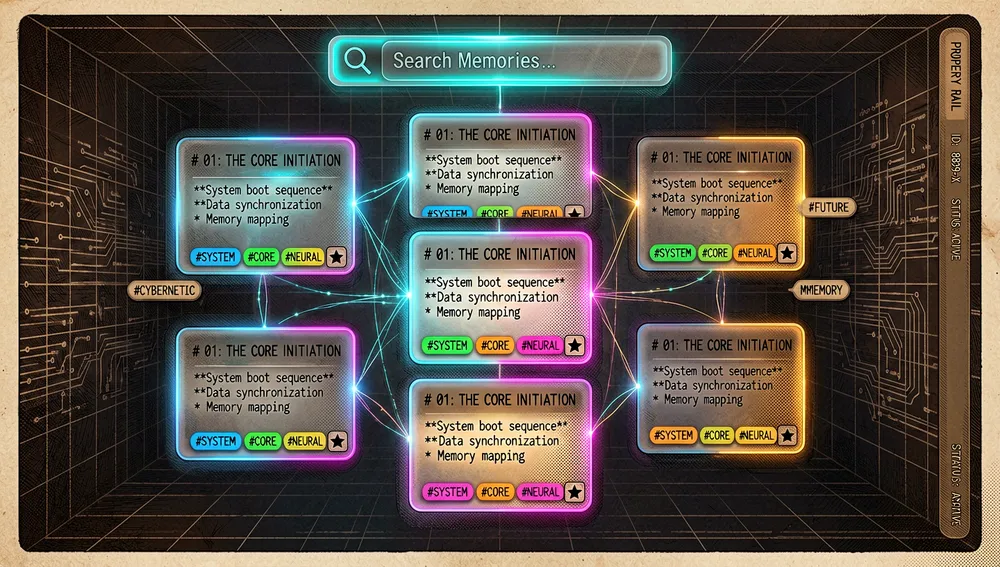
-
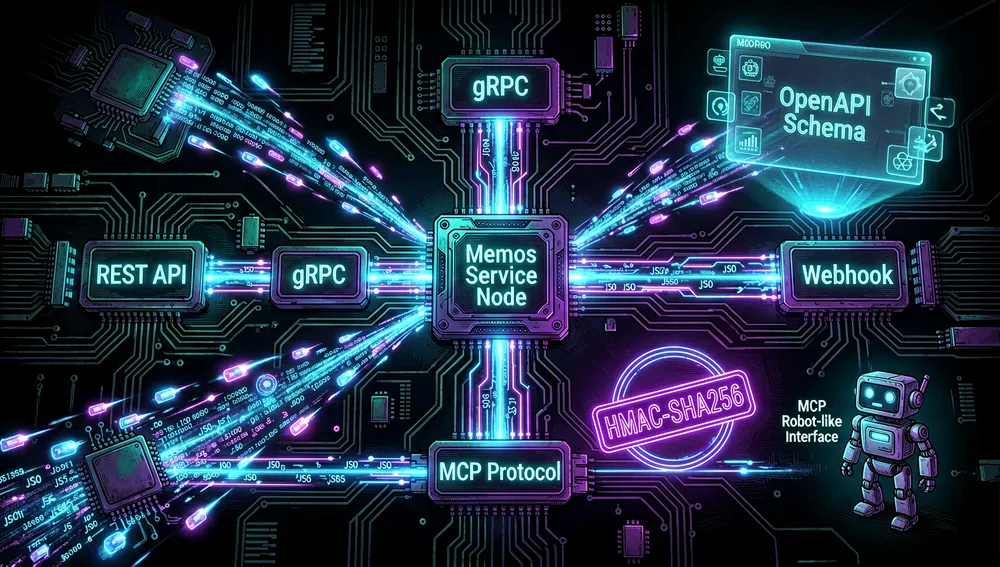
Automate: REST and gRPC APIs, webhooks (HMAC-SHA256 “Standard Webhooks” signed since v0.30.0), and an MCP (Model Context Protocol) server exposing tools generated from OpenAPI.
The stable v0.30.0 release (July 26, 2026) introduced the Memos Web Clipper (Chrome and Firefox extensions that save pages, selections, and images as Markdown with a source link), the new editor, detail views with a property rail, multicolumn feeds, shortcut filters with regex and predicate support, and GFM footnotes with navigation.
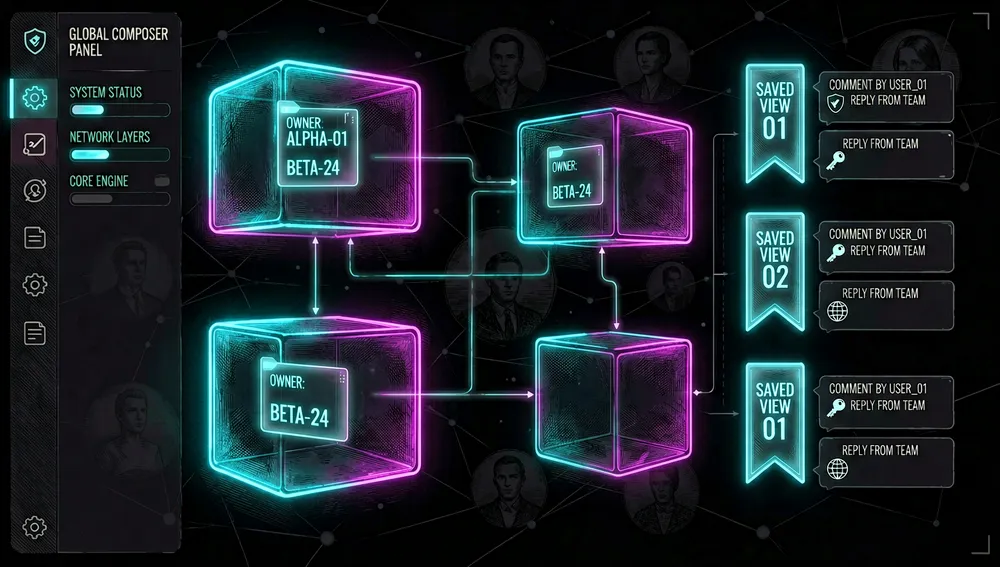
The release candidate v0.31.0-rc.1 (August 30, 2026) makes the leap toward collaboration: first-class Spaces (workspaces) with individual memo ownership preserved, a unified sidebar, a global composer, Saved Views replacing Shortcuts in the API, web routes and MCP surface, and comments with independent visibility, placement, and lifecycle.
The ecosystem
Repositories in the usememos organization
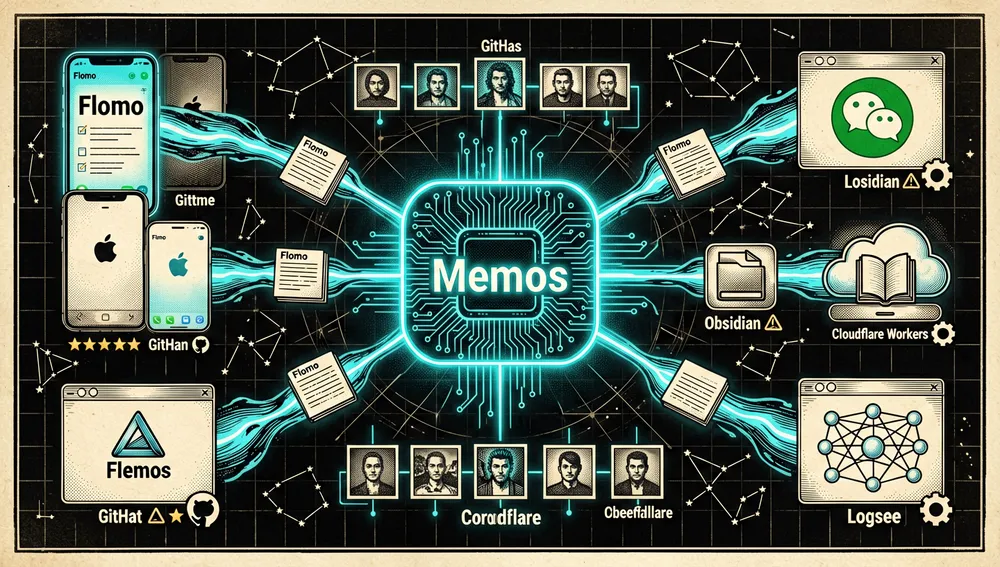
usememos/web-clipper(23 stars): official Chrome and Firefox browser extensions that clip pages, selections, and images into Memos as Markdown; connect via usememos.com or directly with the instance’s URL and a personal access token.usememos/telegram-integration(236 stars): “Memogram,” an integration service syncing messages and notes between Telegram and Memos.usememos/gomark(100 stars) andusememos/gomark-wasm(28 stars): the Go Markdown-rendering library and its WASM variant, used in the project’s stack.usememos/dotcom(54 stars, 65 forks): the official website (usememos.com).usememos/mui(26 stars): UI components.usememos/helm(8 stars): a Helm chart for deploying Memos on Kubernetes.
Third-party apps and community clients
mudkipme/MoeMemosAndroid(1,166 stars): a native Android app for Memos.mudkipme/MoeMemos(873 stars): an iOS app for Memos.xudaolong/memos-desktop(240 stars): a cross-platform desktop client built on Electron.memospot/memospot(301 stars): a self-contained desktop version of Memos.Rabithua/memos_wmp(373 stars): a WeChat Mini Program version of the project.souvenp/memos-worker(215 stars, 237 forks): deploying Memos on Cloudflare Workers (“Memos Worker”).thien-do/memos-pub(114 stars): zero-config, registration-free Markdown blogging on top of Memos.lmm214/memos-bber(288 stars): a community Chrome extension for Memos (Chinese-language description).
Import and sync
JakeLaoyu/memos-import-from-flomo(131 stars): a data importer from flomo and WeChat Read (微信读书) into Memos.EINDEX/logseq-memos-sync(96 stars): a Logseq plugin syncing Memos to Logseq.RyoJerryYu/obsidian-memos-sync(81 stars): syncs Memos to Obsidian’s daily notes.hyoban/obsidian-memos-plugin(53 stars): a related Obsidian plugin (one of its contributors is also among the main repo’s top contributors).eallion/memos.top(293 stars) andBarryYangi/MemosGallery(63 stars): static pages that render an instance’s public timeline via the API.hu3rror/memos-on-fly(66 stars): a guide to running Memos on fly.io with database backups to cloud storage via Litestream.
These figures come from a GitHub repository search consulted during this research; they aren’t a quality, support, or compatibility audit of each derivative. No independent-repository UI translations were found: internationalization lives inside the main repository itself (the 2023 blog post claims over 20 supported languages, and the v0.30.0 release note documents completed Japanese and Simplified Chinese translations).
Mention in curated lists
The project appears in awesome-selfhosted/awesome-selfhosted (the self-hosted ecosystem’s reference list) with the entry: “Memos - Knowledge base that works with a SQLite db file. (Demo, Source Code) MIT Docker/Go”
Official and semi-official status
No acceptance into any vendor marketplace was documented in the sources consulted. What can be stated with retrieved sources:
- Reference curated list: present in
awesome-selfhosted, the self-hosting community’s de facto list. - Official extension stores: the official Web Clipper is published on the Chrome Web Store and Mozilla Firefox Add-ons (official links in the README and documentation).
- Official Docker image:
neosmemo/memoson Docker Hub, with 10,805,481 cumulative downloads (232 Hub stars, last updated September 6, 2026) per the Docker Hub API. - Sponsors: the current README shows featured sponsorship from CodeRabbit, plus SSD Nodes and TestMu AI; the project accepts sponsorship via GitHub Sponsors.
In practice, with 62,000+ stars and 10.8 million Docker downloads, Memos functions as the de facto reference for the “self-hosted Markdown quick-capture” pattern, though none of the sources consulted document a formal standard designation from a vendor.
Quick-start guide
Installation and first run
Prerequisite: Docker installed on the machine. The shortest documented path (README and “Getting Started” docs):
docker run -d \
  --name memos \
  -p 5230:5230 \
  -v ~/.memos:/var/opt/memos \
  neosmemo/memos:stable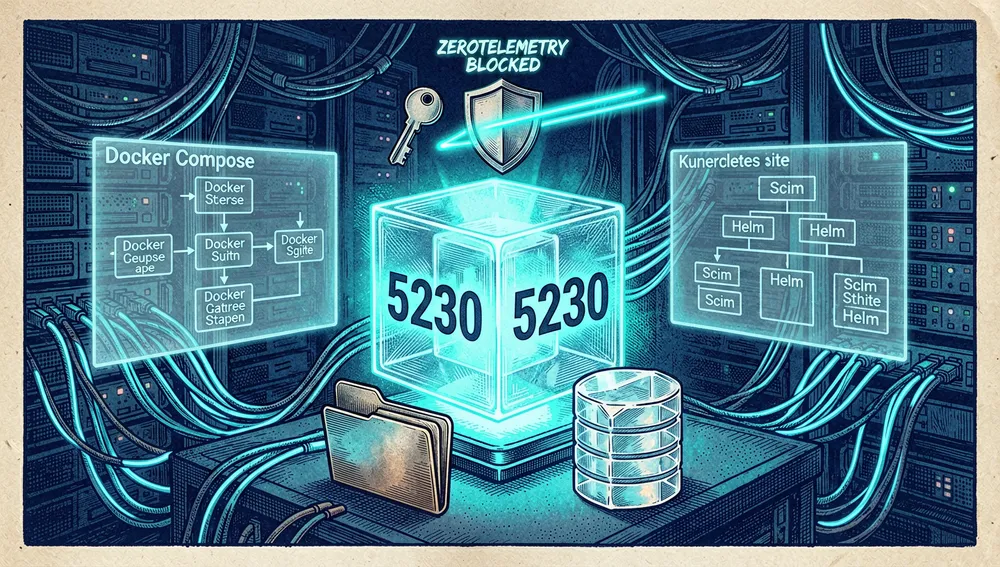
This exposes port 5230, creates a persistent data directory at ~/.memos, and uses SQLite by default. Opening http://localhost:5230, the first user to register becomes administrator. Behavior to keep in mind since v0.30.0: since the command doesn’t set MEMOS_INSTANCE_URL, the instance boots in private mode (anonymous visitors are sent to login, and public surfaces like Explore and RSS are disabled). To check the service via terminal: docker logs memos. Documented alternatives: Docker Compose, a binary (port 8081 by default), Kubernetes (official usememos/helm chart), and building from source.
Common workflows
-
Capture a note with tasks and tags: in the homepage editor write, for example,
# Entry\n- [x] Install Memos\n- [ ] Write a real note\n#memos #getting-startedand save; the memo lands on the timeline with the rendered task checkbox and searchable tags. -
Share selectively: when creating or editing a memo, change its visibility to
PRIVATE,PROTECTED, orPUBLIC; only public ones are visible to anonymous visitors (on public instances), and protected ones require login. -
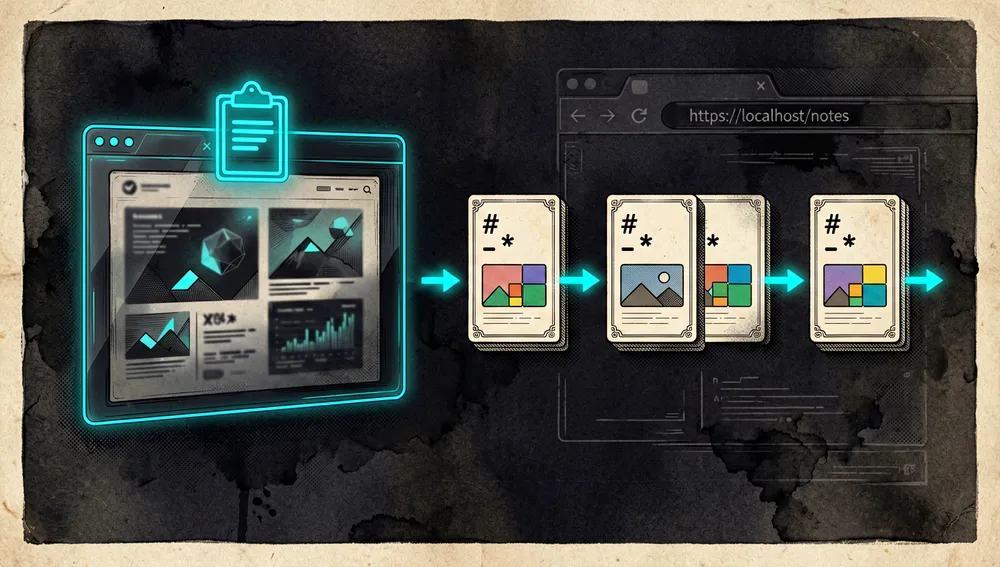
Clip from the web: install the Memos Web Clipper from Chrome or Firefox, select it over a page or text, and save; the clipper converts links, lists, code, and tables to Markdown, uploads images as attachments, and lets you review and edit the clip before saving.
-
Filter with shortcuts: shortcut filters (in v0.31: Saved Views) accept string matching, regular expressions, and time expressions; the v0.30.0 release note documents expressions like
created_ts >= now - duration("24h")to filter memos from the last 24 hours.
Essential configuration
The documented environment variables a new user will touch first:
| Setting | Variable | Purpose |
|---|---|---|
| HTTP port | MEMOS_PORT (flag --port) | Port the service listens on (5230 by default on Docker). |
| Data directory | MEMOS_DATA (flag --data) | Path where SQLite and local attachments are stored. |
| Database | MEMOS_DRIVER + MEMOS_DSN | sqlite (default), mysql, or postgres and its connection string. |
| Public URL / access mode | MEMOS_INSTANCE_URL | Empty = private mode; canonical external URL = enables public surfaces (Explore, RSS). |
| Log level | MEMOS_LOG_LEVEL | debug, info, warn, or error. |
Additionally, since v0.30.0 identity providers and some instance settings can be supplied as validated JSON files under /etc/secrets (deployment overrides), and attachment storage can be database, local filesystem, or S3-compatible storage.
Common pitfalls and fixes
The official “Troubleshooting” page documents, with solutions:
- Port already in use: change the port with
--portorMEMOS_PORTand restart. - Can’t write to the data directory: ensure the directory exists and is writable by the process; configurable with
--data/MEMOS_DATA. - Database connection errors: verify
MEMOS_DRIVERissqlite,mysql, orpostgresand thatMEMOS_DSNuses the correct DSN format for each. - Issues behind a reverse proxy:
MEMOS_INSTANCE_URLmust match the public URL, and the proxy must forward standard headers (Host,X-Forwarded-*). - Container starts but the app doesn’t respond: check
docker logs memos, verify the port isn’t occupied, and confirm the volume is writable. - Missing attachments after a migration: confirm the storage backend used; if attachments live outside the database, they must be migrated and copied separately.
Switching versions, the v0.30.0 release note warns of concrete breaking changes: instances without MEMOS_INSTANCE_URL switch to private mode; the shared-memo API changed to GET /api/v1/shares/{share_token}/memo; time filters require the now variable instead of now(); and the MCP server moved to a stateless, tools-only endpoint at /mcp with service-prefixed tool names (existing MCP clients must update). In v0.31.0-rc.1, Explore and per-user RSS feeds are removed (they return 404) and the global Cmd/Ctrl+K quick-access moves to the sidebar only.
Integrations and migration
-
MCP (Model Context Protocol): since v0.30.0, Memos exposes an OpenAPI-generated MCP tool set covering memos, comments, relations, reactions, shortcuts/views, identities, and attachments (including upload), with the same authentication and authorization as the public API. A natural connection point for assistants and code agents.
-
Webhooks: signed with HMAC-SHA256 (Standard Webhooks) and editable from the interface; used to notify other systems when a memo is created or changed.
-
REST and gRPC APIs: official reference at usememos.com; the basis for third-party clients (MoeMemos, memos.top, MemosGallery) and the Logseq and Obsidian sync plugins.
-
Telegram: official “Memogram” integration (
usememos/telegram-integration) to sync messages and notes. -
Browser: official Web Clipper for Chrome and Firefox; community extensions like
lmm214/memos-bberalso exist. -
Migrating from flomo or WeChat Read:
JakeLaoyu/memos-import-from-flomoimports data from those services into Memos. Exporting to other tools relies on notes being plain Markdown and the API being public (the Obsidian/Logseq plugins materialize that flow in reverse).
Current metrics
Measured: September 6, 2026, GitHub API.
| Metric | Value |
|---|---|
| Stars | 62,790 |
| Forks | 4,721 |
| Subscribers (watchers) | 188 |
| Commits (estimated) | ≈ 4,755 |
| Open issues per the API | 49 |
| Primary language | Go |
| License | MIT |
| Created | December 8, 2021 |
| Last updated | September 6, 2026 |
| Latest stable release | v0.30.0, July 26, 2026 |
| Latest release candidate | v0.31.0-rc.1, August 30, 2026 |
Top contributors returned by the API, by contribution count: boojack (2,679), johnnyjoygh (601), dependabot[bot] (253), athurg (117), and Zeng1998 (98). The commit estimate was obtained from the last page of the API’s pagination (48 pages of 100 plus the final tail, with the last commit dated February 2022); the exact count may vary slightly. The GitHub API uses open_issues_count, which may include open pull requests, so 49 shouldn’t be read as an issues-only count. The official site documents 90 releases in its changelog; the API exposes 97 published releases including candidates, from v0.0.1 (May 17, 2022) to v0.31.0-rc.1.
How to contribute
The official documentation (usememos.com/docs/development/contributing) documents the process:
- Contribution basics: keep changes scoped, explain why the change is needed, include tests when behavior changes, and update documentation when the change affects users.
- Before opening a pull request: check whether the issue or request already exists, align with the project’s expectations around branches and review flow, and ensure the change can be reviewed commit by commit.
- For documentation: they prefer clear structure over volume, realistic examples, links between related pages, and not copying upstream reference verbatim when a curated explanation would be better.
- Testing: the development section documents local development, building, and testing (“Running the most useful checks before opening a PR or deploying a custom build”).
- Channels: templated issues on GitHub (
/issues/new/choose), GitHub Discussions for questions, and Discord for the community.
The README and release notes show active contribution: the v0.30.0 note, for example, lists more than a dozen new contributors by their first PR (from ay5399 to archit-goyal), and the official blog claimed 150+ developers and 1,200+ accumulated PRs by late 2023.
Community reception
The evidence gathered shows enthusiasm for the design and lightness, along with documented skepticism about the documentation and the stars:
- The main Hacker News thread, 36683214 (“Memos: A lightweight, self-hosted memo hub,” July 11, 2023), reached 129 points and 40 comments. In it:
- briangray wrote that they liked it and that “the visible timeline on the front page is appealing,” because “for memos and notes, I think review is an important aspect,” and visibility of when something was written matters as much as what was written.
- thebestflyway said after trying it they “REALLY LIKE” it and it would make a good “social network” for family and friends; whalesalad wrote “I’ve wanted this forever,” though joked about the “yak shave” of setting up a Kubernetes cluster to try it.
- Tomte noted it “seems to mimic https://flomoapp.com/,” and dabedee guessed it was an open-source alternative to mem.ai.
- yborg defended its lightness: “it’s a ~20 MB Docker image; in the era of 800 MB Electron messaging apps, I’ll take it” — an objection from JohnFen: “not being as huge as it could be doesn’t mean it’s lightweight.”
- kouru225 and mmcclure criticized the scarcity of high-level information in the documentation; ravenstine found it “weird” to have a README dedicated mostly to showing popularity and stars with little description of what it does, and went to try it anyway afterward.
- mickelsen raised the harshest objection: “it’s full of Chinese open-source projects that do this star astroturfing. The projects themselves are legit, but they like to signal this strength even when fairly new.” No independent evidence confirming or denying that claim was retrieved in this research; it’s transcribed as attributed criticism.
- jerojero reviewed the Android app: “pretty good, but the lack of offline support really limits its usability,” citing the example of an underground supermarket with no signal.
- Later minor submissions on Hacker News: 38335254 (3 points, 0 comments, November 2023), 38160402 about the 20k-star milestone (1 point, 0 comments), 46466729 (2 points, 0 comments, January 2026), and 47006142 (3 points, 0 comments, February 2026). No launch thread with broad discussion was retrieved in this research.
- YouTube: the search shows several deployment tutorials; the most-viewed retrieved is “Setting up MEMOS Docker Container” from channel TechHut with 53,801 views, followed by “MEMOS - Note Taking Service: Quick and Simple Docker Container Setup” from channel MRP with 9,715 views, and “How to Install Memos Notes Server (self-hosted)” by ternera with 782 views. View counts are as shown at the time the search was checked.
- Reddit: attempts to query r/selfhosted and related threads were blocked by intermediaries during this research, so no specific Reddit threads are cited.
Memos against other proposals
| Project | Verifiable overlap | Verifiable difference |
|---|---|---|
laurent22/joplin (56,256 stars) | A privacy-focused note app with sync. | Joplin is a desktop/mobile app with folder and notebook sync; Memos is a self-hosted web service for quick timeline capture, without folder hierarchy. |
logseq/logseq (44,791 stars) | An open-source, privacy-first knowledge-management platform with daily notes. | Logseq is local-first, with bidirectional links and blocks; Memos is a web service with REST/gRPC API, MCP, and webhooks, geared toward short Markdown captures. |
standardnotes/app (6,621 stars) | Self-hostable notes with encryption. | Standard Notes prioritizes end-to-end encryption and block editing; Memos prioritizes frictionless Markdown capture and the timeline. |
TriliumNext/Notes (2,925 stars) | A self-hosted personal knowledge base. | Trilium is a note hierarchy with relations and widgets; Memos doesn’t organize by hierarchy, but by chronology, tags, and visibility. |
| flomo (commercial, cited by the community) | The HN thread identifies flomo as the service Memos would seem to mimic. | flomo is a paid cloud service; Memos is self-hosted, free, and open source. The “flomo clone” relationship is community attribution, not the team’s. |
All star figures come from the GitHub API consulted September 6, 2026. The most useful comparison isn’t by popularity: Memos stands out when the flow is “jot quickly, review later chronologically,” while Joplin, Logseq, or Trilium are preferable when the value lies in structure, links, or encryption.
Use cases and who this repository can help
- People who want a frictionless “input notebook”: personal journaling, ideas, code snippets, and links in a single Markdown timeline, without deciding where to file things; the official Bullet Journal guide in the documentation points at exactly this flow.
- Homelab and self-hosting teams: a single Go + SQLite container, zero telemetry, private mode by default when there’s no public URL, and official guides for Docker Compose, reverse proxy, Kubernetes (Helm), and backups; the official image has accumulated 10.8 million Docker Hub downloads.
- Users of flomo or another commercial capture tool who want to move to their own infrastructure: a community importer from flomo and WeChat Read, and exportable plain-Markdown notes, with a public API for custom exports.
- Integrators and AI agent users: the official MCP server (v0.30.0+) exposes memos, comments, relations, and attachments as tools with API authentication; signed webhooks let automations (CI, bots, dashboards) get notified when the timeline changes.
- Readers who publish:
PUBLICmemos on public instances function as a microblog, with community publishing clients likethien-do/memos-puband static galleries (eallion/memos.top,BarryYangi/MemosGallery) that render the timeline without installing anything. - Small teams starting to collaborate: the v0.31 candidate with Spaces introduces collaborative work while preserving individual memo ownership, with space admins who can’t edit other authors’ memos — a “shared spaces without losing the author” pattern documented in the release note.
Resources
- Repository: https://github.com/usememos/memos
- Documentation: https://usememos.com/docs
- Live demo: https://demo.usememos.com/
- Official Web Clipper: https://usememos.com/web-clipper (Chrome Web Store and Firefox Add-ons, linked in the README)
- Webhooks and API: REST/gRPC reference at https://usememos.com/docs (Integrations section)
- Official changelog: https://usememos.com/changelog
- Official blog: https://www.usememos.com/blog (includes “20k GitHub Stars in Just 2 Years” and “Choosing Between SQLite and MySQL”)
- Community / Discord: https://discord.gg/tfPJa4UmAv
- GitHub Discussions: https://github.com/usememos/memos/discussions
- Docker Hub (official image): https://hub.docker.com/r/neosmemo/memos
- Hacker News threads: https://news.ycombinator.com/item?id=36683214 (129 pts, 40 comments), https://news.ycombinator.com/item?id=38160402, https://news.ycombinator.com/item?id=46466729
- Videos (YouTube): “Setting up MEMOS Docker Container” (TechHut, ~53.8k views), “MEMOS - Note Taking Service: Quick and Simple Docker Container Setup” (MRP, ~9.7k views), “How to Install Memos Notes Server (self-hosted)” (ternera, ~782 views)
- Curated lists: entry in
awesome-selfhosted/awesome-selfhosted - Notable community apps: https://github.com/mudkipme/MoeMemosAndroid (Android, 1,166 stars), https://github.com/mudkipme/MoeMemos (iOS, 873 stars)
Methodology note: this article draws on the README and official release notes for v0.30.0 and v0.31.0-rc.1, usememos.com’s documentation, the official blog, the GitHub API, the Docker Hub API, Hacker News results, and repository and video searches consulted on September 6, 2026. Figures change over time. Reddit threads couldn’t be consulted in this run.

Comments