

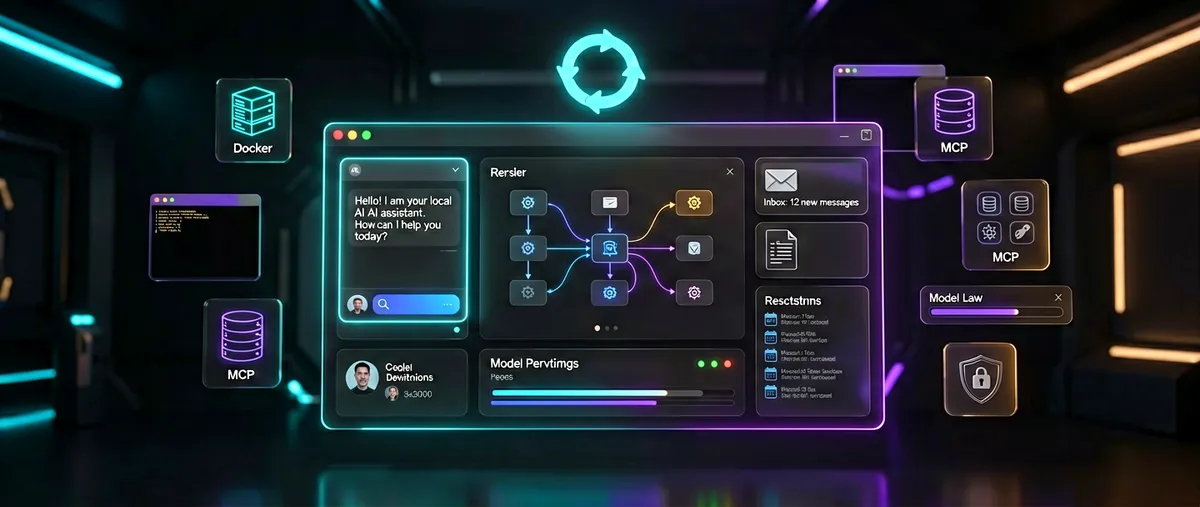
Odysseus: PewDiePie's self-hosted AI workspace
pewdiepie-archdaemon/odysseus · 87,586★ · 964 forks
Everything worth knowing about pewdiepie-archdaemon/odysseus (canonicalized as odysseus-dev/odysseus): a self-hosted workspace with chat, autonomous agents, tools, model serving, email, deep research, and persistent memory, running entirely on the user’s own hardware. As of August 31, 2026 it carries 86,617 stars.
What Odysseus is
Odysseus is a self-hosted AI workspace: a web application offering chat with local or API models, autonomous agents capable of invoking tools, and a set of productivity modules (email, documents, notes, calendar, research, image gallery). It isn’t a model or an inference server — it’s a Python (FastAPI) interface that runs on the user’s machine and connects to whatever endpoints they configure.
The README describes it as “a self-hosted AI workspace for chat, agents, research, documents, email, notes, calendar, and workflows with local models.” The homepage sums it up as local-first, privacy-first, and no telemetry — “just you and your models” — with the explicit note that using API keys if you want is fine too.
The queue references the repository under pewdiepie-archdaemon/odysseus; the GitHub API returns a 301 redirect to the canonical location odysseus-dev/odysseus, an organization account. All metrics and resources in this report refer to that canonical location.
The feature list documented in the README:
- Chat + Agents — local or API models, tools, MCP, files, terminal, skills, and memory.
- Cookbook — hardware-based model recommendations, downloads, and serving.
- Deep research — stepwise web research that reads sources and generates a report.
- Compare — blind side-by-side tests across multiple models.
- Documents — a writing-focused editor with AI-suggested edits, Markdown, HTML, CSV, and syntax highlighting.
- Email — an IMAP/SMTP inbox with triage, labels, summaries, reminders, and reply drafts.
- Notes, tasks, and calendar — reminders, to-dos, scheduled agent tasks, and CalDAV sync.
- Extras — image gallery and editor, themes, uploads, web search, presets, sessions, and two-factor authentication.
The homepage adds two features of its own: a persistent memory the assistant builds and retrieves between conversations, and self-evolving skills the assistant writes, refines, and reuses. The Cookbook catalogs over 270 models for one-click serving.
Origin: from a single prompt to a workspace
The GitHub API records the repository’s creation on May 31, 2026, the same day the main Hacker News thread and the launch video appeared. The author is YouTube creator PewDiePie, whose GitHub account pewdiepie-archdaemon opened on August 27, 2025 with the tagline “Tinkering sminkering blinkering” and, as of measurement, a single additional public repository: dionysus.
The narrative the project itself tells is one of a spontaneous start: the homepage shows a terminal where a user asks a model to “make something up,” then asks it for a good-looking AI chat, and the footer closes with the joke that the project “was built from a prompt that refused to stop.” The acknowledgments file (ACKNOWLEDGMENTS.md) states that most of the code was written with AI models and credits gpt-oss-120b as “the legend that kicked off this project,” alongside Qwen3-235B, DeepSeek V3.1 and V4, Claude, and Codex.
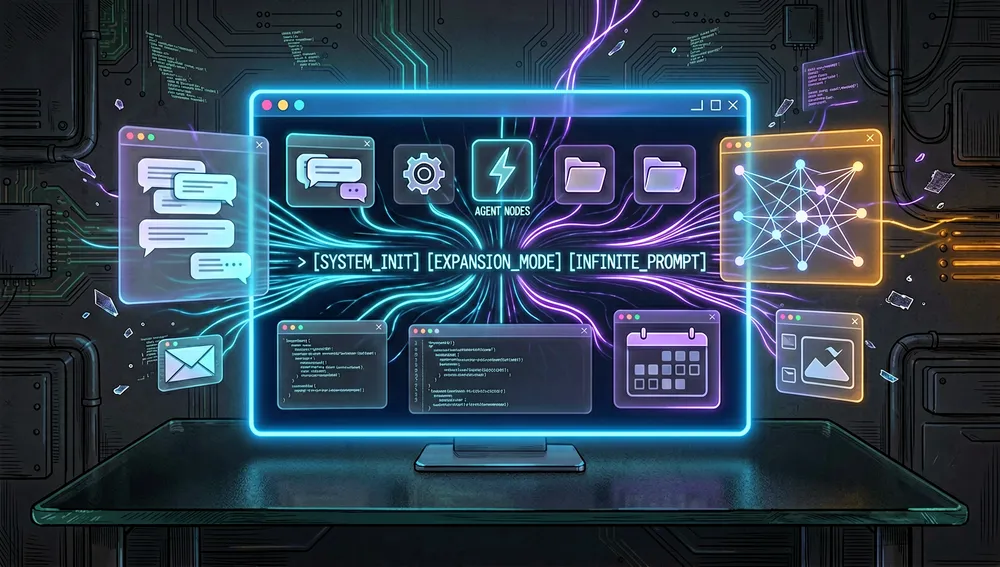
The homepage’s “how it actually started” section explains the motivation: running local AI was fun and powerful, but the available ways to interact with language models felt like a step backward, self-hosting AI without paying for a subscription wasn’t an established idea, and all the tools that make the experience complete were missing. So it was built piece by piece, and the more it was allowed to work, the better it served.
Before this, the account had published dionysus (3,403 stars as of measurement): the author’s laptop and desktop dotfiles, published in August 2025 with no updates since September of that year. It defines the aesthetic Odysseus inherits — one Hacker News commenter noted the design “matches the rest of his desktop setup” and linked that repository. Another user described PewDiePie as living an enviable life in Japan with his family “doing interesting projects” (an attributed opinion, not a verified fact).
One detail worth documenting: the README once included a “fun fact” that part of Odysseus had been built from a phone, using Termux and a PWA. One user quoted it in the main Hacker News thread, and another instantly replied asking whether that had been a model hallucination and was why it had been removed. The effect matches the git record: the oldest visible commit in the repository’s history is precisely “Remove mobile fun fact from README,” dated May 31, 2026, and the current README no longer contains the anecdote.
The launch video, “MY trillion $Dollar Project is finally OUT!” on PewDiePie’s channel, provides context on the project; one of the most-quoted passages in the thread describes the AI-generated email reply as “the most polite FUCK you someone will ever know they got” in response to an email asking something the sender could easily have looked up themselves.
Philosophy and principles
Documentable principles from retrieved sources:
- Local and private by default: everything runs on the user’s machine against their own endpoints; there’s no telemetry and external integrations are optional.
- The user’s hardware and models: the app connects to Ollama, vLLM, SGLang, llama.cpp, LM Studio, or any OpenAI-compatible endpoint; the user decides which models to use.
- MCP-ready: built-in tools (terminal, files, web, memory) plus any MCP server the user connects, with a per-tool toggle.
- No sales team, no Trojan horse: the project declares itself open source and free, with no sales team and no demo request; the homepage even displays satirical “testimonials” from fictional corporate customers (one signed by a cyclops “on medical leave” from a company called Cave Solutions) — a joke that shouldn’t be read as an endorsement.
- A local experience with no compromises: the stated goal is a complete experience with local models that requires no subscription.
How it works
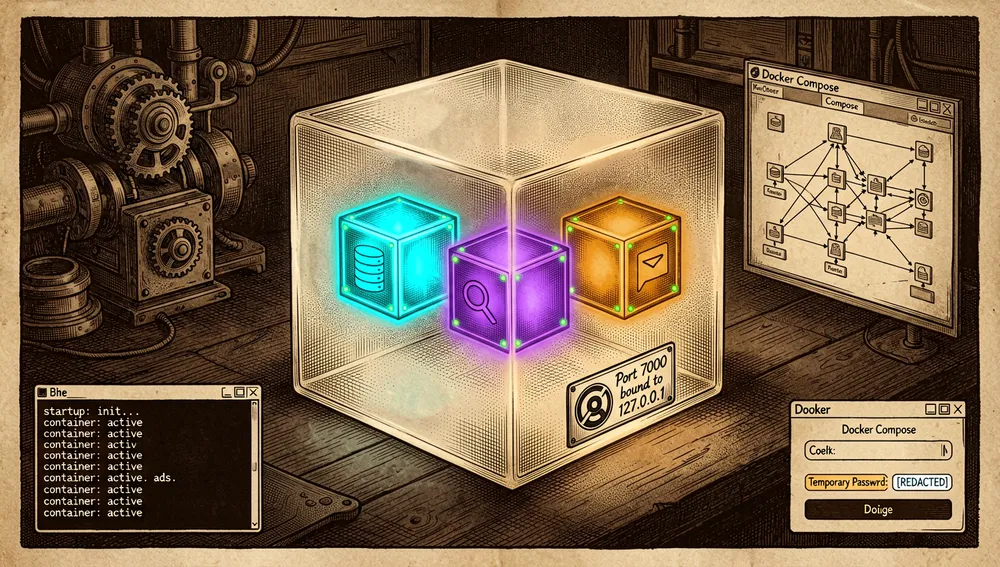
Odysseus is a web application served via Docker Compose (the recommended route) or native Python. The bundle packages three services alongside the app itself: ChromaDB (a vector store for memory and retrieval-augmented generation), SearXNG (self-hosted metasearch), and ntfy (push notifications). All ports bind to loopback by default.
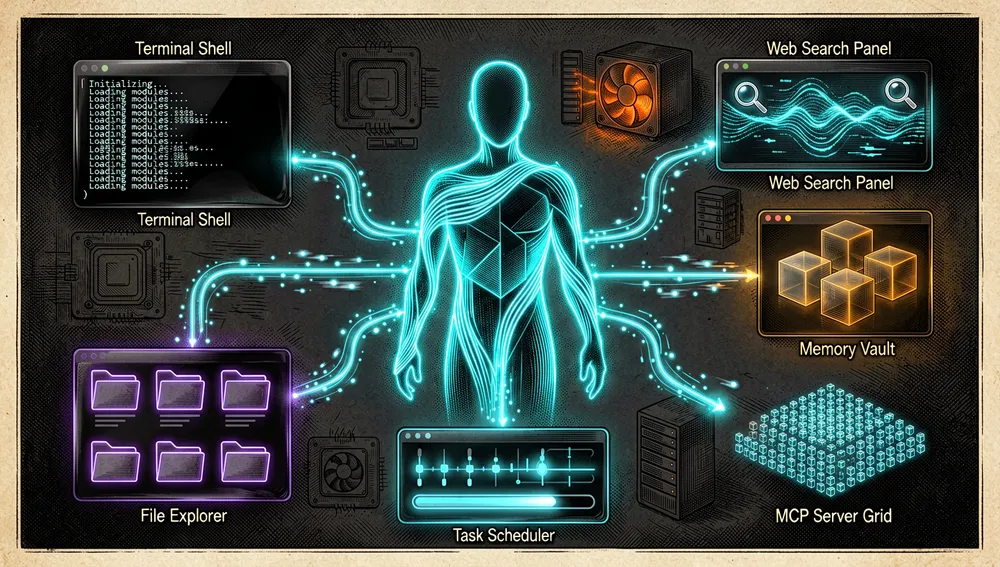
The documented modules and their mechanics:
- Chat and agents: multi-turn chat with local or API models. In agent mode, the model plans, invokes tools (terminal, files, web, memory), and advances the task. The agent-loop patterns and tool-execution logic were adapted from opencode (
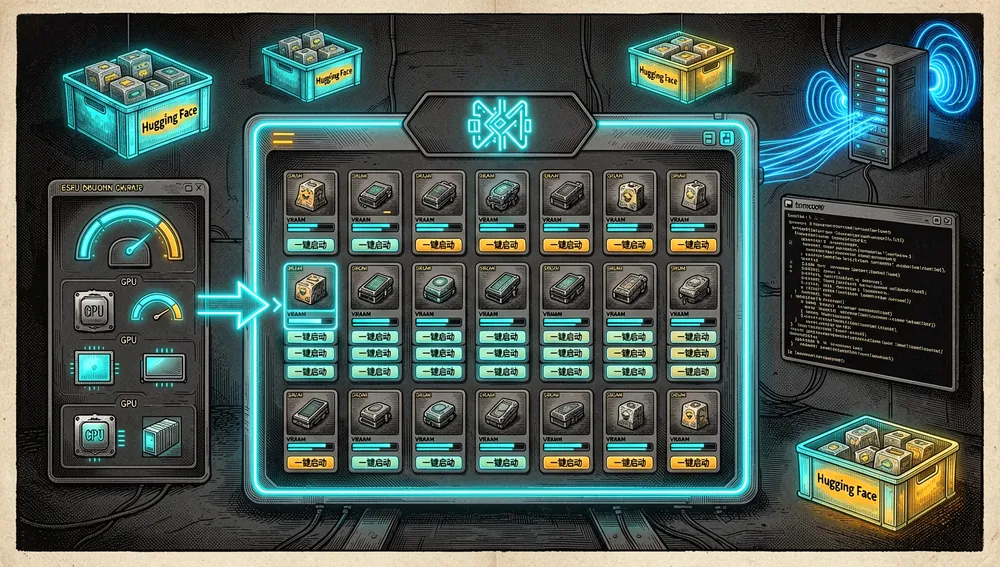
anomalyco/opencode), per the acknowledgments file. - Cookbook: hardware-based model recommendations (the “what fits?” function is built on Alex Jones’s llmfit engine), Hugging Face downloads, and one-click serving. On Linux and macOS it uses
tmuxfor background jobs and can manage remote servers over SSH.
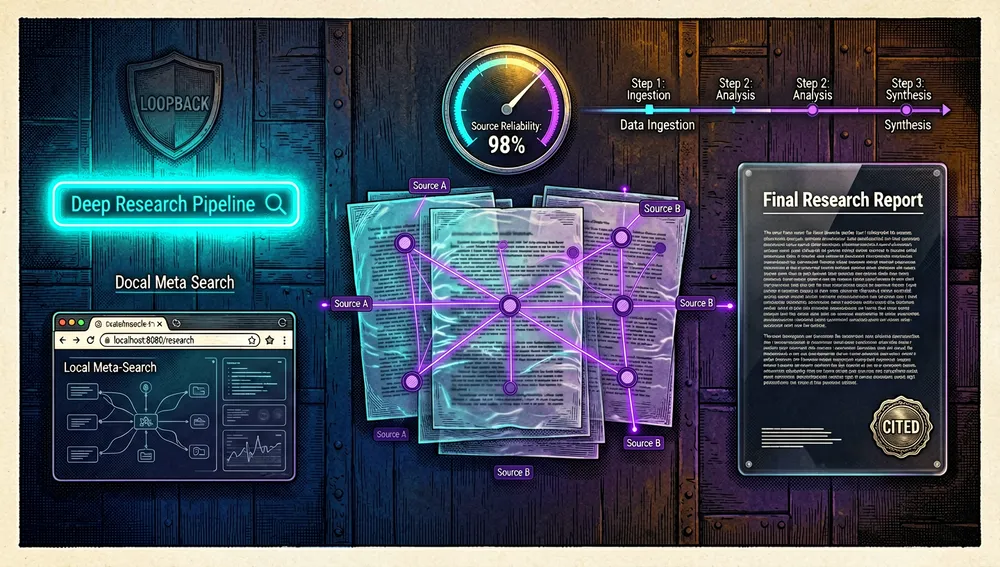
- Deep research: a stepwise pipeline adapted from Alibaba-NLP/Tongyi DeepResearch (Apache-2.0) that searches, reads sources, and synthesizes a cited report.
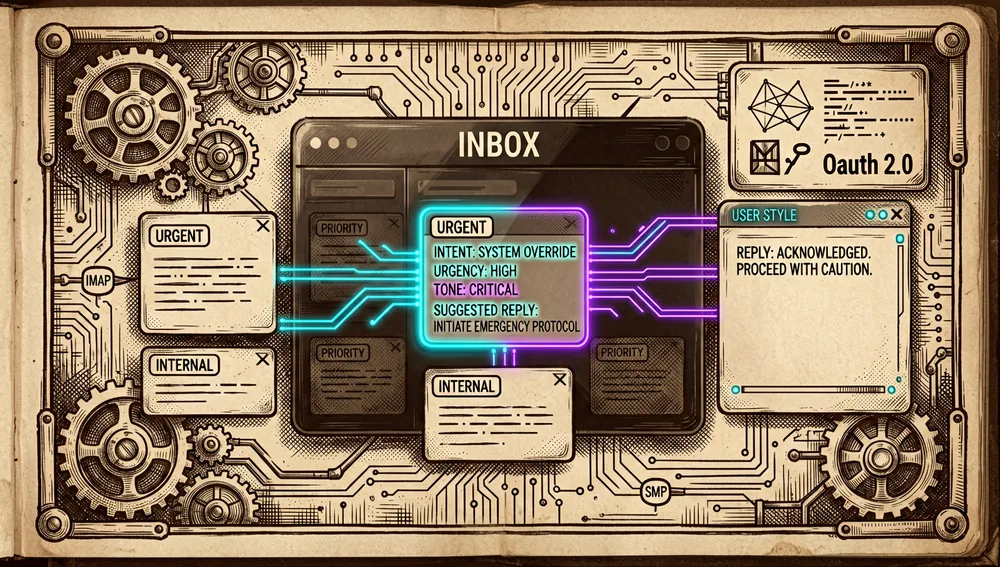
- Email: an IMAP/SMTP inbox with triage, labels, summaries, reminders, and reply drafts tuned to the user’s style; an optional Google OAuth flow for Workspace accounts.
- Documents: a writing-focused editor with AI edits and suggestions; reads and writes Markdown, HTML, CSV, xlsx (SheetJS), docx (docx.js and mammoth.js), and exports to PDF (html2pdf).
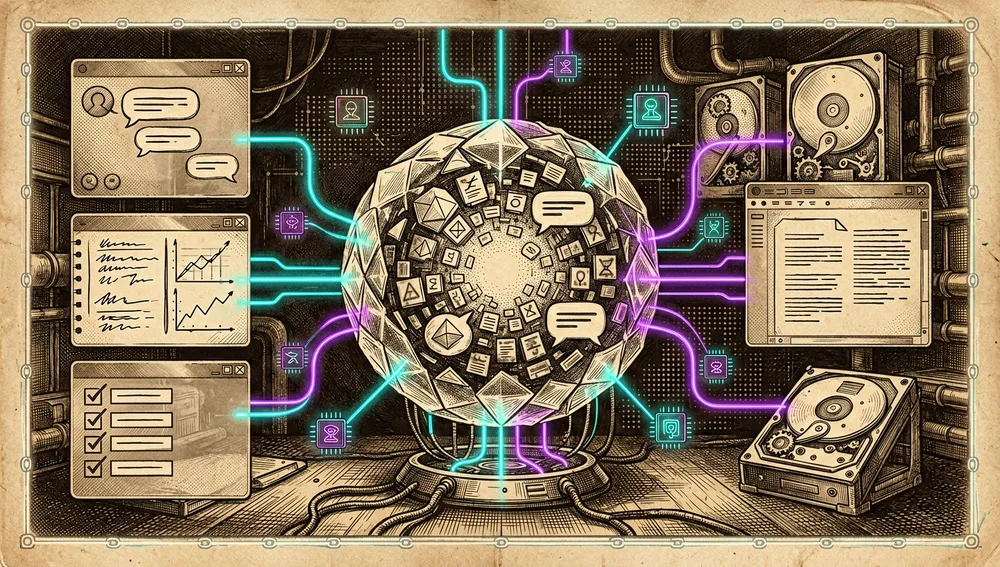
- Memory: persistent, backed by local ChromaDB; embeddings from an OpenAI-compatible endpoint (defaulting to
all-minilm:l6-v2over Ollama) or the localfastembedfallback.
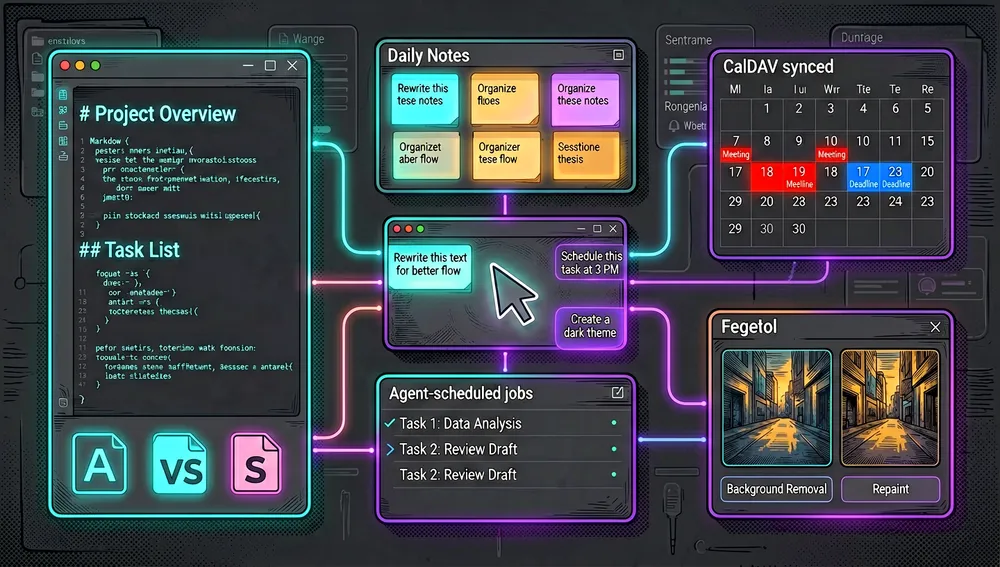
- Notes, tasks, and calendar: to-dos, reminders, scheduled agent tasks, and CalDAV sync via Radicale.
- Extras: an image gallery with background removal and repainting, themes (which the agent itself can create), two-factor authentication, sessions, and web search through the bundled SearXNG.
Quick-start guide
Installation and first run
Docker (the recommended route, documented in the README and docs/setup.md):
git clone https://github.com/odysseus-dev/odysseus.git
cd odysseus
cp .env.example .env
docker compose up -d --build
Once the containers are healthy, http://localhost:7000 opens. The first admin account (admin) gets a temporary password printed to the terminal (with Docker, via docker compose logs odysseus); use it to log in, then change it in Settings.
Native install (Linux/macOS), requiring Python 3.11 or later and tmux for the Cookbook:
python3 -m venv venv
source venv/bin/activate
pip install -r requirements.txt
python setup.py
python -m uvicorn app:app --host 127.0.0.1 --port 7000
On Apple Silicon (M-series chips), Docker can’t reach the Metal GPU: the documented route is running natively with ./start-macos.sh, which starts on http://127.0.0.1:7860. Windows isn’t actively tested, per CONTRIBUTING.md.
Common workflows
- Chat with a local model: configure the endpoint in Settings (for example, Ollama with
OLLAMA_BASE_URL=http://host.docker.internal:11434/v1when Ollama runs on the host) and start the conversation; with agent mode on, the model can invoke tools on the machine. - Download and serve a model: open the Cookbook; it scans the hardware, recommends models that fit (over 270 cataloged), downloads them from Hugging Face into
./data/huggingface, and starts serving with the chosen backend. - Manage email with AI: connect an IMAP/SMTP account in Settings; the app performs triage, labeling, summaries, and generates style-tuned reply drafts. For a Google account, OAuth credentials must be created in the Google Cloud console and
GOOGLE_OAUTH_CLIENT_ID/GOOGLE_OAUTH_CLIENT_SECRETfilled in. - Serve models on a remote machine: in Cookbook → Settings → Servers, generate an SSH key, add the public key to the remote machine’s
~/.ssh/authorized_keys(or runssh-copy-id -i data/ssh/id_ed25519.pub user@server), and serve the model there. - Scheduled tasks and reminders: create agent tasks with a calendar; notifications go out via the bundled ntfy.
Essential configuration
The first variables a new user will touch, from .env.example:
APP_PORT/APP_BIND— the port and bind address for the web interface (7000 on 127.0.0.1 by default); changeAPP_PORTif the port is taken (AirPlay on macOS uses 7000).AUTH_ENABLED/LOCALHOST_BYPASS— authentication is on by default;LOCALHOST_BYPASSis for development and loopback only.LLM_HOST/OLLAMA_BASE_URL/LM_STUDIO_URL— where the app will look for local models.ODYSSEUS_DATA_DIR— where all state (database, settings, sessions, uploads) is stored.EMBEDDING_URL/EMBEDDING_MODEL— the endpoint and model for memory; there’s a local fallback viafastembed.
To use the GPU with Docker, add an overlay to COMPOSE_FILE (docker/gpu.nvidia.yml or docker/gpu.amd.yml); the scripts/check-docker-gpu.sh script diagnoses GPU passthrough and can enable the NVIDIA overlay.
Common pitfalls and fixes
- Port 7000 in use (AirPlay on macOS): set
APP_PORT=7001in.envand recreate the container. - No GPU with Docker on Apple Silicon: expected behavior, since Metal isn’t reachable from the container; the documented fix is the native install via
start-macos.sh. - The Cookbook doesn’t see the GPU: it only detects GPUs that Docker exposes to the container; diagnose with
scripts/check-docker-gpu.shand verify inside the container withdocker compose exec odysseus nvidia-smi -L. On WSL2 with Docker installed via snap, the errorlibdxcore.so: no such file or directorymeans removing the snap Docker and installing the official Docker Engine via apt. - The clone lands on the unstable branch:
devis the default branch and arrives first; for the curated version, rungit checkout mainafter cloning. - SearXNG pinned on purpose: the compose file uses tag
2026.5.31-7159b8aedbecause2026.6.2crashes on startup (project issue #1414); don’t upgrade it without verifying the new tag starts cleanly. - MCP OAuth fails with Docker or behind a reverse proxy: set
OAUTH_REDIRECT_BASE_URLto an externally reachable origin; with Google MCP servers, leave the loopback default in place, since Google rejects public origins with a “redirect_uri_mismatch” error. - First tests on 8 GB laptop GPUs: the guide recommends starting with GGUF/Q4 models on llama.cpp before trying GPTQ/AWQ on vLLM or SGLang.
- Security: keep
AUTH_ENABLED=true, don’t expose the raw model/service ports to the internet, and only setAPP_BIND=0.0.0.0when you intentionally want local-network or reverse-proxy access (for example, via Tailscale).
Integrations and migration
- MCP servers: connect any MCP server and toggle tools individually.
- Model backends: Ollama, vLLM, SGLang, llama.cpp, LM Studio, and any OpenAI-compatible endpoint; remote serving over SSH.
- Search: bundled SearXNG; optional Brave, Google, Tavily, and Serper keys.
- Email: IMAP/SMTP (the acknowledgments cite Dovecot and isync/mbsync) or Google OAuth for Workspace.
- Calendar and alerts: CalDAV via Radicale; TOTP two-factor authentication; push notifications via ntfy; browser-side Python via Pyodide.
- Migration: the consulted documentation doesn’t describe a migration path to or from another tool; users coming from Open WebUI (the community’s most frequent comparison) simply configure their own endpoints.
Official and semi-official status
No official status was found in the sources consulted: Odysseus doesn’t appear in any vendor’s official marketplace, no manufacturer endorsement was found, and it doesn’t constitute a documented de facto standard. It’s an independent project hosted under the odysseus-dev organization, licensed AGPL-3.0-or-later, with a GitHub Pages homepage and a star-history badge in the README. The homepage displays satirical “testimonials” from fictional corporate customers (including a cyclops on medical leave) — an inside joke that shouldn’t be read as a real endorsement.
The ecosystem
The author’s and the organization’s repositories
pewdiepie-archdaemon/dionysus: the author’s laptop and desktop dotfiles, published August 27, 2025, before Odysseus; 3,403 stars and 153 forks as of measurement, with no declared license (the API returns a null license). It’s the only public repository under the author’s personal account and defines the aesthetic Odysseus inherits.odysseus-dev/odysseus-current: the organization’s second repository, created July 23, 2026, with 65 stars and 7 forks. The retrieved README is identical to the main repository’s; the sources consulted don’t document a distinct purpose.
Adapted upstream projects (per ACKNOWLEDGMENTS.md)
- opencode (
anomalyco/opencode, MIT): the basis for the agent loop and tool-execution patterns. - llmfit (Alex Jones, MIT): the Cookbook’s engine (hardware detection, fit scoring, and the model catalog).
- Alibaba-NLP/Tongyi DeepResearch (Apache-2.0): the stepwise deep-research pipeline.
- Bundled via Docker Compose, unmodified: SearXNG, ChromaDB, and ntfy. Interoperate over the network: Ollama, Radicale, Dovecot, isync/mbsync, tmux, and OpenSSH.
Community forks and derivatives
The repository has 737 forks (measured August 31, 2026). Of the 100 highest-starred forks examined, 96 are mirrors with the default description; no complete non-English translation or documented independent port was identified. The only one that stands out by stars is CommanderTurtle/diogenes (7 stars), renamed with its own description. GitHub Discussions show an active community: “Thank you!” (51 comments), “Why use MIT license?” (16), “Prompt injection security” (12), “What are the hardware requirements to run this?” (15), and “Setup Web Search” (16).
Repo numbers
Measured: August 31, 2026, GitHub API (canonical repository odysseus-dev/odysseus).
| Metric | Value |
|---|---|
| Stars | 86,617 |
| Forks | 737 |
Subscribers (subscribers_count) | 461 |
Commits (dev branch, API pagination) | 2,079 |
| Open issues per API | 1,140 |
| Primary languages | Python (55% of bytes) and JavaScript (35%) |
| License | AGPL-3.0 |
| Created | May 31, 2026 |
| Last push | August 31, 2026 |
| Version in source | 1.0.3 (APP_VERSION, dev branch) |
The API’s watchers_count field mirrors the star count (86,617); the real subscriber count is subscribers_count (461). open_issues_count may include open pull requests, so it shouldn’t be read as an issues-only count. The 2,079-commit total was obtained from the last page of the commits API’s pagination link (20 full pages of 100 plus 79 on the last page). The repository doesn’t publish GitHub Releases or tags; the version comes from the src/constants.py file, and the latest release commit (August 25, 2026, #6168) aligns the dev branch to 1.0.3. Top contributors per the API: pewdiepie-archdaemon (572), afonsopc (143), RaresKeY (105), redpersongpt (89), alteixeira20 (82), and vdmkenny (56).
How to contribute
The process is documented in CONTRIBUTING.md and the README:
- Branch model:
devis where all PRs land (the merge button is used freely);mainis the curated user-facing version, fast-forwarded to a stabledevcommit on each release. PRs are opened againstdev. - Before opening a PR: search existing issues and PRs; one fix or feature per PR; for large features, open an issue describing the approach first.
- Local setup: Docker is the recommended testing route; manual development uses a Python 3.11+ virtual environment.
- Checks:
python -m pytest,python -m py_compile app.py routes/*.py src/*.py, andnode --check static/js/<changed-file>.js; for Docker changes,docker compose configanddocker compose logs --tail=120 odysseus. The PR must state what was run. - PR content: a brief explanation, files/areas changed, manual test steps run against the real app (not just the test suite), screenshots or short clips for UI changes, and links in the “Fixes #123” format.
- Mandatory visual style: the app has an intentional style (monochrome SVGs, Fira Code font, dark theme by default, reuse of existing CSS variables, and no Unicode emoji in the UI); PRs that ignore it are closed without merging, however correct they are.
- Code conventions: no hardcoded paths or ports; use the constants from
src/constants.pyandinternal_api_base(); commit messages follow Conventional Commits. - Agent-generated PRs: anyone running an AI agent against the repository must open an issue first; bulk agent-generated PRs are closed unreviewed, even if the fix is correct.
The README flags the most useful entry points: fresh-install testing on Linux, macOS, and Windows, provider configuration bugs, mobile UI and editor polish, documentation, and small, focused refactors. ROADMAP.md prioritizes: stacking bug fixes, Cookbook reliability across GPUs and platforms, hardware presets for deep research, agent-mode context bloat, a prompt-injection audit of skills, and email performance.
Community reception
The main thread is 48346693 (“Odysseus – self-hosted AI workspace”), submitted May 31, 2026 by Dzheky, reaching 245 points and 106 comments. Reception is polarized between genuine interest and skepticism toward the “vibe coding” origin.
Favorable opinions, all attributed to named users in that thread:
- jerieljan, a long-time Open WebUI user, noted that Odysseus brings things Open WebUI doesn’t have or requires extra effort to add, like agent mode, deep research, and document work, and that they seem better thought out.
- bluejay2387, an Open WebUI advocate, acknowledged the document-editing mode is an appealing feature Open WebUI lacks, and said they’d probably wait before trying Odysseus to let the inevitable security issues get sorted out.
- freehorse enjoyed the video passage where the author describes the AI-generated email reply as the most polite “fuck you” the other person will never know they got.
- wetplasticbag: for personal or occasional use it’s a pretty good product, and found the AI email-reply feature amusing.
- fiatpandas: watching PewDiePie’s technical journey in the AI era has brought a lot of joy.
- rldjbpin: the YouTube creator’s journey has been quite refreshing and makes a case for agentic development at every skill level; also noted that most of the open-source work the author referenced came from the East, with few exceptions like opencode.
- avaer pointed out the launch video wasn’t linked from the project itself and seemed like fairly relevant context.
Criticism and skepticism, also attributed:
- NamlchakKhandro, in a top-level reply, dismissed it: nothing new, since there were already enough Pimono, OpenCode web UIs, and Electron wrappers; later in the thread: OpenCode is garbage, use Pimono or leave.
- h4ch1: the interface design is atrocious; dakolli added that all these inexperienced “vibe coders” build identical “slop” interfaces, and the funny part is they usually think theirs is unique and show it off. okr and jetbalsa replied with a “and who are you again?” and boca_honey defended that the annoyance with uniform AI-generated design is something many people feel.
- pushpendra3000: respect for what PewDiePie is attempting, but ultimately it’s AI “slop”; it’s feature-dense, but the amount of security concerns and improvements needed would be too hard to maintain with the current code organization.
- saberience: more AI “slop” with thousands of stars because the author is famous.
- selectedambient, in an ironic complaint: they write an agent in C and build their own models with no echo, while PewDiePie casually starts coding on a whim and gets 3,000 stars; andai replied: “you’re missing step 1, becoming the number-one YouTuber.”
- docheinestages genuinely wondered whether people who build projects like this actually use them in their day-to-day work — they can’t imagine working with those interfaces; flexagoon replied that it matches the rest of his desktop setup and linked
dionysus. - patosullivan asked why not just use Open WebUI; thayne replied that Open WebUI isn’t fully open source because it doesn’t allow changing or removing its branding; loctran0323 clarified it’s “source-available” rather than free per the OSI definition, and that the branding clause is a real trap when trying to fork or relabel the app for a team; andai recounted trying to install Open WebUI and giving up after the first 12 gigabytes of pip packages, building their own chat UI in 500 lines of HTML and JavaScript instead.
- j4k0bfr lamented prompt injection (“oh god, prompt injection”), but said the project is fun, and that the recent comments on the YouTube channel are very entertaining.
- trvz: wake them up when the “painfully small” nav-bar font size can be increased.
- v11climbs (Conifer) called it a simple Python interface over other open source, and described their own project as built from scratch in Rust alongside a Princeton team, outperforming llama.cpp — a claim attributed to its author, not an independent benchmark.
- The thread also documents the removal of the “fun fact” that part of the project was built from a phone: sangeeth96 asked whether that had been a hallucination and was why it was removed, and noitpmeder explained this happens with AI models, which claim as delivered something that was never implemented.
- petterroea said it’s only a matter of time before a VC-backed AI company snaps up PewDiePie like they did with the creator of OpenClaw (an attributed hope, unconfirmed in the sources); dakolli added that he’ll probably somehow make millions off his personal brand, “even if it’s a pile of slop.”
Secondary submissions the same week: 48347265 (“PewDiePie’s AI Workspace,” 6 points and 0 comments, r0xsh), 48349333 (“The Pewdiepie Agent Framework,” 3 points and 1 comment, christkv), 48361357 (3 points and 1 comment, theshrike79), and the query 48384536 about whether there’s a local model close to Claude Code (2 points and 2 comments, June 3, 2026).
No retrievable evidence was found on Reddit (the site returned an access challenge), on Product Hunt (the search returned only an unrelated product also named Odysseus, a GPS navigation app for trucks), in package registries (no packages found on PyPI, npm, or Docker Hub), or in newsletters or podcasts. The README links a repology badge for the odysseus-ai project, but the site returned a 403 during the query. The launch video’s title and channel were verified, but its view count wasn’t retrieved.
Odysseus vs. other approaches
| Approach | Verifiable relationship | Documented limit |
|---|---|---|
| Open WebUI | The most frequent comparison in the main Hacker News thread; users cite the branding restriction (attributed to thayne and loctran0323) and Odysseus’s agent, research, and document features (attributed to jerieljan). | Comparisons come from user opinions; Open WebUI’s own documentation wasn’t retrieved in this research. |
opencode (anomalyco/opencode) | Documented upstream: the agent loop and tool-execution patterns were adapted from this project, per ACKNOWLEDGMENTS.md. | Odysseus wraps a complete workspace (email, documents, memory, model serving) around the agent. |
| Conifer | Named in the thread by its own author (v11climbs) as a Rust-built alternative; gonight found ConiferKit/sage and noted the app is proprietary and distributed only as compiled binaries. | Claims from Conifer’s author; not an independent benchmark. |
LibreChat, AnythingLLM, jan.ai, Lemonade, mudkipdev/chat, Pimono, and Msty Claw | Named in the main thread as similar or more polished alternatives, each by a specific user. | Single mentions in the thread; no deeper comparison was retrieved. |
| Hermes Agent | One user (josht) asked in the thread how Odysseus compares to it. | Only the question; no documented answer was retrieved in the consulted thread. |
The most useful comparison is functional: Odysseus differentiates itself from chat-centric interfaces (Open WebUI, LibreChat) by bundling tool-using agents, local model serving with hardware recommendations, email, and persistent memory into a single self-hosted app. In exchange, the community criticizes its visual style, code maturity, and security surface (a prompt-injection audit is an explicit roadmap priority).
Use cases
- People who want a local AI assistant with no subscription: any user who already has local models (Ollama, vLLM) and wants a complete interface — chat, tools, memory, scheduled tasks — without sending their data to a third-party cloud. Local-first philosophy and the absence of telemetry are the project’s core.
- Users with limited local hardware: the Cookbook scans the machine, recommends models that fit, and can serve models on a remote machine over SSH; the guide recommends starting with GGUF/Q4 models on 8 GB laptop GPUs.
- Anyone who wants to automate email without leaving self-hosting: an IMAP/SMTP inbox (or Google Workspace via OAuth) with triage, labels, summaries, reminders, and style-tuned reply drafts.
- Homelab users looking for a complete stack in one compose file: app, ChromaDB, SearXNG, and ntfy in a single
docker compose up, with two-factor authentication, CalDAV, and ports bound to loopback by default. - Researchers who want a self-hosted deep-research pipeline: stepwise execution that searches, reads sources, and writes a cited report, based on the Tongyi DeepResearch pipeline.
- Developers who want to integrate their own tools via MCP: a per-tool toggle and compatibility with any MCP server; the agent can also use the machine’s terminal and files.
- Anyone following the author’s journey: the repository is a public record of a top-tier YouTube creator’s entry into self-hosted AI, with a fast-moving roadmap and a contribution culture that explicitly rejects bulk agent-generated PRs.
Important caveat: the project itself states in the roadmap that it “hasn’t reached port yet,” and its main priorities are stacking fixes and hardening the system (prompt injection, email performance, provider audit); for sustained use, it’s worth keeping authentication enabled and not exposing service ports to the internet.
Resources
- Repository (canonical location): https://github.com/odysseus-dev/odysseus (the
pewdiepie-archdaemon/odysseuspath redirects to it) - Documentation and setup: https://odysseus-dev.github.io/odysseus and
docs/setup.mdinside the repository - Contribution guide and roadmap: https://github.com/odysseus-dev/odysseus/blob/dev/CONTRIBUTING.md and
ROADMAP.md - Launch video (PewDiePie’s channel): https://www.youtube.com/watch?v=rAzT5lcezPs
- Main Hacker News discussion: https://news.ycombinator.com/item?id=48346693
- Star history: https://www.star-history.com/?repos=odysseus-dev%2Fodysseus
- The author’s earlier repository (dotfiles): https://github.com/pewdiepie-archdaemon/dionysus
- No official Discord was found in the sources consulted.
Note: this article draws on the README, CONTRIBUTING.md, ROADMAP.md, ACKNOWLEDGMENTS.md, and Odysseus’s setup guide, the GitHub API, Hacker News threads, the official homepage, and the launch video, consulted on August 31, 2026. Figures change over time.
Comments