

NocoDB: the self-hosted alternative to Airtable
nocodb/nocodb · 65,070★ · 5,062 forks
Everything worth knowing about nocodb/nocodb: a spreadsheet interface over any relational database that also exposes automatic REST APIs and can be self-hosted on your own server. As of September 4, 2026 it carries 64,823 stars.
What NocoDB is
NocoDB is a self-hostable web application that turns any relational database — PostgreSQL, MySQL, or SQLite — into an Airtable-like collaborative spreadsheet interface, while automatically generating a REST API over the tables. It isn’t a database engine or a spreadsheet by itself: it connects to an existing database (or creates a new one) and layers an interface, permissions, views, and automations on top.
The README describes it as “the fastest way to build online databases.” Its distinction from Airtable, the SaaS reference it positions itself against, is that NocoDB works on real production data already living on a server, instead of storing it in the vendor’s cloud.
Origin: from a passion project to an Airtable challenger
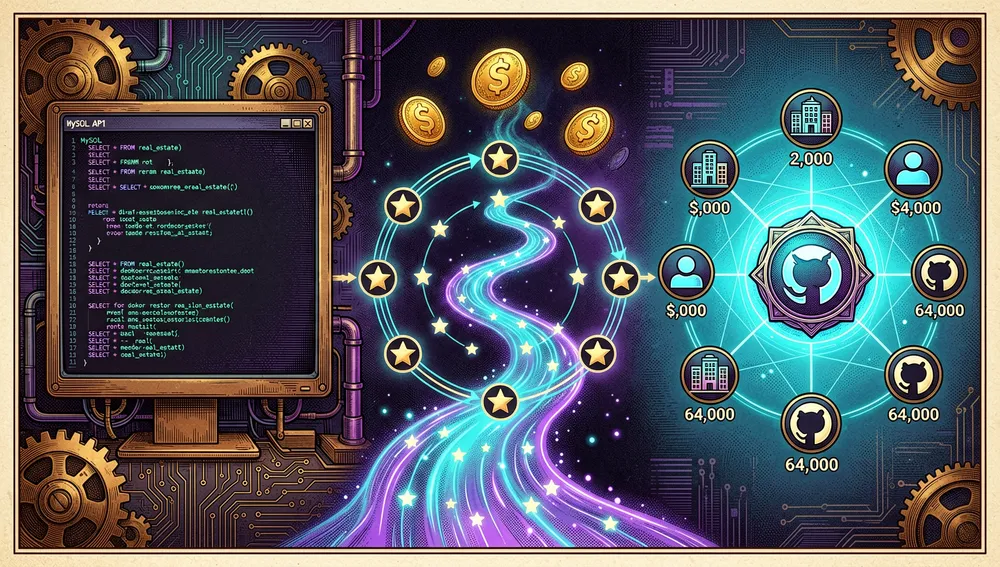
The company behind NocoDB has Naveen Rudrappa, based in the UK, as founder and CEO, per a TechCrunch interview published October 11, 2022. Rudrappa recounts that the project’s origin traces back to 2017, when he was working on a “passion” database project under a different name, pure backend with no interface: his goal was to expose an API over a MySQL database with UK real estate data, something that wasn’t straightforward. He published the prototype on GitHub and, as he tells it, woke up the next day to a thousand stars.
That initial project, an REST API generator for MySQL, evolved over time. The repository’s own history (the old 0.4.9 branch was an API generator) and a Hacker News comment confirm the transition: it went from exposing APIs over MySQL to becoming the spreadsheet interface it is today. The nocodb/nocodb repository’s creation date is October 29, 2017.
The first notable announcement came with “Show HN: NocoDB – Open-Source Airtable Alternative,” submitted by user rnavi on May 27, 2021. In October 2022, the company announced a seed round of about $10.5 million, with institutional investors including Decibel, OSS Capital, Uncorrelated Ventures, and Together.fund, and notable angels: Chad Hurley (YouTube co-founder), Matt Mullenweg (WordPress creator), and Bob Young (Red Hat co-founder). In that same interview, Rudrappa stated the project was already used by more than 2,000 companies, including Google, Walmart, American Express, and McAfee, with 7 million Docker downloads in its first year and over 30,000 GitHub stars.
Philosophy and principles
The README lays out the core reasoning in a section titled “Why are we building this?” The premise is that most businesses use either a spreadsheet or a database, that spreadsheets are used collaboratively by over a billion people, but that working with databases — more powerful tools for computation — is much slower. Per the text, attempts to solve this with SaaS bring poor access controls, vendor lock-in, data lock-in, abrupt pricing changes, and “a glass ceiling” on what can be built.
The stated mission is to offer “the most powerful no-code database interface,” accessible to any internet business, and to democratize access to computational tools so “billions of people” can build on the web. In practice, that translates into three operating principles: self-hosting (the user owns the data), an interface anyone can understand without SQL, and automatic API generation so developers can work on the same data.
How it works
NocoDB connects to an existing relational database (or creates a new one) and presents each table as a spreadsheet. The main components documented in the README are:
- Full spreadsheet interface: create, read, update, and delete tables, columns, and rows; sort, filter, group, and hide columns.
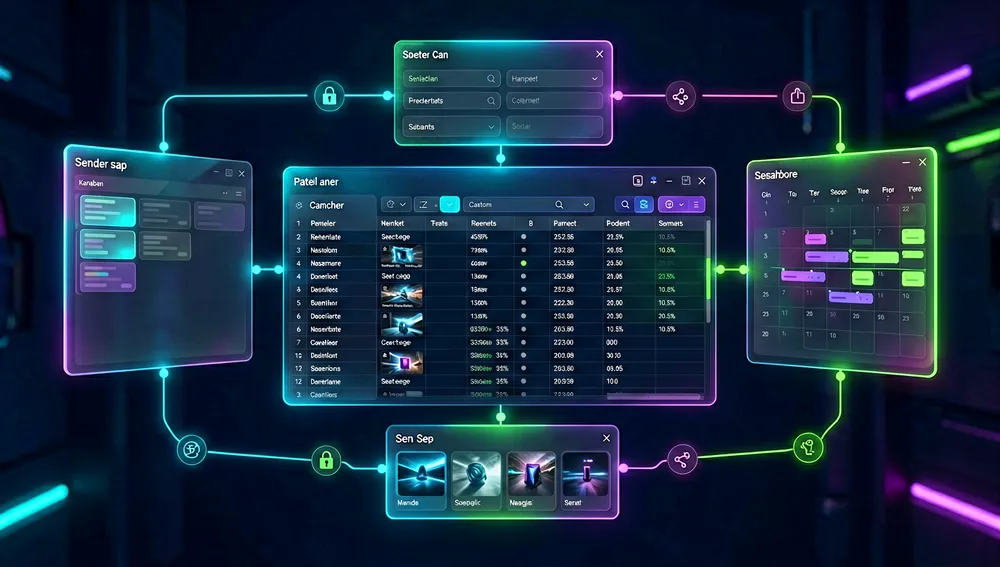
- Several view types: grid (the default), gallery, form, Kanban, and calendar. There are also collaborative views and locked views.
- Cell types: ID, links, lookup, rollup, single-line text, attachment, currency, formula, user, among others.
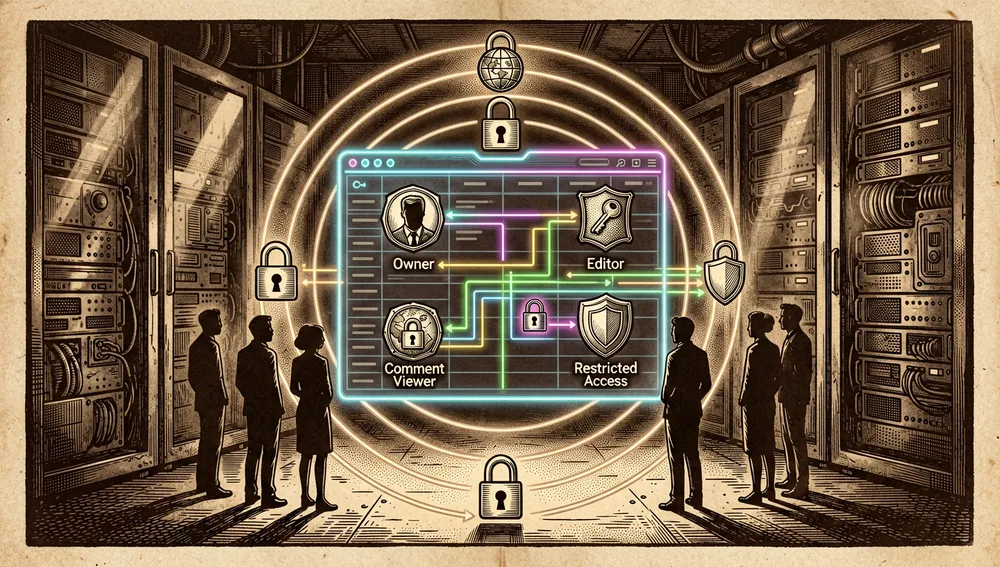
- Sharing and permissions: bases and views can be public or private (password-protected), with role-based access control at several levels.
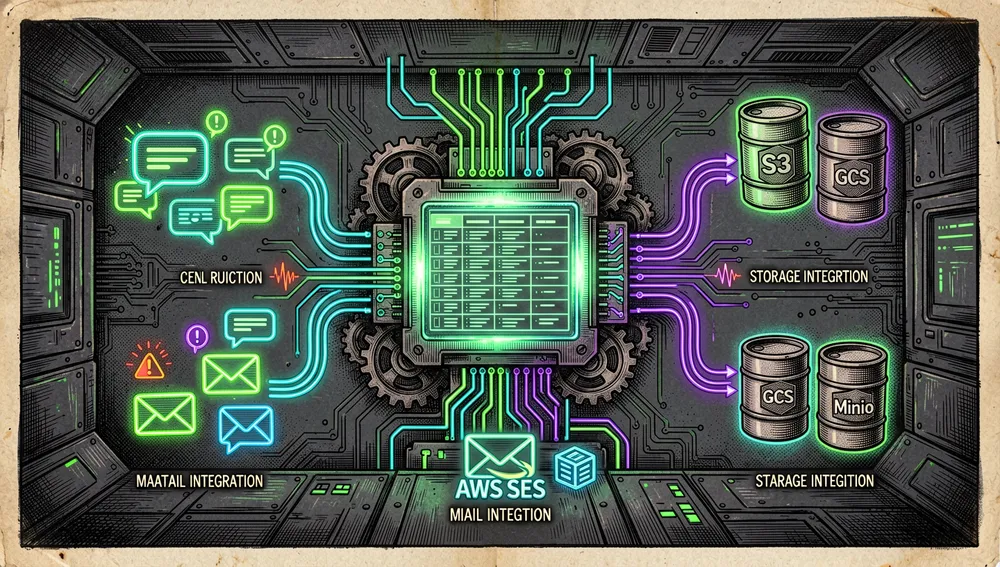
- App Store for automations: integrations across three categories — chat (Slack, Discord, Mattermost), email (AWS SES, SMTP, MailerSend), and storage (AWS S3, Google Cloud Storage, Minio).
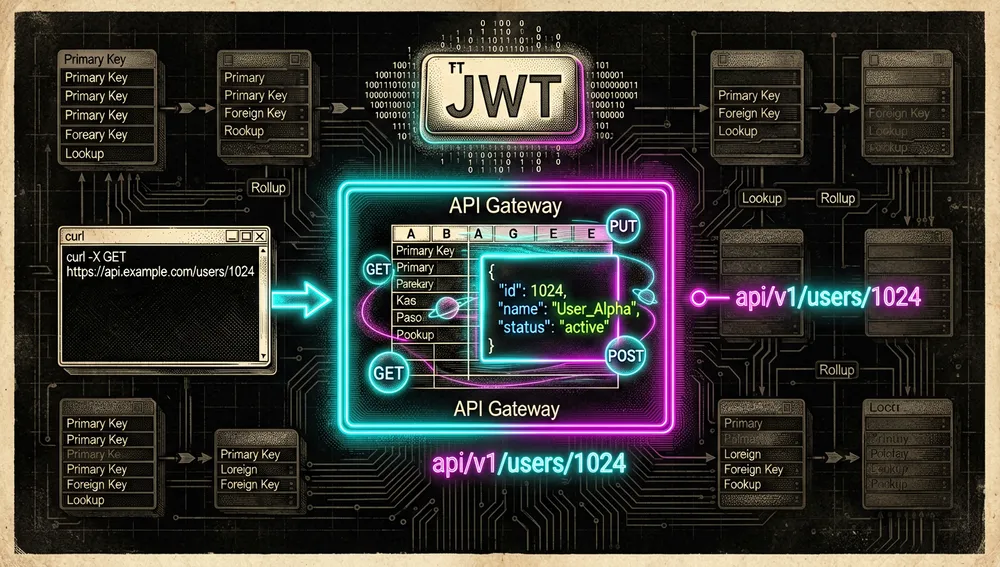
- Programmatic access: every table exposes REST APIs, and there’s a NocoDB SDK. Authentication is done with a token (JWT or social auth).
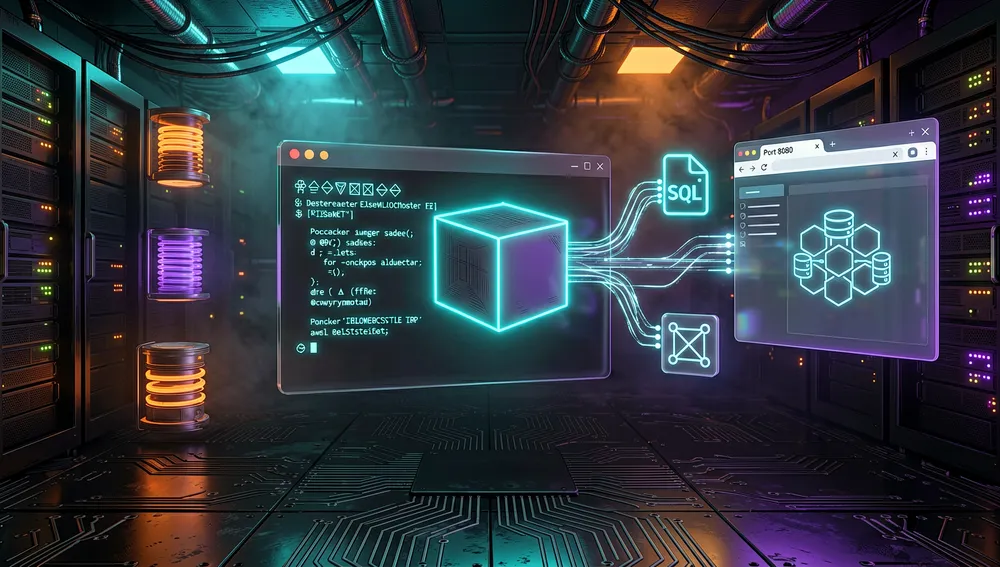
The differentiator versus Airtable is programmatic access over real data: instead of living inside the SaaS, NocoDB generates a REST layer over the database the organization already has.
Quick-start guide
Installation and first boot
NocoDB is typically installed with Docker. The minimal form documented in the README (with SQLite) is:
docker run -d \
  --name noco \
  -v "$(pwd)"/nocodb:/usr/app/data/ \
  -p 8080:8080 \
  nocodb/nocodb:latest
To connect to an existing PostgreSQL, add the connection string and JWT secret:
docker run -d \
  --name noco \
  -v "$(pwd)"/nocodb:/usr/app/data/ \
  -p 8080:8080 \
  -e NC_DB="pg://host.docker.internal:5432?u=root&p=password&d=d1" \
  -e NC_AUTH_JWT_SECRET="569a1821-0a93-45e8-87ab-eb857f20a010" \
  nocodb/nocodb:latest
For production, the README offers Auto-upstall, a single command that generates the docker-compose file automatically:
bash <(curl -sSL http://install.nocodb.com/noco.sh) <(mktemp)Auto-upstall installs the prerequisites (Docker, docker-compose), deploys NocoDB with PostgreSQL, Redis, and the Traefik gateway, configures and renews SSL, and updates to the latest version when re-run. For quick local testing there are also Mac, Linux, and Windows binaries (curl http://get.nocodb.com/...), though the README clarifies these are for local testing only. Once done, the dashboard opens at http://localhost:8080/dashboard.
Common workflows
- To expose an existing database without writing SQL: start NocoDB pointing
NC_DBat your PostgreSQL or MySQL. When you create a base over that database, NocoDB shows every table as a spreadsheet and instantly generates the corresponding REST API. - To have an app consume the data: every table has a REST endpoint; you authenticate requests with a JWT token (or social auth) and call the endpoints from the frontend, using the API or the NocoDB SDK.
- To give a team different views of the same data: inside the interface, switch a table’s view type (grid, Kanban, calendar, form, gallery) and share it as public or password-protected private.
- To automate notifications: in the App Store, connect a chat provider (Slack, Discord) or email provider (SMTP, AWS SES) so operations on rows trigger notifications.
Essential configuration
NC_DB— the database connection string (SQLite, PostgreSQL, or MySQL). This is the variable that defines what data NocoDB manages.NC_AUTH_JWT_SECRET— the secret used to sign JWT tokens for authentication. The README includes it in the PostgreSQL example./usr/app/data/volume — the directory where NocoDB stores its own state and metadata; the README mounts it with-v "$(pwd)"/nocodb:/usr/app/data/.- Port
8080— the dashboard’s HTTP port; the README exposes it with-p 8080:8080. - Redis and Traefik (in Auto-upstall) — in the production install, Auto-upstall adds Redis (queues/cache) and the Traefik gateway with SSL.
Common pitfalls and fixes
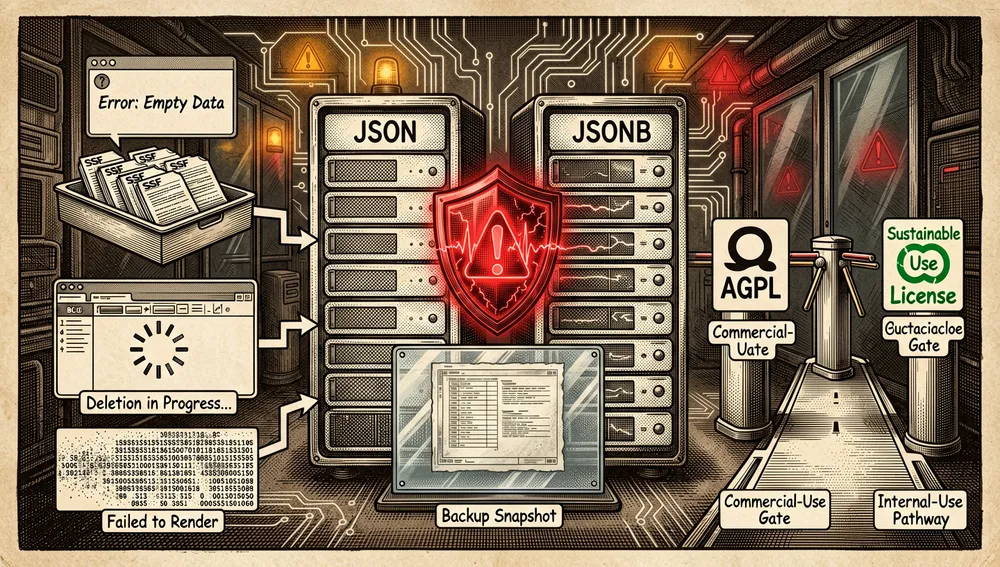
- Changing a field from
JSONtoJSONBdeletes the entire column without warning. This is the problem described in Hacker News thread 43108868, where the author recounts that changing the field type deleted an entire column “in 4 clicks, with no warning, confirmation, or message.” The practical fix is to back up first and, when possible, make type changes via SQL. - CSV import can fail with an empty error message. In that same thread, the author tries to restore the deleted column with NocoDB’s CSV import and gets “an error toast with no message.” It’s a defect reported from that individual’s experience, not a broad measurement.
- Deleting unsaved rows frequently hangs. In 43108868, user stuartjohnson12 states that “about 50% of the time, deleting unsaved row items hangs indefinitely and requires a page reload.” Again, this is that user’s reported experience.
- SQLite
BLOBcolumns don’t display as attachments. Flagged by abdusco in the original thread 27303783: they tested NocoDB with SQLite and it doesn’t support BLOB columns for displaying images as virtual attachments. This is a known limitation. - The license changed from AGPL to a Sustainable Use License in January 2026. It was previously AGPL (requested in an October 2023 issue, 6740); the project’s pull request (12801, January 9, 2026) moved it to a “Fair Code” license and states: “If you’re not selling NocoDB, nothing changes.” If you plan to host NocoDB for clients or resell it, it’s worth reading the terms, since the current license restricts commercial use to internal or non-commercial purposes.
Integrations and migration
NocoDB connects to the rest of the ecosystem in several documented ways:
- REST API and SDK: every table exposes REST endpoints; the NocoDB SDK lets you consume it from code. It’s the primary integration path.
- App Store: integrations for chat (Slack, Discord, Mattermost), email (AWS SES, SMTP, MailerSend), and storage (AWS S3, Google Cloud Storage, Minio).
- Organization tools: inside the official repository there’s a fork of Activepieces (AI agent and workflow automation with ~400 MCP servers), a fork of n8n, a data source for Budibase, and a fork of langchain-community (LangChain integrations).
- AI agent skills:
nocodb/agent-skills(see “The ecosystem”) installs instructions for Claude Code, Cursor, and Copilot. - Migration: the documented path for moving data is import (the HN thread mentions CSV import). To move from NocoDB to another system or vice versa, the REST API and SDK let you export/query records programmatically.
Official and semi-official status
NocoDB doesn’t belong to a major vendor’s official marketplace in the strict sense, but it has a clear semi-official position:
- De facto standard in the “self-hosted Airtable alternatives” niche: it’s the most prominent project in the field (over 64,000 stars and 21.6 million Docker downloads) and appears as the default reference in Hacker News threads on the topic.
- Backed by high-profile investors: the 2022 seed round includes co-founders of YouTube, WordPress, and Red Hat, giving it legitimacy and a company with sustained development capacity.
- Fair Code model: since January 2026, the project operates under the Sustainable Use License, a license that allows internal and non-commercial use but protects the project from commercial exploitation. This distinguishes it from purely open projects (AGPL/MIT) and closed SaaS like Airtable.
- Skills on the open Agent Skills standard:
nocodb/agent-skillsfollows theagentskills.ioformat and installs withnpx skills add nocodb/agent-skills, so it’s discovered by coding agents in a standard way.
In practice, this means NocoDB functions as the known starting point of the self-hosted no-code database market, with a commercial company behind it (enterprise edition and managed version) and a license that conditions commercial use.
The ecosystem
The official repository is a monorepo (the nc-gui, nocodb, nocodb-sdk, nc-secret-mgr, and nc-bull packages live inside nocodb/nocodb). Around it, the organization publishes these repositories:
Repositories under the nocodb organization
nocodb/activepieces— a fork of Activepieces, “AI Agents and MCPs and Workflow Automation (~400 MCP servers)”; 24,237 stars. It’s the automation and AI agent tool tied to the ecosystem.nocodb/langchain-community— a fork of community-maintained LangChain integrations; 288 stars.nocodb/homebrew-nocodb— a Homebrew formula for installing NocoDB; 11 stars.nocodb/nc-bull— a queue library (Bull) by the same author; 52 stars.nocodb/agent-skills— “NocoDB Skills,” instructions for AI agents (Claude Code, Cursor, Copilot) following theagentskills.ioopen standard. Installed withnpx skills add nocodb/agent-skillsor, as a Claude Code plugin,/plugin marketplace add nocodb/agent-skills. Its own README is under the MIT license, unlike the main project. 16 stars.nocodb/noco-docs— the documentation site (docs.nocodb.com); 5 stars.nocodb/nocodb-ee-compose— docker-compose configuration for the Enterprise Edition; 3 stars.nocodb/auto-upstall— the automatic install script (noco.sh); 3 stars.nocodb/n8n-fork— a fork of n8n; 2 stars.nocodb/budibase-datasource-table— a NocoDB data source for Budibase.
README in several languages
The README links official translations into Chinese, French, German, Spanish, Portuguese, Italian, Japanese, Korean, Russian, and Bengali (in markdown/readme/languages/), reflecting an international user base.
Repo numbers
Measured: September 4, 2026, GitHub API.
| Metric | Value |
|---|---|
| Stars | 64,823 |
| Forks | 5,027 |
| Subscribers | 390 |
| Commits | 44,558 |
| Open issues per the API | 706 |
| Primary language | TypeScript |
| License | Sustainable Use License (Fair Code) |
| Created | October 29, 2017 |
| Last metadata update | September 4, 2026 |
| Latest release | 2026.08.2, September 3, 2026 |
Languages returned by the API are TypeScript (13.3 M), Vue (6.4 M), JavaScript, PLpgSQL, SCSS, CSS, Shell, PLSQL, TSQL, and Go Template. Top contributors by contribution count were pranavxc (7,658), o1lab (7,625), rameshmane7218 (6,008), wingkwong (5,309), dstala (4,061), DarkPhoenix2704 (3,627), and mertmit (2,642). The 44,558 count was obtained from the last page of the commits API’s pagination link. As with other repositories, open_issues_count may include open pull requests, so it shouldn’t be read as an issues-only count, and the general response’s watchers_count field mirrors the star count, so subscribers_count is reported as the real subscriber number.
How to contribute
The process documented in CONTRIBUTING.md is concrete:
- A Gitflow flow is adopted, though without release branches. The
masterbranch is just a snapshot of the latest stable version, and pull requests should not be opened againstmaster. - All development happens on dedicated branches (
feat/foo,fix/bar,enhancement/baz) and merges intodevelop. - More than one small commit per PR is allowed; they’re squashed into one before merging.
- To link an issue, add
ref: #xxx; if the PR resolves it,closes: #xxx. If there’s no issue, it’s recommended to create one first and discuss the design on Discord. - Completing the pull request template (
PULL_REQUEST_TEMPLATE.md) and following the commit message convention are required. - A CLA (Contributor License Agreement) must be accepted once, via
cla-assistant.io/nocodb/nocodb.
Community reception
The evidence gathered shows real adoption and enthusiasm, but also a well-documented severe criticism about maturity:
- Show HN: NocoDB – Open-Source Airtable Alternative (27303783), submitted by rnavi on May 27, 2021, reached 562 points and 157 comments. Enthusiasm stands out: handoyosutanto considered building “a self-hosted headless CMS with Next.JS”; philsnow values being able to “look back 5 years and still see” their data and praises the audit table; drannex wrote that it seemed “even better than Supabase and easier to get running on your own system.” There are also substantive technical questions: antman asks how the AGPL license affects charging for building a NocoDB-based solution (a concern that later becomes real with the license change), and abdusco flags the lack of BLOB column support in SQLite.
- Nocodb: Turns Any MySQL, Postgres, SQLite into a Spreadsheet with REST APIs (33078798), 189 points and 36 comments. include says “I’ve used it daily for 4 months”; JoiDegn states they work at finn.auto, “we use NocoDB extensively and are a big contributor”; beoberha arrived looking for an Airtable alternative, which they describe as “ridiculously underpowered (e.g. no way to query tables with any kind of expressiveness) despite having a fantastic UI.” TOMDM compares it to “a self-hosted SharePoint with better integrations and views,” though notes what made it competitive was “still coming.”
- RedHat and WordPress founders back NocoDB to challenge Airtable (33161662), October 11, 2022, links to the TechCrunch article about the funding round. At the time of checking it had 8 points and 0 comments; it credits the coverage, not a review.
- Bad Experience with NoCoDB (43108868), published February 19, 2025, is the critical counterpart. The author, stuartjohnson12, who needed a self-hosted alternative for health reasons (Airtable doesn’t sign a BAA), concludes that “as of 2025 I don’t see it as mature enough for production,” and documents losing a column when changing
JSONtoJSONBand the CSV import failure. rnavi (from the team) replied: “If you have an issue with an open source product, file an issue in the repo and it gets fixed.” trystero suggested trying Grist. At 4 points, it’s a criticism attributed to that individual experience, not a consensus. - Using NocoDB as container manager on FreeBSD (43476568), 2 points and 0 comments, a curious use case (container management on FreeBSD).
The 562 points from 2021 shouldn’t be read as current validation: the project has aged since then, and the 2025 criticism is a reminder that production maturity remains a point of discussion.
NocoDB versus other proposals
| Proposal | Verifiable overlap | Verifiable difference |
|---|---|---|
baserow/baserow | A self-hosted Airtable alternative, spreadsheet-style interface with an API; 5,780 stars. | Written in Python (versus NocoDB’s TypeScript); mentioned in HN as a similar reference (xemoka compared NocoDB to baserow.io in 27303783). |
nocobase/nocobase | A no-code platform written in TypeScript; 24,027 stars. | There’s an HN thread comparing the two (“NocoBase vs. NocoDB”); a detailed technical description of NocoBase’s data model wasn’t retrieved in this research. |
gristlabs/grist-core | A self-hosted spreadsheet with database capabilities; 11,708 stars. | Suggested in 43108868 as an alternative following a negative experience with NocoDB. |
seatable/seatable | “As easy as a spreadsheet, as powerful as a database,” unlimited rows; 715 stars. | Mentioned in HN as an earlier project; antman opined that NocoDB “looks more complete than Seatable” (27303783). |
| Airtable | The proprietary SaaS reference NocoDB positions itself against. | Not open source (no public main repository); NocoDB works on real production databases and is self-hosted. |
The most useful comparison isn’t popularity: NocoDB stands out when data already lives in your own PostgreSQL/MySQL and you want an interface and API layer without moving it. Grist or Baserow may be preferable when you want a self-hosted spreadsheet more focused on collaboration; SeaTable is a lighter, older option.
Use cases and who this repository can help
- Teams with data in their own PostgreSQL or MySQL who don’t want to migrate to the cloud can use NocoDB to give non-technical members a spreadsheet interface and developers a REST API over that same data, without touching the underlying database. This is the central case the README and TechCrunch interview describe (“connect any data source of the organization to the universally understood spreadsheet interface”).
- Healthcare or regulated organizations that can’t use SaaS (thread 43108868 motivates this because “Airtable doesn’t sign a BAA”) find in NocoDB a self-hosted option, though the same thread warns that production maturity is a factor to evaluate case by case.
- Developers building internal admin panels or CMSes (thread 27303783 calls it “the fastest way to build admin apps”) can generate the interface and API over an existing database instead of writing both by hand.
- Teams automating business flows can rely on the Activepieces fork (AI agents and ~400 MCP servers) and the App Store (Slack, Discord, SMTP, S3) to trigger notifications and actions from table changes.
- People working with coding agents can install
nocodb/agent-skillsso Claude Code, Cursor, or Copilot can manage NocoDB bases, tables, and APIs via standard Agent Skills format instructions.
Resources
- Repository: https://github.com/nocodb/nocodb
- Documentation: https://docs.nocodb.com/ (self-hosting guide: https://docs.nocodb.com/self-hosting)
- Official skills: https://github.com/nocodb/agent-skills (install with
npx skills add nocodb/agent-skills) - Reviews / discussions: Hacker News threads 27303783, 33078798, 43108868; TechCrunch interview: https://techcrunch.com/2022/10/11/nocodb-takes-on-airtable-with-open-source-no-code-database-that-works-with-production-data/
- Community / Discord: https://discord.gg/c7GEYrvFtT · https://community.nocodb.com/ · https://www.reddit.com/r/NocoDB/ · https://twitter.com/nocodb
- Package registries: Docker Hub
nocodb/nocodb(https://hub.docker.com/r/nocodb/nocodb, ~21.6M downloads at time of checking) - Blog / changelog: release notes at https://github.com/nocodb/nocodb/releases (latest:
2026.08.2)
Methodology note: this article draws on NocoDB’s README and contributing guide, the GitHub API, Docker Hub, Hacker News threads, and the TechCrunch interview consulted on September 4, 2026. Star, fork, commit, and download figures change over time and correspond to that point in time.

Comments