

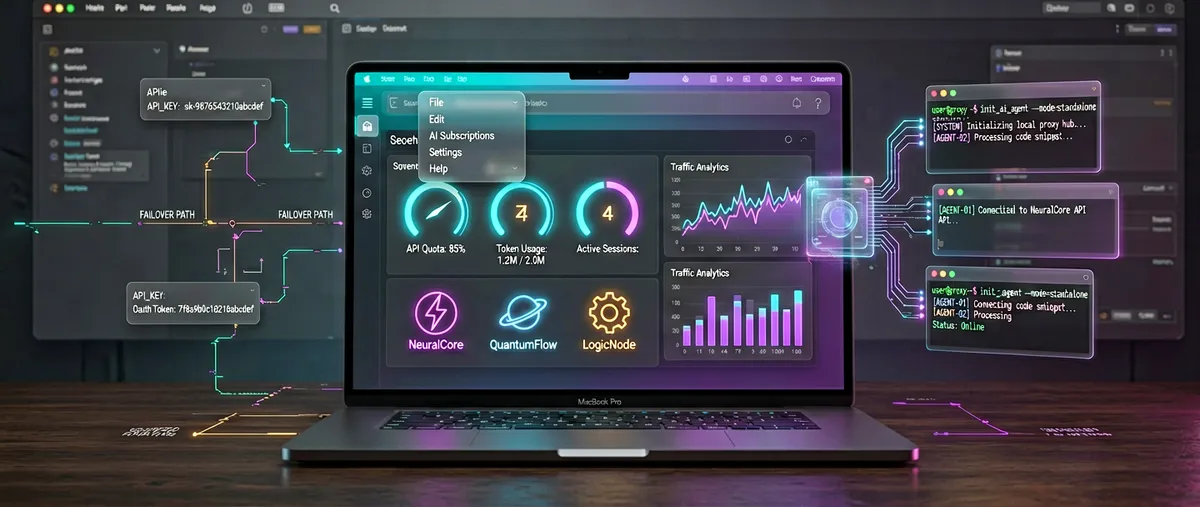
Quotio: a native macOS dashboard for managing your AI subscriptions
nguyenphutrong/quotio · 4,872★ · 325 forks
A native macOS dashboard that centralizes several AI subscriptions: it unifies Claude, Gemini, OpenAI, Qwen, and Antigravity accounts, watches their quotas in real time, and configures CLI coding agents (Claude Code, OpenCode, Codex, Droid) behind a local proxy. As of September 4, 2026 it carries 4,830 stars.
Disambiguation note: this report covers Quotio (the macOS menu bar app, domain
quotio.dev, authornguyenphutrong). Don’t confuse it with Quotion (quotion.co), an unrelated 2023 product that converts Apple Notes into blogs and frequently surfaces in Hacker News searches.
What Quotio is
Quotio is a native macOS app (Swift/SwiftUI) that lives in the menu bar and acts as a “command center” for AI coding assistants. Technically, it describes itself as an interface for CLIProxyAPI: a local proxy that exposes subscribed accounts (Claude, Codex, Qwen, Vertex, iFlow, Antigravity, Kiro, GitHub Copilot) as an OpenAI/Gemini/Claude-compatible API, so any command-line agent can use them.
The core product isn’t the proxy itself — that’s an external binary Quotio downloads and orchestrates — but the visual management layer: seeing every account’s usage and quota in one place, automatically switching to a backup account when the primary one fails or runs out, and routing CLI agents to that proxy with a single click.
The README and official site (quotio.dev) summarize the verifiable capabilities: multi-provider support, a standalone quota mode (view usage without starting the proxy), one-click agent configuration, a real-time dashboard (traffic, tokens, success rate), API key management, menu bar integration, notifications, Sparkle-based auto-update, and English, Vietnamese, and Simplified Chinese localization.
Origin
The repository was created on December 24, 2025 by developer nguyenphutrong (full name not confirmed in the sources consulted; the account publishes a README in Vietnamese and university projects in Vietnamese, indicating a native Vietnamese-speaking developer). The first release (v0.0.1) shipped on December 25, 2025, just a day after creation.
The starting point is a dependency: Quotio was born as a graphical layer over router-for-me/CLIProxyAPI (≈50,000 stars, in Go), the proxy that wraps AI subscriptions to expose them as an API. The README itself states that Quotio “helps manage multiple AI accounts, track quotas, and configure CLI tools in one place,” and that the CLIProxyAPI binary is downloaded automatically on first launch.
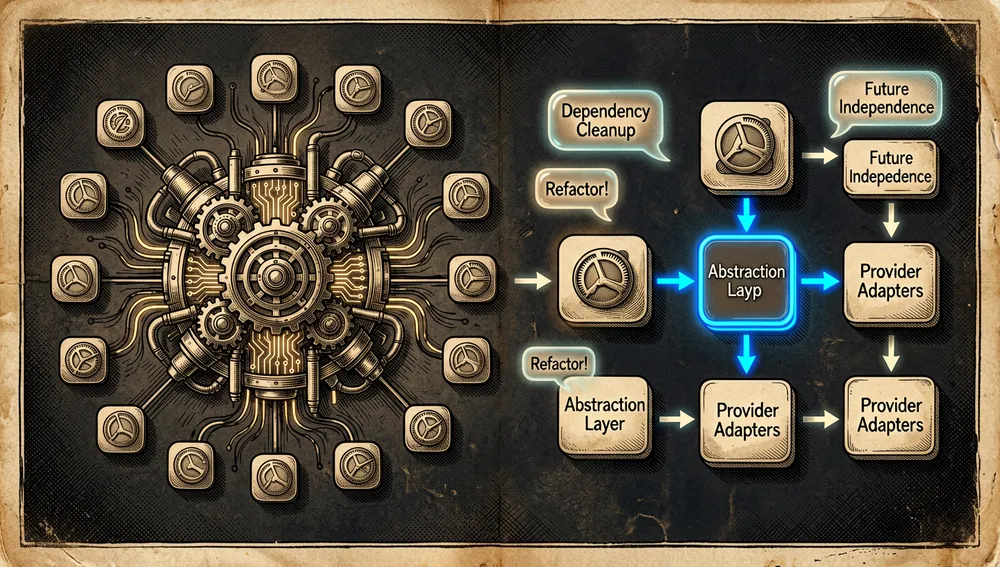
The development story is marked by an architectural tension the author raised publicly: in discussion #424 (June 29, 2026) nguyenphutrong proposes dropping the dependency on CLIProxyAPI as the core. His argument is that Quotio is “downstream” of the proxy: the interface can support a flow before the proxy supports it, the proxy’s behavior changes and Quotio has to react afterward, and internal proxy bugs can’t be fully fixed “unless you fork it or add another layer.” That discussion remains open and explains why the recent evolution (a proxy architecture refactor in v0.29.1, August 23, 2026) touches the heart of that dependency.
Philosophy and principles
The sources don’t contain an explicit manifesto, but the emerging principles from the README, docs, and release cadence are verifiable:
- One place for several accounts: the premise (“Stop juggling AI accounts”) is centralizing accounts that, by default, each AI tool manages separately.
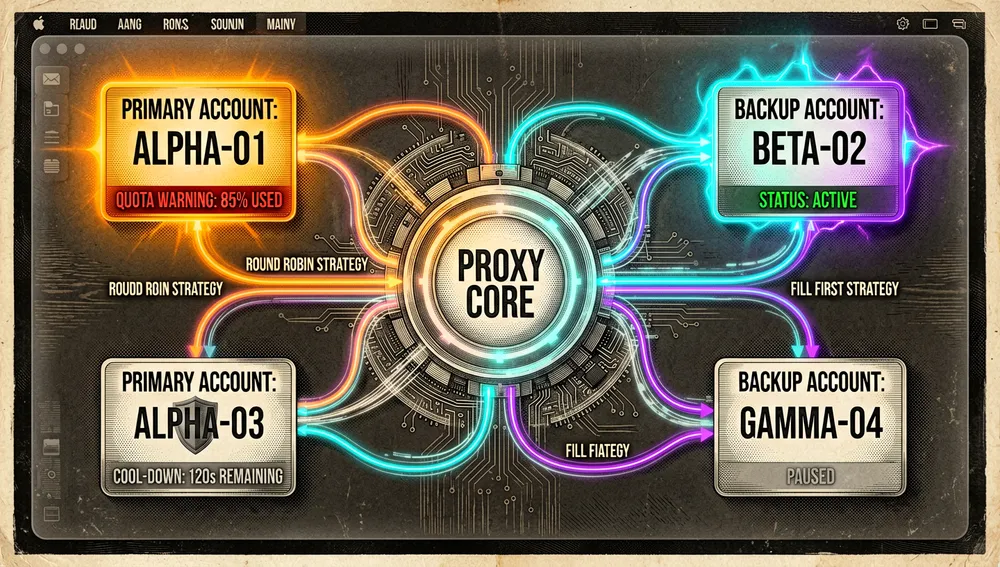
- Fault-tolerant switching (failover): the automatic account-switching logic — with Round Robin and Fill First strategies — is the product’s core; the stated goal is not interrupting “vibe coding” when an account runs out or enters cooldown.
- Three usage modes: Full Mode (OAuth + agents through the proxy), Quota-Only Mode (reading existing auth files without starting the proxy), and the idea of a standalone quota mode for quick checks.
- Native and lightweight on macOS: a SwiftUI menu bar app, not a web wrapper; with auto-update (Sparkle) and Apple signing/notarization since
v0.26.0. - Explicit, honest dependency: it doesn’t hide that it relies on
CLIProxyAPI; it discusses this in the community and plans to decouple it.
How it works
The basic flow documented in the README, site, and docs has these pieces:
- Local proxy server. Pressing Start in the dashboard initializes the local proxy (the
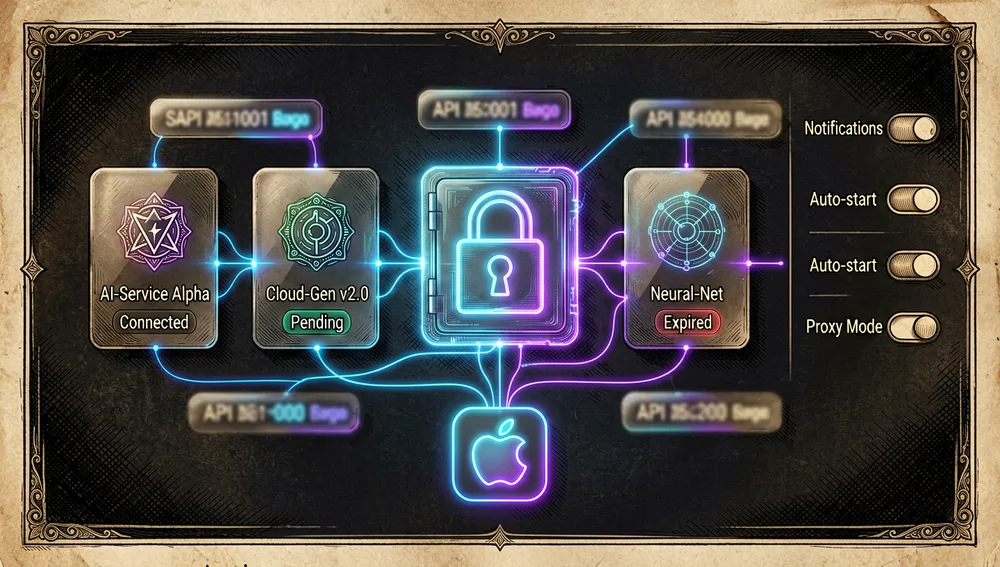
CLIProxyAPIbinary downloaded on first launch) and listens on a configurable port. - Accounts / providers. In the Providers tab, each provider is authenticated via OAuth (Claude, Codex, Qwen, iFlow, Antigravity, Kiro, GitHub Copilot) or credential import (Vertex AI with a service account JSON). Each account’s quota is tracked and shown in the menu bar.
- Agents. In the Agents tab, installed CLI agents (Claude Code, Codex CLI, Amp CLI, OpenCode, Factory Droid; the site adds Gemini CLI) are detected and configured to route their traffic through the proxy, in automatic or manual mode.
- Dashboard and quota. The Dashboard shows overall health and traffic; Quota shows the per-account breakdown; Logs provides raw request/response logs for debugging.
- Switching and keys. The switching strategy (Round Robin / Fill First) decides which account each request goes to, and API key management lets you generate and administer keys for the local proxy.
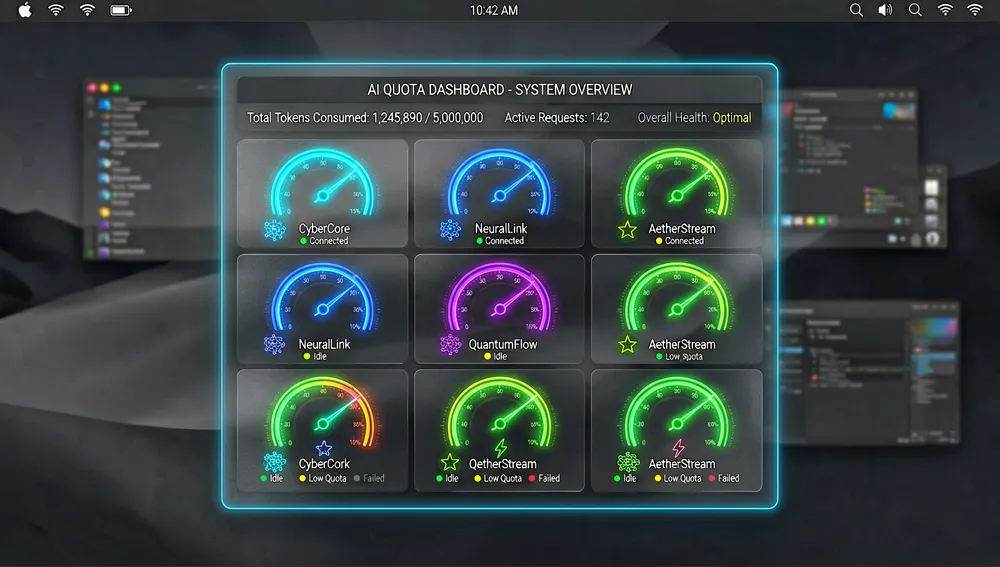
The Cursor, Trae, and Windsurf IDEs appear as “monitoring only”: they’re detected and their quotas are shown, but they can’t be used as proxy providers (an explicit warning in the README and docs).

Quick-start guide
Installation and first boot
Requirements: macOS and an internet connection for the OAuth flow. There’s a documented discrepancy in the minimum version: the README states macOS 14.0 (Sonoma) or later, while the website’s installation page and docs state macOS 15.0 (Sequoia) or later, Apple Silicon only (M1/M2/M3/M4). Both texts should be taken into account.
- Homebrew (recommended by the README):
brew tap nguyenphutrong/tap brew install --cask quotio - Manual download: grab the latest
.dmgfrom the Releases page and drag it into Applications. - Build from source:
git clone https://github.com/nguyenphutrong/quotio.git
cd Quotio
open Quotio.xcodeproj   # choose the "Quotio" scheme and press Cmd+R
On first launch, Quotio automatically downloads the CLIProxyAPI binary. If your install is one of the older unsigned versions (≤v0.25.0) and macOS blocks the app, the docs say to run:
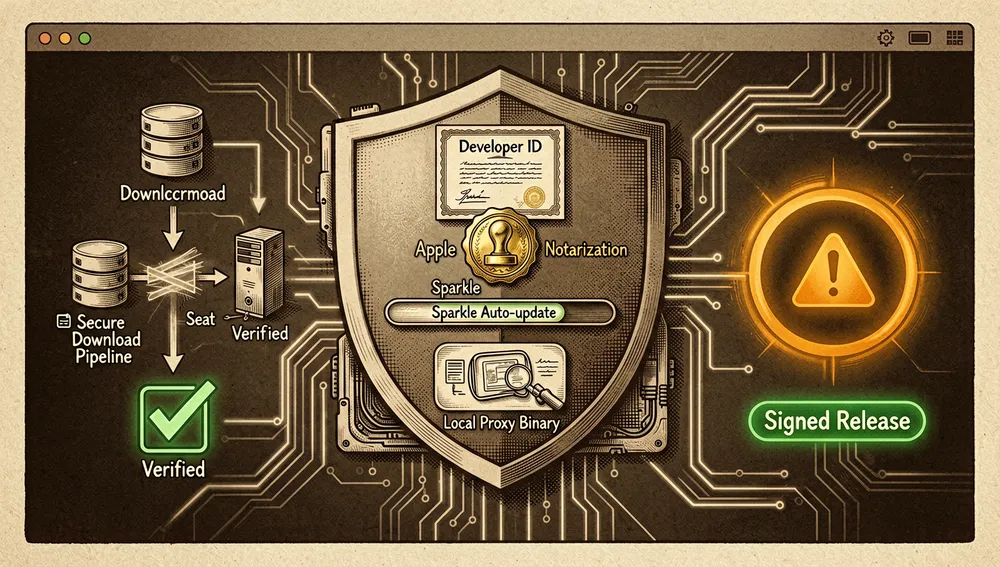
xattr -cr /Applications/Quotio.appSince v0.26.0 (August 13, 2026), the app is signed with a Developer ID and notarized by Apple, so that exception shouldn’t be necessary. The website’s installation page still warns that the app is “not yet signed,” text that turns out to be outdated relative to the release notes and RELEASE.md.
Common workflows
- To install and boot in Full Mode:
brew tap nguyenphutrong/tap && brew install --cask quotio; open Quotio, complete the wizard choosing Full Mode (recommended for most people), and let it download the proxy. Result: the icon appears in the menu bar. - To add a provider: Quotio’s menu bar icon → Open App (⌘O) → Providers tab → Add Provider button (+) → pick the provider (Claude, Codex, OpenAI, etc.) → follow the OAuth flow or import credentials. Result: that account’s quota is instantly visible in the menu bar dropdown.
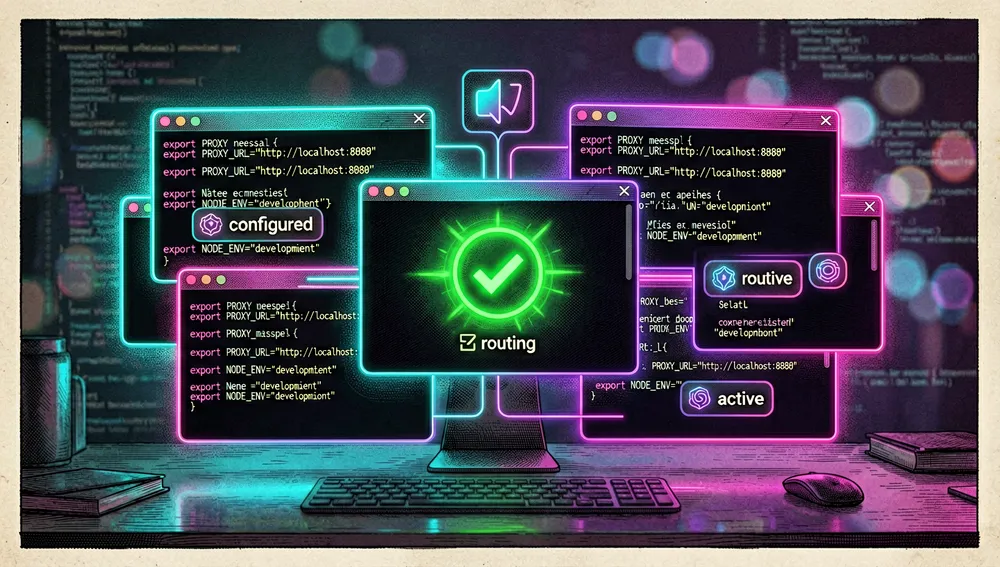
- To route a CLI agent: Agents tab → select the installed agent (Claude Code, OpenCode, Codex CLI…) → Configure → choose Automatic or Manual. Result: the agent uses the local proxy; from then on, the CLI is used “as usual” and traffic flows through Quotio.
- To change the switching strategy or just view quotas: in Settings, switch Routing Strategy between Round Robin and Fill First; or select Quota-Only Mode to track quotas from existing auth files without starting the proxy.
Essential configuration
- Port: the local proxy’s listening port.
- Routing Strategy: the switching policy, Round Robin or Fill First.
- Auto-start: launch the proxy automatically when Quotio opens.
- Notifications: toggle alerts for low quota, account cooldown periods, and service incidents.
- Usage mode (Full vs. Quota-Only): decides whether the proxy starts with agents or only the auth files are read to show quota.

Common pitfalls and fixes
- macOS blocks the app (unsigned versions ≤
v0.25.0): runxattr -cr /Applications/Quotio.app. Sincev0.26.0, signing/notarization prevents this. - Bundle identifier change: the first signed release migrated the identifier from
dev.quotio.desktoptoapp.bytrong.quotio(documented inRELEASE.mdand inv0.12.0). Old ad-hoc installs may need to install that release once manually and re-enable “Launch at Login” after the transition. - Quota shows “unknown” or the menu bar icon is missing: listed in the docs as common first-launch problems; resolved by completing OAuth, granting permissions, and verifying providers show a “Connected” (green) state.
- Model Fallback shows only one model version, not per provider: user
totally-timreported this as a bug in discussion #150 (8 comments). Maintainercrosslyclarified that Fallback is designed to switch between the same model type and is experimental, that the single-version behavior was a bug, and that the fix was to refresh the model cache after adding a new provider (linking to the guide in discussion #141).crosslyinvitedtotally-timto try PR #169 and to join Discord. - Sandbox disabled and automatic proxy binary download: the security report in discussion #143 (author
eovidiu) flags the app’s disabled App Sandbox (ENABLE_APP_SANDBOX = NO) with full client/server network access, Sparkle’s auto-update using an embedded Ed25519 key, and theCLIProxyAPIbinary being downloaded from GitHub Releases on first launch — a supply-chain risk if the repository were compromised. The proposal to decouple the proxy (discussion #424) is the path the author himself is weighing. - Requirements divergence: read both the README (macOS 14.0+) and the website (macOS 15.0+, Apple Silicon only) before installing on an older or Intel Mac.
Integrations and migration
Quotio is, by design, a graphical interface for router-for-me/CLIProxyAPI: anyone already using CLIProxyAPI from the command line can migrate by installing Quotio and letting it take over the proxy (the binary is managed automatically). The project connects with:
- CLI agents: Claude Code, Codex CLI, Amp CLI, OpenCode, Factory Droid (and Gemini CLI per the site) via the Agents tab’s automatic configuration.
- IDE monitoring: Cursor, Trae, and Windsurf (quota read-only).
- Distribution: a Homebrew cask (
nguyenphutrong/tap, updated automatically by CI on every stable release) and Sparkle-based auto-update (with a beta channel for alpha/beta/rc versions). - Community: a Discord referenced by maintainers in discussions; the cited link points to issue #138, which has been deleted, so a currently valid invite couldn’t be verified in this research.
- Optional telemetry:
RELEASE.mddocuments an optional PostHog token that can be embedded at build time.
The ecosystem
The underlying proxy and its environment
Quotio depends on an already-established ecosystem around router-for-me/CLIProxyAPI (≈50,289 stars, 7,664 forks, Go, MIT; created July 1, 2025), which wraps Antigravity, ChatGPT Codex, Claude Code, and Grok Build as an OpenAI/Gemini/Claude/Codex-compatible API service. That ecosystem is what gives Quotio meaning as a GUI:
router-for-me/EasyCLIProxyAPI: a desktop client (Rust, ≈1,826 stars) thatCLIProxyAPI’s own README recommends as an interface with a GUI, system tray, and one-click start/stop. It’s the closest “official” competitor to the role Quotio occupies, but on a different stack (Rust, not native macOS Swift).CLIProxyAPIPlusforks:kaitranntt/CLIProxyAPIPlus(≈240 stars, a fork maintained with daily syncing) andHsnSaboor/CLIProxyAPIPlus(≈83 stars, with Cline sign-in and CodeBuddy support).
GUI / quota-monitor alternatives
steipete/CodexBar: a macOS menu bar app (Swift, ≈20,905 stars, 1,842 forks, MIT) that shows OpenAI Codex and Claude Code usage stats without requiring sign-in. It’s the project in the same category (macOS menu bar + AI quota) with far more traction; it appears just above Quotio in the curatedsubinium/awesome-claude-codelist.sylearn/AIUsage: “one dashboard” for AI subscriptions — quotas, costs, accounts, a Claude Code proxy, and a Codex proxy (Swift, ≈658 stars, Apache-2.0).Finesssee/ProxyPilot: a native Windows fork ofCLIProxyAPIwith a TUI, system tray, and multi-provider OAuth (Go, ≈261 stars, MIT).0xtbug/zero-limit: a cross-platform desktop app for monitoring AI assistant quotas usingCLIProxyAPI(TypeScript, ≈231 stars, MIT).
The author’s (nguyenphutrong) repos and community clones
Outside Quotio, the author’s account maintains other projects of their own (GitHub API figures): agentlens (≈59 stars; scans codebases and generates hierarchical symbol maps for agents), i18nlens (≈30; a Zed extension for previewing i18n translations), codex-pools (13), andrej-karpathy-skills-codex (12; packages Karpathy-style guidelines as a Codex skill/plugin), typedora-ui (10), txtension (6), opencode-caffeinate (3; keeps macOS from sleeping during OpenCode sessions), ai-noti (2; notifications when the agent needs input), and the homebrew-tap (1; the tap that distributes Quotio). The rest of the account is mostly forks.
A direct derivative of Quotio exists in xiaocoss/quotio-desktop (Rust, ≈57 stars, MIT, created June 7, 2026), an independent reimplementation. bigidulka/quounter (TypeScript, ≈6 stars) explicitly declares itself “Inspired by Quotio” as a cross-platform app for managing CLIProxyAPI. Also present are kmfb/quotio-lite (1) and several low-traction experiments (thaitryhand/quotio-electron, lehoa1806/quotio-python).
Star counts come from the GitHub search API as returned during this research; they don’t constitute a quality, support, or compatibility audit of each derivative.
Official and semi-official status
Quotio is not part of any official marketplace or the Mac App Store: it’s distributed outside the App Store via Developer ID + Apple notarization (since v0.26.0) and Sparkle-based auto-update. Its verified semi-official status is:
- Homebrew: available as a cask via the author’s tap,
nguyenphutrong/tap(brew install --cask quotio). The release workflow (RELEASE.md) automatically updates the tap on every stable release, which makes Homebrew a maintained distribution channel, even though it’s a user tap rather than Homebrew’s main channel. - Curated list: included in
subinium/awesome-claude-code(≈112 stars) with the description “macOS menu bar app unifying Claude, Gemini, OpenAI, Qwen subscriptions with quota tracking.” - Trending: the README carries Trendshift badges (repository 16304) for Swift, indicating it reached that platform’s trending lists.
In practice, Quotio has become a popular, de facto GUI for CLIProxyAPI on macOS: it’s the native menu bar option versus alternatives like EasyCLIProxyAPI (Rust) or CodexBar (monitoring only). There’s no vendor endorsement or formal standard designation in the sources consulted, however. The license is MIT, and the project is funded via GitHub Sponsors and Ko-fi (both under nguyenphutrong’s name, per .github/FUNDING.yml).
Current metrics
Measured: September 4, 2026, GitHub API.
| Metric | Value |
|---|---|
| Stars | 4,830 |
| Forks | 322 |
| Subscribers (real watchers) | 14 |
| Open issues per the API | 124 |
| Commits (approx.) | ≈479 |
| Primary language | Swift |
| License | MIT |
| Created | December 24, 2025 |
| Last metadata update | September 4, 2026 |
| Latest release | v0.31.0, September 2, 2026 |
| Total releases | 68 (from v0.0.1, Dec 25, 2025, to v0.31.0) |
Top contributors returned by the API (excluding the github-actions[bot] bot, at 135) are: nguyenphutrong (236), benzntech (18), giaBaoJS (12), crossly (10), DIYgod (6), 1saifj (5), Xm798 (4), and totally-tim (4).
Caveats: (1) the GitHub API’s open_issues_count includes open pull requests, so the 124 shouldn’t be read as an issues-only count; (2) the general response’s watchers_count field mirrors the star count, so subscribers_count (14) is reported as the real subscriber number; (3) the ≈479 commits were obtained from the last page number in the commits API’s pagination link; (4) the release cadence is very high (13 releases in December 2025, 24 in January 2026), indicating an actively, intensively developed project.
Community reception
Reception concentrates on GitHub (Issues, Discussions, and releases) and the CLIProxyAPI ecosystem; no dedicated Quotio thread was found on Hacker News — “quotio” searches return the unrelated product Quotion (quotion.co, Show HN 38706190, 41 points and 37 comments, December 20, 2023). No Quotio threads on Reddit or a Product Hunt page were found either (access blocked by anti-bot protection during this research).
The concrete anchors retrieved are:
- Discussion #150 — “Help on Model Fallback feature” (author
totally-tim, January 11, 2026, 8 comments): the user expected a virtual model to list the same model version from several providers (Anthropic, Antigravity, Copilot…) and only saw one. Maintainercrosslyreplied that Fallback is designed to switch within the same model type and is experimental, that the single-version behavior was a bug, and that the fix was to refresh the model cache after adding a new provider (linking the guide in discussion #141).crosslyinvitedtotally-timto try PR #169 and join Discord. It’s a clear example of direct maintainer engagement with the community. - Discussion #143 — “Security Analysis Report” (author
eovidiu, January 10, 2026): a codebase analysis rating as critical the disabled App Sandbox with full network access, Sparkle’s auto-update with an embedded Ed25519 key, and the automatic download of theCLIProxyAPIbinary (a supply-chain risk). It’s the most substantial technical criticism retrieved. - Discussion #424 — “Proposal: Drop CliProxyApi from Quotio” (author
nguyenphutrong, June 29, 2026): the author himself opens the proposal to decouple the proxy so as not to depend on its roadmap. He points to the friction of being “downstream” of the proxy. - Discussion #217 — “Feature request: Linux support” (January 20, 2026): a request for a Linux version, currently unanswered (the app is native macOS).
- Discussion #61 — “[Feature] Price-Based Routing Strategy for Custom Providers” (December 31, 2025): a request for price-based routing for custom providers.
CLIProxyAPIecosystem on Hacker News: while not about Quotio, in thread 46955263 (“CLIProxyAPIPlus – use antigravity, Gemini CLI & more with Claude Code / etc.,” 2 points, 1 comment, February 10, 2026) userradio879writes that it works with Claude Code and lets them use GitHub Copilot’s Opus models “without exhausting all premium requests,” and that “Copilot is a great deal for what you get for $10.” Other recent comments (e.g.,49544323,49355109) associate tools like Meridian andCLIProxyAPIwith using a Claude subscription with OpenCode.
Balance: enthusiasm is strong in the CLI-agent community (centralized quota and failover solve the painful practice of “juggling” accounts), but real technical criticism points to security (disabled sandbox, remotely downloaded binary) and dependency on an external proxy. The high release cadence and active maintainer engagement in discussions signal a live, responsive project.
Comparison with similar projects
| Project | Verifiable overlap | Verifiable difference |
|---|---|---|
router-for-me/EasyCLIProxyAPI (≈1,826★, Rust) | A desktop GUI for CLIProxyAPI with system tray, auto-update, and one-click agent configuration; recommended from CLIProxyAPI’s own README. | Written in Rust and aimed at generic desktop use, not a native macOS SwiftUI menu bar app. |
steipete/CodexBar (≈20,905★, Swift, MIT) | A macOS menu bar app showing OpenAI Codex and Claude Code usage/quota without sign-in. | Focused on displaying usage (no proxy or multi-account switching); doesn’t manage the proxy or configure agents — its own premise avoids login. |
sylearn/AIUsage (≈658★, Swift, Apache-2.0) | “One dashboard” for AI subscriptions: quotas, costs, accounts, and a Claude Code and Codex proxy. | Broader focus on costs/billing; not presented as the specific CLIProxyAPI GUI or with the same range of OAuth providers. |
Finesssee/ProxyPilot (≈261★, Go, MIT) | A native Windows fork of CLIProxyAPI with a TUI, system tray, and multi-provider OAuth. | Windows-oriented, not macOS. |
0xtbug/zero-limit (≈231★, TypeScript) | A cross-platform desktop app for monitoring quotas using CLIProxyAPI. | Cross-platform (not native macOS); emphasis on monitoring. |
xiaocoss/quotio-desktop (≈57★, Rust) | An independent reimplementation with the same brand name and goal. | Rewritten in Rust; less traction. |
The most useful comparison isn’t by popularity: Quotio stands out when you want a native macOS app that combines multi-account management + failover + agent configuration behind CLIProxyAPI. CodexBar is preferable if you just want a lightweight glance at usage without operating the proxy; EasyCLIProxyAPI if you prefer a generic Rust desktop client; and the Windows forks if macOS isn’t the target.
How to contribute
The documented process (README and the docs’ Contributing section) is the standard fork flow:
- Fork the project.
- Create a feature branch (
git checkout -b feature/amazing-feature). - Commit the changes (
git commit -m 'Add amazing feature'). - Push to the branch (
git push origin feature/amazing-feature). - Open a Pull Request.
There’s also verifiable infrastructure:
- Issue templates:
.github/ISSUE_TEMPLATE/containsbug_report.yml,feature_request.yml,question.yml, andconfig.yml. The docs ask bug reporters to include the Quotio version, macOS version, clear repro steps, and relevant log snippets. - Code of conduct:
CODE_OF_CONDUCT.md(standard professional conduct for open-source projects). - Release flow: documented in
RELEASE.mdwith a GitHub Actions workflow (release.yml) that signs with Developer ID, notarizes, packages DMG/ZIP, signs the Sparkle appcast, and updates the Homebrew tap. Forks work without Apple credentials because the workflow generates ad-hoc artifacts when signing secrets are missing. - Guide for adding agents: the docs include an “Adding Agent” section, indicating a documented process for onboarding new CLI agents.
- Tests: a
QuotioTestsdirectory exists.
Use cases and who this repository can help
- Developers juggling several AI subscriptions at once (e.g., Claude Max, ChatGPT/Codex, GitHub Copilot, Qwen, Antigravity) can use Quotio to see every quota in the menu bar and automatically switch when an account runs out or enters cooldown, keeping a coding session from stalling on a limit.
- Users of command-line agents (Claude Code, Codex CLI, OpenCode, Factory Droid, Amp CLI) who want their tools to use subscribed accounts instead of pay-per-use API keys can route all those agents through a single local proxy with one-click configuration in the Agents tab.
- Teams that share or test several providers can rely on the real-time dashboard (traffic, tokens, success rate), raw logs for debugging, and API key management for the local proxy, keeping a single view of consumption.
- Those who just want to watch without changing their setup can use Quota-Only Mode to read existing auth files and see quota in the menu bar without starting the proxy or redirecting agents.
CLIProxyAPIecosystem maintainers and advanced users will find value in the project as a GUI reference and in discussion #424 about decoupling the proxy, which signals the architecture’s direction. Before adopting it, it’s worth reviewing the security report (#143) — disabled sandbox, remotely downloaded binary — and checking the signing status of the version you install.
Resources
- Repository: https://github.com/nguyenphutrong/quotio
- Official site / documentation: https://www.quotio.dev/docs
- Changelog: https://www.quotio.dev/changelog (also
CHANGELOG.mdin the repository) - Releases: https://github.com/nguyenphutrong/quotio/releases
- Homebrew tap: https://github.com/nguyenphutrong/homebrew-tap (
brew tap nguyenphutrong/tap && brew install --cask quotio) - Underlying proxy (ecosystem): https://github.com/router-for-me/CLIProxyAPI · https://github.com/router-for-me/EasyCLIProxyAPI
- Curated list:
subinium/awesome-claude-code→ https://github.com/subinium/awesome-claude-code - Discussions / Community: https://github.com/nguyenphutrong/quotio/discussions (includes security report #143 and proposal #424)
- Funding: GitHub Sponsors and Ko-fi under
nguyenphutrong’s name - Package registries: Homebrew cask (not published on npm/PyPI/crates.io/Docker Hub, being a native macOS app)
- Ecosystem threads (Hacker News): https://news.ycombinator.com/item?id=46955263 (CLIProxyAPIPlus, proxy context)
- Trending: https://trendshift.io/repositories/16304
Methodology note: this article draws on Quotio’s README, official site, and documentation (quotio.dev), release notes and RELEASE.md, the GitHub API (repository, releases, contributors, discussions), router-for-me/CLIProxyAPI’s README, Hacker News searches, and the curated subinium/awesome-claude-code list, consulted on September 4, 2026. Figures change over time. No dedicated Quotio threads on Reddit or a Product Hunt page were found during this research.



Comments