

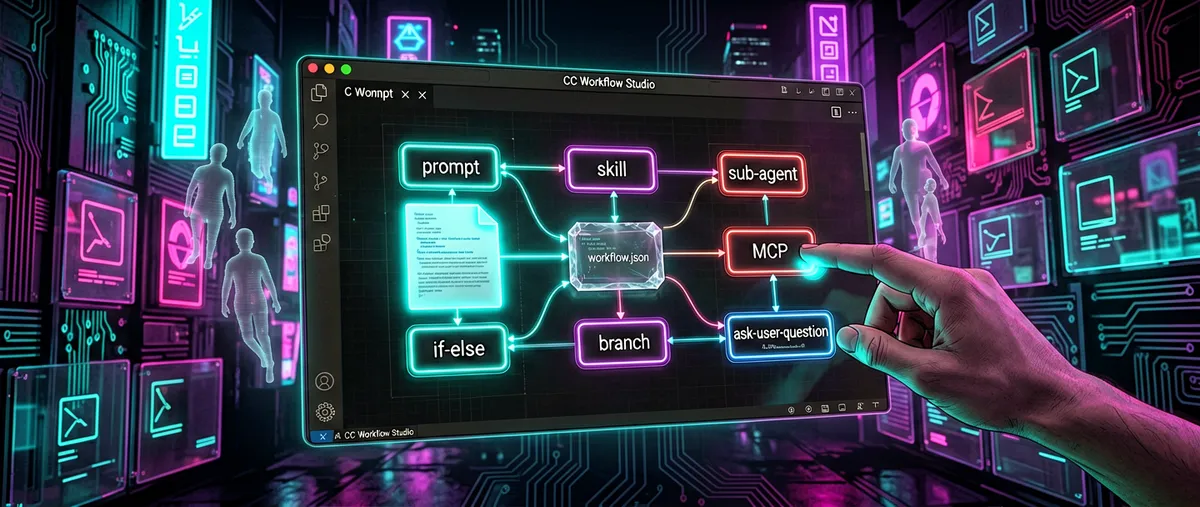
CC Workflow Studio: a visual editor for coding-agent workflows
breaking-brake/cc-wf-studio · 5,390★ · 571 forks
Everything worth knowing about breaking-brake/cc-wf-studio: a VS Code extension (and a family of tools built around a single workflow.json file) that lets you design multi-agent workflows on a visual canvas and export them as Markdown that coding agents understand. As of September 3, 2026 it carries 5,367 stars.
No disambiguation was needed: the repository is breaking-brake/cc-wf-studio (https://github.com/breaking-brake/cc-wf-studio), a single publication under that name.
What CC Workflow Studio is
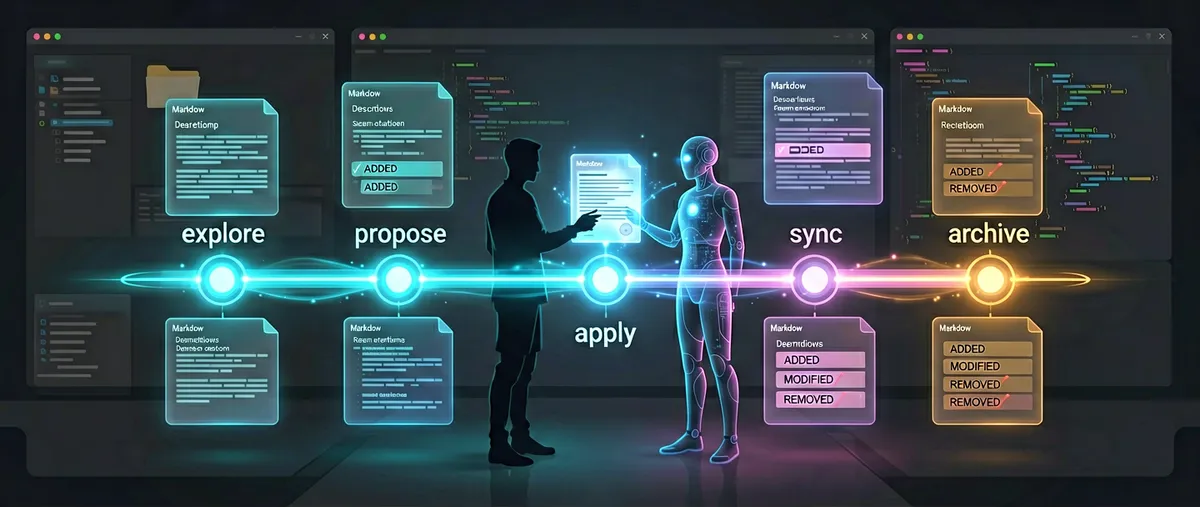
CC Workflow Studio (titled “Claude Code Workflow Studio” in the extension marketplaces) is a visual workflow editor for coding agents. The README’s tagline sums it up: “You think visually. AI thinks in .md. CC Workflow Studio speaks both.” In practice: the user draws a flow on a drag-and-drop canvas, and the tool converts it into Markdown files (slash commands, skills, or subagents) that Claude Code, Copilot, Codex, or other agents run directly.
It isn’t a model, an orchestrator that runs agents on its own, or a cloud service — it’s a design and generation layer over each agent’s native formats. The core product is a single workflow.json file that feeds, interchangeably, three interfaces: the VS Code extension (canvas + editor), a CLI (ccwf), and an MCP server (ccwf-mcp).
Origin
- The repository was created on November 1, 2025, and its author is
breaking-brake, whose GitHub profile describes them as a Web Engineer / Dev Tools Engineer based in Tokyo, Japan (87 followers as of the profile check on September 3, 2026). - The associated npm packages (
@cc-wf-studio/cliand@cc-wf-studio/mcp) published their first version on May 19, 2026, indicating the CLI/MCP phase arrived several months after the extension launched. - On April 9, 2026, the author published the “CC Workflow Studio” presentation on Speaker Deck (profile
seiyakobayashi), which had accumulated 1,770 views at the time of consultation; that day and that talk are the oldest point of public visibility we could verify. - The README declares it a project inspired by Dify (
langgenius’s visual orchestration platform) and built on React Flow and Claude Code. This is the author’s own statement about conceptual inspiration, not a code relationship.
Unverified: we found no launch announcement on a personal blog, Twitter/X, or Product Hunt; the
breaking-brake.github.ioblog (Astro, “Claude Code Workflow Studio Blog”) didn’t resolve during this research. The verifiable public narrative starts with the April 2026 talk, months after the repository was created.
Philosophy and principles
Principles readable directly in the README and documentation:
- One file, three interfaces. The README insists there’s no “VS Code only” path: the
workflow.jsondrawn on the canvas is the same oneccwf previewrenders in the browser, and the same one an external Claude Code edits over MCP. The tool separates design from output format. - From canvas to native Markdown. It doesn’t invent a new execution format — it exports to the directories each agent already reads (
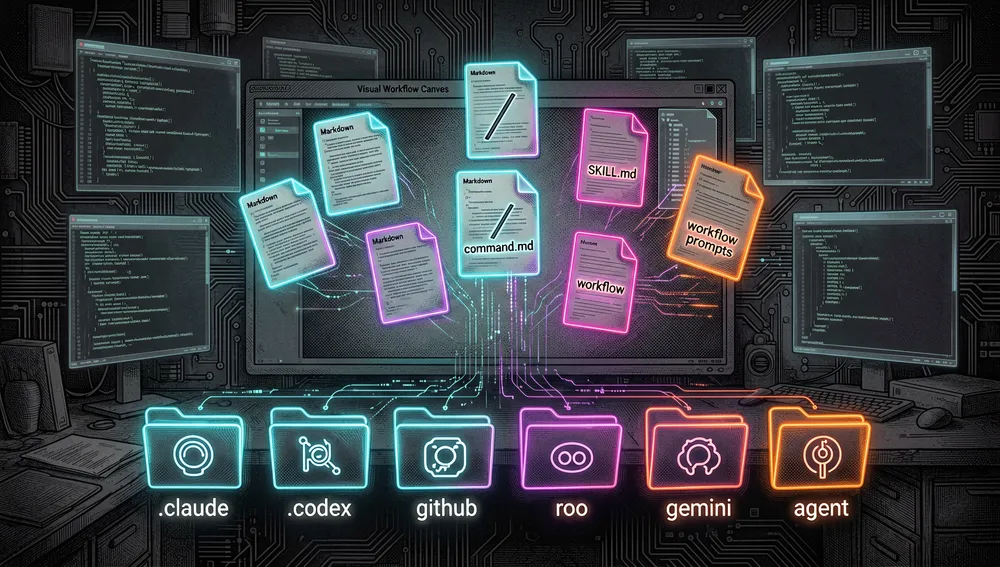
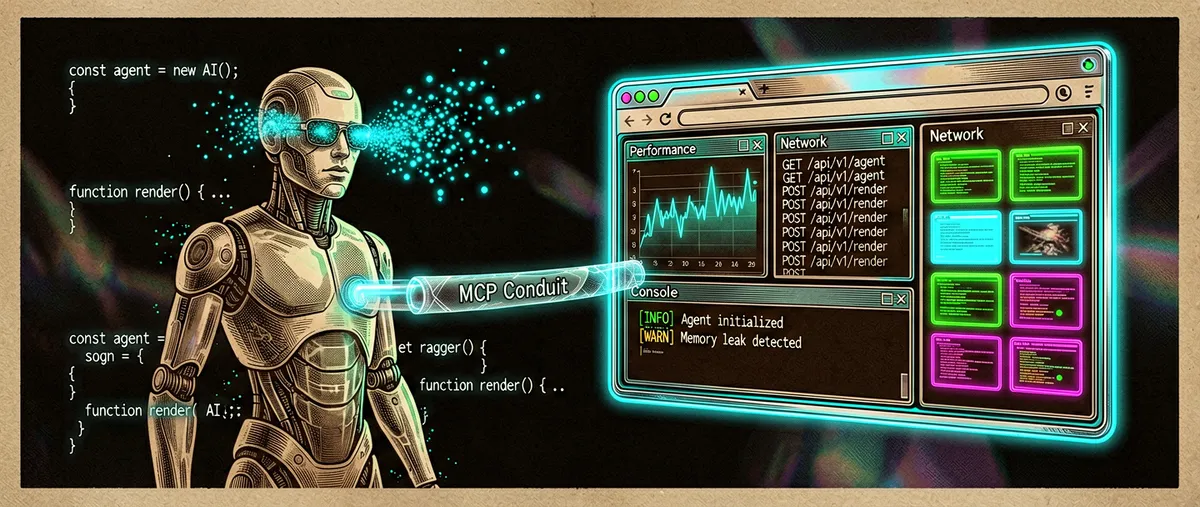
.claude/,.codex/,.cursor/,.github/,.roo/,.gemini/,.agent/). The stated goal is to eliminate “prompt-guessing.” - The agent is also a user of the tool. There’s an “Edit with AI” feature: the agent itself conversationally modifies the flow through the MCP server (
get_workflow→apply_workflow). - Documented autonomous development. The project itself is largely built with an autonomous Claude Code loop (see “How to contribute”): ideation and implementation are done by an agent, and
mainis human-only territory.
How it works
Architecture (per docs/architecture.md)
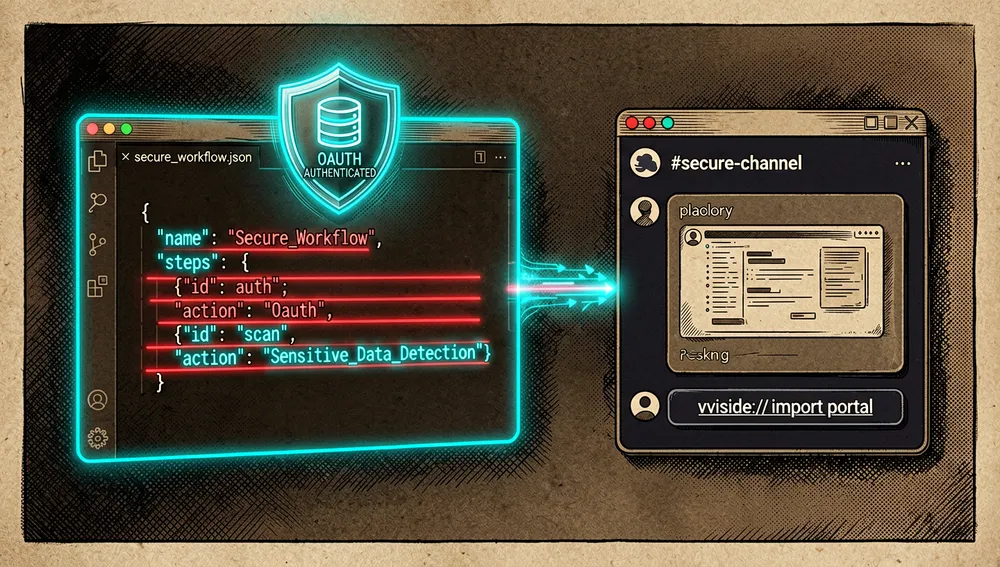
A VS Code extension with two halves — an extension host (Node.js) and a webview (React + Zustand) that talk via postMessage; the host reads and writes the file system (.vscode/workflows/), calls the Claude Code CLI, Slack, and MCP servers. Documented flows include saving the workflow, sharing it via Slack (with sensitive-data detection before sending and a vscode://cc-wf-studio/import deep-link to re-import it from Slack), and discovering MCP servers/tools for MCP nodes.

Canvas nodes (per packages/core/src/schema/nodes/)
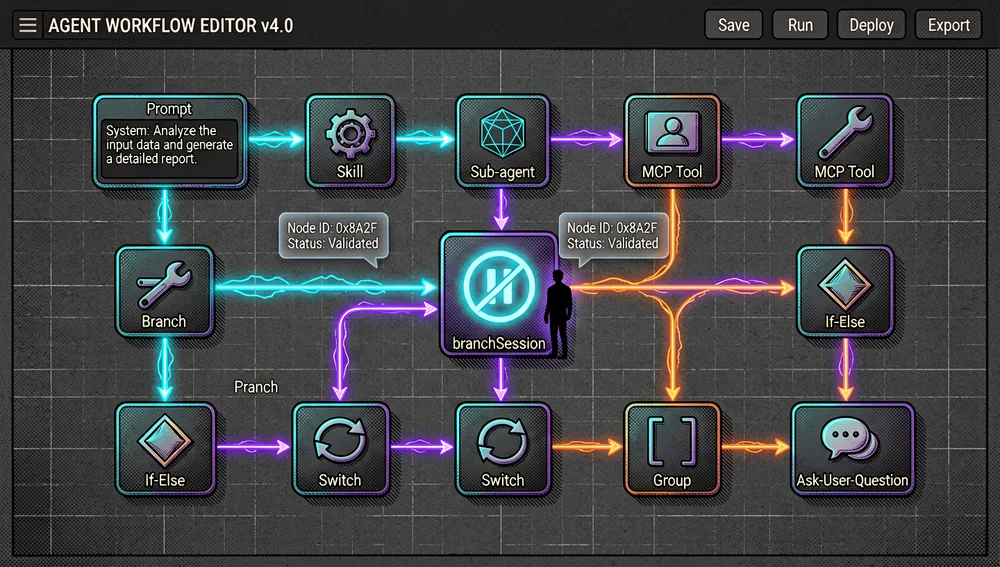
Each node type has its own zod schema: prompt, skill, sub-agent, sub-agent-flow, mcp, branch, branch-session, if-else, switch, group, and ask-user-question. The branchSession type, added in version 3.36.0 (July 11, 2026), is a human-in-the-loop checkpoint exclusive to Claude Code.
Target agents and export format (README table)
| Agent | Generated directories |
|---|---|
| Claude Code | .claude/agents/ and .claude/commands/ |
| GitHub Copilot Chat | .github/prompts/ |
| GitHub Copilot CLI | .github/skills/ |
| OpenAI Codex CLI | .codex/skills/ |
| Zoo Code (formerly Roo Code) | .roo/skills/ |
| Gemini CLI | .gemini/skills/ |
| Antigravity | .agent/skills/ |
| Cursor | .cursor/agents/ and .cursor/skills/ |
README note: agents other than Claude Code need to be enabled from the toolbar’s More menu.
MCP tools (6, per packages/mcp/README.md)
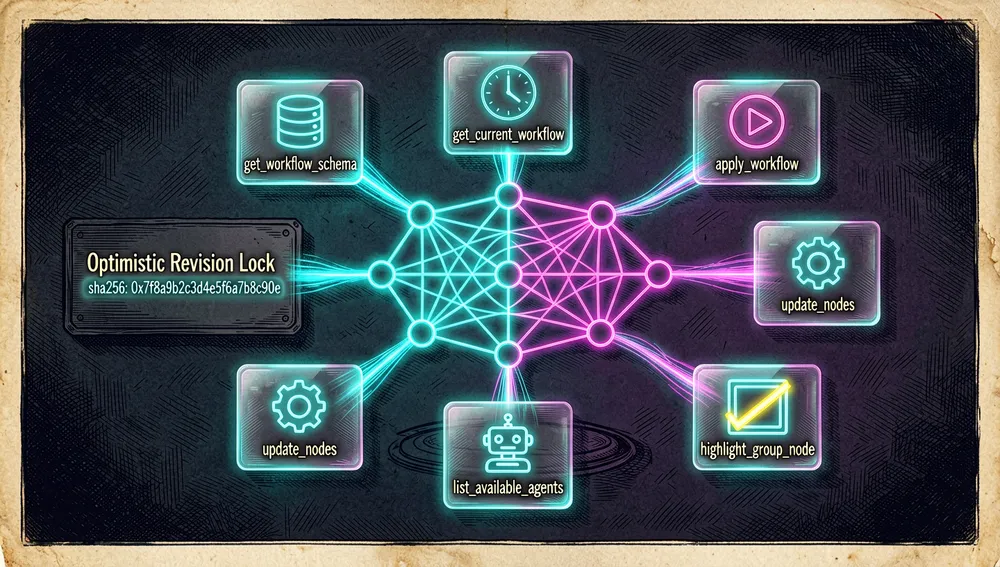
get_workflow_schema, get_current_workflow, apply_workflow (validates and persists; respects expectedRevision for optimistic locking), update_nodes (partial updates, more token-efficient), list_available_agents, and highlight_group_node (canvas only). In file mode, revision is the file content’s sha256:, and writes are atomic (temp file + rename).
The ccwf CLI (per packages/cli/README.md)
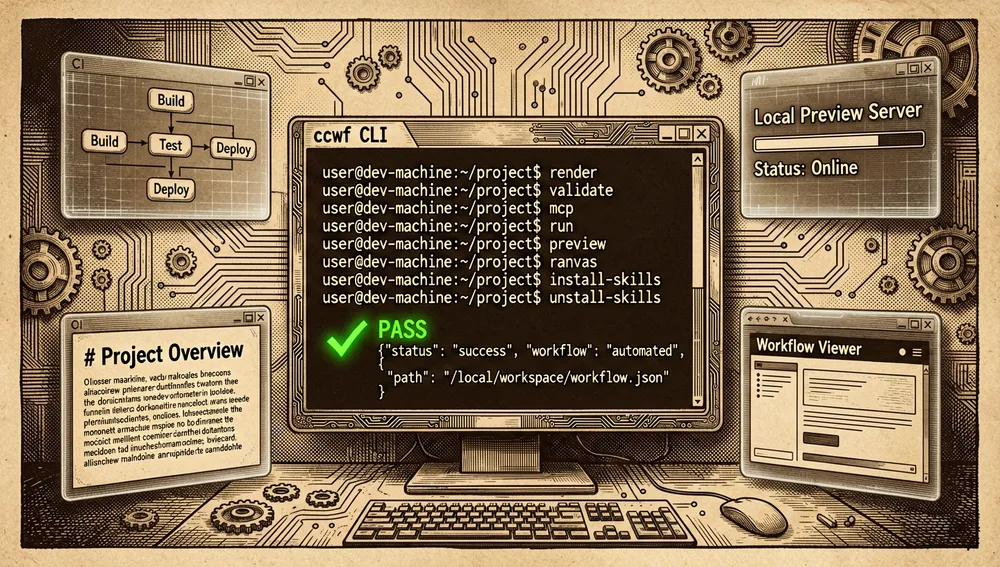
render, validate (exits 0/1; --json), mcp --file, export (--agent, --cwd, --overwrite), run (--launch), preview (--port, --keep-alive), canvas (experimental), and install-skills / uninstall-skills.
The ecosystem
Repositories by the same author
breaking-brake/cc-wf-studio-connectors(2 stars): an OAuth authentication server (Cloudflare Worker + KV) so the extension can connect to Slack securely.breaking-brake/breaking-brake.github.io(1 star): the project’s blog, “Claude Code Workflow Studio Blog – Powered by Astro.”breaking-brake/markdown-ai-translator(10 stars): a side project by the author, with no direct functional relationship to the canvas.- The rest of their profile is VS Code themes, reading projects (a Readest/Thorium fork), and small experiments; none of it is part of the CC Workflow Studio ecosystem.
A community project in another language
heishia/ppop-code(11 stars, created January 20, 2026): a TUI (Go) AI orchestration framework that connects Claude Code + cc-wf-studio + Cursor, with an installation guide in Korean (README.ko.md). It’s the only non-English project we could verify linked to this repository; it’s not a fork or translation of the editor, but a consumer of it.
Related (neighboring projects, verified via GitHub searches)
| Repository | Stars (Sep 3, 2026) | What it is |
|---|---|---|
AgenticFlowX/agenticflowx | 20 | A “VS Code workflow layer for AI coding” with Code/Explore/Spec modes and a chat-first approach. |
rondoflow/rondoflow | 20 | A local-first, open-source platform to orchestrate Claude Code agents with a drag-and-drop canvas (has its own Show HN, id 48686649). |
stellan-lee/Infinite-Loop | 8 | A visual editor that runs Claude Code in a loop until a condition is met (Loop, Branch, Condition). |
OshriNap/skill-editor | 1 | A node-graph editor (Blender-style) for editing Claude Code skills. |
We found no Chinese or Japanese translations of the editor itself; the localization the project documents is internal (its workflow output gets localized, see issue #133).
Official and semi-official status
- VS Code Marketplace: published as
breaking-brake.cc-wf-studio(“Claude Code Workflow Studio”), with 9,744 installs, 3,810 downloads, and a 4.45/5 rating (gallery API, Sep 3, 2026). The latest version published there is 3.36.0 (07-11-2026). - Open VSX: also listed (namespace
breaking-brake/cc-wf-studio, v3.36.0, timestamp 2026-07-11T07:08Z). - npm:
@cc-wf-studio/cli(v0.2.2),@cc-wf-studio/mcp(v0.1.5), and@cc-wf-studio/core(v0.4.0). - Curated lists: the author opened
hesreallyhim/awesome-claude-code#1198on March 28, 2026 (“[Resource]: CC Workflow Studio,” category Tooling: IDE Integrations); as of consultation it remains open, and we couldn’t verify it’s already listed in that list’s README, so it should be read as a pending nomination, not confirmed inclusion. - Third-party audit:
xiaolai/nlpm#219(April 25, 2026) flagged it as an audit candidate (4,893 stars then, 5 NL artifacts); the issue was closed.
In practice, its status is that of an extension marketed in the two main VS Code galleries and an npm package, with no formal standard designation from Anthropic or any vendor; its real “officialness” is distribution-channel status, not brand endorsement.
Quick-start guide
Installation and first run
Prerequisites: VS Code (for the extension) and Node.js (for CLI/MCP).
# Extension (the most direct route)
code --install-extension breaking-brake.cc-wf-studio

# Or from the VS Code Marketplace / Open VSX, searching "Claude Code Workflow Studio"

# CLI, no install (via npx)
npx @cc-wf-studio/cli --help

# Or as a project dependency
pnpm add -D @cc-wf-studio/cli
On first run: an icon in the top-right corner of the editor, or Command Palette → “CC Workflow Studio: Open Editor.” From the palette, nodes are added, each configured, and saved with the Save button; the result lands in .vscode/workflows/*.json.
Common workflows
- Design a flow and use it as a command: draw the nodes → Export → generates the
SKILL.md/slash command → in Claude Code, invoke it with/workflow-name. - Validate before using it (useful in CI):
ccwf validate ./.vscode/workflows/my-workflow.json(exits 0/1; with--jsonemits{ valid, errors[] }). - Run the workflow directly: the Run button in the editor, or
ccwf run ./my-workflow.json --launch(writes the files and, if aclaudebinary is onPATH, starts it; claude-code only for now). - Let an external agent edit the workflow: point the MCP client at the server, e.g. in
.mcp.json:
The agent then uses{ "servers": { "cc-wf-studio": { "type": "stdio", "command": "npx", "args": ["@cc-wf-studio/mcp", "--file", ".vscode/workflows/my-workflow.json"] } } }get_current_workflow/apply_workflow/update_nodes. - View the flow without VS Code:
ccwf preview ./my-workflow.jsonopens a read-only viewer (Mermaid + per-node Markdown) in the browser and reloads automatically on file change.
Essential configuration
.vscode/workflows/*.json— where your flows live; it’s the only real state shared by all three interfaces..mcp.json— registers the MCP server (cc-workflow-studioover HTTP in canvas mode, or theccwf-mcpbinary over stdio in file mode).- The toolbar’s More menu — where agents other than Claude Code are enabled before exporting.
--agent(CLI) —claude-code(default),cursor,codex,copilot,gemini,roo-code,antigravity; changes the output directory.- The project’s
.claude/skills(optional) —ccwf install-skills --projectcopies the bundled skill so agents know when to useccwf.
Common pitfalls and fixes
- The exported agent doesn’t respond: agents other than Claude Code must be enabled first from More (explicit README note).
SKILL.mdwith non-Skill frontmatter: the body is still generated by the legacy SlashCommand generator, withhooks,model, andargument-hintfields the Skill spec doesn’t recognize; the README flags this as pending work.- Broken YAML on export: there are open bugs from unescaped interpolation (issue #1061 “Skill node SKILL.md frontmatter is interpolated unescaped,” #1058 “Sub-Agent Flow agent file…,” #1047 “Slash-command frontmatter…,” #1064 “Prompt bodies… 3-backtick fences”); if a
:or line break in a description breaks the YAML, it’s one of these. - Opening/closing a Sub-Agent Flow damages it: issue #1042 “Opening and closing a Sub-Agent Flow destroys its groups and branch conditions” — keep a copy of the JSON if working with that node.
previewshuts itself down: the server closes 30s after the last tab is closed (only if one ever connected); use--keep-aliveto share over LAN or reopen.- File-mode MCP doesn’t create subagents:
planAndPersistSubAgentFilesdeliberately returns[]; in file mode, the client must supply the fullcommandFilePath(auto-creation of.claude/agents/*.mdis reserved for canvas mode). - Concurrent writes:
apply_workflowrejects the change ifexpectedRevision(the file’s sha256 hash) doesn’t match — it’s optimistic locking, not a network error.
Integrations and migration
- MCP: two modes — HTTP at
127.0.0.1:6289/mcp(canvas) and stdio viaccwf-mcp/ccwf mcp --file(file). Any MCP client (Claude Code, MCP Inspector) can use it. - Slack: share the
workflow.jsonto a channel (with sensitive-data detection) and re-import it from the message via deep-link. - CI/SSH/Codespaces: the CLI covers the no-IDE case —
renderto generate Mermaid docs,validatefor gates,exportto materialize skills. - Migration from hand-written commands: output directories are each agent’s standard ones, so an exported flow coexists with hand-written
.claude/commands/<name>.md. The README warns thatccwf export --agent claude-codenow writes to the per-directory layout (.claude/skills/<workflow>/SKILL.md) and doesn’t delete legacy.claude/commands/<workflow>.mdfiles: cleanup is manual. - Migration from Dify: no converter exists; the README positions Dify as conceptual inspiration.
Current metrics
Measured: September 3, 2026, GitHub API (repo) and the VS Code gallery API.
| Metric | Value |
|---|---|
| Stars | 5,367 |
| Forks | 571 |
| Subscribers (real watchers) | 19 |
| Commits (via API pagination count) | 1,066 |
| Tags | 179 |
Issues + PRs open (open_issues_count field) | 46 |
| — issues only (search API) | 38 |
| — PRs only (search API) | 8 |
| Primary language | TypeScript |
| License | AGPL-3.0-or-later (extension) / MIT (all 3 npm packages) |
| Created | November 1, 2025 |
| Last push | August 30, 2026 |
| Latest release | cc-wf-studio@3.36.0 (July 11, 2026) |
| VS Code Marketplace installs | 9,744 (rating 4.45/5) |
| npm downloads (last week / month) | cli 92/245 · mcp 84/242 · core 79/215 |
Clarifications: the API’s open_issues_count mixes issues and PRs, hence the breakdown via the search API. The 1,066-commit count was obtained by paginating the commits API in blocks of 100 (not a native field). npm downloads are low compared to the extension’s 9,744 installs: the dominant adoption channel is the VS Code gallery, not npm.
Top contributors (API, by commits): breaking-brake (855), github-actions[bot] (150), dependabot[bot] (39), Copilot (11), sei04/sei024 (6), braking-brake-release-bot[bot] (5). The overwhelming majority of the code comes from the author, alongside CI and dependency bots.
Recent releases (Changesets notes): 3.36.0 adds the branchSession node (a human checkpoint for Claude Code); 3.35.1 introduces zod schemas for node properties (base + subAgent) and fixes the declared license in the core/mcp/cli READMEs (MIT, not AGPL); 3.35.0 adds agent actions (Import Skill, Generate Tour) and a guided tour player.
Community reception
The verifiable public footprint is modest and mostly confined to technical channels; we found no Hacker News thread and no Reddit thread centered on the project (HN Algolia searches by repo name, author, and product returned no stories about it; Reddit searches returned only false matches for the “CC” acronym).
- Hacker News: no dedicated thread found in this research. Neighboring results confirm the ecosystem: RondoFlow’s Show HN (id 48686649, 2 points),
raulriera’s Show HN Claude Code Canvas (id 47142226, 4 points, 1 comment), “Infinite Claude Code Canvas (OSS)” (id 47467115, 3 points, 1 comment), and “Figma-like Canvas for running Claude Code agents” (id 46670183, 3 points). - Reddit: no verified thread.
old.reddit.comand pullpush.io results for “cc-wf-studio” / “CC Workflow Studio” were noise (credit-card acronyms, games, etc.). - YouTube (Japan): video “ノーコードで自動化!Claude Code Workflow StudioでSkill/Subagentを組み込むコマンド作成” (
6sSPFNrDFMI) — a Japanese tutorial on building Skill/Subagent commands with no code. It’s the specific video piece found in the search; we couldn’t read the channel or exact view count from the results page. - GitHub, user issues (all in English or Japanese, per each issue’s author):
- #696 (open,
linhaosunny, 05-31-2026): “why not support Qwen Code?” — a request for agent support the README doesn’t cover. - #717 (closed,
arrunkumarrusd, 04-07-2026): a request to use Continue or LM Studio models. - #405 (closed,
carolove, 01-08-2026): “How to run cc-wf-studio in browser mode” — the answer is the CLI routeccwf preview/ccwf canvas. - #531 (closed,
Sev73n, 02-04-2026): “roo code vscode support” — now resolved in the README (Zoo Code / ex-Roo Code exports to.roo/skills/). - #460 (closed,
foolishantcat, 01-15-2026): “How can I replace claude cmd header?” - #80 (closed, the author’s own, 11-16-2025, in Japanese): adopting Snyk to scan the extension’s security.
- #626 (closed, the author’s own, 03-01-2026): uploading the workflow as a Custom Skill to cloud execution platforms.
- #696 (open,
- Curated lists: an open nomination in
hesreallyhim/awesome-claude-code#1198(03-28-2026, filed bybreaking-brakethemselves);xiaolai/nlpm#219(04-25-2026) registered it as an audit candidate with 4,893 stars and 5 NL artifacts, and it was closed. - Speaker Deck: the presentation talk (04-09-2026) has 1,770 views, a figure consistent with a niche project well received in the Japanese and English-speaking dev-tools community.
The honest balance: verifiable reception is positive technical niche (growing gallery installs, 9,744; a talk with 1,770 views; nominations to two lists), with requests for broader support (agents and models the README doesn’t cover) and concrete open export bugs. We found no strong public criticism and no viral thread.
Comparison with similar projects
| Project | Verifiable overlap | Verifiable difference |
|---|---|---|
Dify (langgenius/dify, 154,325 stars) | A visual canvas for AI workflow orchestration. | Dify is a full production platform (RAG, deployment, multi-model); the README itself declares it CC Workflow Studio’s inspiration. CC Workflow Studio, in contrast, exports to coding-agent formats (.claude/, .codex/, etc.) and doesn’t execute the flow. |
RondoFlow (rondoflow/rondoflow, 20 stars) | A drag-and-drop canvas to orchestrate Claude Code agents; “local-first, open-source.” | Published as a standalone platform (rondoflow.app) with its own Show HN (id 48686649); CC Workflow Studio lives inside VS Code and adds CLI + MCP. |
AgenticFlowX (AgenticFlowX/agenticflowx, 20 stars) | A “VS Code workflow layer for AI coding” with a chat-first approach. | Adds Code/Explore/Spec modes and Markdown pre-analysis; CC Workflow Studio focuses on the canvas and multi-agent export. |
Infinite-Loop (stellan-lee/Infinite-Loop, 8 stars) | A visual editor that runs Claude Code in a loop (Loop/Branch/Condition). | Its premise is repeating until a condition is met; CC Workflow Studio models skill/subagent flows for export, not execution loops. |
skill-editor (OshriNap/skill-editor, 1 star) | A node canvas for Claude Code skills (Blender-style). | Edits existing skills; CC Workflow Studio generates complete flows (skills + subagents + control nodes) and exports them. |
ppop-code (heishia/ppop-code, 11 stars) | Consumes cc-wf-studio as one of its components. | Not a competitor: it’s a Go TUI (with Korean docs) that orchestrates Claude Code + cc-wf-studio + Cursor. |
The most useful comparison isn’t about popularity: CC Workflow Studio wins when you want a visual editor inside VS Code that exports to multiple agents; RondoFlow / Dify win when you want a standalone or production orchestration platform.
How to contribute
The process is documented in detail in CLAUDE.md, docs/release-flow.md, and docs/task-automation.md:
- Language rule: issues and PRs (titles, bodies, comments) in English, regardless of the conversation’s language.
- pnpm monorepo (don’t use
npm):pnpm check(lint + type-check across the 4 packages) andpnpm buildare mandatory before commit/PR;pnpm testfor the automated suite (under construction by the QA loop). - Branch model:
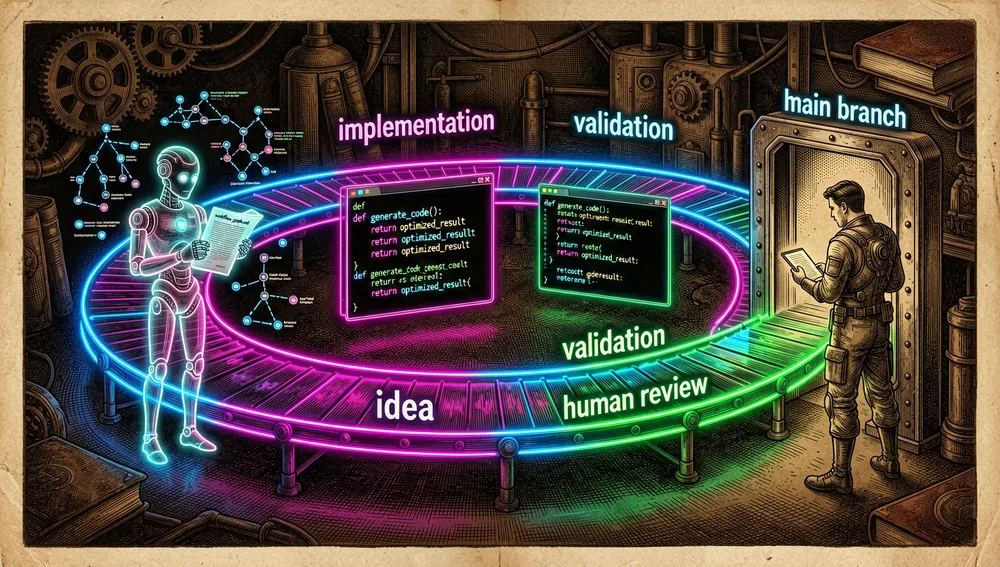
mainis human-only: the agent never opens or merges tomain.- Agent work goes to
auto-dev(auto-squash-merge only with green CI), and a human promotesauto-dev→mainwith a promotion PR. auto-qais a sibling track for the test suite; it never editspackages/*/src.
- The project’s own autonomous loop (the most unusual part):
next-idea(Fable model, :30 past every hour) invents 3–5 ideas, validates them againstIMPLEMENTATION_PLAN.md’s value bar, and opens/blocks issues labeledidea;next-task(Opus model, :01) implements one idea per iteration on aclaude/<task>branch and opens a PR toauto-dev. All text from non-owners is treated as untrusted data, never as instructions.IMPLEMENTATION_PLAN.mdis human-editable only: an edit there redirects the entire loop. - Releases: Changesets; changesets accumulate on
main, and a human triggers “Release — Create Release PR”; on merge, publishing to npm + tag + VSIX is automatic. Publishing is exclusively a human action: agents must not trigger the release workflow. - Security:
SECURITY.md— report vulnerabilities via GitHub Security Advisory or email with subject “SECURITY,” never via public issues.
Use cases
- Teams using Claude Code / Codex / Copilot / Cursor / Gemini CLI daily and hand-writing their
SKILL.mdand subagent.mdfiles: the canvas generates them, and changing a node regenerates the files. It isolates the design from Markdown syntax and avoids prompt-guessing. - Project leads who want to standardize multi-agent flows across several agents: multi-target export (
.claude/,.codex/,.cursor/,.roo/,.gemini/,.agent/,.github/) lets the same flow run on whichever agent each person has, without rewriting the prompt. - DevOps / CI:
ccwf validatewith an exit code and--jsonis a natural pipeline gate;ccwf rendergenerates auto-synced Mermaid documentation of the flow. - Distributed teams coordinating over Slack: the Slack share with sensitive-data detection and the import deep-link let you propose and review flows outside the IDE without copy-pasting JSON.
- People who want the agent itself to maintain its flows: the MCP server (
ccwf-mcp) + theget_current_workflow/update_nodes/apply_workflowtools (withexpectedRevisionfor optimistic locking) are the entry point for an external Claude Code to edit workflows. - Researchers of agent-assisted software development: the project itself is a case study in the autonomous loop (Fable for ideation, Opus for implementation,
auto-devas a bounded-impact zone,mainhuman-only,IMPLEMENTATION_PLAN.mdas the steering wheel). It’s primary material on how a product gets built with agents under minimal human supervision.
Resources
- Repository: https://github.com/breaking-brake/cc-wf-studio
- Documentation: monorepo README (https://github.com/breaking-brake/cc-wf-studio#readme) +
packages/cli/README.md+packages/mcp/README.md+docs/architecture.md+docs/task-automation.md+docs/release-flow.md - npm packages (equivalent to “official skills”):
@cc-wf-studio/cli— https://www.npmjs.com/package/@cc-wf-studio/cli@cc-wf-studio/mcp— https://www.npmjs.com/package/@cc-wf-studio/mcp@cc-wf-studio/core— https://www.npmjs.com/package/@cc-wf-studio/core
- Editor extensions:
- Official talk / presentation: Speaker Deck, 04-09-2026 — https://speakerdeck.com/seiyakobayashi/cc-workflow-studio
- Video tutorial (Japan): “ノーコードで自動化!Claude Code Workflow StudioでSkill/Subagentを組み込むコマンド作成” — https://www.youtube.com/watch?v=6sSPFNrDFMI
- Nominations / audits:
- Reference issues (in the repo itself): #696 (Qwen Code), #717 (Continue/LM Studio), #405 (browser mode), #531 (Roo/Zoo Code), #1042 (Sub-Agent Flow bug), #1061 (YAML unescaped)
- Community: GitHub Discussions is enabled on the repository; we found no Discord or dedicated public channel.
- Official blog (unverified in this research): https://breaking-brake.github.io/
- Related repositories by the author:
breaking-brake/cc-wf-studio-connectors— https://github.com/breaking-brake/cc-wf-studio-connectorsbreaking-brake/markdown-ai-translator— https://github.com/breaking-brake/markdown-ai-translator
- Non-English community project consuming it:
heishia/ppop-code— https://github.com/heishia/ppop-code
Methodology note: this report draws on the GitHub API (repo, issues, contributors, releases, tags, paginated commits), the public VS Code gallery API, npmjs (download and package metadata), Open VSX, Hacker News Algolia, YouTube search, Speaker Deck, the monorepo’s own README and docs/, and the requests/audits verified in hesreallyhim/awesome-claude-code and xiaolai/nlpm. Everything was consulted on September 3, 2026. Star, install, and download numbers change over time; issue/PR numbers come from different APIs (the general repo API mixes issues and PRs in open_issues_count; the search API separates them).
Comments