


Project NOMAD: an offline-first knowledge server for when the internet fails
Crosstalk-Solutions/project-nomad · 38,420★ · 3,817 forks
Project N.O.M.A.D. (Node for Offline Media, Archives, and Data): a free, open-source, offline-first knowledge and education server that bundles Wikipedia, books, courses, maps, data tools, and an optional local AI layer onto hardware you own. In the repository’s own words: “Knowledge That Never Goes Offline.”
What Project NOMAD is
Project NOMAD is a self-contained, offline-first server. It’s neither an operating system nor a critical source of truth: it’s a management layer — a “Command Center” — with a web interface and API that orchestrates a set of tools and content packaged in Docker containers. Its value shows up after downloading and verifying the material: while online it downloads whatever the user chooses; once content is installed, it keeps working without internet.
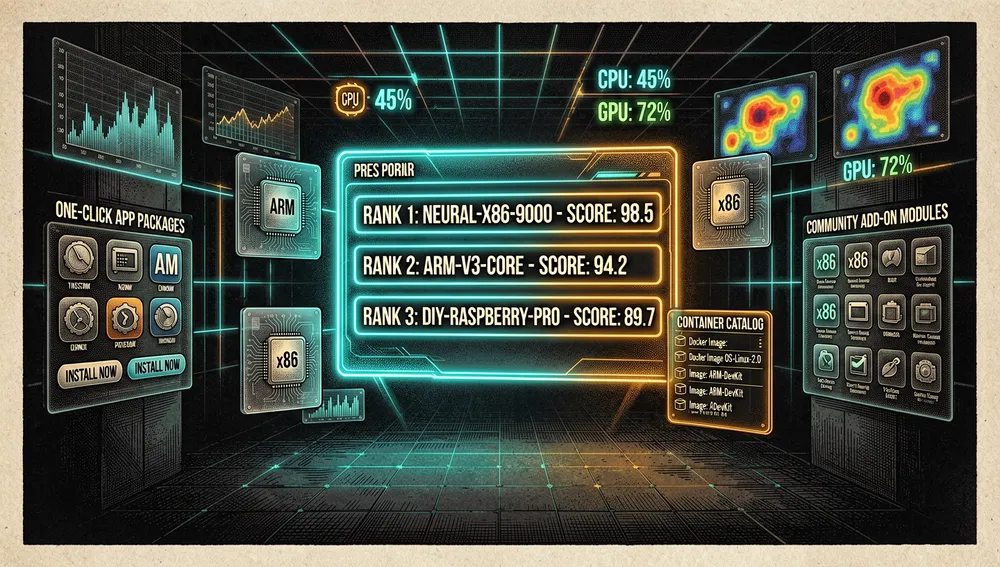
Its built-in capabilities, per the README, are: AI Chat with Knowledge Base (local AI chat with Ollama or OpenAI API-compatible software, with document upload and semantic search via Qdrant), Information Library (offline Wikipedia, medical references, survival guides, and ebooks through Kiwix), Education Platform (Khan Academy courses with progress tracking and multi-user support via Kolibri), Offline Maps (downloadable regional maps via ProtoMaps), Data Tools (encryption, encoding, and analysis via CyberChef), Notes (local Markdown note-taking via FlatNotes), System Benchmark (hardware scoring with a community leaderboard), and Supply Depot (a one-click app catalog plus the ability to run your own Docker containers, added in v1.33.0).
The README itself notes that the project is still under active development, is free and open-source (Apache 2.0), doesn’t sell hardware or preinstalled devices, and doesn’t include authentication by design.
The origin
The repository was created on June 24, 2025 under the Crosstalk Solutions organization, a group that already published networking and security tools (for example, unifi-toolkit and utr-scanner, both from the same organization). The name N.O.M.A.D. expands to Node for Offline Media, Archives, and Data, and the tagline is “Knowledge That Never Goes Offline.”
The problem it solves is practical: concentrating resources on local hardware that normally depend on the internet — encyclopedias, maps, educational content, AI, and utilities — and coordinating their installation, configuration, and updates from a single interface, instead of assembling each piece separately. The project builds on already-mature open software (Kiwix, Ollama, Qdrant, Kolibri, ProtoMaps, CyberChef, FlatNotes) instead of reimplementing an encyclopedia, a map engine, or an education server. That integration, plus the setup wizard and admin experience, is the value proposition: it packages a stack, it doesn’t invent every piece of it.
The community has received both enthusiasm for the integration and the observation that the foundation is built from pre-existing projects.
Philosophy and principles
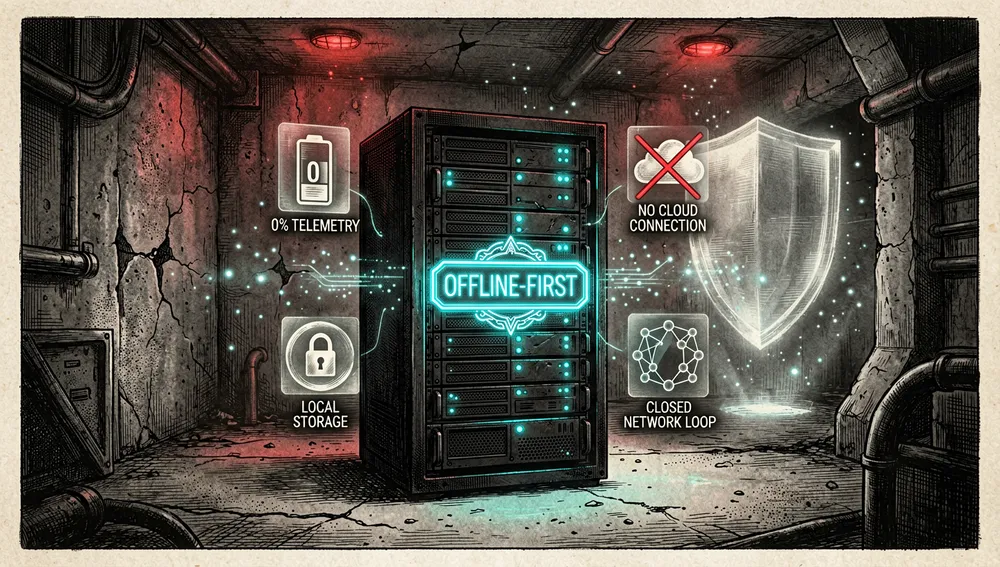
- Offline-first. Routine use can work without internet once content is installed and downloaded; the internet is only needed during installation, for updates, or for new packages. The project declares zero built-in telemetry.
- Your own, controllable hardware. Data, models, and services run on infrastructure under the user’s control; the design is brand-agnostic about hardware.
- Content before AI. Wikipedia, medical references, courses, books, and maps are the core; local AI is an optional capability layered over a document base. Users can skip it entirely and everything else keeps working.
- Orchestration of mature tools. It integrates pre-existing open services rather than reimplementing them.
- An interface for non-specialists. A wizard and a web dashboard reduce the need to administer each container by hand.
- Free, with no paywalls. Apache 2.0, no hidden costs, and no intention of introducing premium features or paid tiers.
How it works
NOMAD installs a Docker stack managed from the Command Center. Once started, the interface typically opens at http://localhost:8080 or http://DEVICE_IP:8080. The UI coordinates the download and administration of resources, while each service keeps its own function.
Downloaded content and Docker services → Command Center
                                        ├─ Kiwix: library and ZIM (Wikipedia, references, ebooks)
                                        ├─ Kolibri: education (Khan Academy, progress)
                                        ├─ ProtoMaps / OSM: maps
                                        ├─ CyberChef: data utilities
                                        ├─ FlatNotes: notes
                                        └─ Ollama + Qdrant: optional AI/RAG
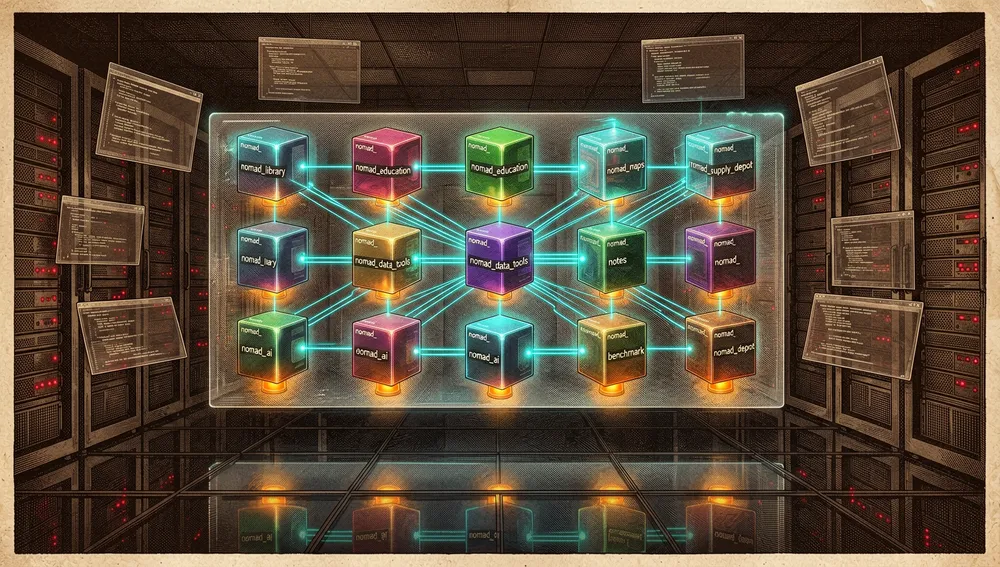
The technical stack declared in the FAQ is: Docker for containerizing the Command Center and its dependencies; Node.js and TypeScript in the backend, on the AdonisJS framework; React in the frontend, with Vite and Inertia.js; MySQL as the database and Redis for caching, background jobs, and “cron”; and the Docker-outside-of-Docker (DooD) pattern, whereby the Command Center manages other containers on the host without running Docker inside a container, for better performance and compatibility. Every NOMAD container is prefixed with nomad_ in its name, which lets you identify and manage them separately from other containers on your machine.
The connectivity check first tries Cloudflare’s https://1.1.1.1/cdn-cgi/trace endpoint; if that host is unreachable, it falls back to others the app already contacts (the GitHub API and the Project NOMAD API) and considers the connection “online” if any of them respond.
Main components
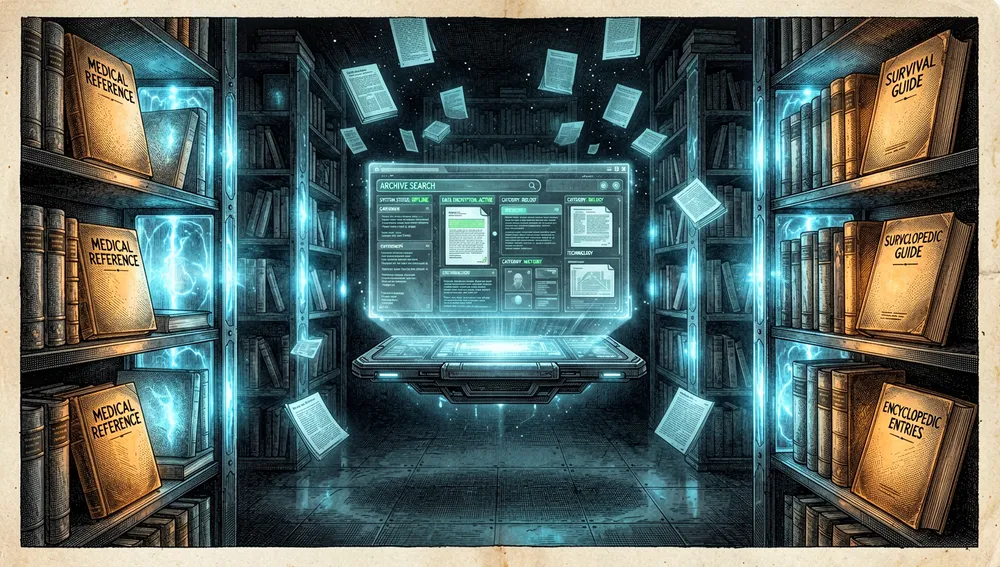
- Information Library: offline Wikipedia, medical references, survival guides, and ebooks via Kiwix/ZIM.
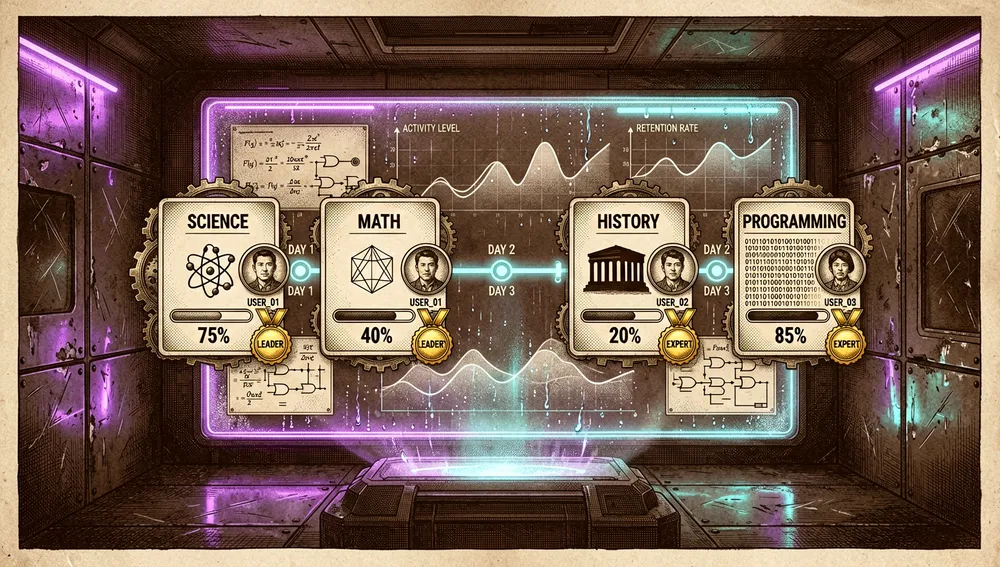
- Education Platform: Khan Academy via Kolibri, with progress and multi-user support.
- Offline Maps: downloadable regions via ProtoMaps.

- Data Tools and Notes: CyberChef and FlatNotes.
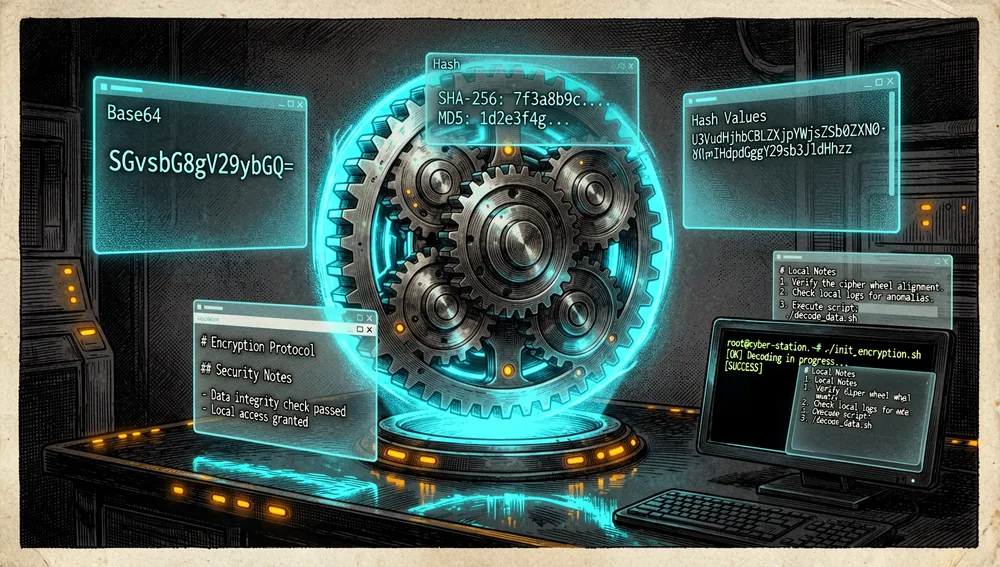
- AI Assistant: Ollama + Qdrant, with document upload and semantic search.
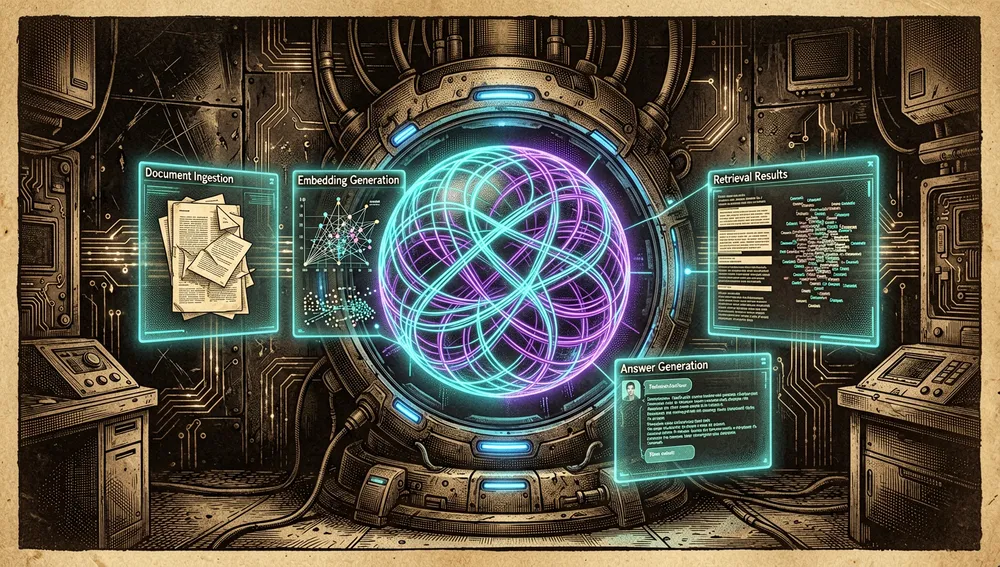
- Benchmark: hardware scoring with a community leaderboard.
- Supply Depot: one-click app catalog plus your own Docker containers.
- Content management: a Wikipedia picker, ZIM library manager, and content browser.
The ecosystem
The Crosstalk Solutions organization publishes several repositories. The ones verified via the GitHub API on August 21, 2026 are: Crosstalk-Solutions/project-nomad (the main project, 36,079 stars, 3,610 forks), Crosstalk-Solutions/project-nomad-maps (hosts static map files too large for the main repository, 93 stars, 33 forks), Crosstalk-Solutions/unifi-toolkit (a UniFi network management toolset from the same organization, but not NOMAD-specific, 506 stars), Crosstalk-Solutions/nomad-sysbench (a multi-architecture sysbench image for NOMAD’s Benchmark, 1 star), Crosstalk-Solutions/utr-scanner (a WiFi SSID security monitor for Raspberry Pi, 5 stars), and Crosstalk-Solutions/PasswordPusher (an app for securely sharing passwords with expiration, 11 stars).
The repository documents, in admin/docs/community-add-ons.md, third-party add-ons not maintained by the NOMAD team — “ZIM packages” that add offline reference material to the existing Kiwix library: jrsphoto/ZIM-military-field-manuals (roughly 180 public-domain U.S. military manuals covering field medicine, survival, first aid, and map reading; a ~2 GB ZIM) and kennethbrewer3/ZIM-w3schools-offline (a complete offline copy of W3Schools’ programming tutorials; a ~700 MB ZIM).
Project documentation notes that community members have forked and published their own images and guides for ARM/Raspberry Pi, not officially supported by the core team; the specific details couldn’t be independently verified. The community also publishes guides for non-Debian platforms (macOS, for instance) on Discord and in GitHub Discussions; those are unofficial. NOMAD integrates open projects that operate independently and that a user could install separately: Kiwix, Ollama, Qdrant, Kolibri, ProtoMaps, CyberChef, and FlatNotes. In the Hacker News discussion, related proposals or alternatives were cited: Internet-in-a-Box, wrolpi.org, and an alternative approach to the ZIM format, stazelabs/oza.
Official / semi-official status
Project NOMAD hasn’t been accepted into any official marketplace, nor does it have formal vendor backing in the retrieved sources. It’s an independent, free, open-source project under the Apache License 2.0.
The official site lists, in an “As Featured In” section, The Modern Rogue, ZDNet, Cybernews, Hacker News, DEV Community, and dev.ua. The Modern Rogue, in particular, ran a hands-on test of the project as “internet for the end of the world” and embedded it on their main page. The benchmark.projectnomad.us leaderboard functions as a community reference for comparing hardware scores across installations; it’s a feature of the project itself, not external certification. The team doesn’t sell preinstalled devices; the approach is DIY, which keeps the project as pure software rather than a commercial product. In practice, that means it can be installed and extended freely, but no external entity certifies its capabilities, security, or results.
Quick-start guide
Installation and first run
NOMAD installs on any Debian-based operating system; Ubuntu 26.04 LTS is recommended (24.04 LTS and Debian 12 are also supported). Installation is 100% terminal-based, and the tools are accessed through the browser, with no desktop environment needed. sudo/root privileges are required.
Quick install (Debian only):
sudo apt-get update && \
sudo apt-get install -y curl && \
curl -fsSL https://raw.githubusercontent.com/Crosstalk-Solutions/project-nomad/refs/heads/main/install/install_nomad.sh \
  -o install_nomad.sh && \
sudo bash install_nomad.sh
Once done, open the browser at http://localhost:8080 (or http://DEVICE_IP:8080). It’s a remote script run as root: it’s worth reviewing the pinned version and the script’s content before running it in an environment that matters. For Windows, a community WSL2 installation guide exists at projectnomad.us/install/wsl2.
Advanced installation: copy the management_compose.yaml template to a docker-compose.yml, replace the replaceme placeholders, and run docker compose up -d. This is meant for users with Docker experience.
Declared requirements: the core is lightweight (minimum 2 GHz dual-core, 4 GB RAM, 5 GB disk); to run AI models, a powerful machine is recommended (Ryzen 7 / i7, 32 GB RAM, NVIDIA RTX 3060 or equivalent, 250 GB SSD). There’s a hardware guide with three price tiers at projectnomad.us/hardware.
Common workflows
-
Offline library: choose and download ZIM collections (Wikipedia, medical references, ebooks) before you need them; test search and reserve the actual storage they’ll consume. One Hacker News user mentioned downloading a roughly 110 GB Wikipedia dump with Kiwix.
-
Local education server: download Kolibri courses (Khan Academy) and validate access from devices on the local network, with progress tracking.
-
AI over your own documents: enable Ollama/Qdrant only if the hardware allows it, load authorized sources, and check that the RAG stays within its limits. To download a specific Ollama model that doesn’t appear in the settings page, the FAQ documents:
curl -X POST -H "Content-Type: application/json" -d '{"model":"MODEL_NAME_HERE"}' http://localhost:8080/api/ollama/models -
AI on another host: in the AI assistant settings, enter the URL of an Ollama server or an OpenAI API-compatible one (LM Studio, for instance). If using remote Ollama, the server must start with
OLLAMA_HOST=0.0.0.0. -
Test the auto-update logic without updating: from the
admin/directory, a command runs the full decision pipeline without triggering any real update (useful for CI):node ace auto-update:dry-run --scenarios node ace auto-update:dry-run --current=1.32.0 --force-enabled
Essential configuration
docker-compose.yml(advanced install):replacemeplaceholders for ports, volumes, and variables.- Settings → Advanced (
INTERNET_STATUS_TEST_URL): changes the endpoint NOMAD uses to check connectivity; the environment variable takes priority over the UI-configured value. - AI Assistant settings (
/settings/models): choose between local Ollama or a remote host (Ollama / LM Studio / llama.cpp), and, as of v1.34, the per-model “thinking” toggle (off by default). nomad.md(v1.34.0): a file for custom AI assistant instructions.- Auto-update window and “cool-off”: schedule and waiting period for the Command Center to auto-install patches/minor versions (major versions always require manual updates).
Common pitfalls and fixes
- Raspberry Pi / ARM not officially supported. NOMAD is designed for x86-64 and doesn’t publish official ARM images. ARM support is on the roadmap, but check the current support matrix before buying hardware; community Pi forks aren’t supported by the core team.
- Limited port customization (for now). Only the core services (Command Center, MySQL, Redis) allow port customization; installable apps (Ollama, Kiwix, etc.) don’t yet, though PRs are in progress to add it.
- Underestimating storage. The core weighs about 5 GB, but content and AI models can grow substantially: the AI recommendation is ≥250 GB on SSD, and a Wikipedia dump can exceed 100 GB. Plan storage with margin.
update_nomad.shdoesn’t update apps. This script only refreshes the Command Center’s containers (and dependencies like MySQL); installable applications update from the Command Center UI.- No authentication by design. NOMAD includes no authentication and isn’t meant to be exposed directly to the internet. For multi-user use on a local network, use network-level controls (ports, firewall, segmentation). Authentication is a suggestion on the public roadmap.
- Criticism of the Node.js stack. The HN discussion included direct complaints about the use of Node.js; it’s one user’s take, not a confirmed defect, but it reflects a preference among part of the audience.
Integrations and migration
-
Swappable AI. Ollama is the preferred mode (with model download included), but the assistant accepts any OpenAI API-compatible endpoint: LM Studio or llama.cpp.
-
ZIM content. Community add-ons and the built-in catalog integrate as ZIM files built with
zimwriterfsand deposited in/opt/project-nomad/storage/zim, registered in thenomad_kiwix_servercontainer. -
Your own containers (Supply Depot). Starting in v1.33.0, the Supply Depot lets you mount any Docker container as a managed “sibling,” with port mapping, volumes, variables, and limits, plus a debounced precheck that blocks unsafe configurations.
-
API / OpenAPI. v1.34.0 added auto-generated OpenAPI documentation with a Scalar UI, making third-party integration easier.
-
Migration from a manual Kiwix/Kolibri setup. Instead of assembling each tool separately, NOMAD coordinates them; the user retains control over paths and volumes through Compose.
-
Uninstallation. A downloadable uninstall script exists (irreversible):
curl -fsSL https://raw.githubusercontent.com/Crosstalk-Solutions/project-nomad/refs/heads/main/install/uninstall_nomad.sh -o uninstall_nomad.sh && sudo bash uninstall_nomad.sh
Repo numbers
Measured: August 21, 2026, GitHub API.
| Metric | Value |
|---|---|
| Stars | 36,079 |
| Forks | 3,610 |
| Real subscribers | 208 |
| Open issues per API | 83 |
| Primary language | TypeScript |
| License | Apache 2.0 |
| Created | June 24, 2025 |
| Last push | August 19, 2026 |
| Latest stable release | v1.34.0, August 4, 2026 |
The GitHub API returns watchers_count equal to the star count, so subscribers_count (208) is reported separately as the real subscriber figure. The open_issues_count field mixes issues and open change requests.
Top contributors by contribution count: jakeaturner (335), chriscrosstalk (229), cosmistack-bot (85), dependabot[bot] (34), bgauger (10), hestela (9), kennethbrewer3 (3), just-jbc (2).
How the community received it
The recovered reception with concrete anchors comes mostly from Hacker News. The main thread, “Project Nomad – Knowledge That Never Goes Offline,” posted March 22, 2026, gathered 610 points and 222 comments. There were also several minor submissions pointing to the repository, with more modest scores.
Positive reactions: moffers called it “really clever targeting of a niche”; cstaszak described themselves as a fan of “civilization in a box” projects and found value in an LLM as an optional “sidecar,” though they criticized the ZIM format as “leaves a lot to be desired in 2026” and pointed to an alternative, stazelabs/oza; hamstergene, while normally dismissive of preppers, saw real value given that some governments cut internet access; wooptoo, from the modem era, valued not taking connectivity for granted; born-jre shared an adoption anecdote, coinciding with downloading a “110gb wikipedia dump on kiwix”; Aargau said they were closing an eco-resort in Panama and would use the repository.
Real criticisms: Yokohiii said “that doomsday framing on the site is pretty annoying”; itintheory asked directly, “why does it have to have AI? ugh”; Lapra objected to the energy cost in a survival scenario; leowoo91 lamented the use of Node.js; ZeroCool2u asked for a simpler format, “a single file embedded database”; adsharma pointed out that relying on Kiwix/ZIM sidesteps Wikipedia’s Wikidata; WillAdams regretted the lack of Raspberry Pi installation; coretx asked whether the LLMs are censored; mohamedkoubaa commented with ironic distance that it’s a “great premise for a science fiction story”; tsss joked that they’d expected the video game from their childhood.
In short: there’s enthusiasm for the integration and the idea of a local “knowledge archiver,” but repeated criticism of the apocalyptic framing, the perceived AI mandate, the ZIM format, the Node.js stack, and the lack of ARM support.
Comparison with similar projects
The following table is taken from the official site’s own comparison section (competitor prices and features are the ones the project publishes, not an independent audit):
| Proposal | Price (per the site) | AI | Hardware | Multi-user/network |
|---|---|---|---|---|
| Project NOMAD | Free | GPU-accelerated LLMs | Any PC you choose | Serves the whole network |
| PrepperDisk | $199–$279 | None | Raspberry Pi (locked) | WiFi hotspot (up to 20) |
| Doom Box | $699 | Basic 7B model | Raspberry Pi (locked) | Single |
| R.E.A.D.I. | $499 | Basic 7B model | Raspberry Pi (locked) | Single |
| Z3R4H | $499 | On-device AI advisor | Any Windows/Linux PC | Single PC |
Also listed as a verifiable difference from the site: NOMAD is open-source (Apache 2.0), while PrepperDisk is partially open and Doom Box, R.E.A.D.I., and Z3R4H are not; and NOMAD is upgradable, unlike R.E.A.D.I.’s static drives.
Related proposals cited in the Hacker News community, not direct commercial competitors:
| Proposal | Overlap | Difference |
|---|---|---|
| Internet-in-a-Box | Bundles offline educational resources | NOMAD adds a Docker Command Center and an optional local AI/RAG layer |
| wrolpi.org | Knowledge archiving on a single machine | NOMAD orchestrates several services and content in one dashboard |
stazelabs/oza | An alternative approach to the ZIM format | It’s a technical alternative to the archive format, not a full management server |
Contributing
The process is documented in CONTRIBUTING.md: open an issue first for any non-trivial change (a PR without an associated issue may be closed; trivial fixes are exempt); fork the repo, clone it, and add the upstream remote; avoid installing a release version locally on the same development machine (a separate Docker dev environment is recommended); sync with upstream before working, create a descriptive branch from dev, test against a running instance, and use Conventional Commits; reuse the shared components in admin/inertia/components/ for UI consistency; release notes live in admin/docs/release-notes.md; versioning follows SemVer, managed automatically with semantic-release.
Use cases and who this repository can help
- Homes, schools, or libraries that want to preserve encyclopedias, medical references, and courses locally amid unreliable connectivity: NOMAD serves them to the local network with Kolibri and Kiwix, with progress tracking and multi-user support.
- Homelabs and local-AI enthusiasts who want to self-host a private RAG over their own documents: Ollama + Qdrant with document upload and organization by subject/collection, with AI as optional and no telemetry.
- Emergency preparedness or off-grid living (cabin, RV, boat) where hardware and content can be prepared before losing internet: Wikipedia, offline street OSM maps, survival guides, and medical references downloadable in advance, plus the community benchmark for sizing hardware.
- Teams evaluating AI hardware can use the System Benchmark and community leaderboard to compare scores across installations.
- People who want to extend the library without touching the core: Community Add-Ons mount onto the existing Kiwix library, and the Supply Depot lets you run any Docker container of your own as a managed app.
NOMAD doesn’t replace certified emergency material, professionals, physical copies, or continuity procedures: it’s a computing preparedness tool that needs testing and a security review before you depend on it.
Resources
- Repository: https://github.com/Crosstalk-Solutions/project-nomad
- Official site and installation: https://www.projectnomad.us
- FAQ: https://github.com/Crosstalk-Solutions/project-nomad/blob/main/FAQ.md
- Contributing guide: https://github.com/Crosstalk-Solutions/project-nomad/blob/main/CONTRIBUTING.md
- Benchmark / leaderboard: https://benchmark.projectnomad.us
- Public roadmap: https://roadmap.projectnomad.us
Note: this article was compiled from the README, the FAQ, the contributing guide, the add-ons list, releases, the GitHub API, the official site, and the Hacker News discussion, consulted on August 21, 2026. Project N.O.M.A.D. is declared under active development; check capabilities, platform support, and security on the exact version before deploying.
Comments