

QwenPaw: an extensible local personal assistant built on AgentScope
agentscope-ai/QwenPaw · 35,288★ · 3,129 forks
Everything worth knowing about agentscope-ai/QwenPaw: an open-source personal assistant that combines a web console, terminal, messaging channels, memory, skills, MCP, and multiple agents to run on your own machine or in the cloud.
What QwenPaw is
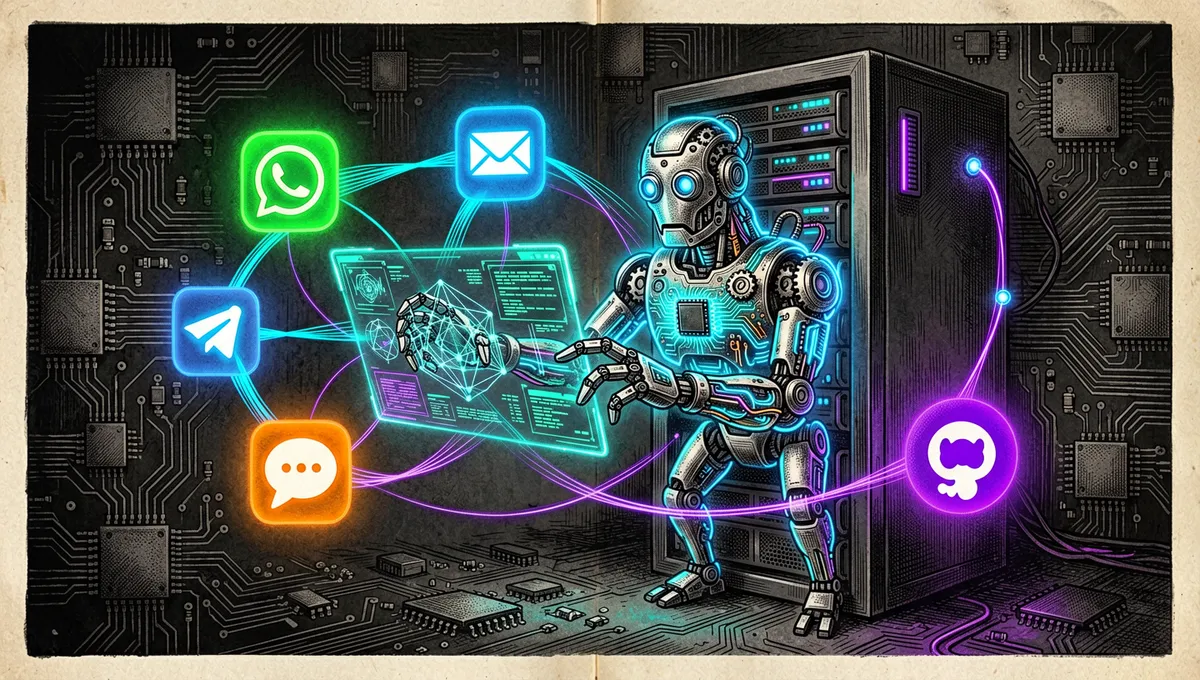
QwenPaw is an open-source personal AI assistant built by the AgentScope team on top of AgentScope, AgentScope Runtime, and ReMe. The repository presents it as an application installable on your own computer or deployable to the cloud, with support for several chat apps and extensible capabilities.
It isn’t a Qwen model or an inference service by itself. It’s a product and execution layer: it connects user-configured models to agents, tools, memory, scheduled tasks, and channels. Its name and its focus on integrating with the Qwen ecosystem shouldn’t be read as a technical limitation to those models; the documentation lists configurable providers and endpoints, including OpenAI-compatible ones.
The project was previously called CoPaw. The renaming to QwenPaw is explained in community material as tighter integration with the Qwen ecosystem; the recovered evidence establishes the rebrand, not a complete change to the personal-assistant goal.
The origin: AgentScope turned into a personal assistant
QwenPaw builds on the AgentScope framework, a platform for building agent applications and multi-agent systems that was described in an academic paper as a message-exchange-centered architecture. QwenPaw translates that developer infrastructure into a more direct experience: a local console, a TUI, configurable agents, and connections to external channels.
The result sits between a personal workspace and an agent runtime. It can hold conversations, run recurring tasks, trigger skills or MCP, and manage several agents from the interface. The documentation also covers “agent team” practices, so it shouldn’t be understood as a single-function chatbot.
Philosophy and principles
- Local-first. The guide proposes installing it on macOS, Linux, or Windows, running it in Docker, or trying it on the AgentScope platform. The example container publishes only
127.0.0.1:8088. - An assistant that evolves. The documentation organizes memory, evolving/proactive memory, heartbeat, cron, and context functions as part of the agent’s operational control.
- Multiple surfaces. A single installation can be served from a web console, a terminal, and messaging apps.
- Explicit extensibility. Skills, MCP, built-in tools, plugins, and agents are exposed as configurable components rather than closed capabilities.
- Per-user configuration. Using your own model, provider, and channel lets you adapt the install, but it also shifts credential, permission, and security decisions onto the operator.
How it works
The local install exposes an HTTP console on port 8088. Its main API for chatting is POST /api/console/chat; it accepts an agent identifier via X-Agent-Id, preserves a session via session_id, and supports SSE streaming.

User / channel → Console, TUI, or API → QwenPaw Agent
                                          ├─ configured model
                                          ├─ memory and context
                                          ├─ skills, MCP, and tools
                                          ├─ multiple agents
                                          └─ workspace and cron tasks
The console lets you create, edit, activate, deactivate, or delete agents. The API is based on an extension of AgentScope’s runtime protocol and lets you send messages, manage agent instances, and integrate channels.
Main components
- Console and TUI. The web console is the admin and chat surface; the documentation also publishes a terminal interface and magic commands prefixed with
/to control conversational state without relying on model interpretation.
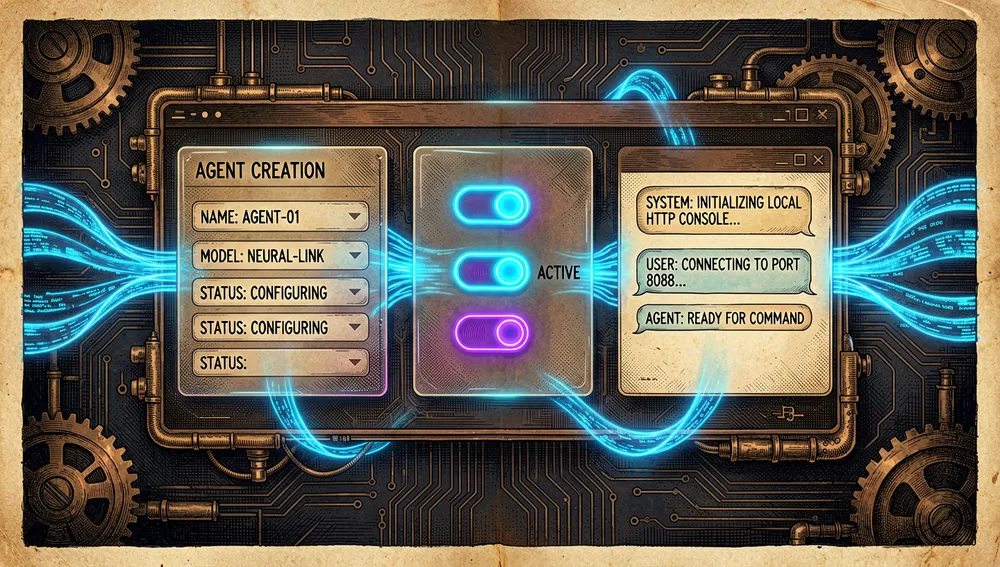
- Multiple agents. Since version 0.1.0, the system documents multi-agent support, with agent configuration and selection from the interface.
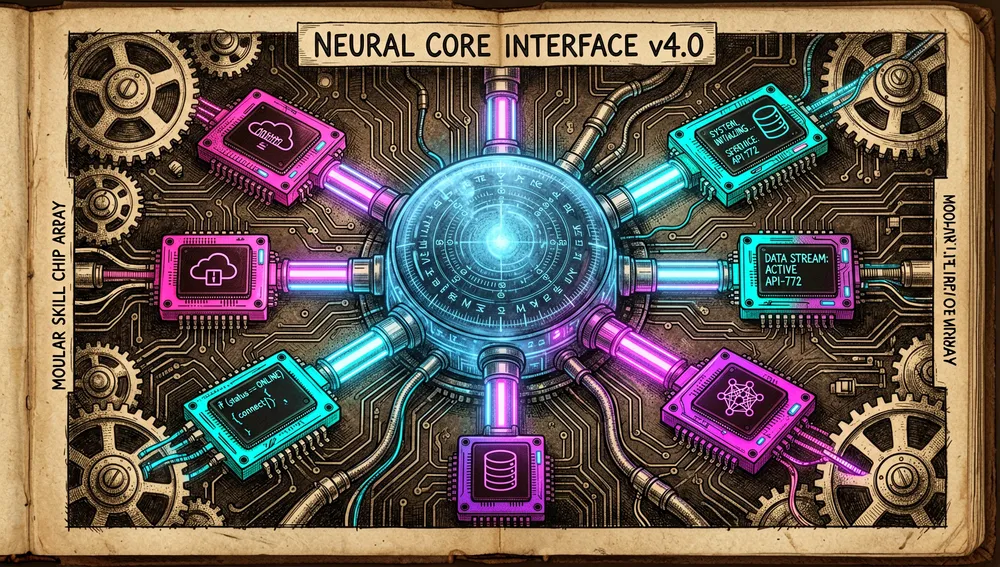
- Skills and MCP. Skills provide procedures; MCP and built-in tools connect external services and actions. Configuration determines what’s enabled.
- Memory, cron, and heartbeat. QwenPaw documents memory,
crontasks, and a heartbeat mechanism for periodic or proactive work.

- Channels. The channels section concentrates chat-app integrations; each connection needs the corresponding provider’s credentials and permissions.

The ecosystem
Installation can be done via script, desktop app, Docker, or AgentScope Platform. Docker Hub publishes the agentscope/qwenpaw image; the guide also links an Alibaba Cloud ACR image for users in China.
The repository maintains documentation for security, backup and restore, CLI, plugins, plugin migration, REST API, ACP integration, contribution, and roadmap. That breadth shows the project covers operations beyond chat, though it doesn’t automatically prove enterprise maturity on every front.
There’s a community integration for Home Assistant, seoeaa/ha-qwenpaw, cited in a QwenPaw discussion. It’s a community project, not an official extension or a support guarantee from the AgentScope team.
Repo numbers
Measured: August 23, 2026, GitHub API. The source article for this repository didn’t include its own metrics table; these figures were verified directly against the public GitHub API at publication time.
| Metric | Value |
|---|---|
| Stars | 34,358 |
| Forks | 3,020 |
| Real subscribers | 106 |
watchers_count mirrors stars in GitHub’s general response; that’s why subscribers_count is reported as the real subscriber count.
Quick-start guide
Installation and first run
The documentation describes several routes. For Docker:
docker pull agentscope/qwenpaw:latest
docker run -p 127.0.0.1:8088:8088 \
  -v qwenpaw-data:/app/working \
  -v qwenpaw-secrets:/app/working.secret \
  -v qwenpaw-backups:/app/working.backups \
  agentscope/qwenpaw:latest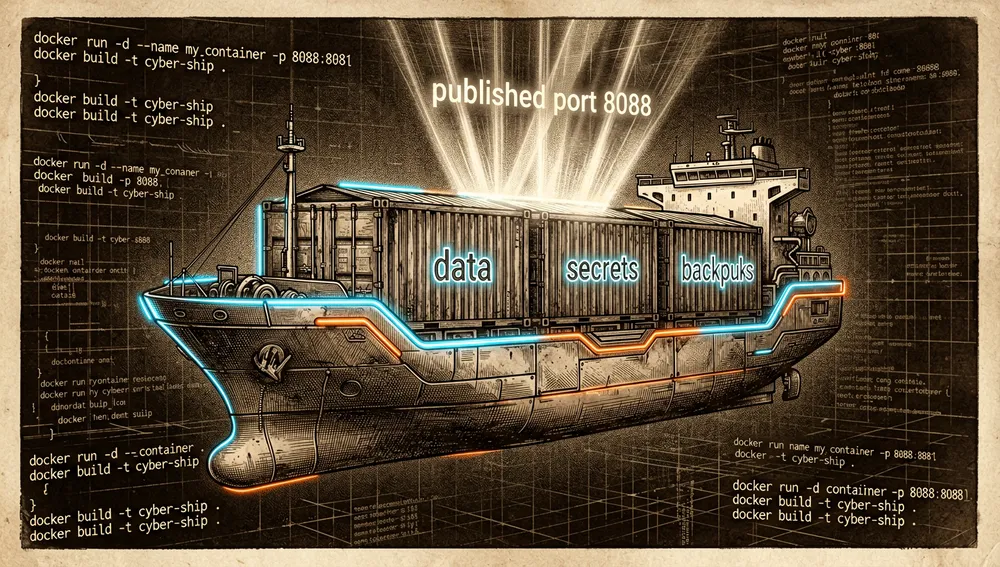
Then http://127.0.0.1:8088/ opens. The guide separates the volumes: configuration, memory, and skills in qwenpaw-data; models and API keys in qwenpaw-secrets; backups in qwenpaw-backups.
On macOS and Linux, the site offers a shell installer; there’s also a desktop app for Windows and macOS. The first launch can take a while while it initializes the Python environment and dependencies.
Common workflows
- Local personal assistant: start the console, configure a provider, and chat with the selected agent.
- Multiple agents: create or edit agents from Console and call a specific one via
X-Agent-Idin the API. - Automation: use cron and heartbeat to launch recurring tasks, keeping in mind the process or service must keep running.
- Extension: enable a reviewed skill or MCP to connect external tools or services.
- Custom integration: use
/api/console/chatwithsession_idto preserve a conversation and receive streamed events.
Essential configuration
- Model and provider: chosen from configuration/console; OpenAI-compatible endpoints are covered in the documentation.
- Agent:
X-Agent-Ididentifies the agent called by the API;defaultis the default value. - Session: reusing
session_idenables multi-turn conversations. - Secrets: API keys and model configurations are stored in the separate volume or space for secrets in the recommended Docker deployment.
- Web authentication:
QWENPAW_AUTH_ENABLED=trueenables the access token for remote requests.
Common pitfalls and fixes
- Publishing the console without login. The API warns that a public instance without authentication lets third parties access and control agents. Enable web authentication before exposing it.
- Relying on the local bypass from another machine. Only
localhost(127.0.0.1or::1) skips the token; a remote call needsAuthorization: Bearer …when login is active. - Using a sample password. The guide shows
admin123only as an API example; it should be replaced with a unique, strong credential. - Losing state in Docker. Don’t delete or skip the volumes if you want to preserve memory, skills, keys, and backups.
- Expecting cron to work with the app closed. A community discussion about the system tray points out precisely that long-running tasks need the runtime to stay available; it’s an observation from a participant, not an official spec.
Security and trust model
The core security message is clear: enable web authentication if the instance is exposed to the internet. QwenPaw operates in single-user mode: initial registration creates an admin account, and the registration endpoint can only be used once.
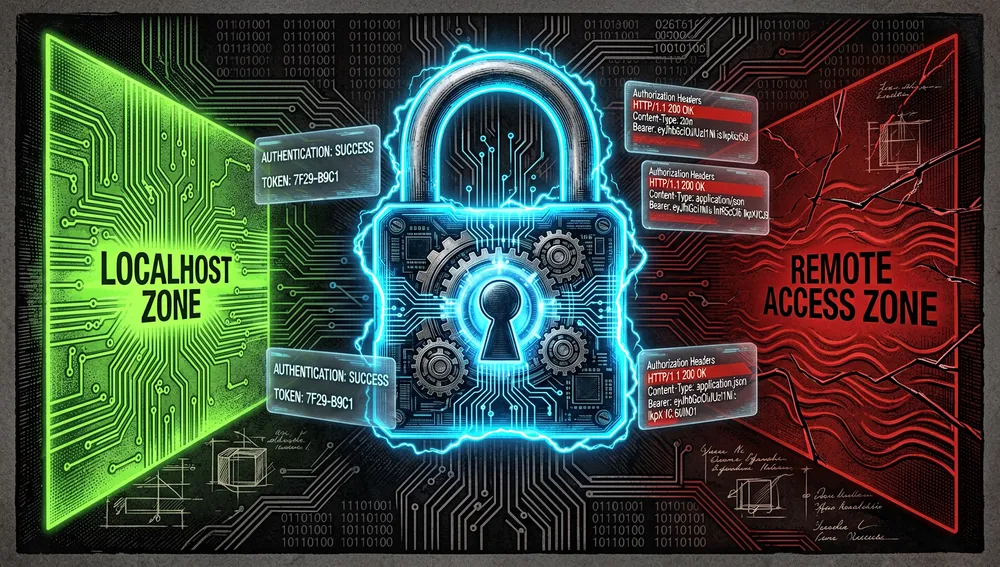
For remote access, it’s recommended to carry the token in the Authorization header; local requests can deliberately skip it to ease CLI use and development. The operator should factor in that bypass when deciding the network interface and proxy forwarding.
Beyond authentication, a responsible install should restrict enabled skills, MCP, and channels, protect secrets volumes, operate behind HTTPS, and limit network exposure. These last points are operational practices inferred from the documented surface of tools and credentials; they don’t substitute for an official corporate deployment model.
How the community received it
The recoverable external evidence is heterogeneous and largely community-driven. On GitHub there are discussions tracking bugs from a 2.0.0 pre-release, contribution requests, and community meetings; this establishes activity, not measured quality.
A Reddit thread about the CoPaw-to-QwenPaw change repeats the explanation of tighter Qwen integration. Another thread on r/LocalLLM recorded a local-adoption query with three votes; a small curiosity signal, not a review.
On Linux.do, a participant compared QwenPaw to OpenClaw and Hermes and criticized the frequency of tool calls. It’s an individual experience that may depend on model and configuration, so it isn’t used as a performance measurement.
An independent research page noted a scarcity of English-language reviews and speculated that traction came more from the Chinese/AgentScope ecosystem. That’s an inference from that author, not a conclusion demonstrated by public data.
QwenPaw versus other approaches
| Approach | Verifiable overlap | Verifiable difference |
|---|---|---|
| A local chat agent | Both let you use a model from your own interface. | QwenPaw adds configurable agents, channels, cron, heartbeat, skills, MCP, and a sessions API. |
| AgentScope | QwenPaw is built on AgentScope and its runtime. | AgentScope is the multi-agent development platform; QwenPaw is the personal-assistant product that uses it. |
| CoPaw | It’s the project’s previous name. | QwenPaw is the current name; community material links the change to a greater focus on the Qwen ecosystem. |
Home Assistant + ha-qwenpaw | Both can be part of home automation. | ha-qwenpaw is a community integration cited in a discussion, not a guaranteed core capability. |
Use cases and who this repository can help
- Anyone wanting their own assistant with a local console, configurable models, and persistent state.
- Developers integrating agents into an internal app via REST API, sessions, and SSE streaming.
- Users needing personal automations with recurring tasks, memory, and multiple channels, who can keep the service running.
- Technical teams prototyping a group of agents on AgentScope who need an already-prepared product interface and configuration.
It isn’t appropriate to expose it directly to the internet or connect tools and channels with broad privileges without enabling authentication, limiting the network, and carefully reviewing credentials and capabilities.
Resources
- Repository: https://github.com/agentscope-ai/QwenPaw
- Site and documentation: https://qwenpaw.agentscope.io/docs/
- Quickstart: https://qwenpaw.agentscope.io/docs/quickstart/
- REST API: https://qwenpaw.agentscope.io/docs/api-tutorial/
- Community: https://qwenpaw.agentscope.io/docs/community/
- Discussions: https://github.com/agentscope-ai/QwenPaw/discussions
- AgentScope paper: https://arxiv.org/abs/2402.14034
Note: this article was compiled from the repository, project documentation, the AgentScope paper, and public conversations retrieved on August 17, 2026. Features, compatibilities, and community activity can change over time.
Comments