

nanobot: a self-hosted, lightweight, extensible personal agent
HKUDS/nanobot · 48,569★ · 8,580 forks
Everything worth knowing about HKUDS/nanobot: a Python environment for running a personal agent from the browser, terminal, or messaging apps, with memory, tools, MCP, and automation.
What nanobot is
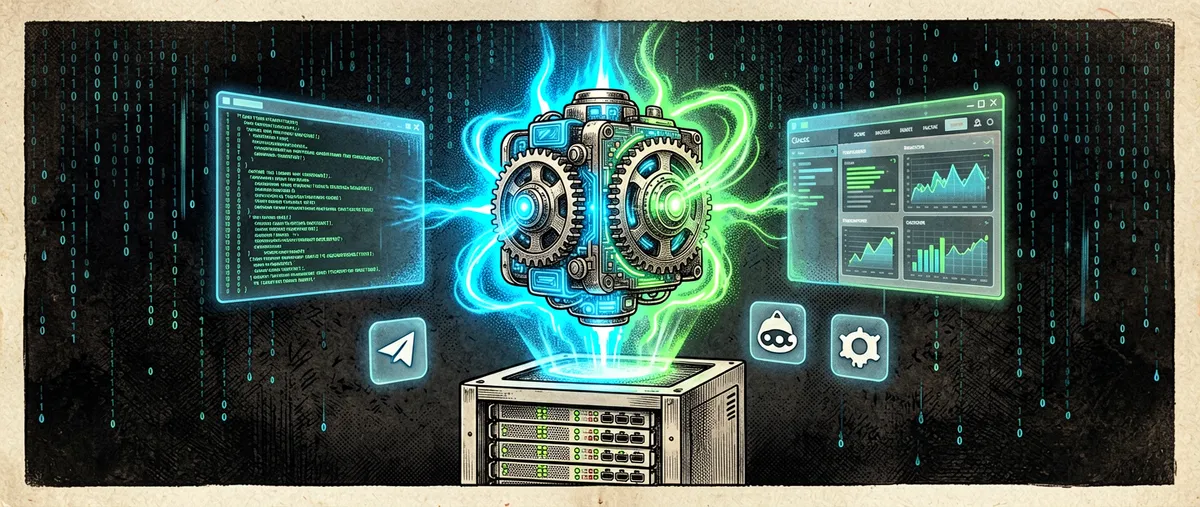
nanobot is an open-source, self-hostable personal agent framework. Its core runs an agent loop: it receives messages from a WebUI, the terminal, or chat channels; queries a model; and adds tools, memory, or skills as context when needed. The result can be kept running as a local gateway or a long-lived server.
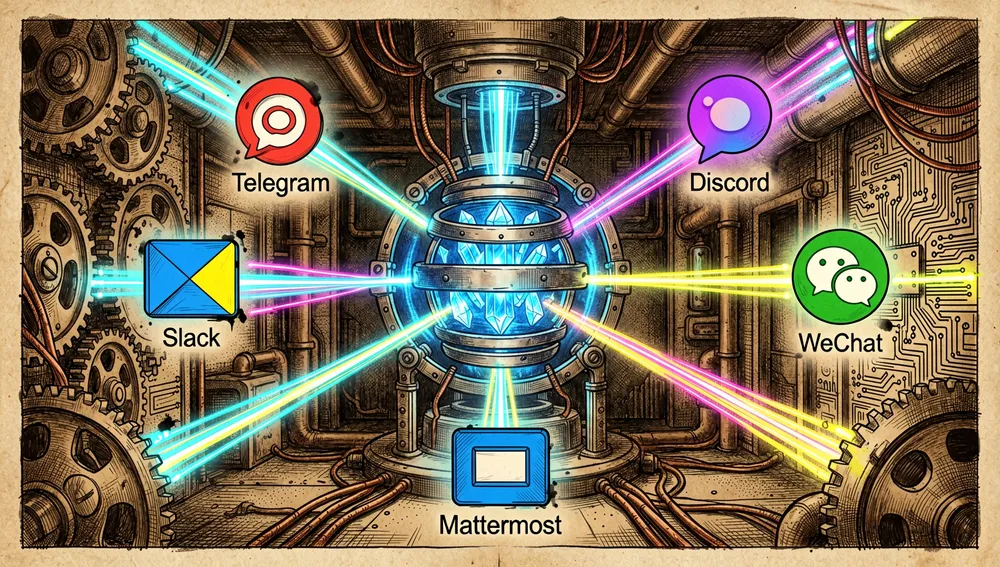
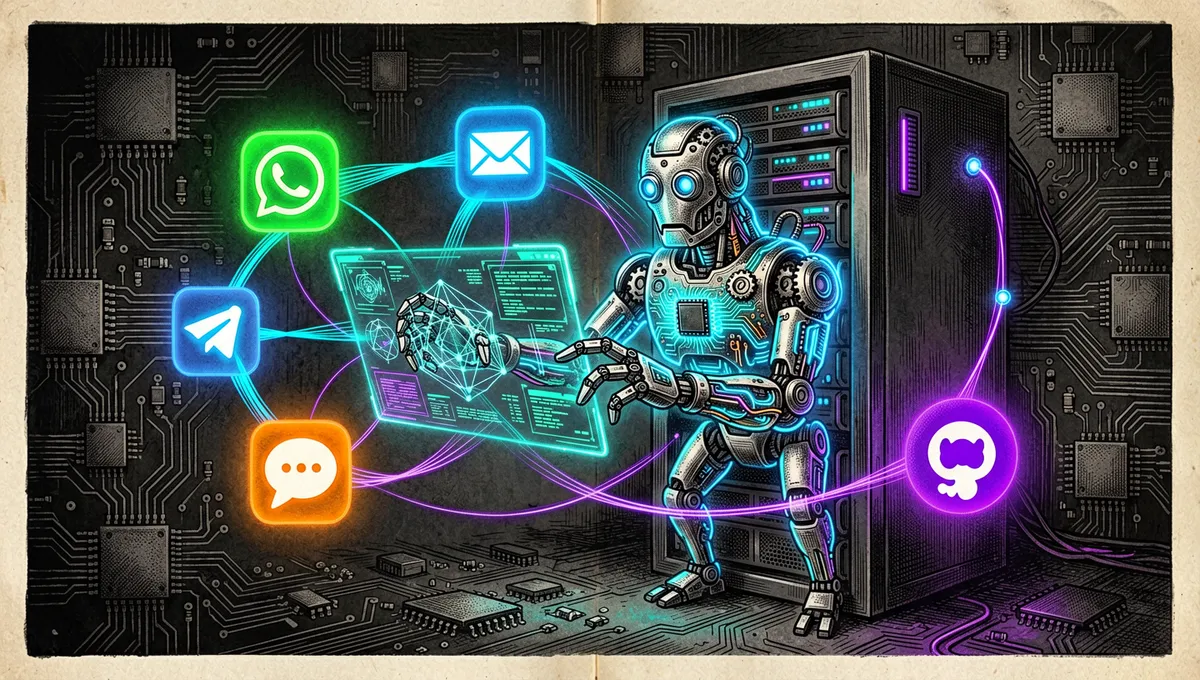
The repository documents a WebUI, file tools, a shell interpreter, web search and retrieval, MCP, cron, image generation, subagents, long-term memory, model routing, and an OpenAI-compatible API. Its documented channels include Telegram, Discord, Slack, WeChat, email, and Mattermost.
Origin: a deliberately small alternative
GitHub records the repository’s creation on February 1, 2026. The Hacker News discussion that links directly to the repository presented it four days later as an ultra-lightweight alternative to OpenClaw; it reached 257 points and 128 comments.
The documentation itself explains the design motivation: keep a readable core and add memory, deployment, automation, tools, and channels without turning it into a monolithic platform. That stance responds to a practical tension in personal agents: offering connections and persistent work without requiring every user to adopt a large stack or someone else’s infrastructure.
The project doesn’t publicly attribute its origin to a single person in the README. CONTRIBUTING.md names Re-bin as the project maintainer responsible for merges, and chengyongru as a reviewer who can approve pull requests.
Philosophy and principles
- Lightweight with sufficient capability: the core stays small and readable, but integrates the components needed for persistent operation.
- Stack ownership: the user can inspect, customize, and self-host the service instead of depending on a closed platform.
- Persistent work: goals, tools, memory, and chat context survive beyond a single conversation.
- Choice of model and channel: it supports OpenAI-compatible providers, local models, fallback alternatives, and multiple chat channels.
- Clarity when contributing: the guide asks for small, clear, decoupled, durable solutions, avoiding unnecessary abstractions or reformatting.
How it works
The gateway concentrates the input channels, the session, and the agent loop. The model decides when to invoke a tool; memory and skills are incorporated as context. The WebUI lets you separate persistent topics from temporary chats, inspect tool calls, file modifications, diffs, and command results, and switch model or workspace from within the conversation.
The stable release v0.3.0, published July 25, 2026, is called “The Agency Release.” Its notes announce inline subagents, per-session model preset selection, guided onboarding in the WebUI, and live application of configuration changes.
Official and semi-official status
nanobot is an HKUDS project officially distributed via its repository, its nanobot.wiki documentation, and the nanobot-ai PyPI package, which lists version 0.3.0 and the install command.
No evidence was found of acceptance into an official Anthropic, OpenAI, Cursor, or other agent-provider marketplace. There is documented technical integration with MCP and an OpenAI-compatible API; that indicates interoperability, not endorsement, certification, or standard status from those providers.
The ecosystem
First-party channels, extensions, and services
The documentation positions nanobot as an integration point for MCP, local or OpenAI-compatible providers, automations, WebUI, a Python SDK, and an OpenAI-compatible API. It also links provider-specific guides, deployment, chat channels, memory, automations, and tools.
Within HKUDS, thematically related projects were identified, not declared dependencies of nanobot: HKUDS/AutoAgent (a no-code agent framework), HKUDS/OpenHarness (an agent harness with a personal assistant), HKUDS/ClawTeam (swarm intelligence), HKUDS/AnyTool (a tool-use layer), and HKUDS/LightRAG (retrieval-augmented generation). This investigation found no statement in their metadata making them mandatory components of nanobot; they should be understood as sibling projects from the same organization, not automatically installed modules.
Forks, ports, and community tools
The forks API shows derivatives with an explicit relationship in their description.
shenmintao/NanoMate(87 stars): combines nanobot with SillyTavern and advertises a companion mode.YH7916/Interview-Copilot(4 stars): described as an interview copilot based on nanobot.KeLuoJun/QuantBot(2 stars): an adaptation for quantitative financial assistance.forzyh/nanobot-zh-annotated(2 stars): an annotated Chinese edition, a form of community localization.luoluocodex/nanobot-ts(no stars in the search retrieved): declared as a TypeScript migration of nanobot.SChapelais/NanoRAG-for-Nanobotandchapelaissamuel/NanoRAG-for-Nanobot(no stars in the search retrieved): presented as a dependency-free RAG inspired by HKUDS for extremely constrained environments.Shudh/nanobot-community-dockerandorrinwitt/nanobot-docker(no stars in the search retrieved): unofficial community Docker images; the second claims to include additional utilities and MCP servers.
These are third-party forks, ports, documentation, or packaging, not official extensions. The search also found Chinese learning guides and educational adaptations, confirming multilingual community activity, but didn’t allow verification of an official add-on catalog.
Repo numbers
Measured: August 11, 2026; GitHub API.
| Metric | Value |
|---|---|
| Stars | 46,859 |
| Forks | 8,288 |
| Real subscribers | 205 |
| Primary language | Python |
| License | MIT |
| Created | February 1, 2026 |
| Latest release | v0.3.0, July 25, 2026 |
open_issues_count field | 701 |
The top contributors returned by the API were Re-bin (1,687 contributions), chengyongru (801), Athemis (47), axelray-dev (42), and yorkhellen (36).
Two caveats: watchers_count in the general response mirrors the star count, so subscribers_count is reported as real subscribers. Also, open_issues_count can include open pull requests and doesn’t necessarily equate to issues exclusively. The API returned updated_at and pushed_at values from August 12, 2026, later than the date of this run; these are transcribed as a source-metadata anomaly, without interpreting future activity.
How to contribute
Contribution is documented and accepts features, fixes, documentation, small adjustments, scoped refactors, and API or configuration changes whose impact is explained. For large or risky changes, it asks that an issue or draft PR be opened early.
The stated flow is to sync the clone, create a topic branch, and run local checks:
git fetch upstream
git switch main
git pull --ff-only upstream main
git switch -c my-branch

pip install -e ".[dev]"
pytest
ruff check nanobot/
For strict typing, the guide specifies uv sync --all-extras --dev, installing channel dependencies, and uv run --no-sync basedpyright. It also warns against mixing a functional change with mass reformatting. Contributions are licensed under MIT.
How the community received it
The verifiable reception combines considerable interest with doubts about complexity, security, and functional limits.
- The Hacker News thread 46897737, submitted by ms7892, linked the repository directly and reached 257 points and 128 comments. In that thread, skeledrew valued that nanobot, directly inspired by OpenClaw, brought together components they didn’t want to assemble themselves, and noted it being Python instead of JavaScript. That’s an individual experience, not a comparative test.
- In the same thread, johaugum drew a scope boundary: distinguishing an agent that solves a personal task, like gathering email receipts, from an autonomous infrastructure for planning, replanning, and continuous execution of engineering tasks. That’s a useful caution against interpreting nanobot as a general enterprise planner.
- halfax called it a “toy” and a conceptual sketch compared to another system called HAL-AI-2. The criticism is attributed to that commenter; no independent methodology validating it was found.
- In a GitHub discussion, Re-bin’s roadmap accumulated 40 votes and 96 comments, while users opened questions about WeCom permissions, Docker, cron, providers, and model errors. This confirms an active usage and support community, not a uniform quality assessment.
A direct HN search also retrieved an initial submission with 3 points and zero comments. This isn’t used as evidence of community approval. Automated queries to Reddit, X, and Product Hunt didn’t produce a verifiable record of conversation or launch attributable to HKUDS/nanobot; this access limitation shouldn’t be read as an absence of coverage.
nanobot vs. other approaches
| Proposal | Verifiable match | Verifiable difference or limit |
|---|---|---|
| OpenClaw | The HN thread itself positions nanobot as an alternative inspired by OpenClaw; both belong to the personal-agent-with-tools space. | nanobot claims a small, readable Python core; the lines-of-code comparison seen in videos is a claim from its authors, not a measurement adopted here. |
moltis-org/moltis | Named by skeledrew as a related Rust port within the conversation about alternatives. | Its official documentation wasn’t retrieved in this run; so no technical equivalence is claimed. |
| NanoMate | A fork that claims to use nanobot and SillyTavern for a companion mode. | It’s a community specialization, not an official replacement or proof of full compatibility. |
Quick-start guide
Installation and first run
Python 3.11 or newer is required; Git is only needed to install from source. For a stable install, the project offers these options:
uv tool install nanobot-ai
# or
python -m pip install nanobot-ai

nanobot --version
nanobot webui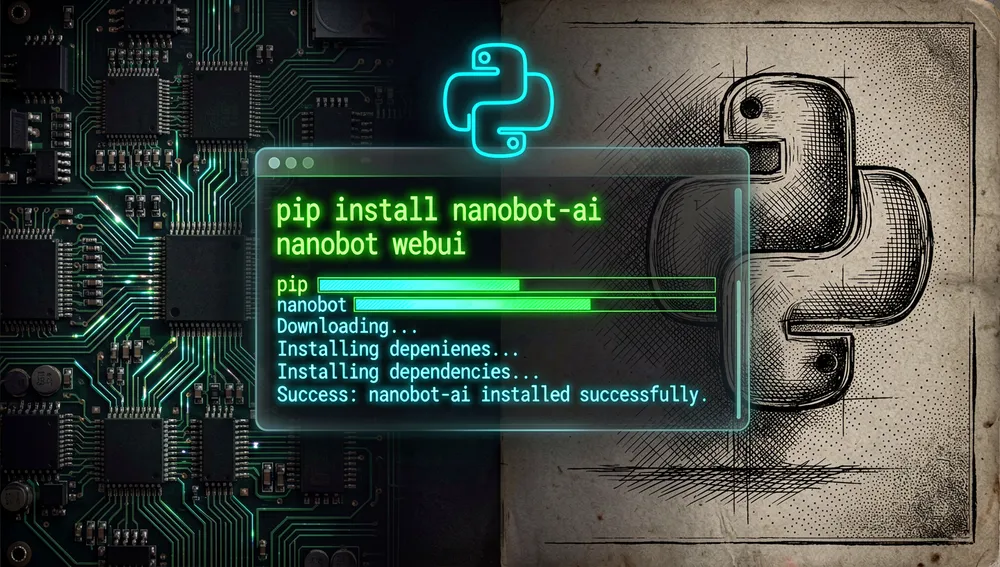
On first run, nanobot webui creates configuration and a workspace when needed, starts the gateway, and opens http://127.0.0.1:8765. The WebUI is bound to localhost by default.
Under Settings → Models, you choose a provider, credential, and model. Then send Hello! to verify the connection.
If pip shows externally-managed-environment, the documentation recommends uv, pipx, the official installer, or a virtual environment. If the executable isn’t on PATH, reuse the install command, use uv tool run --from nanobot-ai nanobot ..., pipx run --spec nanobot-ai nanobot ..., or the interpreter of the environment where it was installed.
Common workflows
- Persistent local chat: run
nanobot webui, configure the model, and create a topic in the WebUI; there you can inspect tools, files, and results. - One-off query or terminal automation: run
nanobot agent -m "Hello!"; it returns a response and exits. - Interactive terminal session: run
nanobot agent; it shares the configured model, workspace, and tools, but doesn’t keep channels or automations running after you leave. - A gateway that stays running: after completing initial setup in the foreground, run
nanobot webui --background. To operate the gateway, usenanobot gateway status,nanobot gateway logs,nanobot gateway restart, andnanobot gateway stop.
Essential configuration
~/.nanobot/config.json: the configuration file; documentation examples are merged into it, not swapped in whole.- Settings → Models: the first place to choose provider, credential, and model in the WebUI.
- Settings → Channels: configuration for chat apps like Telegram, Discord, Slack, or WeChat.
- Apps: WebUI access to CLI app integrations or MCP servers.
- Workspace and access mode: chosen from the composer before working on projects.
Common pitfalls and fixes
- WebUI opens with no model configured: this is expected behavior; complete Settings → Models and send
Hello!before diagnosing tools. pipinstall blocked by the system manager: useuv,pipx, or a virtual environment instead of forcing a global install.- The
nanobotcommand isn’t found: reuse the command reported by the installer, or run it viauv tool runorpipx run. - Installed from source on Windows and can’t start
npm: go intowebui, runnpm.cmd install --package-lock=falseandnpm.cmd run build, go back to the root, and retry the install. - Lost connection in Docker deployments or channel permissions: there are dedicated discussions on Docker, WeCom, and channels; it’s worth isolating whether the failure belongs to install, configuration, model, gateway, channel, or tool access by following the diagnostic guide.
Integrations and migration
nanobot can connect to MCP servers from Apps, expose an OpenAI-compatible API and a Python SDK, and work with local models via Ollama or OpenAI-compatible servers like vLLM. The README presents nanobot gateway as a familiar entry point for anyone migrating from OpenClaw: it avoids opening the browser and runs the full gateway in the terminal. No automated migration guide or configuration importer from OpenClaw was found; the documented migration is operational, via a gateway, provider, and channels configured again from scratch.
Use cases
- People who want their own assistant can keep conversations, memory, and tools under a local or self-hosted instance, instead of relying only on a remote interface.
- Small teams coordinating work from chat can connect channels like Telegram, Discord, Slack, email, or WeChat and maintain the same gateway, model, and workspace.
- Developers integrating AI into an existing application can use the OpenAI-compatible API, the Python SDK, or MCP to connect local tools and automations.
- Operators needing persistent tasks can run the gateway in the background, check logs, and use scheduled automations; for production, Docker, Compose, and system services are documented.
- Those looking for a smaller-surface alternative to a larger agent stack can evaluate its Python core, but should independently validate permissions, token consumption, isolation, and planner limits before granting access to sensitive data or commands.
Resources
- Repository: https://github.com/HKUDS/nanobot
- Official documentation: https://nanobot.wiki/docs/latest/getting-started/nanobot-overview
- Package and installation: https://pypi.org/project/nanobot-ai/
- Configuration and getting-started guide: https://github.com/HKUDS/nanobot/blob/main/docs/configuration.md and https://github.com/HKUDS/nanobot/blob/main/docs/quick-start.md
- Contributing: https://github.com/HKUDS/nanobot/blob/main/CONTRIBUTING.md
- Releases and changes: https://github.com/HKUDS/nanobot/releases
- Community/Discord: https://github.com/HKUDS/nanobot/discussions and https://discord.gg/MnCvHqpUGB
- Hacker News conversation: https://news.ycombinator.com/item?id=46897737
Note: this article combines the repository, official documentation, PyPI, GitHub discussions, Hacker News, and YouTube results gathered on August 11, 2026. Metrics change over time.
Comments