

Knowledge Work Plugins: operational templates for Claude Cowork
anthropics/knowledge-work-plugins · 25,586★ · 3,029 forks
Everything worth knowing about anthropics/knowledge-work-plugins: an open plugin marketplace that combines skills, connectors, commands, and subagents to adapt Claude to team work.
What Knowledge Work Plugins is
Knowledge Work Plugins is an Anthropic repository for turning Claude into an assistant specialized by function, team, or company. Its stated focus is Claude Cowork, though the README also notes compatibility with Claude Code.
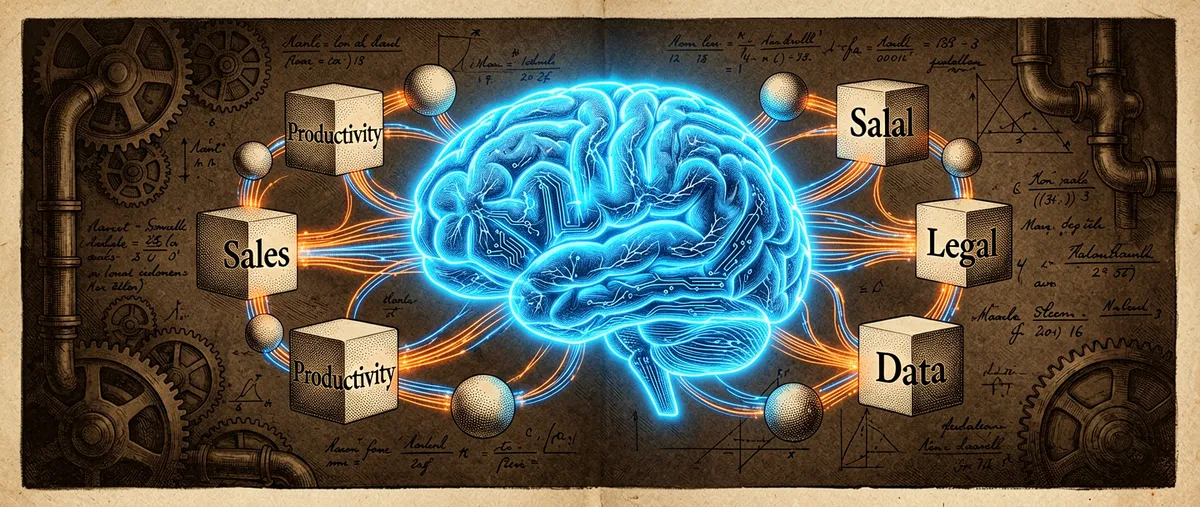
A plugin bundles skills, connectors, slash commands, and subagents. The premise isn’t just requesting an output: an organization can encode how it works, what data and tools it uses, and which steps are critical, so they can be repeated with more consistency.
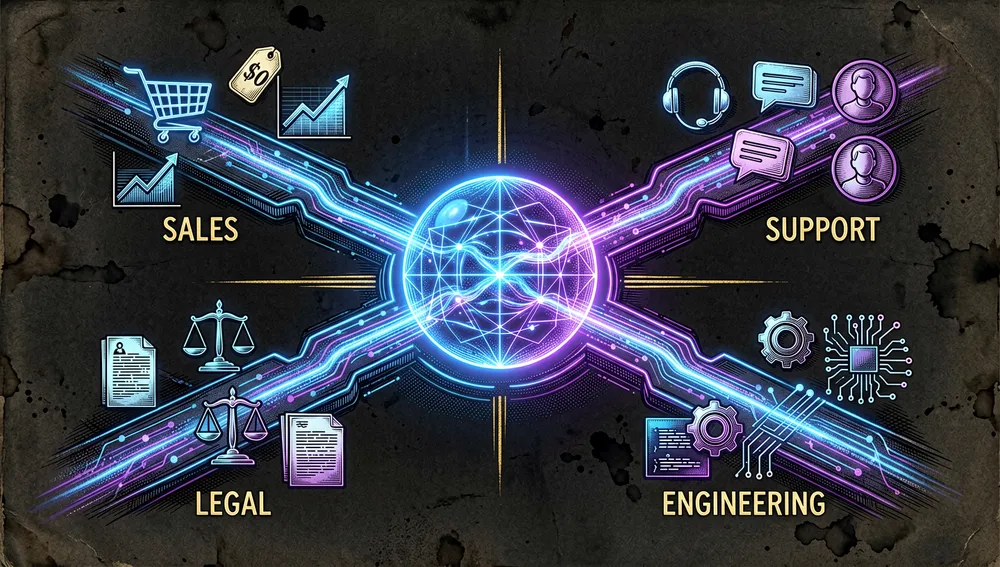
The initial README talks about eleven open-source plugins, while the current marketplace registry lists areas like productivity, sales, support, product management, finance, data, legal, marketing, HR, design, engineering, operations, small business, enterprise search, and biomedical research, plus partner integrations.
Origin: taking Cowork from task to context
The repository was created on January 23, 2026 under the Anthropic organization. Its available history is institutional, not that of an individual author: the README presents the plugins as components built on and inspired by Anthropic’s own work to make Claude behave in line with a company’s processes, terminology, and sources.
The context is Claude Cowork, which Anthropic describes as an experience for starting tasks, connecting data, scheduling recurring work, and receiving documents, spreadsheets, or presentations for review. Knowledge Work Plugins addresses the tension between that generalist interface and each company’s specific procedures: instead of relying solely on the context entered in each conversation, it packages reusable instructions and connections.
Philosophy and principles
- Editable specialization: plugins provide a starting point per function, but the README emphasizes that their main value emerges once tools, vocabulary, and processes are adjusted.
- Outcome-oriented work: plugins combine instructions with access to sources of work, rather than being limited to an isolated collection of prompts.
- Human-control integration: some small-business flows explicitly state that the user approves steps that affect money or customers.
- Composition: a unit can include skills, connectors, commands, and subagents; there’s no single mandatory interface for every case.
How it works
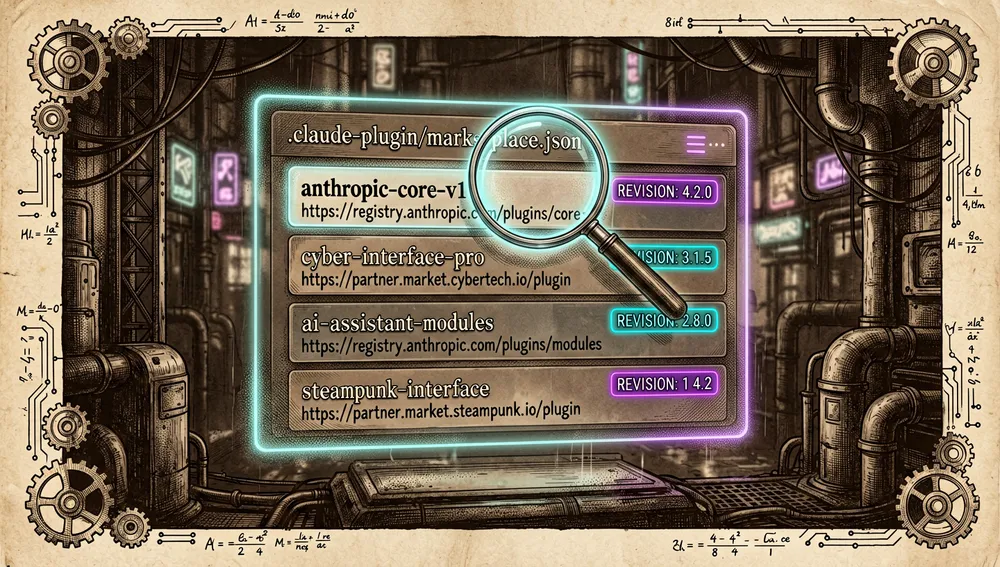
The repository contains a marketplace in .claude-plugin/marketplace.json and plugin directories. Each entry declares a name, a source, and a description; third-party entries can pin a specific revision of a remote repository, letting the marketplace reference external plugins without necessarily copying all their code.
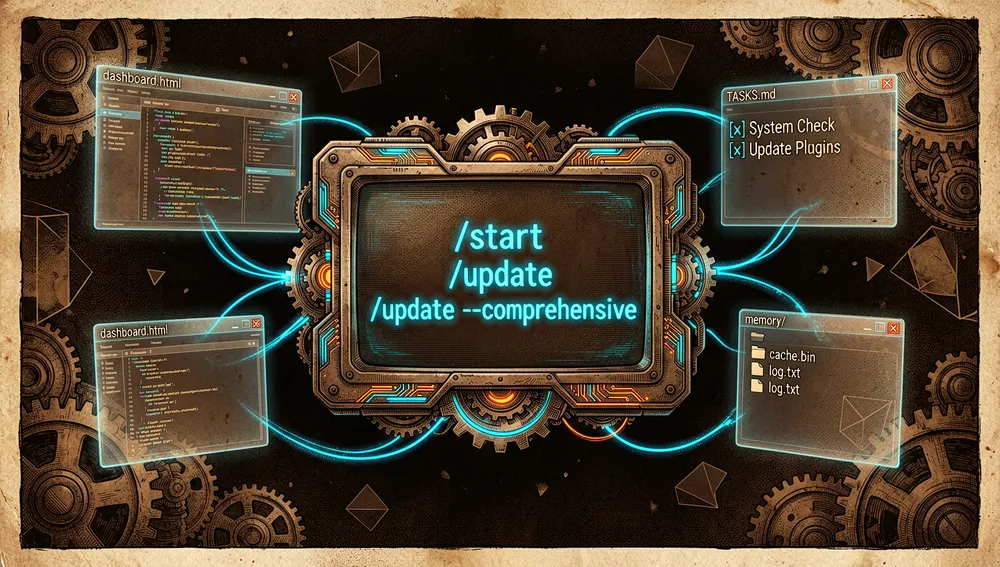
Behavior depends on the plugin chosen. For instance, Productivity manages tasks via TASKS.md, keeps working context in CLAUDE.md and memory/, and generates a local dashboard.html dashboard. Its documented commands are:
/start: initializes tasks, memory, and the dashboard./update: reviews stale tasks, detects memory gaps, and can sync external tools./update --comprehensive: performs a deeper review of email, calendar, and chat to propose tasks and memories.
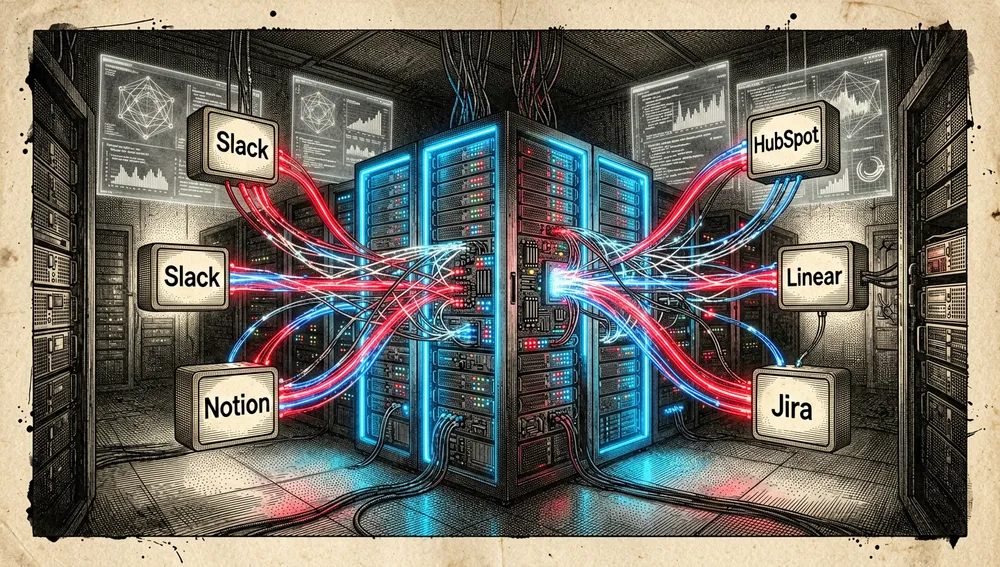
The main README lists connectors like Slack, Notion, HubSpot, Linear, Jira, Microsoft 365, and others depending on the domain. An integration appearing in the list doesn’t remove its authentication requirements or guarantee that a specific MCP server remains available.
Official and semi-official status
The status is official: the repository belongs to anthropics, and its marketplace file declares Anthropic as the owner. It’s built for the official Claude Cowork product and documented as compatible with Claude Code.
That doesn’t make every partner plugin software produced or technically certified by Anthropic. The registry distinguishes external authors — for instance Salesforce for Slack, Apollo.io, Common Room, Zoom, Miro, Airtable, and others — and often pins an external source by URL or subdirectory. In practice, the repository functions as a semi-official marketplace for those add-ons: Anthropic publishes the index, while the provenance and maintenance of many integrations remain with their partners.
The ecosystem
The marketplace’s own components
Beyond the base areas, the current registry includes Plugin Management, for creating, customizing, and administering plugins, configuring MCP servers, and adapting organization templates; and Enterprise Search, for searching email, chat, documents, and wikis. There are also first-party plugins for a PDF viewer, engineering, and small business.
At the partner layer are, among others, Salesforce’s Slack, Apollo.io, Common Room, Zoom, Miro, Airtable, Zapier, Intercom, Box, Figma, Canva, Dropbox, PlanetScale, and Datadog. Their descriptions specify the relationship — for example, access via MCP servers or remote sources with a pinned revision.
Ports, forks, and community extensions
The repository search found eren726290/opencode-cowork-plugins (37 stars), described as a port for the OpenCode Windows desktop CLI based on Anthropic’s plugins. It’s a community adaptation, not an Anthropic project.
The same search found Moonsong-Labs/knowledge-work-plugins (3 stars), presented as a plugin collection for specializing an AI agent, along with several mirrors or forks sharing the name and no verifiable description. No non-English translation with an explicit relationship, or extension with enough documentation to attribute compatibility or maintenance, was found.
Repo numbers
Measured: August 11, 2026, GitHub API.
| Metric | Value |
|---|---|
| Stars | 23,433 |
| Forks | 2,826 |
| Real subscribers | 169 |
| Open issues per the API | 64 |
| Primary language | Python |
| License | Apache-2.0 |
| Created | January 23, 2026 |
| Last metadata update | August 11, 2026 |
| GitHub releases | None found via the API |
The top contributors found were bryan-anthropic (55), mattpic-ant (23), and tobinsouth (10), after github-actions[bot] (504). Automation dominates that list, so it doesn’t equate to a ranking of human authorship.
The API’s open_issues_count can include open pull requests. Also, watchers_count mirrors the star count in that response, so subscribers_count is reported as the real subscriber figure.
How to contribute
Inspecting the root directory and the usual CONTRIBUTING.md, CONTRIBUTING, and .github/CONTRIBUTING.md paths didn’t turn up a dedicated contribution guide. So there’s no verifiable fork/branch/test/PR workflow to recommend as official policy.
There is evidence of contribution activity: the PR history includes automated-validation proposals, a template for plugin submissions, and installation-syntax fixes. That shows the project has accepted changes, but it doesn’t substitute for a published contribution policy.
How the community received it
The retrievable external evidence is limited. On Hacker News, submission 46828376, posted by sparkalpha on January 30, 2026 and linked directly to the repository, reached 4 points and 0 comments. That credits launch discovery, not praise, criticism, or user consensus.
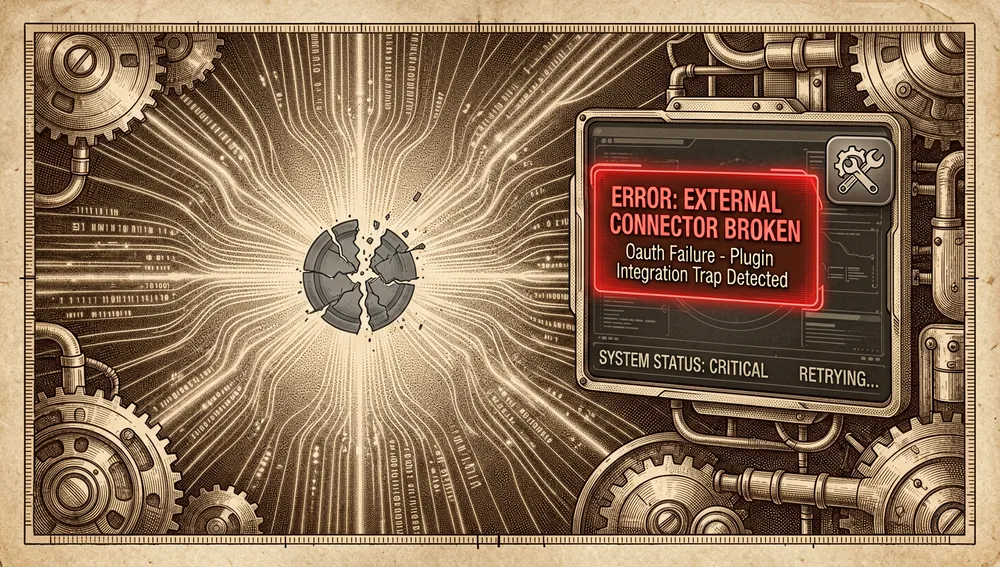
There is a concrete usage objection on GitHub. In issue #180, martyychang reported that the Google Calendar MCP server used by Productivity was deprecated, so calendar-dependent features could fail or error out; the issue was still open, with four comments, as of data collection. That’s a single user report, not a general evaluation of the repository, but it illustrates a real pitfall: plugins that depend on external connectors can be affected by service or OAuth changes.
Automated Reddit searches returned a 403 block; Product Hunt returned 403; and the X search didn’t retrieve verifiable public posts. This doesn’t assert an absence of conversation on those platforms. The YouTube search didn’t produce directly verifiable video metadata for the repository, so no titles or view counts are included.
Knowledge Work Plugins vs. other approaches
| Proposal | Verifiable relationship | Limit of the comparison |
|---|---|---|
eren726290/opencode-cowork-plugins | Explicitly described as a port of Anthropic’s plugins to the OpenCode Windows desktop CLI. | The search doesn’t provide enough documentation to compare all of its features, security, or compatibility. |
Moonsong-Labs/knowledge-work-plugins | Presented as a plugin collection for specializing an agent by role, team, and company. | No README was found that would support claiming technical equivalence, Cowork compatibility, or connector support. |
The verifiable differentiator of Anthropic’s proposal is its direct link to Cowork and Claude Code, plus a marketplace file that mixes first-party plugins with partner sources at pinned revisions.
Quick-start guide
Installation and first run
- Install Claude Cowork or Claude Code depending on the environment you’ll use; Anthropic documents the plugins as Claude Code extensions, and the repository is designed primarily for Cowork.
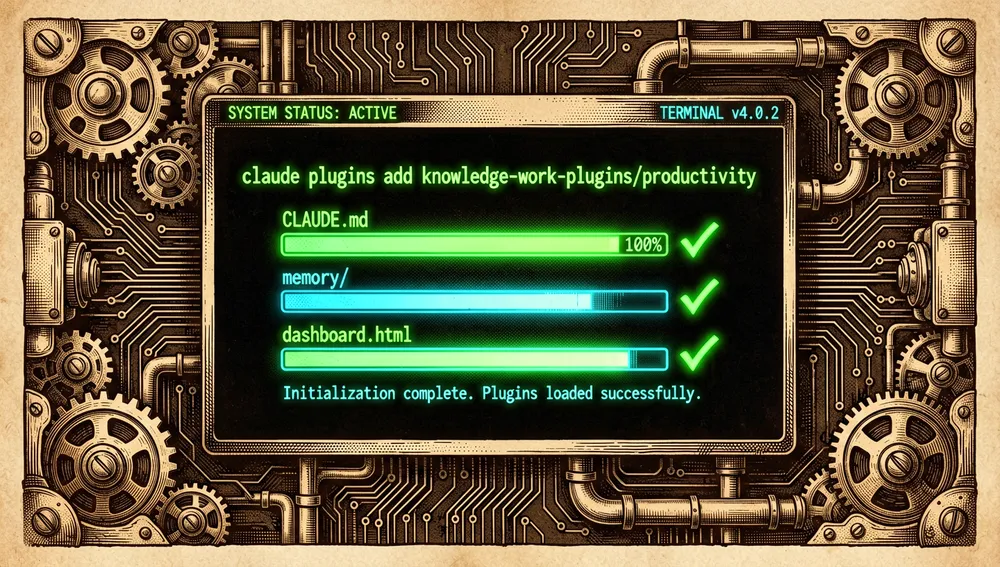
- To install the productivity plugin, the component’s README states exactly:
claude plugins add knowledge-work-plugins/productivity- Run
/start. The first run createsTASKS.md,CLAUDE.md, thememory/directory, anddashboard.html; it then opens the dashboard and asks for initial context.
Common workflows
- Organizing personal or team work: run
/start, phrase tasks in natural language, and reviewTASKS.md; the plugin maintains its own state and the local dashboard. - Reviewing stalled tasks: run
/update; the flow classifies old items, checks for memory gaps, and syncs external tools when applicable. - Preparing a broader review: run
/update --comprehensiveto inspect email, calendar, and chat and propose missed tasks or additional memory. - Building a corporate adaptation: use the marketplace’s Plugin Management plugin to configure MCP servers, change behavior, and adapt templates to internal tools and workflows.
Essential configuration
TASKS.md: a shared Markdown list the plugin reads and updates to track tasks.CLAUDE.md: top-level working memory for people, projects, and terminology.memory/: deeper memory storage for the Productivity plugin.dashboard.html: a local dashboard synced with tasks and working context..claude-plugin/marketplace.json: the technical index of plugins, sources, and revisions; relevant to whoever maintains the marketplace, not to a daily install.
Common pitfalls and fixes
- A connector can break a flow even if the plugin is installed. Issue #180 documents that the Google Calendar endpoint was deprecated and that its replacement didn’t offer the dynamic registration required by Claude Code. Before building a routine around that calendar, check the connector’s status and follow whatever migration the provider indicates; don’t assume the README’s list confirms current availability.
- Don’t treat a partner entry as Anthropic support. Check the
authorfield, the source URL, and the pinned revision in the registry to identify who maintains each integration.
Integrations and migration
The repository’s integration patterns are connectors and MCP servers: Productivity can work with external tools, and the marketplace contains specific entries for platforms like Slack, Zapier, Intercom, Box, Airtable, and Datadog. The only port found with an explicit migration is eren726290/opencode-cowork-plugins, which claims to adapt the collection to the OpenCode CLI for Windows; the source doesn’t provide a step-by-step migration procedure.
Use cases
- Professionals and teams working in Claude Cowork can start from a specific function — sales, support, legal, finance, product, or productivity — and replace repeated instructions with packaged skills, connectors, and commands.
- Personal operations teams can use Productivity to centralize tasks in
TASKS.md, keep context inCLAUDE.md, and review information from a local dashboard. - Internal tool administrators can use Plugin Management to adapt behavior and MCP servers to the organization’s processes and terminology.
- Teams with sensitive data or high-impact actions should identify each connector’s maintainer and source, test it before automating it, and keep human approval on actions that affect money or customers, as the small-business plugin states.
Resources
- Repository: https://github.com/anthropics/knowledge-work-plugins
- Documentation and installation: https://docs.anthropic.com/en/docs/claude-code/plugins
- Claude Cowork: https://claude.com/product/cowork
- Marketplace and plugin catalog: https://github.com/anthropics/knowledge-work-plugins/blob/main/.claude-plugin/marketplace.json
- Hacker News conversation: https://news.ycombinator.com/item?id=46828376
- Calendar integration issue: https://github.com/anthropics/knowledge-work-plugins/issues/180
Note: this article combines official sources, the GitHub API, a search for related repositories, and Hacker News, gathered on August 11, 2026. Figures and connectors change over time.
Comments