


Impeccable: a design language for agents that build interfaces
pbakaus/impeccable · 70,976★ · 4,307 forks
Everything worth knowing about pbakaus/impeccable: a collection of skills, commands, and references that guides AI assistants to design, audit, and polish frontend interfaces with hierarchy, accessibility, typography, spacing, interaction, and visual judgment beyond a generic “make it pretty” request.
What Impeccable is
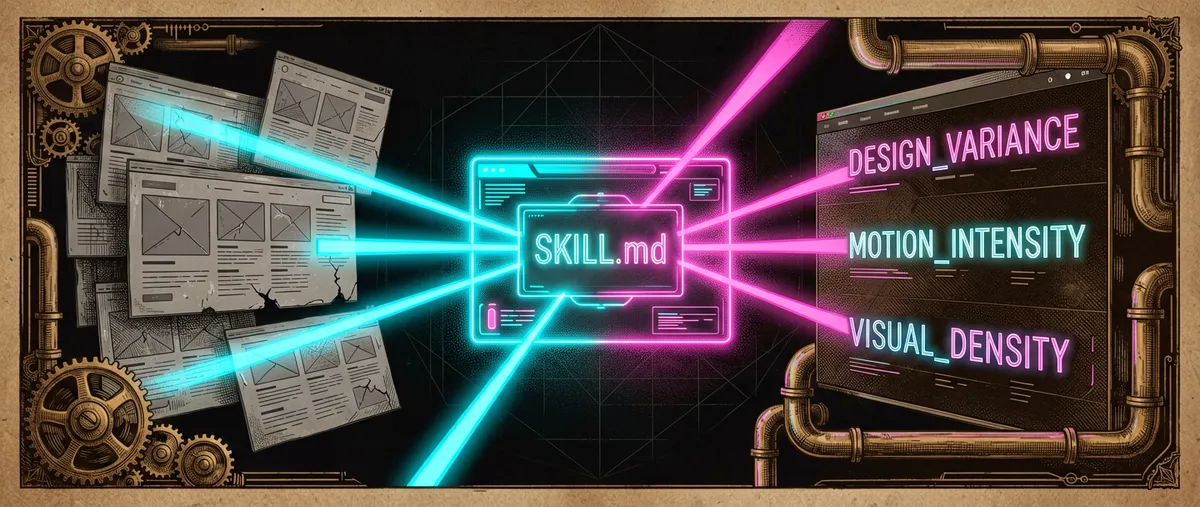
Impeccable is a design and frontend skill for coding agents. Its stated goal is to help create distinctive, production-ready interfaces, avoiding predictable visual patterns the project calls “AI slop”: generic purple gradients, default Inter typography, nested cards, insufficient contrast, or a decorative dark mode.
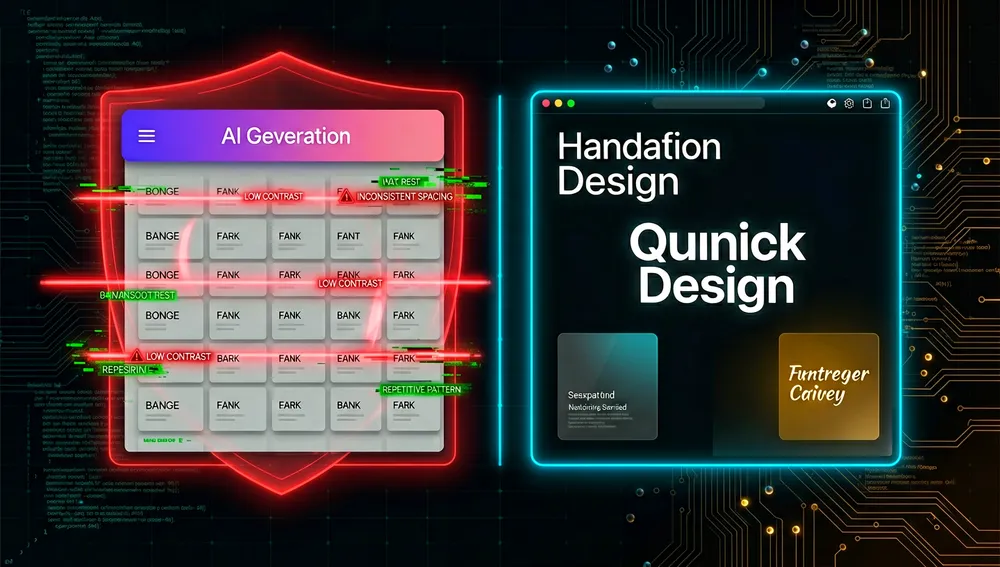
It isn’t a component library, an image generator, or a complete design system. It’s a corpus of instructions and references that guides the agent during design, redesign, critique, audit, normalization, animation, and pattern-extraction tasks. The result still depends on the product, context, available assets, framework, and human judgment.
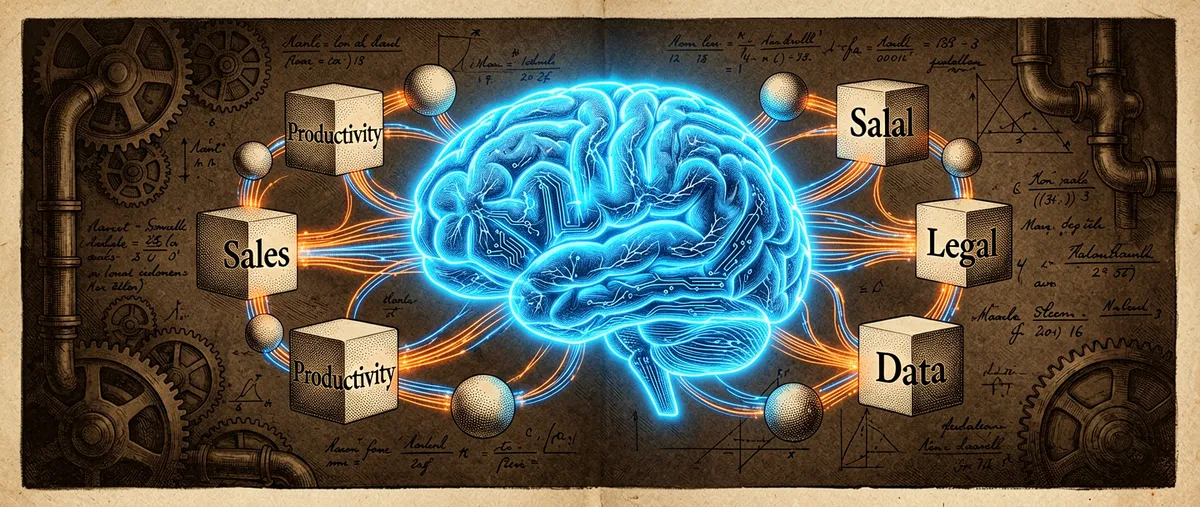
The official documentation presents it as a comprehensive skill, 17 specialized commands, and seven domain reference files; it declares compatibility with Cursor, Claude Code, Gemini CLI, and Codex CLI.
The origin: giving a design model vocabulary and constraints
Impeccable’s premise is that models learned from repeated web templates and tend to produce interfaces recognizable as AI-generated. Rather than leaving design to a broad instruction, the project introduces a language: aesthetic direction, hierarchy, composition, color, typography, interaction, responsiveness, UX writing, accessibility, and anti-patterns.
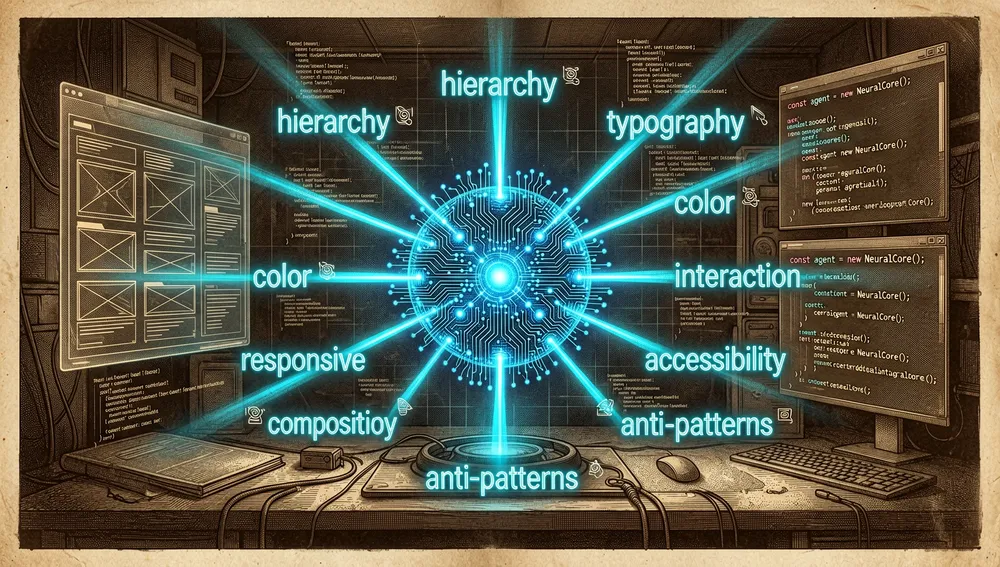
The repository belongs to pbakaus, and its frontend-design skill declares attribution to an Anthropic skill of the same name under the Apache-2.0 license. That relationship establishes a documented base or inspiration for that skill; it doesn’t imply Anthropic maintains or endorses the entire Impeccable repository.
The proposal is deliberately opinionated: it asks for taking a clear visual direction, avoiding “safe” solutions with no point of view, and producing functional code, not just mockups. This can raise quality when good product context exists, but it also requires a team to review whether the proposed aesthetic fits brand, accessibility, and real users.
Philosophy and principles
- Intentional design. Before editing, define purpose, audience, tone, constraints, and one differentiating element the user can remember.
- Hierarchy before decoration. Space, composition, and contrast should resolve visual priority; not everything needs a card or the same separation.
- Explicit anti-patterns. The project names common AI styles so the agent has concrete prohibitions, not just vague aspirations.
- Interaction with meaning. Animation should communicate state changes and use transforms/opacity where possible, not decorative movement that hurts performance.
- Verifiable quality. The guide incorporates contrast, states, responsiveness, loading, empty states, forms, UX writing, and visual browser review.
How it works
The main skill activates for interface tasks: sites, landing pages, dashboards, components, forms, settings, onboarding, and empty states. Before working, the instructions distributed by SkillsCat ask to load the project’s product/design context; then the agent picks the appropriate flow — create, critique, or extract — and consults specific references.
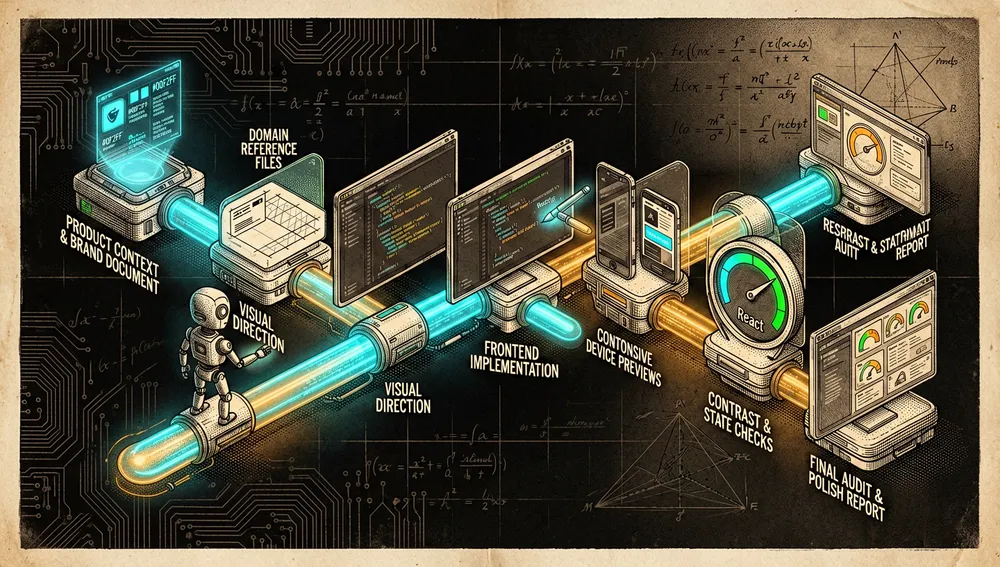
Product and brand context → visual direction → domain reference
                                              → real implementation
                                              → responsive, contrast, and state review
                                              → audit / final polish
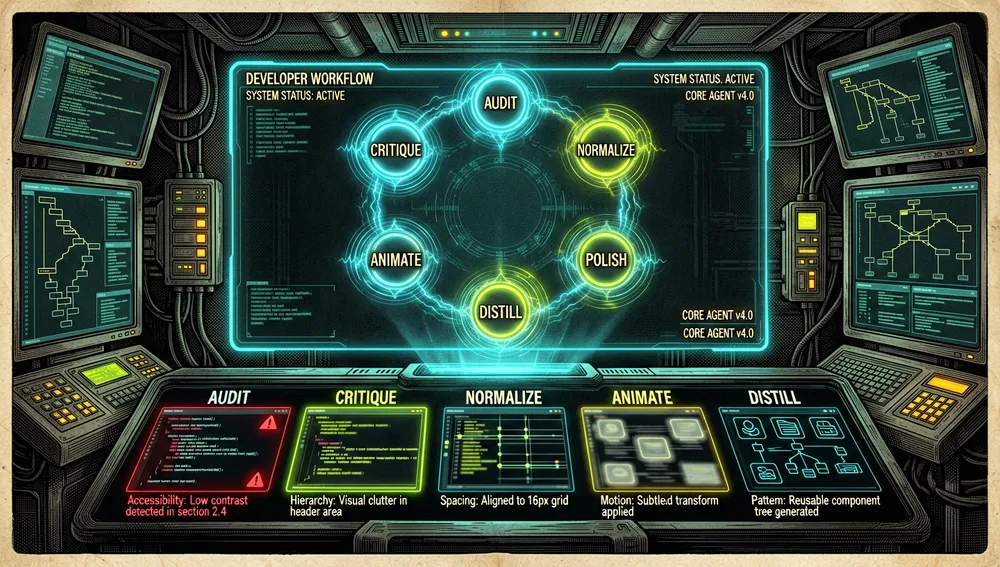
The official documentation identifies commands like /audit, /critique, /normalize, /polish, /animate, and /distill. Specialized skills can address layout, onboarding, color, motion, typography, or other parts of an interface.
Main components
- The comprehensive
impeccableskill: covers everything from diagnosis and direction to frontend implementation. - Domain references: files for product, web, layout, responsiveness, interaction, UX writing, and other specific focuses.
- Steering commands: actions for auditing, critiquing, normalizing, polishing, animating, and reducing complexity.
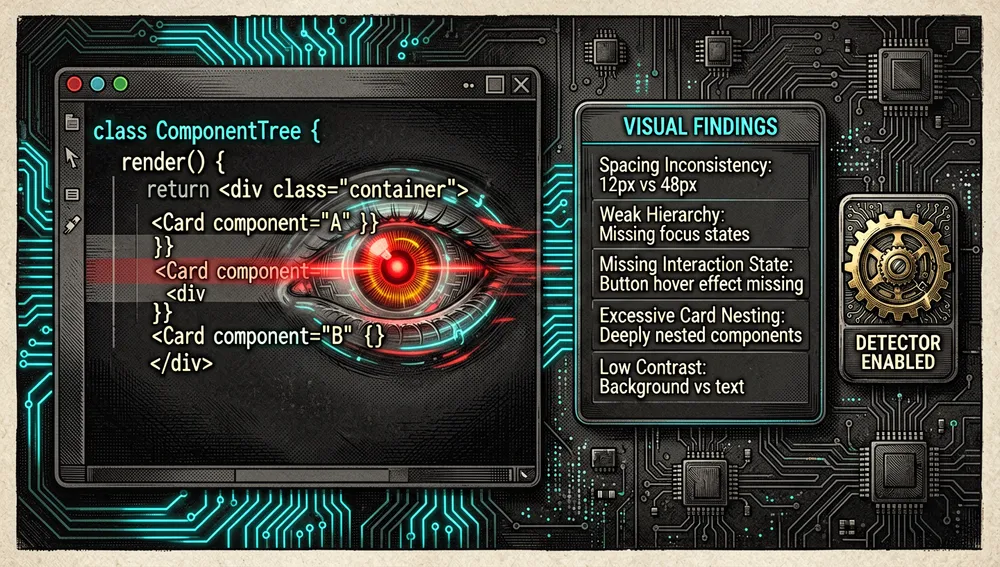
- Detector and hooks: the SkillsCat distribution documents a hook that can run a design detector after editing UI and show findings to the agent.
- Specialized skills:
layoutandonboard, among others, scope concrete problems like spatial rhythm, hierarchy, first-run experience, and empty states.
The ecosystem
Impeccable can be installed via the npx skills ecosystem; agent directories show commands like:
npx skills add pbakaus/impeccable --skill impeccableThe exact destination depends on the client. AI UX Playground shows, for example, installation at .cursor/skills/; the official documentation covers Cursor, Claude Code, Gemini CLI, and Codex CLI.
The repository appears indexed in AI UX Playground, Agent Skills Finder, SkillsCat, mcpservers.org, and other catalogs. Those sites facilitate discovery and, in some cases, generate curation scores; they aren’t official audits and don’t substitute for reading the repository’s skill.
The visual design skill relates to other guides from Vercel, Emil Kowalski, Tailwind, and shadcn/ui that the directories suggest. These are adjacent resources; Impeccable doesn’t turn them into mandatory dependencies or guarantee compatibility with its rules.
Repo numbers
Measured: August 24, 2026, GitHub API. The source article for this repository didn’t include its own metrics table; these figures were verified directly against the public GitHub API at publication time.
| Metric | Value |
|---|---|
| Stars | 62,136 |
| Forks | 3,801 |
| Real subscribers | 175 |
watchers_count mirrors stars in GitHub’s general response; that’s why subscribers_count is reported as the real subscriber count.
Quick-start guide
Installation and first run
Install the skill with your chosen agent manager and read SKILL.md before requesting changes. If the project has a product or design document, load it first so the agent doesn’t invent an unrelated visual identity.
A reasonable start flow is:
- Define objective, audience, brand, content, and technical constraints.
- Ask for a clear design direction, not just “modern” or “professional.”
- Implement one real screen or component.
- Review visually at relevant screen sizes.
- Run an audit/polish pass before delivering.
Common workflows
- Creating a new interface: use the comprehensive skill to choose direction, hierarchy, typography, color, structure, and states before writing components.
- Auditing an existing interface: apply
/auditor/critiqueto review accessibility, density, repetition, hierarchy, and anti-patterns. - Solving layout: use the
layoutskill when a design is flat, crowded, or misaligned; its guide recommends fixing structure before surface details. - Launch polish: use
polishto review spacing, alignment, interaction, text, and edge cases when functionality is already complete. - Improving onboarding: use
onboardto define the moment of value, user level, activation, and initial states.
Common pitfalls and fixes
- Applying an aesthetic without context. A strong direction may be inappropriate for a regulated product, B2B, or an established brand; document constraints before generating UI.
- Treating anti-patterns as absolute rules. A font or gradient can be correct if it expresses a brand and doesn’t replace hierarchy; the rules are decision guides, not an aesthetic police.
- Forgetting contrast and states. The distributed material recommends a minimum contrast of 4.5:1 for body text and 3:1 for large text; verify it with tools, not by eye.
- Animating layout properties. Prefer
transformandopacityfor frequent motion, and reserve structural changes for transitions that don’t hurt interaction. - Accepting the first result. The directory guides emphasize that the outcome depends on context and the agent’s interpretation; use screenshots, responsive testing, and human review.
Security and trust model
The skill isn’t a backend or a service that operates on its own; its main risk appears when the agent has access to files, a browser, commands, or deployment. Installing instructions from a repository or registry requires the same origin and version review as any other agent dependency.
Detection hooks and context scripts can read project configuration and react to edits. They should be enabled consciously, their effects reviewed, and sensitive files excluded. Screenshots, test data, or brand assets shouldn’t be published without permission.
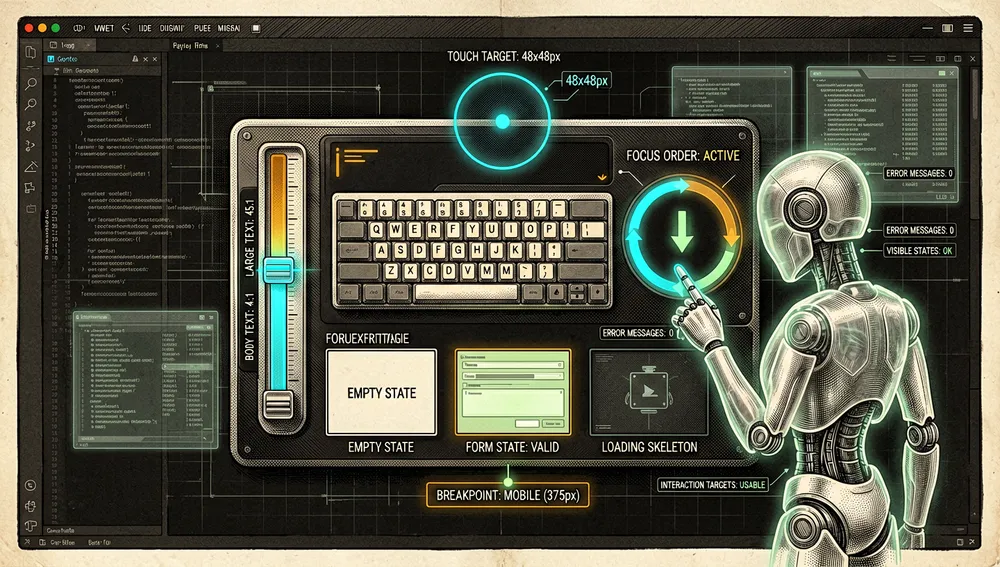
Accessibility is also a matter of quality and usage safety: checking contrast, focus states, keyboard navigation, touch target sizes, and error content prevents leaving users stuck in a flow. These good practices derive from the project’s guides; they don’t substitute for a formal accessibility audit.
How the community received it
Skill registries reflect positive curation reception. Agent Skills Finder assigned the main skill 86/100 and noted a clear trigger, domain references, and structured flows; that’s an automated/editorial rating from that registry, not proof that every generated interface is high quality.
AI UX Playground and SkillsCat list it as a UX/frontend design skill and show popularity or stars per their own snapshots. Those are discovery signals, not a satisfaction survey or an accessibility benchmark.
The repository’s issues include requests for agent support and problems with detector rules, suggesting adoption and system evolution, but also integration friction.
No independent technical review with reproducible evaluation of Impeccable’s results against human designers or alternative guides was recovered; no quantitative visual-quality improvement is therefore attributed.
Impeccable versus other approaches
| Approach | Verifiable overlap | Verifiable difference |
|---|---|---|
| A “make it pretty” prompt | Both seek to improve an interface. | Impeccable provides references, commands, anti-patterns, and audit/implementation flows. |
| A design system | Both seek visual consistency. | A design system defines a product’s tokens and components; Impeccable guides the agent to create, critique, or extract those patterns. |
| Vercel’s UI guide | Both address interface quality and accessibility. | Vercel’s guide is a suggested external reference; Impeccable adds a broader methodology and design commands. |
Anthropic’s frontend-design skill | Both pursue distinctive, functional frontend. | Impeccable declares a base/attribution for that skill and surrounds it with its own references, commands, and detector. |
Use cases and who this repository can help
- Frontend engineers working with agents who need a more explicit visual criterion than a general request.
- Designers who code and want to turn a visual direction into real component, responsive, and state changes.
- Product teams wanting to audit dashboards, onboarding, forms, and empty states before launch.
- Design system maintainers wanting to extract patterns, normalize inconsistencies, or use a detector as a second review.
It doesn’t replace user research, brand strategy, content design, or a professional accessibility audit. It’s an execution and review aid, not an autonomous source of design truth.
Resources
- Repository: https://github.com/pbakaus/impeccable
- Documentation: https://pbakaus-impeccable.mintlify.app/
- LLM index: https://mintlify.com/pbakaus/impeccable/llms.txt
- UX registry: https://aiuxplayground.com/skills/impeccable/
- Skills directory: https://agentskillsfinder.com/skills/pbakaus-impeccable
Note: this article was compiled from the repository, documentation, and skill directories retrieved on August 19, 2026. The recommendations are deliberately opinionated and should be adapted to brand, product, and accessibility requirements.
Comments