

CLI-Anything: turning existing software into agent interfaces
HKUDS/CLI-Anything · 50,493★ · 4,625 forks
Everything worth knowing about HKUDS/CLI-Anything: a methodology, plugin, and catalog for generating structured command-line interfaces over existing applications, aiming to let AI agents operate software originally designed for people.
What CLI-Anything is
CLI-Anything is an HKUDS project that proposes making software “agent-native” by wrapping it with a structured CLI. The repository combines a generation methodology, a plugin for coding assistants, already-built harnesses, and CLI-Hub, a catalog for discovering and installing community CLIs.
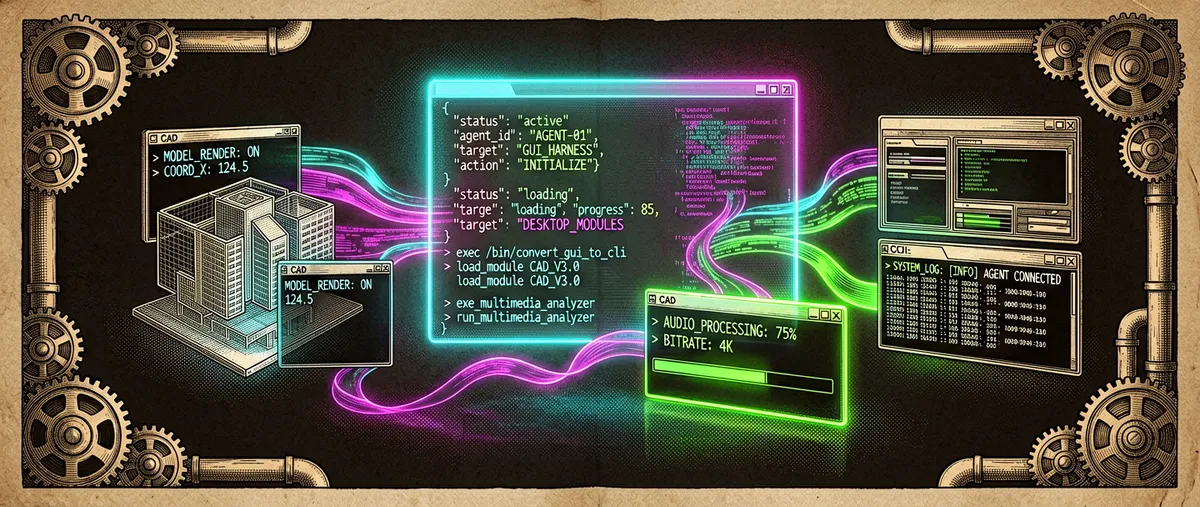
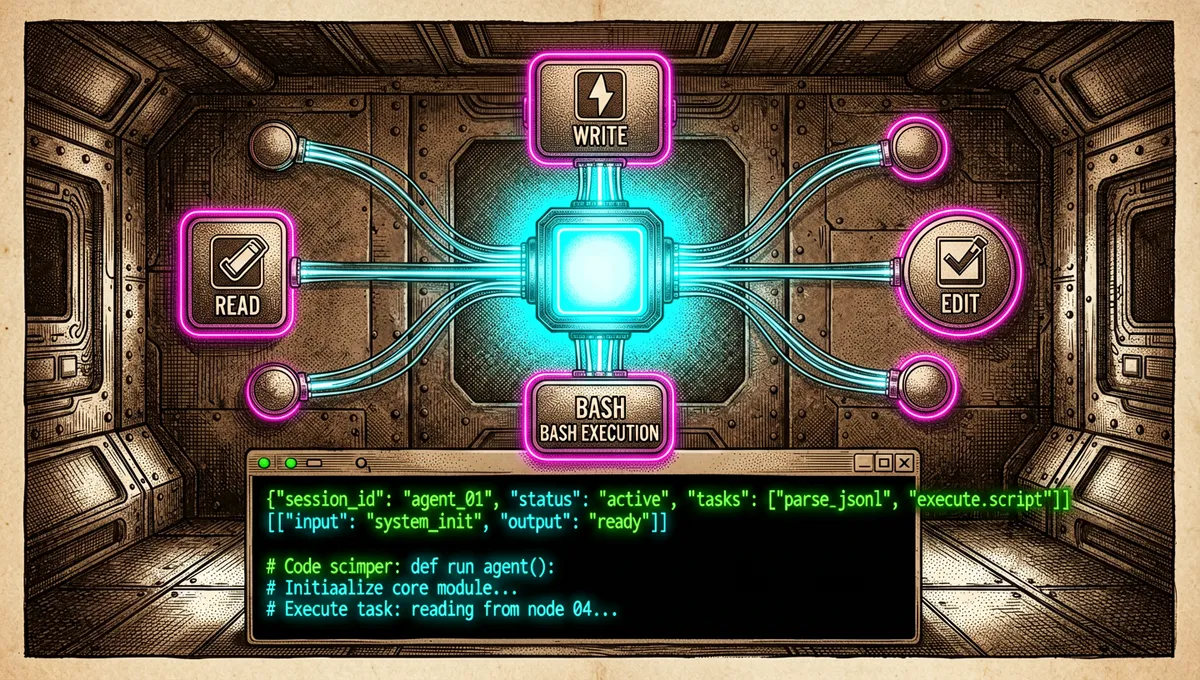
The idea isn’t for an agent to operate a GUI by clicking like a person, but for an application with source code to receive a command interface, JSON output, and a SKILL.md explaining to the agent how to use it. The README claims this allows controlling applications without a prior API, a full rebuild, or complex graphical automation; that’s the project’s proposal and should be verified per application, not assumed universally.
CLI-Anything is Apache-2.0. The repository records a v0.3.0 release on April 24, 2026 and lists several example harnesses, plus a roadmap and community contributions.
The origin: the command line as a common interface for agents
The problem it raises is that many agents can call APIs or web tools, but can’t reliably interact with desktop applications, CAD, audiovisual editing, diagramming, or specialized software. Its answer is to generate a CLI layer whose grammar, JSON, and documentation are consumable by agents.
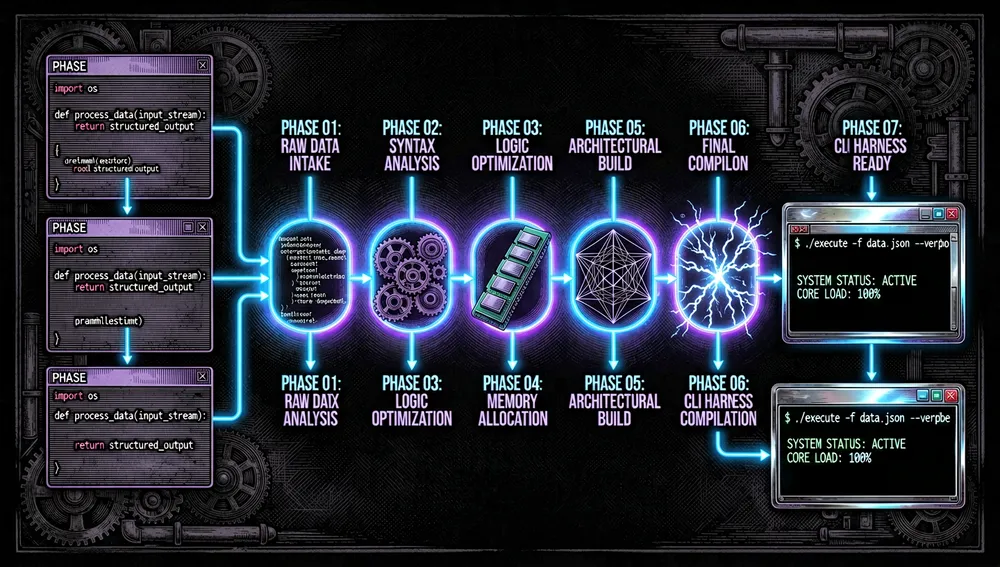
The project gathers a seven-phase flow to analyze source code, design commands, implement a wrapper, test it, and document it. The associated arXiv paper places it within the concept of agent-native computer use: adapting existing software to the demands of models with reasoning and tool use.
The repository acknowledges two important limits: it needs frontier models to generate reliable harnesses, and quality degrades when the target only offers compiled binaries rather than source code. Also, a first run may need manual refinement to cover real capabilities.
Philosophy and principles
- CLI before GUI for the agent. The structured text interface enables reproducible commands, explicit parameters, and processable output.
- A harness per application. Each piece of software gets its own package, documentation, and tests, instead of generic visual automation.
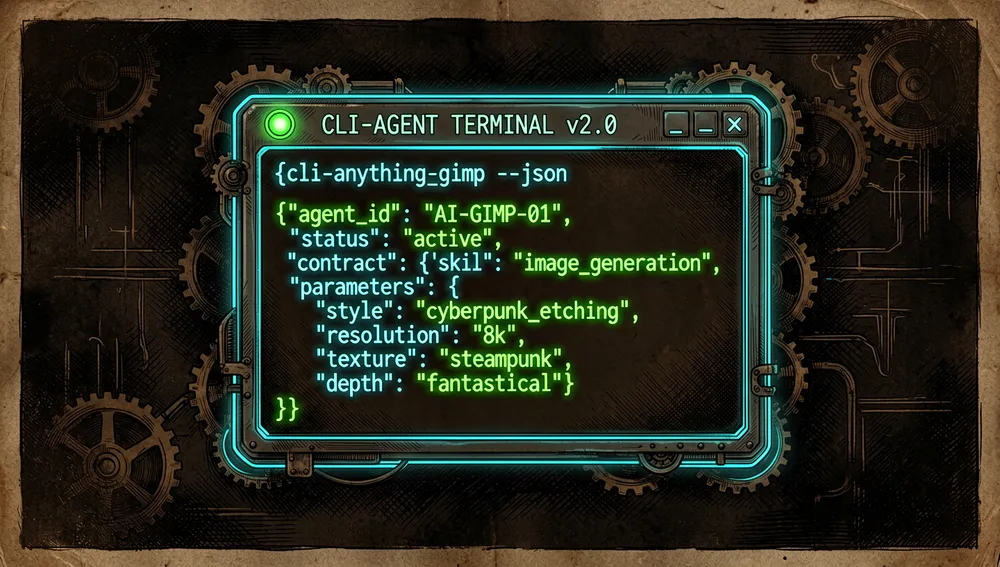
- JSON and skill as a contract. The
--jsonoutput andSKILL.mdaim to give the agent a stable format for discovering and executing capabilities.
- Generation with validation. The flow doesn’t stop at writing a wrapper: it asks for unit tests, E2E tests, architecture documentation, and iterative refinement.
- Community distribution. CLI-Hub is presented as an index from which agents can search, install, and read a specific CLI.
How it works
The user installs the marketplace/plugin or uses the included Codex skill, invokes /cli-anything over a software path, and the agent follows the methodology to generate the harness. The result installs as a local Python package and exposes a binary of the form cli-anything-<software>.
An application's source code → seven-phase analysis → CLI harness
                                                       ├─ subcommands and REPL
                                                       ├─ JSON output
                                                       ├─ SKILL.md
                                                       └─ tests and documentation
The monorepo’s harnesses keep a canonical SKILL.md under skills/cli-anything-<software>/. The generated package includes a compatibility copy, and agents can discover skills via the npx skills command the repository indicates.
Main components
- CLI-Anything plugin: adds commands like
/cli-anything,/refine, and/validateto compatible clients. HARNESS.md: the project’s central SOP or methodology; describes the build process.- Generated harness: installable package, binary, subcommands, REPL, and structured output.
SKILL.md: usage instructions for agents and discovery within the skills ecosystem.
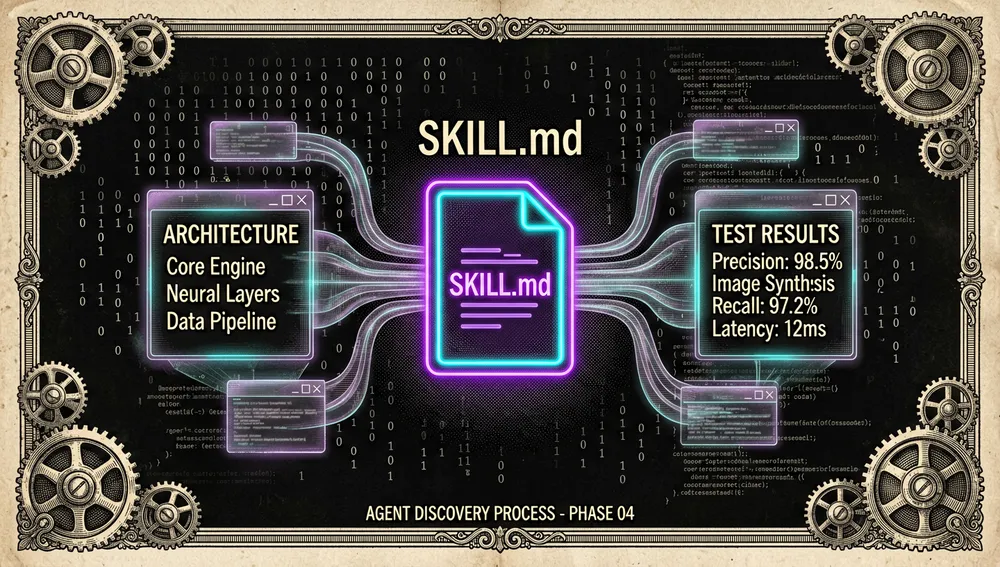
- CLI-Hub: the
cli-anything-hubpackage that lists, searches, installs, updates, uninstalls, and launches community CLIs. - Tests: the repository recommends pytest per harness and a
CLI_ANYTHING_FORCE_INSTALLED=1mode to validate installed use.
The ecosystem
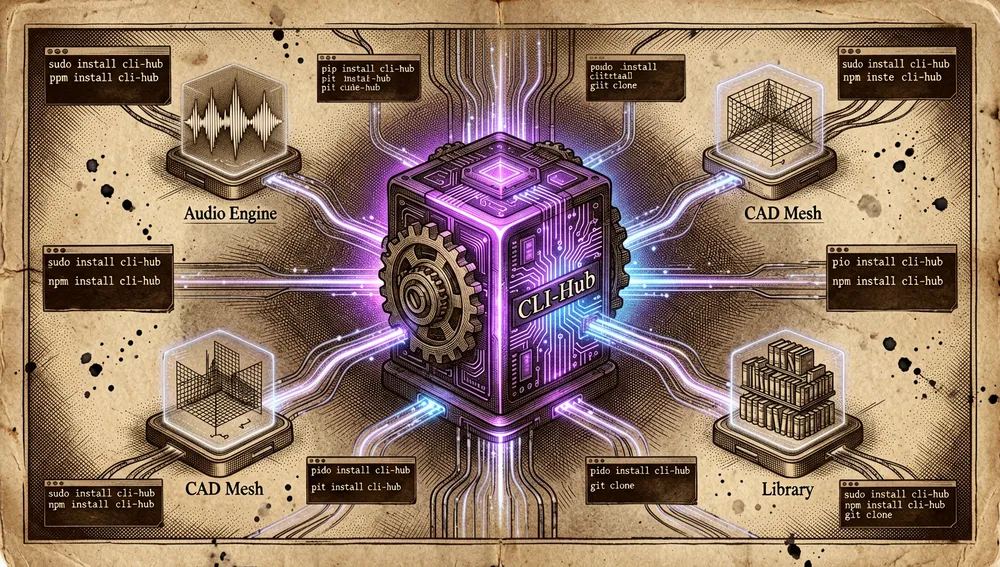
The README documents installation as a marketplace for Claude Code and GitHub Copilot CLI, an included skill for Codex, and references for OpenCode; Cursor and Windsurf appear as planned or evolving integrations. This establishes intent and integration material, not identical experience across all platforms.
CLI-Hub presents itself as the distribution layer. The user installs cli-anything-hub with pip and then uses cli-hub list, search, info, install, update, or launch. Since the catalog may contain third-party software, it’s worth reviewing the package, its permissions, and its sources before installing it.
The repository shows contributions for software like Rekordbox, Calibre, 3MF, and MiniMax, and mentions targets like CAD, DAW, IDE, EDA, and scientific tools. Those lists reflect the project’s status and ambition, not a certification of full compatibility for every application.
Repo numbers
Measured: August 24, 2026, GitHub API. The source article for this repository didn’t include its own metrics table; these figures were verified directly against the public GitHub API at publication time.
| Metric | Value |
|---|---|
| Stars | 48,026 |
| Forks | 4,455 |
| Real subscribers | 182 |
watchers_count mirrors stars in GitHub’s general response; that’s why subscribers_count is reported as the real subscriber count.
Quick-start guide
Installation and first run
For Claude Code, the README offers:
/plugin marketplace add HKUDS/CLI-Anything
/plugin install cli-anything
/cli-anything ./gimp
For a CLI that’s already been generated, the indicated route is installing the harness and running the binary:
cd gimp/agent-harness
pip install -e .
cli-anything-gimp --help
cli-anything-gimp --json layer add -n "Background" --type solid --color "#1a1a2e"
On Windows, the documentation warns that Claude Code uses bash: it recommends Git for Windows or WSL to have bash and cygpath available.
Common workflows
- Creating a new harness: give the agent the path to a project with source code and ask for
/cli-anything; then review commands, coverage, and security. - Refining coverage: use
/refineto add capabilities that didn’t appear in the first generation and/validateto check the result. - Using an existing CLI: search for it in CLI-Hub, inspect it, install it, and read its
SKILL.mdbefore instructing the agent. - Automating artifacts: integrate JSON commands into an agent workflow for CAD, images, diagrams, subtitles, or other already-wrapped applications.
Common pitfalls and fixes
- Expecting perfect coverage on one run. The README itself states that needing manual refinement and correction is normal.
- Trying to wrap binaries without source. The pipeline analyzes code; with binaries requiring decompilation, coverage and quality drop.
- Using a weak model to generate the harness. The project declares a dependency on frontier models; especially validate output generated by smaller models.
- Confusing JSON with safety. A structured interface eases automation, but a command can still modify files, projects, or libraries; apply permissions and backups.
- Installing without reviewing the catalog. A community CLI can run dependencies and local operations. Review the repository, tests, and privilege policy before trusting it with sensitive data or paths.
Security and trust model
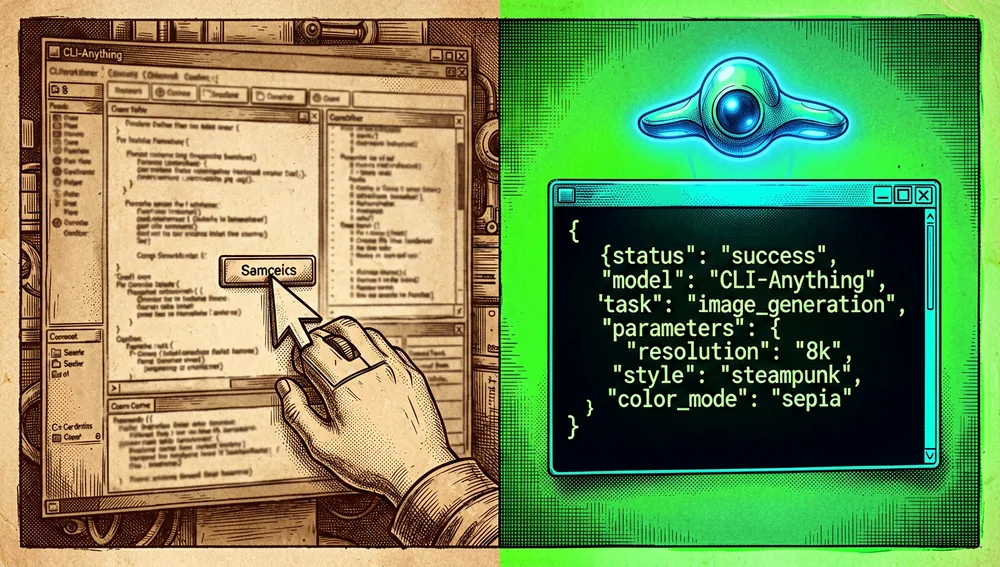
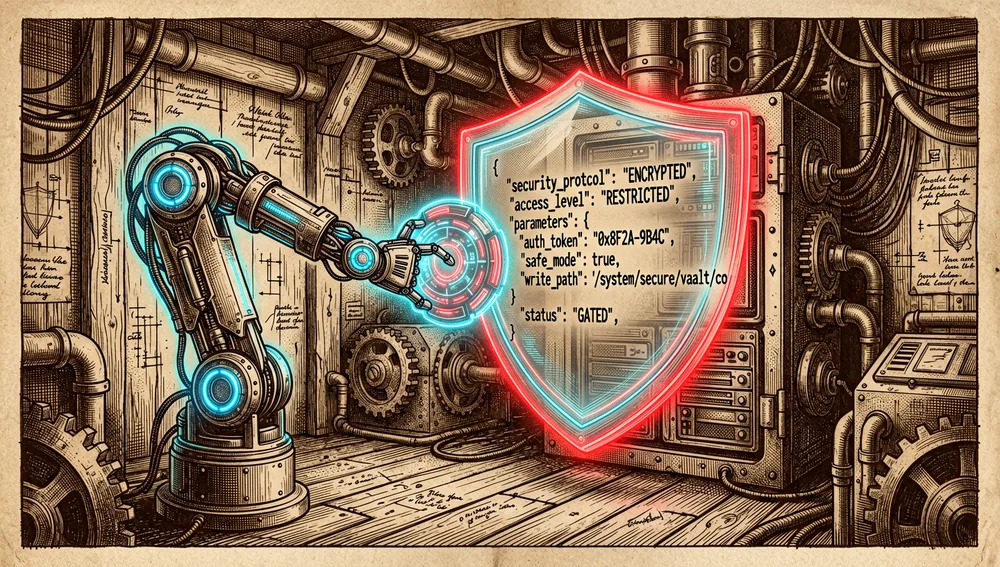
CLI-Anything shifts the control surface from a GUI to agent-executable commands. This improves auditability and repeatability, but can amplify destructive operations if the agent receives broad permissions. Harnesses should validate parameters, limit paths, offer a preview mode, and keep evidence of changes before applying them.
The project documents, for example, protected write paths and mandatory backup in a Rekordbox harness. That’s a specific practice from one contribution; it’s not enough to infer every harness in the catalog has the same controls.
The operational recommendation is to generate and test any CLI on a clone or test project, run E2E tests over copies of artifacts, review the SKILL.md, and not grant the agent credentials or access to production libraries until behavior has been reviewed. These are deployment practices derived from the nature of the system, not a security certification of the repository.
How the community received it
The repository was posted on Hacker News; the recovered page identifies the submission, but didn’t return discussion or metrics sufficient to attribute a concrete reception.
A DEV Community review explains the motivation as solving software control without an API and highlights the seven-phase methodology, JSON, tests, and SKILL.md. It’s an editorial synthesis, not an independent comparative evaluation.
An August 16 Reddit post repeats a claim of more than a million ecosystem calls and 47,000 stars. Since it comes from a post linking a social publication rather than audited metrics, it should be taken as a promotional claim, not proven adoption data.
TrendingRepo reported an absence of recoverable signals across several networks during its analysis; that lack of results doesn’t prove an absence of community and may be due to the search method or date.
CLI-Anything versus other approaches
| Approach | Verifiable overlap | Verifiable difference |
|---|---|---|
| GUI automation | Both control software built for people. | CLI-Anything seeks a text and JSON interface generated from code, instead of coordinate- or vision-based interaction. |
| An application’s official API | Both expose programmable operations. | CLI-Anything creates a harness when there’s no useful API; its quality depends on the codebase and the generation process. |
| A manual CLI | Both use reproducible commands. | The project adds assisted generation, skills, tests, and a distribution hub for agents. |
| A browser/computer-use agent | Both can run software tasks. | CLI-Anything favors command contracts; the browser agent acts on the existing interface. |
Use cases and who this repository can help
- Teams maintaining software with source code who want to expose repeatable tasks to agents without building a full API from scratch.
- Agents producing artifacts for CAD, media editing, diagrams, or documents that need commands with verifiable output.
- Developers of internal tools who want to standardize a CLI, JSON, skill documentation, and tests around an existing application.
- Computer-use researchers comparing command-structured automation with visual interaction or traditional APIs.
It isn’t a magic solution to make any binary safe, complete, or correctly automatable. Human review, testing on copies, and permission control remain indispensable.
Resources
- Repository: https://github.com/HKUDS/CLI-Anything
- CLI-Hub: https://clianything.cc/
- Methodology: https://github.com/HKUDS/CLI-Anything/blob/main/cli-anything-plugin/HARNESS.md
- Plugin: https://github.com/HKUDS/CLI-Anything/tree/main/cli-anything-plugin
- Paper: https://arxiv.org/abs/2606.03854
- Releases: https://github.com/HKUDS/CLI-Anything/releases
Note: this article was compiled from the repository, releases, paper, and public coverage retrieved on August 17, 2026. Software coverage and the CLI-Hub catalog evolve rapidly; each harness should be validated before production use.
Comments