

AionUi: a local desktop for coordinating AI agents
iOfficeAI/AionUi · 33,116★ · 3,438 forks
Everything worth knowing about iOfficeAI/AionUi: an open-source desktop application that brings together its own agent and multiple command-line agents in one workspace, with automation, remote access, and document tools.
What AionUi is
AionUi is a free, local desktop Cowork application for macOS, Windows, and Linux. Its pitch is that the agent works alongside the person on the team: it can read and write files, browse, use MCP tools, and automate tasks, while the interface shows its activity and requests authorization when appropriate.
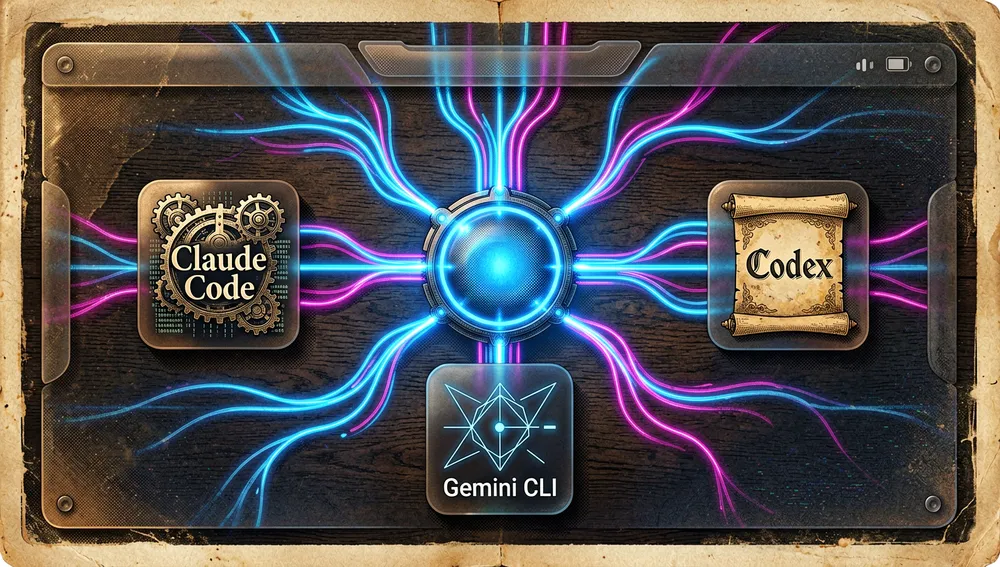
It has two complementary modes of use. It includes a ready-to-use agent engine, to which you supply an API key, and it detects installed command-line agents, including Claude Code, Codex, Gemini CLI, OpenCode, OpenClaw, and Hermes Agent. The README also documents parallel execution, unified MCP configuration, and a team mode: a lead agent splits the work and delegates it to teammates that share a folder and task board.
It is not a model provider: it accepts keys from services such as OpenAI, Anthropic, Gemini, and AWS Bedrock, as well as local Ollama or LM Studio. That is why the program is free and Apache-2.0, but usage of the external APIs still depends on the provider chosen.
The origin: from a Gemini CLI front end to multi-agent Cowork
GitHub’s API dates the repository’s creation to August 7, 2025. Two days later, user waili presented an early version on Hacker News as a graphical interface for Gemini CLI; that submission’s link pointed at the time to office-sec/AionUi, while the current repository lives at iOfficeAI/AionUi. I did not find a source that identifies a single founding person with certainty, so I do not attribute the project to waili beyond that presentation.
The evolution visible in the README helps explain the project’s direction: it no longer presents itself only as a front end for one agent, but as a local, cross-platform alternative to a Cowork application tied to a single provider. The stated tension is practical: an interface that centralizes heterogeneous tools, keys from different models, scheduled tasks, and browser or messaging access, versus installing and configuring each CLI separately.
Philosophy and principles
- Local first: the project’s FAQ states that data is stored in a local SQLite database and is not uploaded to its servers.

- Choice of model and agent: the same workspace can use the built-in agent, external CLI agents, and commercial or local providers.
- Human control over actions: the README describes per-agent approvals; auto-approval modes exist, but they are not the only flow.
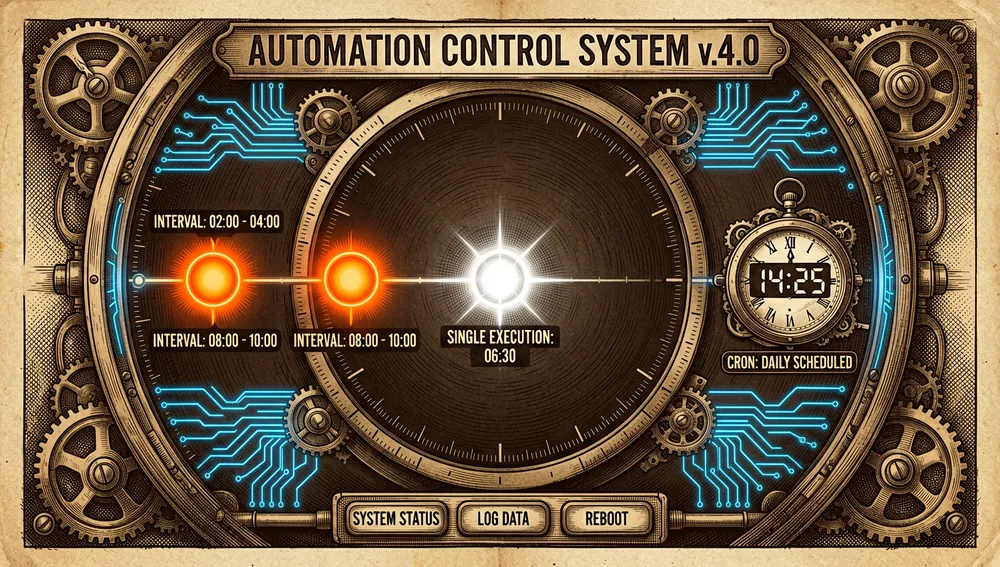
- Persistent automation: tasks can be tied to a conversation and run on a cron schedule, an interval, or a single run.
- Explicit extensibility: custom assistants, three layers of skills — bundled, custom, and from extensions — MCP, and CSS allow the environment to be adapted.
How it works
The application combines a desktop client, a WebUI interface, and a local backend called AionCore. The repository itself states that AionUi is the Electron front end and AionCore the local backend; that is why development requires Rust in addition to the TypeScript environment.
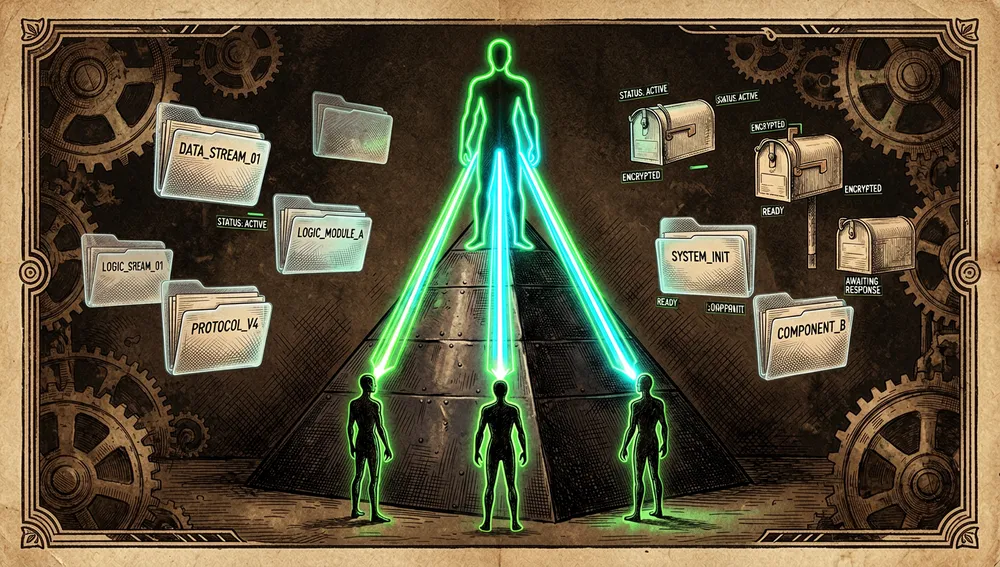
The usual flow is: choose a workspace, select the agent or model, converse, and approve the necessary operations. Conversations have independent context and can run in parallel. In Team mode, a lead receives the request, creates subtasks, and delegates them through the teams MCP server; teammates return results through an asynchronous mailbox and share the project directory.
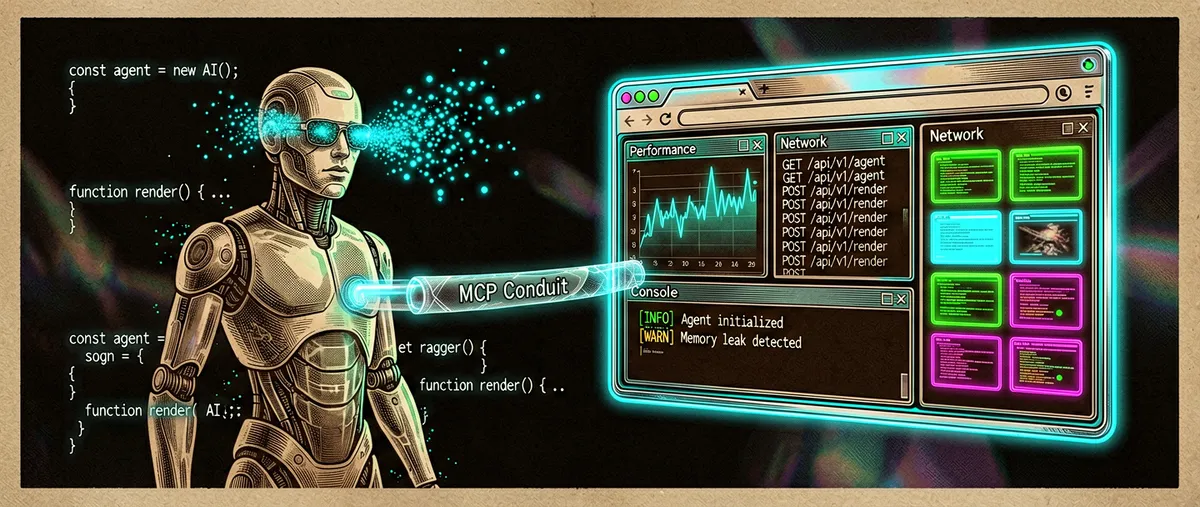
Among the features verified in the documentation are preview of documents, code, Markdown, images, and diffs; generation and editing of Office files via OfficeCLI; file management; MCP tools; scheduled tasks; and remote channels. Version v2.1.47-final added a browser inside the preview panel that the agent can control through a built-in MCP, and conversation forking whose availability depends on the agent’s capabilities.
Official and semi-official status
I found no evidence that AionUi is accepted in an official marketplace run by Anthropic, OpenAI, Google, or another agent provider, nor a certification from these vendors. It should therefore not be presented as an official integration of Claude Code, Codex, or Gemini CLI: the documented compatibility is the one the project itself maintains.
There is, however, a semi-official distribution and collaboration relationship within its own ecosystem. The README and the @AionUi account announce a campaign with Kimi to grant Allegretto plans to contributors who meet the stated requirement of three merged pull requests. Likewise, version v2.1.47-final warns that installers and updates are moving to the official site and that the GitHub package enters deprecated mode for in-app updates. The same note states that the migration preserves conversations, settings, and API keys, but that the new distribution requires signing in. That is a relevant change for anyone who prioritizes a fully self-contained installation.
The ecosystem
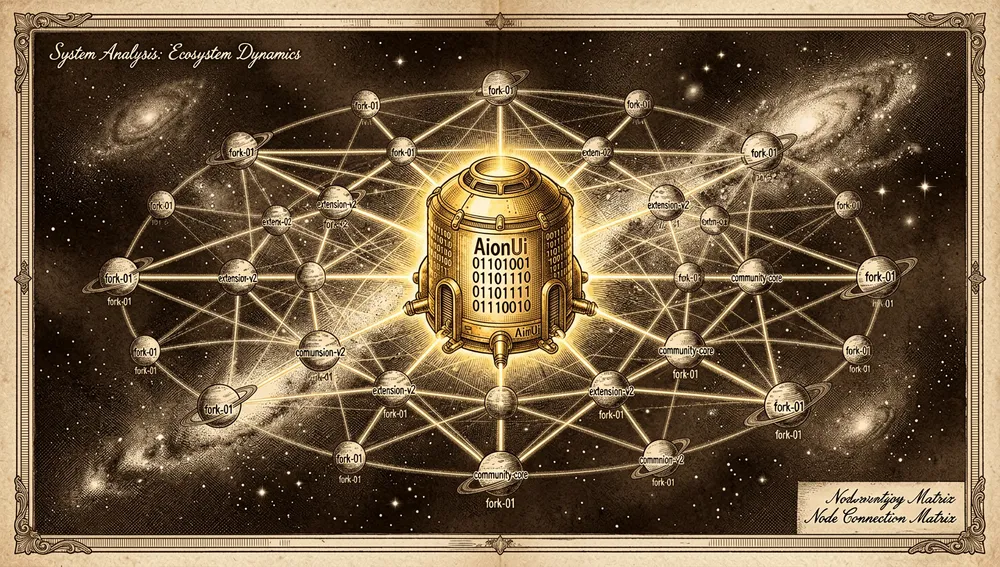
iOfficeAI repositories
The query to the GitHub API retrieved these related public projects:
iOfficeAI/OfficeCLI— 25,768 stars; a suite for agents to read, edit, and automate Word, Excel, and PowerPoint without installing Office. AionUi uses it for its PPT, Word, and Excel assistants.iOfficeAI/AionCore— 82 stars; AionUi’s local backend, written mainly in Rust.iOfficeAI/AionHub— 37 stars; a hub for extensions, agents, skills, assistants, and MCP for AionUi.iOfficeAI/aionrs— 113 stars; a multi-provider agent CLI with tool orchestration.iOfficeAI/gemini-cli-pro— 28 stars; a terminal coding agent based on Gemini.
Derivatives, adaptations, and community extensions
The forks API identifies chencore/AionUi with 46 stars as the most prominent fork retrieved; it keeps the multi-agent Cowork application description. The repository search also returned adaptations with their own purpose:
CrewBench/CrewBench— 4 stars; describes itself as a version of AionUi geared toward programmers. In AionUi’s Hacker News thread,sea-goldclaimed it adds observability and safeguards; that is the commenter’s statement, not an independent audit.B33BMO/ArgoUI— 2 stars; claims hardening for CMMC environments with local models, no telemetry, MCP over standard input/output, and a loopback-only network allowlist.oliverhees/LokkyWork— no stars in the query; identifies itself in German as a community edition for local workflows based on AionUi.alontu/aionui-rtl-patch— no stars in the query; a right-to-left patch for Hebrew in the WebUI via a reverse proxy and DOM traversal.taekchef/AionUI-CSS-Theme-Generator— 11 stars; a Chinese-language skill for generating AionUi CSS themes.blundrep7909/hermes-setup-v2— 1 star; a single container for Hermes Agent and AionUi’s WebUI on a low-resource VPS.
These repositories verify community reuse and localization, not support, security, or compatibility guaranteed by iOfficeAI. The vast majority of the 3,192 forks cannot be classified as a distinct port without reviewing each one.
Lists and adjacent integration
The GitHub search located mentions in OpenRouterTeam/awesome-openrouter, Piebald-AI/awesome-gemini-cli, vincentkoc/awesome-openclaw, and alvinreal/awesome-openclaw. These lists confirm that the name appears in compilations of nearby ecosystems; they do not demonstrate an official association with their maintainers.
Repo numbers
Measurement: August 5, 2026, GitHub API.
| Metric | Value |
|---|---|
| Stars | 31,491 |
| Forks | 3,192 |
| Real subscribers | 135 |
| Open issues per the API | 736 |
| Main language | TypeScript |
| License | Apache-2.0 |
| Created | August 7, 2025 |
| Last metadata update | August 5, 2026 |
| Latest published release | v2.1.47-final, August 5, 2026 |
The top contributors returned by the API were IceyLiu (801 contributions), kuishou68 (685), piorpua (402), kaizhou-lab (397), zhuqingyv (171), and ringringlin (165). The general API did not return a verifiable paginated commit total in this query, so it is omitted rather than estimated. open_issues_count may include open pull requests; it does not necessarily equal a pure issue count. It is also worth distinguishing the 135 subscribers from watchers_count, a field GitHub makes match the star count in the general response.
How to contribute
The project has a contribution guide in English and Chinese. It asks for Node.js 22 or higher, Bun, stable Rust with Cargo for AionCore, and prek (npm install -g @j178/prek). The basic flow is to fork, create a feature branch, commit the changes, push it, and open a pull request.
There are stricter rules than the README’s minimal flow:
- Each pull request must contain a single, non-divisible feature or fix.
- The title and commits must use Conventional Commits in English, for example
fix(preview): restore local html loading. - Before pushing, changes must pass
bun run format,bun run lint,bunx tsc --noEmit, internationalization checks where applicable, andbunx vitest run. - As an alternative, the guide suggests
prek run --from-ref origin/main --to-ref HEADfollowed bybunx vitest run.
Maintainers can close and request resubmission of a pull request that violates these rules, or extract its useful parts. The Kimi campaign published by the project also ties the incentive to three merged pull requests, so contribution has an additional documented motivation, though a temporary one tied to the campaign.
How the community received it
The external reception retrieved is uneven: there are videos with appreciable audiences and technical discussions, but Hacker News does not show a large-reach launch.
- On Hacker News, submission 46601652, posted by
wailion January 13, 2026, reached 2 points and 2 comments.sea-goldnoted that CrewBench is built on top of AionUi and adds observability and safeguards;wailicompared the AionUi–Cowork relationship to that of OpenCode–Claude Code. These are opinions or descriptions from their authors, not comparative evidence. - Other direct submissions retrieved were 44843792 (2 points, 0 comments, August 9, 2025), 45212536 (1 point, 0 comments), 46660044 (1 point, 0 comments), and 48292525 (1 point, 0 comments). They document attempts at presentation, not community consensus.
- A YouTube search showed tutorials and reviews: “OpenCode + AionUi: Full Desktop AI Agent to Replace Claude Cowork for Free,” by AI Stack Engineer, with about 28,000 views; “Aion UI Demo: Is This the Ultimate AI Agent Desktop?,” by Fru Dev, with about 2,500; and “AION UI, THE OPEN SOURCE ANTIGRAVITY 2,” by Darío Fernández, with about 7,400. The README also links videos by Julian Goldie SEO about Hermes Agent and OpenClaw, to which it attributes 27,000 and 11,000 views, respectively. These are promotional or tutorial materials; they are not used as an independent evaluation.
- The repository does show concrete signs of operational friction. Issue #3809, opened by
watchfree991, reports an OpenCode startup failure due to a 30-second timeout. Issue #3832, bywchmike, describes lost messages and events in WebUI Team until restart. The most recent release also mentions that rebuilding the database now requires a second confirmation to avoid accidentally deleting local data, and that hardware acceleration is automatically disabled when older GPUs fail. These are the project’s own reports and measures, not a measured failure rate.
Queries were attempted on Reddit — globally and in r/programming, r/selfhosted, r/LocalLLaMA, r/devops, r/netsec, and r/MachineLearning — Product Hunt, Dev.to, and Hacker News. Product Hunt blocked the query with an anti-bot check; no verifiable launch page was retrieved. No Dev.to articles or a sufficiently verifiable Reddit thread were retrieved to cite. Nor was an official npm, PyPI, crates.io, or Docker Hub package attributable to AionUi with download figures found.
AionUi versus other approaches
| Approach | Verifiable overlap | Verifiable difference |
|---|---|---|
| Claude Cowork | Both present themselves as an environment where an agent acts within the user’s team. | AionUi’s README claims compatibility with macOS, Windows, and Linux, multiple models and CLI agents, WebUI, and cron; the project positions itself against a workflow tied to Claude. This is AionUi’s own comparison, not an external benchmark. |
| OpenCode | AionUi can detect and integrate OpenCode as a CLI agent. | OpenCode is the command-line agent; AionUi contributes a desktop interface, coordination, and remote-access layers on top of already-installed agents. |
| CrewBench | Its Hacker News comment describes it as built on top of AionUi. | sea-gold attributes additional observability and safeguards to CrewBench. The claim was not validated through independent testing during this research. |
peintune/runjam | The GitHub search identifies both as unified desktops for coding agents. | Runjam is described as a Tauri/Rust/Vue application for Claude Code, Codex CLI, and Gemini CLI; AionUi additionally documents its built-in agent, OfficeCLI, channels, and task scheduling. |
Quick usage guide
Installation and first launch
-
Check the requirements: macOS 10.15 or later, Windows 10 or later, or Ubuntu 18.04+, Debian 10+, or Fedora 32+; the README recommends 4 GB of memory and 500 MB free.
-
Download the corresponding installer from Releases. For macOS, the README also offers:
brew install aionui -
Open the application and enter an API key. The built-in agent is available without installing an additional CLI. If Claude Code, Codex, Gemini CLI, or other compatible agents already exist, AionUi attempts to detect and incorporate them.
-
If you want to update from the
v2.1.47-finalpackage, read the release note first: the release states that new installers come from the official site and that migration preserves local data, but requires signing in to the new distribution.
Common workflows
- Organizing files: open a conversation in a working directory and ask the agent to classify, rename, or merge files. The application shows the changes and lets you use per-agent permissions.
- Creating an editable document: select one of the PPT, Word, or Excel assistants and state your request; the README documents
.pptx,.docx, and.xlsx/.xlsm/.csvoutputs generated with OfficeCLI. Check the result in the preview panel before reusing it. - Coordinating a coding task: install and select a detected CLI agent, enable Team mode, and give the goal to the lead. The lead splits subtasks among teammates with their own context and permissions inside the shared folder.
- Automating a periodic report: create a task tied to a conversation and choose a five-field cron expression — for example,
0 9 * * 1with a time zone — an interval, or a one-time run. For independent reports, select creating a new conversation on each trigger; to preserve context, continue the existing one.
Essential configuration
- LLM configuration: add the key for Gemini, OpenAI, Anthropic, Bedrock, Ollama, LM Studio, or another supported provider.
- ACP agent configuration: connect and test the external CLI agents that should appear in the unified interface.
- MCP configuration: set up tool servers once so they sync with compatible agents.
- WebUI and channel settings: for remote access, go to
Settings → WebUI Settings → Channeland set the bot token; the README cites Telegram, Lark, DingTalk, and WeChat. - Skills and assistants: create your own skills in the
skills/directory and enable or disable them per conversation; assistants are defined via Markdown files inassistant/.
Common pitfalls and fixes
- An external agent won’t start: issue #3809 records a timeout during OpenCode’s handshake. First check the ACP setup guide, that the CLI works outside AionUi, and that the agent’s settings are tested before starting the conversation.
- WebUI Team appears stuck: #3832 reports lost events until restart. If it reproduces, restart as a temporary workaround and keep the issue link when reporting the case.
- Risk of data loss when rebuilding the database: version
v2.1.47-finalintroduced double confirmation. Read the warning before accepting: the application stores conversations and keys locally. - Graphics acceleration: the release notes explain that it can be automatically disabled on older GPUs with outdated drivers. It’s preferable to update the driver or accept the non-accelerated mode rather than interpret the warning as a conversation failure.
- Updates: the GitHub package declares deprecated mode for in-app updates. Use the current release’s migration information rather than expecting automatic updates from that installer.
Integrations and migration
AionUi integrates CLI agents via ACP, centralizes MCP, and can operate over WebUI or messaging channels. It also uses OfficeCLI for Office outputs and supports local models via Ollama or LM Studio. No import guide from another agent desktop was found; the documented migration path is from AionUi’s old distribution to the new one, which preserves conversations, preferences, and keys after the first sign-in.
Use cases and who this repository can help
- People who already switch between CLI agents can consolidate Claude Code, Codex, Gemini CLI, OpenCode, OpenClaw, or Hermes Agent into separate conversations, with centralized detection and MCP configuration, without giving up the built-in agent.
- Small teams breaking down technical work can use Team mode: a lead splits subtasks, teammates operate in a shared folder, and each keeps its own approvals. It is appropriate when the task can be divided and the user wants to follow permissions and results, not for unsupervised delegation.
- Administrative and content work can benefit from the assistants and OfficeCLI to generate editable presentations, documents, and spreadsheets, with preview before delivering the files.
- Personal automations or light operations work can tie a conversation to a cron schedule, interval, or one-time trigger for data collection, reports, file organization, or reminders. It is especially useful if the team stays available; the README describes mechanisms to prevent suspension and detect missed triggers after resuming.
- Users who need remote access can use the documented WebUI and channels to continue a session from a browser or messaging app, provided they review the implications of exposing an agent with file access and maintain proper approvals.
Resources
- Repository: https://github.com/iOfficeAI/AionUi
- Official site: https://www.aionui.com
- Documentation and wiki: https://github.com/iOfficeAI/AionUi/wiki
- Installation and releases: https://github.com/iOfficeAI/AionUi/releases
- ACP agent guide: https://github.com/iOfficeAI/AionUi/wiki/ACP-Setup
- MCP guide: https://github.com/iOfficeAI/AionUi/wiki/MCP-Configuration-Guide
- WebUI guide: https://github.com/iOfficeAI/AionUi/wiki/WebUI-Configuration-Guide
- How to contribute: https://github.com/iOfficeAI/AionUi/blob/main/CONTRIBUTING.md
- Related repositories: https://github.com/iOfficeAI/OfficeCLI, https://github.com/iOfficeAI/AionCore, https://github.com/iOfficeAI/AionHub, https://github.com/iOfficeAI/aionrs
- Community: https://github.com/iOfficeAI/AionUi/discussions, https://discord.gg/2QAwJn7Egx, https://x.com/AionUi
- Discussions: https://news.ycombinator.com/item?id=46601652, https://news.ycombinator.com/item?id=44843792, https://news.ycombinator.com/item?id=48292525
- Videos and demos: https://www.youtube.com/watch?v=vWxE6VO9TKo, https://www.youtube.com/watch?v=RgSLdOhICZw, https://www.youtube.com/watch?v=yUU5E-U5B3M, https://www.youtube.com/watch?v=enQnkKfth10
Note: this article combines the README, wiki, contribution guide, and releases of AionUi, along with the GitHub, Hacker News, X, and YouTube API and pages consulted on August 5, 2026. Figures and integration availability change over time.
Comments