


World Monitor: an open dashboard for tracking global signals in real time
koala73/worldmonitor · 87,371★ · 13,311 forks
Everything worth knowing about koala73/worldmonitor: an application and a set of programmatic interfaces that bring together news, geospatial layers, and risk signals in a single situation dashboard.
What World Monitor is
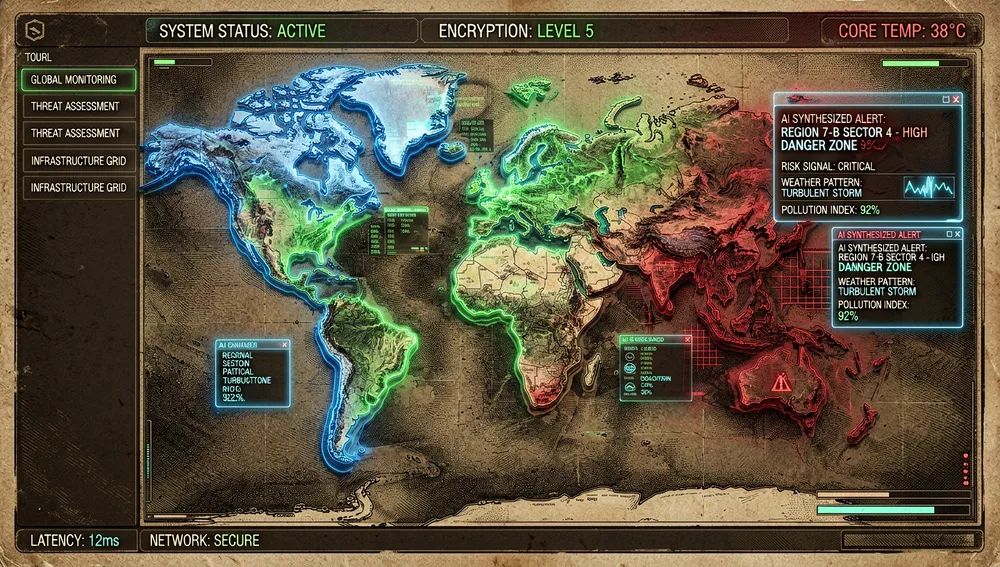
World Monitor is a real-time global intelligence dashboard. Its README defines it as a situational-awareness interface that aggregates news with AI-assisted synthesis, geopolitical tracking, and infrastructure data. It should not be mistaken for a primary source or a verification system: it gathers and presents signals from numerous providers for the user to investigate further.
The application offers more than 500 curated sources across 15 categories, a 3D globe and a flat map with 56 layer types, finance and aviation tracking, a country-instability index, and six variants of the same codebase: general, tech, finance, commodities, positive news, and energy. The README also lists 26 languages and right-to-left reading support.
The origin: from a personal repository to a public surface
The repository was created on January 8, 2026 by Elie Habib (koala73), a name that appears both on the GitHub profile and in the README’s author section. The code declares copyright 2024-2026 by Habib; that credits the holder stated by the project, but does not allow dating the first prototype any more precisely than the repository’s public creation date.
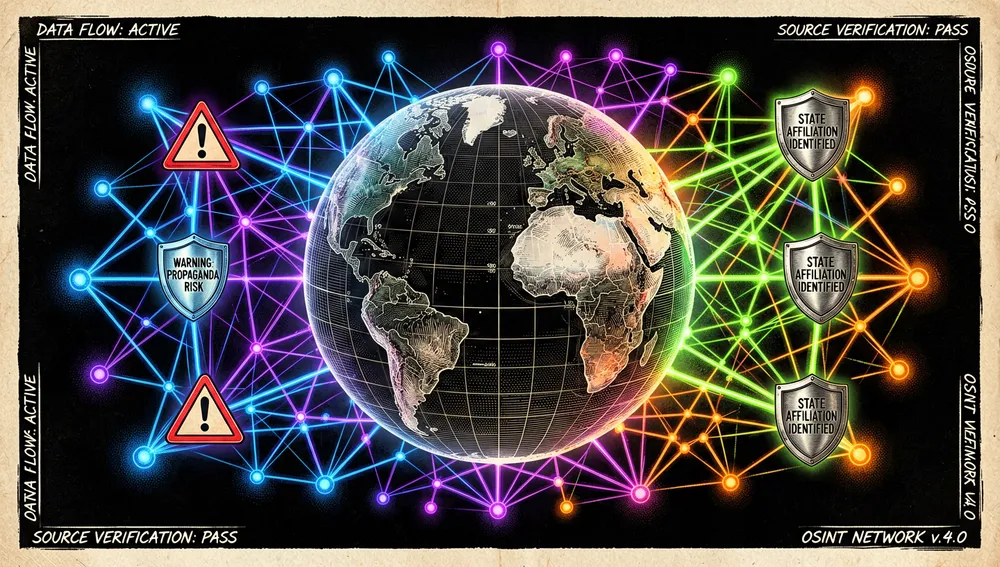
The design tension explained by the README and the contribution guide is a practical one: combining many heterogeneous sources without turning the browser into a pile of tabs. The answer is a single dashboard, preconfigured variants, and a typed API-contract layer. The guide requires that, when adding an RSS feed, contributors identify editorial reliability, state affiliation, or propaganda risk; that is a provenance rule for sources, not a certification of content neutrality.
Philosophy and principles
- Situational awareness before automated prediction. The product correlates military, economic, disaster, and escalation signals; its documentation does not present those correlations as causal proof.
- Data and features accessible from multiple surfaces. The same project ships a web interface, a desktop app, an API, an MCP server, a CLI, and SDKs.
- Optional local deployment. The README states the app can run with Ollama without API keys; sources that do require credentials go without data when those aren’t configured.
- Open source with reciprocity. The README declares
AGPL-3.0-only: it allows commercial use and self-hosting subject to AGPL’s code-publication obligations, and it reserves alternative commercial and branding permissions.

How it works
The client is written in TypeScript with no UI framework. Vite serves development; globe.gl/Three.js renders the globe, and MapLibre GL with deck.gl handle the flat layers and WebGL. The desktop app uses Tauri 2 and a Node.js helper process.
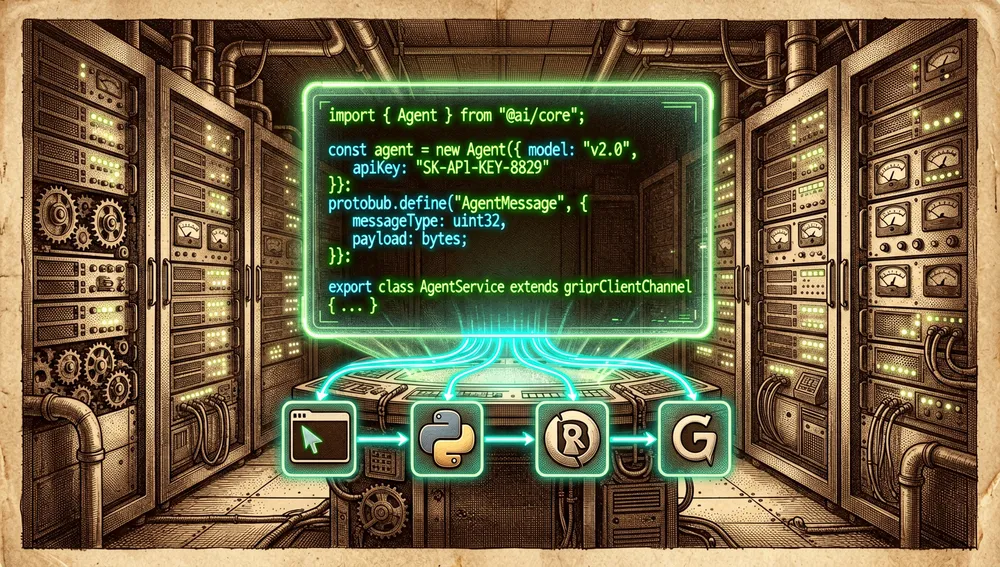
On the server, World Monitor uses Sebuf, its Protocol-Buffers-first RPC HTTP framework. Definitions live in proto/; make generate produces clients and route factories; handlers live in server/worldmonitor/<domain>/v1/handler.ts; and the client wraps them in src/services/. The contribution guide specifies that new JSON responses should use Sebuf, while XML, binary, or HTML embeds can be handled with a standalone Edge function.
The README declares more than 60 Vercel Edge functions, a three-tier cache with Redis/Upstash, a CDN, and a service worker. It also describes 528 or more observed hosts, organized into more than 500 sources and 35 groups with freshness tracking. These figures describe the project’s own inventory, not an independent audit of coverage or availability.
For agents and automation there are three verifiable paths:
- an HTTP MCP server at
https://worldmonitor.app/mcp;tools/listis public and calls requireX-WorldMonitor-Keyor OAuth; - a REST API at
https://api.worldmonitor.app, with an OpenAPI spec linked from the README; - official packages from the repository: an npm CLI, a Python SDK, a Ruby library, and a Go SDK.
Official and semi-official status
No evidence was retrieved that World Monitor is an official product of a cloud provider, an OS marketplace, or a public institution. There is, however, project-maintained distribution: the README links the npm package worldmonitor, the PyPI SDK worldmonitor-sdk, RubyGems, pkg.go.dev, and desktop binaries for Windows, macOS, and Linux.
The README also shows a Smithery listing for worldmonitor/wm-mcp and a skills.sh listing. Those listings make discovery easier in agent ecosystems, but they do not amount to endorsement, certification, or official vendor status. The practical condition is that any automation querying data must authenticate when calling tools that aren’t public.
The ecosystem
Interfaces and repositories by the author
The GitHub API retrieved for koala73 shows 22 public repositories. Among those with a thematic or technical connection:
koala73/deep-research(49 stars): an iterative research assistant built on search, web extraction, and language models.koala73/awesome-osint(56 stars) andkoala73/Awesome-Geospatial(37): curated lists of OSINT and geospatial resources.koala73/fireplexity(16): a search engine with citations and live data, per its GitHub description.koala73/openclaw(22) andkoala73/OpenClaw-app(9): personal-assistant projects, the latter for iOS.
These are repositories by the same author, not mandatory components or officially integrated extensions of World Monitor. Inside the repository itself, however, are the CLI (cli/) and the Python, Ruby, and Go SDKs (sdk/), which are the verifiable programmatic extensions.
Forks, ports, and community extensions
The forks query and GitHub search retrieved derivative projects that should be treated as independent works:

cn620/world-monitor(131 stars) describes itself in Chinese as a global monitoring tool; it is a fork with a modified description.aDavidBravo/worldmonitor(53) andsjkncs/worldmonitor(20) are forks that keep or expand on the dashboard’s description; the second mentions 54 countries, 35+ layers, and a Tauri desktop app.ai-cooperation/world-monitor(2) declares itself a fork focused on Asia-Pacific, Taiwan, AI, sustainability, and finance, under AGPL-3.0.8LUEPRINT3/worldmonitor(1) declares a women’s-rights monitor derived fromkoala73/worldmonitor.wxp8520-art/worldmontor-android(2) presents itself in Chinese as a WorldMonitor translation for Android.john1506/worldmonitor-addon(no visible stars in the retrieved search) presents itself as a Home Assistant add-on for hosting World Monitor.OdinMB/city-monitor(7) is inspired by World Monitor and adapts the idea to Berlin with weather, air quality, traffic, news, and other city data.
The star counts are those returned by the search or forks endpoint during this investigation. They do not prove current support, security, or compatibility. The many ordinary forks that simply repeat the original’s description have not been elevated to the “port” category.
Repo numbers
Measurement: August 5, 2026, public GitHub API.
| Metric | Value |
|---|---|
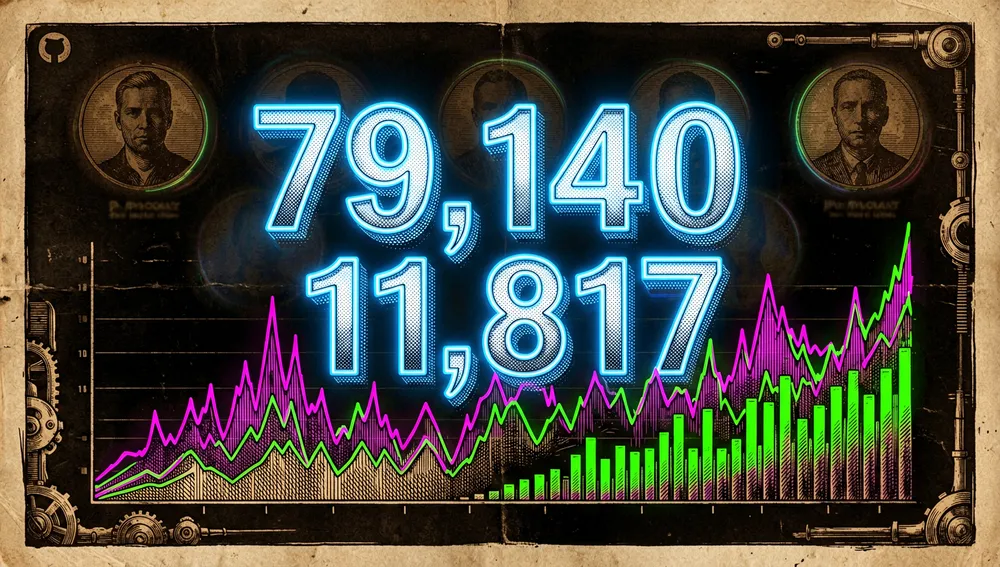
| Stars | 79,140 |
| Forks | 11,817 |
| Real subscribers | 465 |
| Open issues per API | 360 |
| Primary language | TypeScript |
| License in API object | Other / NOASSERTION |
| License declared in README | AGPL-3.0-only |
| Created | January 8, 2026 |
| Last code push | August 5, 2026, 19:47 UTC |
| Last metadata update | August 6, 2026, 01:13 UTC |
| Latest release per API | v2.5.23, March 1, 2026 |
The metadata-update date is later than this run’s environment date; it is transcribed exactly as returned by the API and is not interpreted as future activity. watchers_count duplicates the star count in GitHub’s general response, which is why subscribers_count is reported instead as real subscribers. open_issues_count can include open pull requests; it is not an exclusive bug count.
The top contributors retrieved by number of contributions were koala73 (4,842), SebastienMelki (84), claude (53), NewCoder3294 (44), and lspassos1 (26). A verifiable paginated commit total was not obtained, so no figure is invented for it.
The npm package worldmonitor was at version 0.1.3, and its downloads API reported 196 downloads between July 29 and August 4, 2026. PyPI listed worldmonitor-sdk as version 0.1.1. These are package-distribution metrics, not active dashboard users.
How to contribute
Contribution is documented in CONTRIBUTING.md:
- Fork the repo, clone
https://github.com/<user>/worldmonitor.git, and open afeature/<name>branch. - Run
make installfor dependencies, Buf, Sebuf plugins, and Playwright browsers. - Check
npm run typecheck,npm run test:data, andnpm run test:e2e:full; also test any affected variants. - Keep pull requests focused, document API or UI changes, link issues, and use a descriptive title prefix such as
feat:,fix:, ordocs:.
Pull requests require review by a maintainer. The project accepts AI-assisted code, but requires the contributor to understand and be able to explain every line. Data sources are expected to have free access, a permissive license or public data, updates at least daily, and the possibility of geolocation.
How the community received it
The retrievable reception on Hacker News exists, but it was limited and doesn’t support talk of consensus:

- Thread 47124040, posted by Brajeshwar, linked the repository and had 3 points and 2 comments according to Algolia. safespora commented that they were building something similar. verdverm thought the product looked more sophisticated than many AI-built apps, but said it wasn’t their way of getting news and objected to the GPL-3 license. That’s an individual opinion, not a technical evaluation.
- Submission 48599274, by vantareed, linked the repository and logged 6 points and 0 comments. It credits visibility, not third-party praise.
- Algolia also returned 47810536, by quux0r, with 3 points and 0 comments, and 47269003, by colinprince, with 3 points and 0 comments. Both lack retrieved comments; no positive or negative reception is attributed to them.
No verifiable opinions were retrieved from Reddit: old.reddit.com returned a 403 block when the name was queried. Product Hunt returned a 403, and X exposed no public results in the automated query. No threads, posts, votes, or reactions from those platforms are therefore invented.
Video demos and tutorials were, however, found visible in YouTube search: “World Monitor With AI Agents, 60K Stars on GitHub,” Bitwise AI channel, about 10,668 views; “Correr IA Local, Privada y Gratis,” Tutos PC, about 10,841; “World Monitor | Global OSINT Intelligence Tool in Real Time,” NLR Crew, about 5,049; and “OpenClaw Claude Code + World Monitor = Investigación de noticias DEFINITIVA,” Superbash (BoxminingAI), about 4,365. These figures are as shown in search results and indicate creator interest; they do not by themselves validate the product’s accuracy.
World Monitor versus other proposals
| Proposal | Verifiable relationship | Verifiable difference |
|---|---|---|
lajosdeme/watchtower | Its HN submission 47207101 describes it as a minimal terminal-based global intelligence dashboard. | World Monitor documents a web and desktop interface with maps, an API, and SDKs; the retrieved evidence does not establish a data-quality comparison. |
OdinMB/city-monitor | Declares itself inspired by World Monitor and gathers city data, including news and air quality. | Limited to Berlin per its description, versus World Monitor’s stated global focus. |
ai-cooperation/world-monitor | Declares itself a fork of World Monitor. | Its description orients the dashboard toward Asia-Pacific and Taiwan; it’s an adaptation, not a demonstrated independent competitor. |
The right comparison is by scope and surface of use, not by any supposed accuracy. For automated global situation tracking, World Monitor offers more documented interfaces; for a local geographic or terminal dashboard, a more limited alternative may make sense.
Quick usage guide
Installation and first run
To run the code locally, the README offers:
git clone https://github.com/koala73/worldmonitor.git
cd worldmonitor
npm install
npm run dev
Open http://localhost:3000. The app works without environment variables; DEV_PORT in .env.local changes the port. Copying .env.example to .env.local lets you add credentials for optional sources, but without them the corresponding sources won’t be available.
For a full development setup, the contribution guide prefers make install, which installs dependencies, Buf, Sebuf plugins, and Playwright browsers. There are also desktop binaries for Windows, macOS Intel/Apple Silicon, and Linux AppImage linked from the README.
Common workflows
- Open a domain-specific dashboard. Run
npm run dev:finance,npm run dev:tech,npm run dev:commodity,npm run dev:happy, ornpm run dev:energy. The variants share code but change default panels, layers, and sources. - Use the CLI to discover public tools. Run
npx worldmonitor tools. To install it persistently:npm install -g worldmonitor; the README lists thewmalias. - Query a risk score with a credential. After obtaining a key, run
worldmonitor risk IR --api-key wm_xxx. The project’s example usesIR; this is not a geopolitical recommendation or a validation of the score. - Integrate from Python. Install
pip install worldmonitor-sdk; create aClient(api_key="wm_..."), callclient.list_tools()without a key orclient.country_risk("IR")with proper configuration. The PyPI listing states that data calls require a key, while tool, prompt, and resource listing is public.
Essential configuration
.env.local: setsDEV_PORTand source credentials; based on.env.example.src/config/variants/: holds the variant configurations that change default panels, layers, and RSS feeds.src/locales/: internationalization JSON files.proto/worldmonitor/<domain>/v1/: Sebuf service contracts for extending data interfaces.https://worldmonitor.app/mcp: MCP endpoint; authenticated calls useX-WorldMonitor-Keyor OAuth.
Common pitfalls and fixes
- A source shows no data. The README warns that some sources require credentials: fill in
.env.localor accept that source won’t be available. - The server starts on a different port. Check
DEV_PORTin.env.local; the default is 3000. - Drift in generated code. The guide says to re-run
make install-pluginsafter updating; all three Sebuf extensions must come from the same version, andsrc/generated/should not be hand-edited. - Changes that break other variants. Test at least
fulland every affected variant before opening a pull request. - Linux desktop issues with NVIDIA GPUs on Wayland. The
v2.5.19release notes record a fix forEGL_BAD_ALLOC; updating to a release that includes that fix is the documented path, though no additional diagnostic procedure was retrieved.
Integrations and migration
The documented integration path is MCP for agents, REST/OpenAPI for HTTP clients, or the SDKs and CLI when you’d rather not write an integration from scratch. The Python SDK supports a jmespath projection, for example client.world_brief(jmespath="hotspots[].name"), described by its listing as a common way to shrink response size. No official migration guide from another dashboard was retrieved; to migrate an existing integration, the retrieved documentation points to reviewing the OpenAPI spec or replacing calls with the equivalent MCP tools.
Use cases and who this repository can help
- Analysts, data journalists, or response teams who need to explore news, infrastructure, markets, weather, aviation, or conflict signals from a common interface can use the layers, summaries, and domain variants as a research starting point. They should cross-check against original sources: the repository aggregates signals, it doesn’t replace their verification.
- Teams building assistants or automations can discover tools via MCP without a key and connect authenticated queries from MCP, REST,
worldmonitor, Python, Ruby, or Go. This is especially useful when a flow needs country briefs, risk scores, or market data without implementing every HTTP client. - Organizations that need to host and adapt the dashboard can run the app locally, modify layers or RSS feeds, and share changes under AGPL-3.0-only; those who can’t meet those obligations need to examine the commercial alternative mentioned by the README.
- Developers working on cartography or public data can contribute layers, RSS sources, localizations, and tests following the Sebuf and Playwright process and the data-provenance requirements. The six variants make it possible to test whether the same source serves a geopolitical, technical, financial, or energy audience.
Resources
- Repository: https://github.com/koala73/worldmonitor
- App and documentation: https://worldmonitor.app/ and https://www.worldmonitor.app/docs/documentation
- Getting started and self-hosting: https://www.worldmonitor.app/docs/getting-started
- Architecture: https://www.worldmonitor.app/docs/architecture
- Contribution: https://github.com/koala73/worldmonitor/blob/main/CONTRIBUTING.md
- Changes and releases: https://github.com/koala73/worldmonitor/releases and https://github.com/koala73/worldmonitor/blob/main/CHANGELOG.md
- MCP and API: https://worldmonitor.app/mcp, https://api.worldmonitor.app, and https://worldmonitor.app/openapi.yaml
- Official npm CLI: https://www.npmjs.com/package/worldmonitor
- Official Python SDK: https://pypi.org/project/worldmonitor-sdk/
- Official skills: https://skills.sh/koala73/worldmonitor
- Discord community: https://discord.gg/re63kWKxaz
- HN discussions: https://news.ycombinator.com/item?id=47124040, https://news.ycombinator.com/item?id=48599274, https://news.ycombinator.com/item?id=47810536
- Videos: https://www.youtube.com/watch?v=4Jv3ZYiFC6o, https://www.youtube.com/watch?v=YJyjQokGm5s, https://www.youtube.com/watch?v=U3j9k1FHQ_E, https://www.youtube.com/watch?v=YmlqTB7EJy8
Note: this article combines the README, CONTRIBUTING.md, releases, the public GitHub API, npm, PyPI, Hacker News results, and video searches consulted on August 5, 2026. Figures change over time; access restrictions on Reddit, Product Hunt, and X are stated explicitly.



Comments