

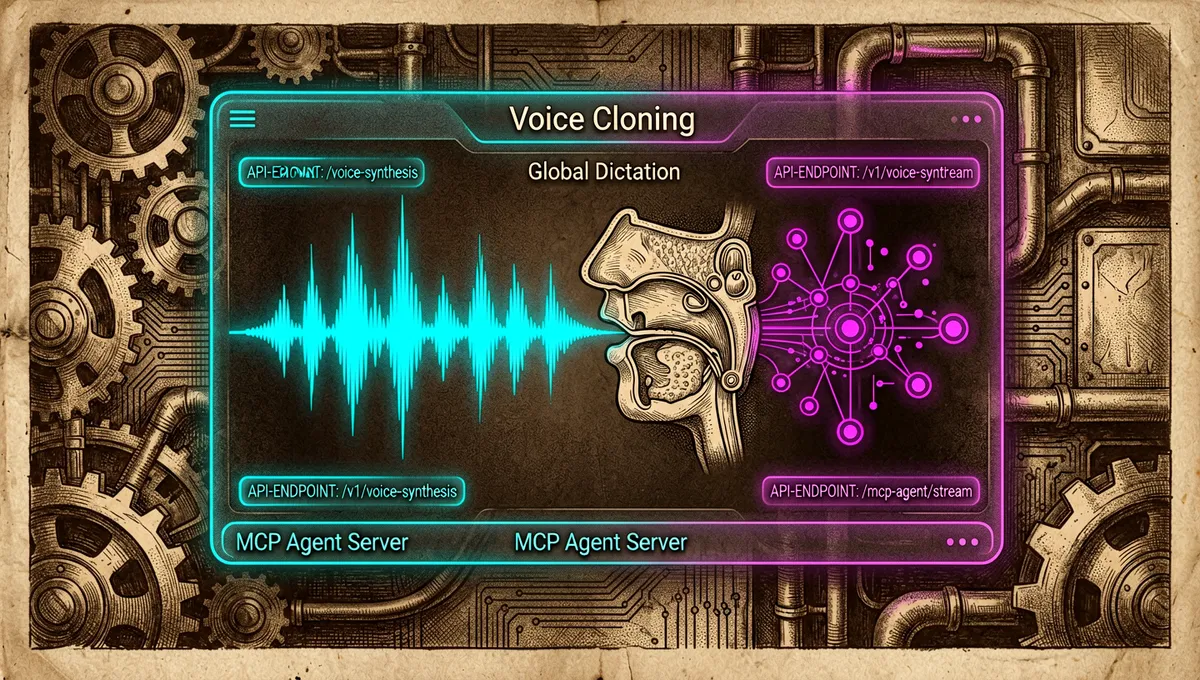
Voicebox: a local voice studio that unites synthesis, dictation, and agents
jamiepine/voicebox · 55,672★ · 6,937 forks
Everything worth knowing about jamiepine/voicebox: an open-source desktop application for cloning voices, generating audio, dictating text, and connecting voice input/output to agents via MCP.
What Voicebox is
Voicebox is a local-first AI voice studio. Its README explicitly positions it as a free, open-source alternative to ElevenLabs for voice output and to WisprFlow for dictation, brought together in a single application. Models, voice samples, captures, and inference all run on the user’s own machine.
It can create a profile from a short sample, synthesize text with seven TTS engines, transcribe with Whisper, and paste the result of a dictation into whichever field currently has focus.
It also exposes a local REST API and an MCP server: a compatible agent can speak via voicebox.speak, transcribe, and query profiles or captures.
The application does not verify who holds the rights to a voice. Its responsible-use policy limits use to the user’s own voice, authorized or licensed material, and prohibits impersonation without permission, fraud, harassment, and circumvention of voice authentication.
The origin: from a cloning studio to a full voice loop
The repository was created on January 25, 2026. Its primary author is Jamie Pine (jamiepine), whose GitHub account lists Spacedrive Technology Inc. as the company and links to voicebox.sh; the same account describes their current work as discover.me. No launch post with an independent narrative predating the repository’s creation was recovered, so no alternative timeline is attributed.
Version v0.5.0, released on April 25, 2026, marked the scope shift called “Capture”: according to its notes, Voicebox stopped being just a cloning studio and started incorporating global dictation, local refinement of transcriptions, personality-driven profiles, and agent output via MCP. The design tension is clear: services like ElevenLabs and WisprFlow each solve one half — voice output and voice input, respectively — as separate services; Voicebox proposes keeping both halves, and the private data behind them, on the same machine.
Philosophy and principles
- Local first: no API keys, quotas, or per-character billing for downloaded models are required; the site and README state that audio data stays on the machine.
- A bidirectional loop: dictating to an application and receiving a spoken reply from an agent are presented as states of the same floating interface, not as disconnected products.
- Model and hardware choice: the TTS engines, Whisper size, and execution paths change depending on quality, language, memory, and available accelerator.
- Visible control: any utterance initiated by an agent shows an on-screen pill; the design avoids letting voice output happen silently in the background.
- Consent as the user’s responsibility: local privacy does not substitute for the voice owner’s permission or for synthetic-audio disclosure obligations.
How it works
The Tauri interface combines a React/TypeScript frontend, a Python FastAPI server, native Rust components, and SQLite. Synthesis is offered through Qwen3-TTS, Qwen CustomVoice, LuxTTS, Chatterbox Multilingual, Chatterbox Turbo, HumeAI TADA, and Kokoro; Whisper and Whisper Turbo cover transcription. The local Qwen3 model can clean up filler words and self-corrections from a dictation, or rewrite text according to a profile’s personality before synthesizing it.
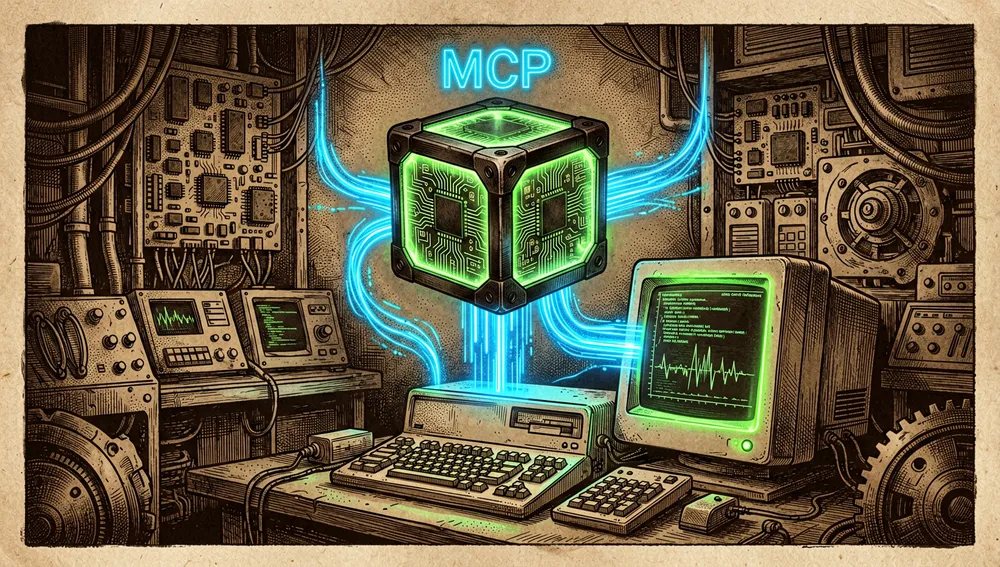
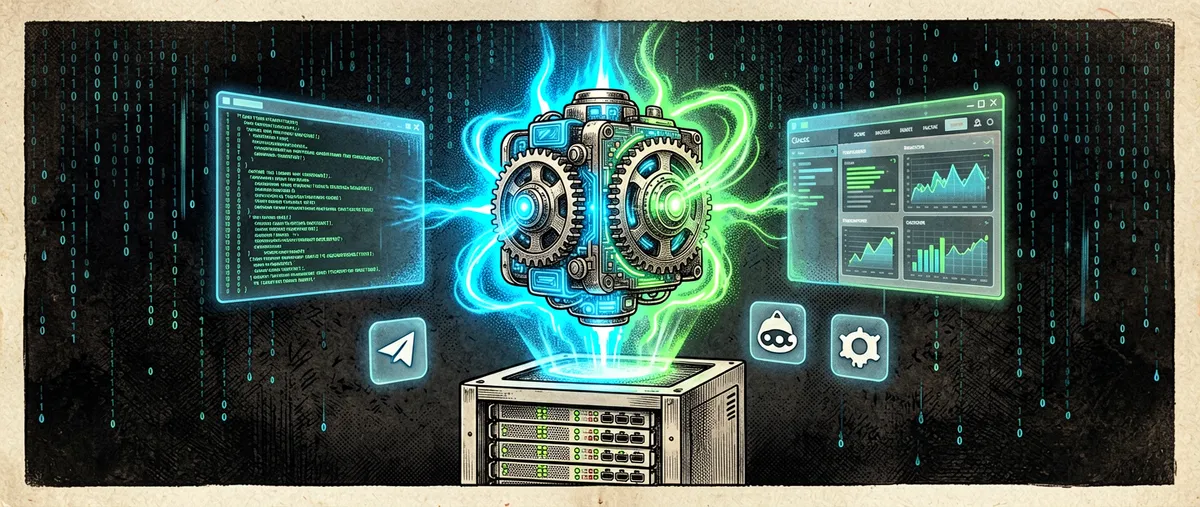
A compatible agent can connect via the open MCP protocol: the application exposes voicebox.speak and other tools through a holographic AI agent cube connected by an “MCP”-labeled data stream to a local terminal.
The normal flow is to create or import a profile, pick an engine, and generate. For long text, Voicebox splits at sentence boundaries and performs crossfades; it documents a maximum of 50,000 characters, a configurable chunking limit from 100 to 5,000 characters, and crossfades from 0 to 200 ms.
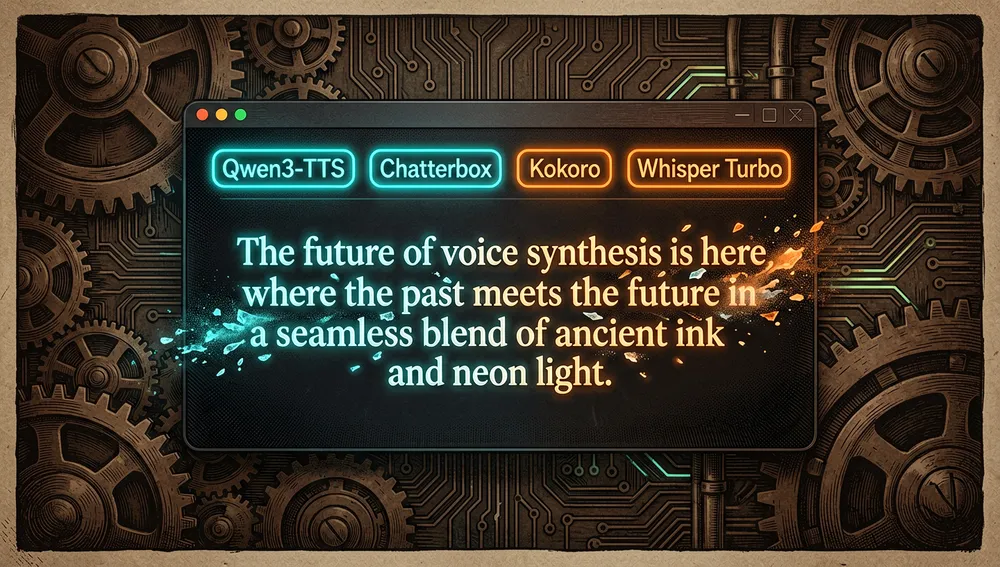
The serial queue avoids GPU contention and keeps versions, takes, and provenance for every generation.
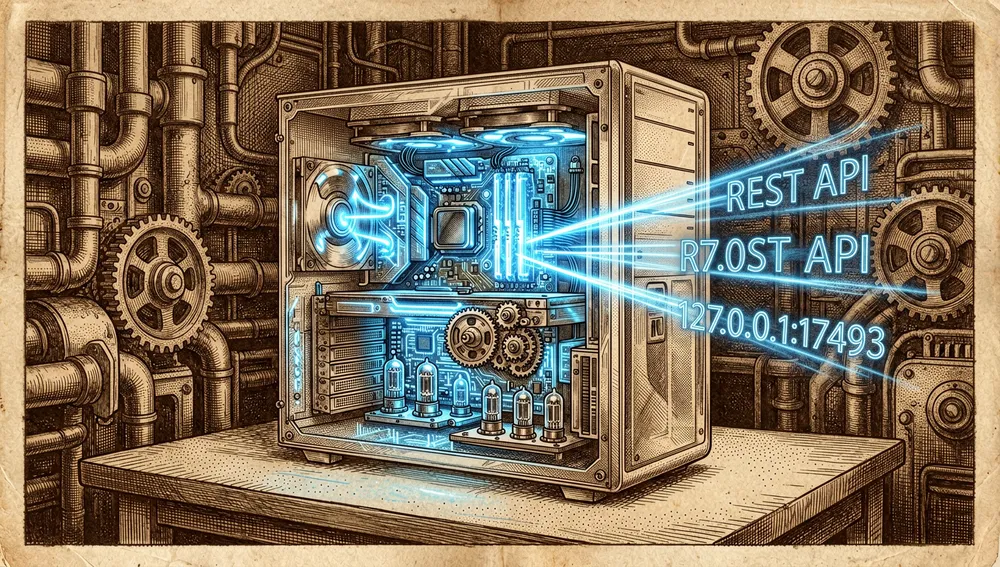
On macOS and Windows, a global hotkey can be set up for push-to-talk or toggle capture. Voicebox transcribes, can optionally refine locally, and drops the text into the field that had focus; automatic pasting for Windows and Linux is still on the roadmap. Its local routes include POST /generate, POST /speak, POST /transcribe, GET /profiles, and OpenAPI documentation at http://127.0.0.1:17493/docs while the application is running.
Official and semi-official status
No evidence was recovered that Voicebox has been accepted into an AI provider’s official marketplace, nor that ElevenLabs, WisprFlow, Anthropic, OpenAI, or Cursor have endorsed it. It should therefore not be presented as an official companion to any of them.
It does implement the open MCP protocol with HTTP transport and a stdio adapter. The documentation claims compatibility with Claude Code, Cursor, Windsurf, Cline, and MCP extensions for VS Code; this is documented technical interoperability, not a manufacturer certification. The project has its own site, documentation, and binaries, but there is no verifiable de facto standard designation.
The ecosystem
The author’s integrations and tools
jamiepine/hermes-voicebox(15 stars at the time of the API query) provides local TTS and STT providers for Hermes Agent with cloning and Whisper; it is the most directly localized public companion from the same author.jamiepine/keytap(18 stars) is a library for observing global keystrokes across macOS, Windows, and Linux; its scope fits Voicebox’s global hotkey, though the API does not document a product dependency between the two.- The repository ships an agent skill at
.agents/skills/add-tts-engine/SKILL.md, aimed at integrating a TTS engine following the backend protocol, frontend wiring, and packaging. It also includes.mcp.jsonso Claude Code can use the local tools during development. - The bundled MCP server provides four tools:
voicebox.speak,voicebox.transcribe,voicebox.list_captures, andvoicebox.list_profiles. It can be reached over HTTP athttp://127.0.0.1:17493/mcpor through thevoicebox-mcpbinary forstdio-only clients.
Forks, ports, and community extensions
The forks API, sorted by stars, mostly returned copies of the repository. The ones that provide an explicit differentiation are:
hacksider/voicebox(14 stars): describes itself as an open-source voice synthesis studio.sumire608/voicebox(4 stars): describes itself as a Qwen3-TTS-based studio.sergio-caracas/voicebox-docker(2 stars): a fork with Docker packaging in its name and description.lowchristopher-praiseJesus/voicebox: GitHub search identifies it as a copy with a custom/podcastendpoint.charlyfavela1-eng/voicebox: search describes it as a fork with a Docker tweak for Render; it is a deployment extension, not a confirmed translation.chainchopper/flex-voice: presented as a renamed Voicebox TTS server, kept in sync with the original project and with GPU/ROCm support.
No non-English translation with its own verifiable documentation was identified in the recovered results. The remaining higher-visibility forks retained the original description or were personal copies; they are not elevated to “ports” without additional proof.
Related environment
The README’s explicit comparisons name ElevenLabs and WisprFlow. At the model layer, Qwen3-TTS, Whisper, Kokoro, Chatterbox, and TADA are selectable components, not application competitors. The search also recovered curated lists that include the repository, such as alvinreal/awesome-opensource-ai, filipecalegario/awesome-generative-ai, and ikaijua/Awesome-AITools; that inclusion demonstrates listing visibility, not endorsement or integration.
Repo numbers
Measured: August 5, 2026; GitHub API and public page.
| Metric | Value |
|---|---|
| Stars | 49,421 |
| Forks | 6,085 |
| Real subscribers | 231 |
| Visible commits | 638 |
| Visible open issues | 466 |
| Visible open pull requests | 117 |
| Visible branches / tags | 67 / 27 |
| Primary language | TypeScript |
| License | MIT |
| Created | January 25, 2026 |
| Latest published release | v0.5.0, April 25, 2026 |
The top contributors returned by the API by number of contributions were jamiepine (527), tomasmach (7), and, with 3 each, lemassykoi, pandego, mikeswann, selop, sridhar-3009, Spyabo, mvanhorn, iegui-ops, and DaddyRaegen.
The API’s metadata response returned 583 for open_issues_count, while the public page showed 466 issues and 117 pull requests. GitHub warns that open_issues_count can mix issues and pull requests, which is why both visible figures are reported separately. watchers_count duplicates the star count in that response, which is why subscribers_count is used for subscribers. The API also returned updated_at: August 6, 2026, later than this run’s measurement date; it is transcribed as a metadata anomaly, not as inferred future activity.
The official site showed 2,000,529 cumulative downloads for v0.5.0. That is the project’s own promotional counter, not an audited metric of active installs.
How to contribute
The process is documented in CONTRIBUTING.md:
- Install Bun, Python 3.11+, Rust, Tauri’s dependencies, Git, and
just. - Fork, clone the copy, and run
just setup; it prepares the virtual environment and Python/JavaScript dependencies. - Run
just devto bring up the server and app, create afeature/...orfix/...branch, test, and open a pull request. - Include a clear description, screenshots for visual changes, and issue references. Before requesting review, update documentation and
CHANGELOG.mdwhere relevant.
The guide requires strict TypeScript and Biome on the frontend, PEP 8, type annotations, and async code in Python, and Rust conventions. Tests are mostly manual at present; it recommends pytest for the backend, Vitest for React, and Playwright as a future E2E layer. For endpoints, it asks contributors to update the route, Pydantic models, documentation, and regenerate the client with bun run generate:api.
How the community received it
The verifiable reception recovered is uneven and of limited scope outside GitHub:
- Hacker News contains submission 47073053, “open-source voice cloning app with Qwen3-TTS,” posted by angelmm: 4 points and 0 comments. It documents reach, not external praise.
- Submission 47831411, posted by sebakubisz, got 1 point and 0 comments; 48863385, posted by idleplant, also got 1 point and 0 comments. No HN comments directly related to Voicebox were recovered, so no consensus or criticism from that community can be attributed.
- GitHub does show concrete technical friction: issue #141, from CHKE9, asks why it doesn’t use the GPU and had 28 comments; #84, from StephanBaum, reports “GPU not available” and had 27. These are user reports, not comparative performance tests. The documentation responds with CPU, CUDA, ROCm, DirectML, and Intel Arc paths, plus memory-freeing tips.
- Issue #185, “fine-tuning instructions,” from LucianoDaluz, had accumulated 32 comments. It indicates community interest in customization beyond short-sample cloning, but it does not prove that capability is available in every version.
- The official site collects community tutorials, including “Free AI Voice Generator on Your PC (Clones Any Voice)” by Kevin Stratvert, “NEW Voicebox DESTROYS ElevenLabs?” by Julian Goldie SEO, and “This Open-Source TTS App Sounds Scary Good (And It’s Free)” by Dave Swift. These are titles and editorial selection by the project itself; Julian Goldie SEO’s comparative title is not an independent benchmark.
Searches were attempted on Reddit, X, Product Hunt, Dev.to, Hashnode, YouTube, and lists; Reddit/X/Product Hunt did not return recoverable content in this run. No threads, votes, opinions, or figures from those platforms are therefore invented. No official npm, PyPI, crates.io, or Docker Hub package was recovered that would allow registry download figures.
Voicebox versus other proposals
| Proposal | Verifiable overlap | Verifiable difference |
|---|---|---|
| ElevenLabs | Voice generation and cloning service; Voicebox names it as an output alternative. | Voicebox runs models and API on localhost; the README frames this as no keys, limits, or per-character fees. No controlled quality comparison was recovered. |
| WisprFlow | Dictation product; Voicebox names it as a voice-input alternative. | Voicebox adds TTS, cloning, a multi-track story editor, and MCP output; automatic pasting is documented for macOS and Windows, with Windows/Linux parity still on the roadmap. |
chainchopper/flex-voice | Declared derivative of Voicebox with a TTS server and sync with the original. | Presented with its own branding, GPU/ROCm support, and cloud features; its description does not allow validating a full capability matrix or replace the original’s testing. |
The practical distinction is the combination, not a claim of superiority: Voicebox brings together dictation, cloning, TTS, and agents in the same local application. ElevenLabs and WisprFlow are only compared here because the project itself names them; no independent evaluation was recovered that would let either be declared a winner.
Quick usage guide
Installation and first launch
- macOS Apple Silicon: download
voicebox_aarch64.app.tar.gz, runtar -xzf voicebox_aarch64.app.tar.gz, and moveVoicebox.appto/Applications/. For Intel, usevoicebox_x64.app.tar.gz. - Windows: download
voicebox_x64_en-US.msiorvoicebox_x64-setup.exefrom the latest release and follow the wizard. - Linux: the documentation states that binaries remain blocked by GitHub runner space limits; the README points to
https://voicebox.sh/linux-installfor building from source. For development:git clone https://github.com/jamiepine/voicebox.git,cd voicebox,just setup, andjust dev.
On first launch, the chosen model downloads: roughly 350 MB for Kokoro and up to 8 GB for TADA 3B; Qwen 1.7B is around 3.5 GB. Data is stored at ~/Library/Application Support/sh.voicebox.app/ on macOS, %APPDATA%/sh.voicebox.app/ on Windows, and ~/.config/sh.voicebox.app/ on Linux. Check the server’s green indicator, create a profile in Profiles, and generate a short clip.
Common workflows
- Clone and voice: create a profile from a file, microphone, or system capture; choose an engine and write text. For long material, the application splits and crossfades automatically. With Chatterbox Turbo, tags like
[laugh]or[sigh]can be inserted; the other engines read them literally. - Dictate into another application: set up the combinations in Settings → Captures, hold the global hotkey, speak, and release. On macOS, the text pastes into the field that had focus; the optional LLM refinement cleans up filler words and self-corrections.
- Generate from a script: send
POST /generatetohttp://127.0.0.1:17493/generatewithtext,profile_id, andlanguage;POST /transcribeacceptsaudio=@recording.wavandmodel=whisper-turbo. - Make an agent speak: add the MCP server and use
voicebox.speak; the result appears in the visible pill and in Captures.
Essential configuration
- Settings → Models: download, offload from memory, or switch models;
VOICEBOX_MODELS_DIRlets you choose the models directory. - Settings → Captures: defines push-to-talk and toggle-mode combinations.
- Settings → MCP: assigns a voice per client and lets you check when it last connected.
- Voice profile: contains samples, language, effects, and personality; several consistent samples improve cloning.
VOICEBOX_CLIENT_ID/X-Voicebox-Client-Id: identifies the MCP/HTTP client so its assigned voice profile is applied.
Common pitfalls and fixes
- If macOS reports the application as damaged, the guide suggests
xattr -cr /Applications/Voicebox.app; this happens because the binary is not signed with an Apple certificate. - SmartScreen may show a warning on Windows for an unrecognized application; the documentation points to “More info” → “Run anyway” and notes that code signing is still pending.
- The first generation can take two to five minutes due to download and initialization; wait, check Settings → Models, and start with Kokoro or LuxTTS on modest connections or hardware.
- If memory runs low, close GPU-using applications, restart, or enable Settings → Generation → Use CPU instead of GPU. CPU mode uses RAM, but the guide warns it is 5 to 10 times slower.
flash-attn is not installedis a non-blocking warning: the documentation recommends ignoring it on most machines because PyTorch SDPA continues the inference.- If an agent can’t connect over MCP, check that Voicebox is still open: the backend only listens while the application is running. The server binds to
127.0.0.1, has no authentication in v0.5.0, and local processes share that trust boundary.
Integrations and migration
For Claude Code, the documented command is:
claude mcp add voicebox \
  --transport http \
  --url http://127.0.0.1:17493/mcp \
  --header "X-Voicebox-Client-Id: claude-code"
Cursor, Windsurf, and MCP extensions for VS Code can configure the URL http://127.0.0.1:17493/mcp and an X-Voicebox-Client-Id header. For clients that only accept stdio, point them to the voicebox-mcp binary; the macOS example uses /Applications/Voicebox.app/Contents/MacOS/voicebox-mcp. npx @modelcontextprotocol/inspector http://127.0.0.1:17493/mcp lets you check voicebox.list_profiles and voicebox.speak before wiring it into an agent. No formal migration guide from ElevenLabs or WisprFlow was recovered.
Use cases and who this repository can help
- People who need local control or privacy can keep samples, transcriptions, and synthesis on their machine, provided they have authorization for the voices used.
- Creators of narratives, podcasts, and game dialogue can use profiles, effects, versions, and the multi-track story editor; the generator supports long texts through chunking and crossfades.
- Users who write by voice can dictate with a global hotkey, optionally correct the transcription with the local LLM, and keep the audio/transcript in Captures for playback or reprocessing.
- Developers of tools, games, or automations can use the local REST API to generate, transcribe, list profiles, and check health without a service account.
- Teams operating MCP-compatible agents can assign a voice to Claude Code, Cursor, Windsurf, Cline, or a VS Code extension for visible notifications and spoken replies. On a shared machine, it is best not to expose the server outside
localhost, since v0.5.0 ships without authentication.
Resources
- Repository: https://github.com/jamiepine/voicebox
- Official site and demo: https://voicebox.sh/
- Documentation and installation: https://docs.voicebox.sh/
- Official MCP guide: https://docs.voicebox.sh/overview/mcp-server
- Troubleshooting: https://docs.voicebox.sh/overview/troubleshooting
- Releases and changelog: https://github.com/jamiepine/voicebox/releases
- Contributing: https://github.com/jamiepine/voicebox/blob/main/CONTRIBUTING.md
- Responsible use: https://github.com/jamiepine/voicebox/blob/main/RESPONSIBLE_USE.md
- Hermes companion: https://github.com/jamiepine/hermes-voicebox
- Tutorials and demos: https://voicebox.sh/ (“Learn by watching” section; Kevin Stratvert, Julian Goldie SEO, Dave Swift, and Tech指南)
- Hacker News threads: https://news.ycombinator.com/item?id=47073053, https://news.ycombinator.com/item?id=47831411, https://news.ycombinator.com/item?id=48863385
Note: this article combines Voicebox’s README, documentation, and official policies, its releases, the GitHub API and page, the official site, and Hacker News results consulted on August 5, 2026. Figures change over time; access limitations for Reddit, X, Product Hunt, and registries have been explicitly noted.
Comments