

MoneyPrinterTurbo: automating short videos from a single topic
harry0703/MoneyPrinterTurbo · 125,672★ · 19,566 forks
Everything worth knowing about harry0703/MoneyPrinterTurbo: an open-source application that turns a topic or script into a short video with voice, subtitles, music, and stock footage.
What MoneyPrinterTurbo is
MoneyPrinterTurbo is a short-video generation tool assisted by language models and automation. From a topic or keyword it generates a script, sources or reuses footage, creates voice and subtitles, adds background music, and composes the final result. The repository offers four usage surfaces: an AI agent, a WebUI, an API, and a CLI.
Its scope is not generating video frames from scratch: the documented pipeline combines text, voice, subtitles, FFmpeg composition, and footage that is either local or downloaded from Pexels, Pixabay, or Coverr. It can produce vertical 9:16 (1080x1920) and horizontal 16:9 (1920x1080) formats, and it plans for subsequent publishing to TikTok, Instagram, and YouTube through the Upload-Post service.
The origin: from a Chinese repository to a multimodal production chain
The GitHub API dates the repository’s creation to March 11, 2024. Its author and main visible contributor is the account harry0703; the official docs/skill/SKILL.md file ties the skill distributed by the project to the contact harry0703@hotmail.com.
The earliest recovered commits from March 2024 show an early evolution toward multiple model sources: a March 15 commit adds support for the OpenAI, Moonshot, and OneAPI providers, following Windows fixes and configuration changes. That sequence supports a product history that soon centered on letting the user choose a provider, rather than depending on a single model.
The README’s current narrative keeps that approach: it does not require a GPU and allows mixing cloud services for the LLM, voice, and footage; a GPU becomes recommendable for local transcription, faster processing, and batch work. The README also acknowledges that deployment has some barrier for beginner users and links to an external service that offers an online interface based on the project. That is an observation from the maintainers, not an independent assessment of ease of use.
Philosophy and principles
The philosophy that emerges from the documentation is operational:
- Automate a full chain, not just write a script: topic → text → search terms and footage → voice → subtitles → composition.
- Keep alternative paths available: generated or custom scripts, remote or local footage, multiple voices and LLM providers, WebUI/API/CLI/agent.
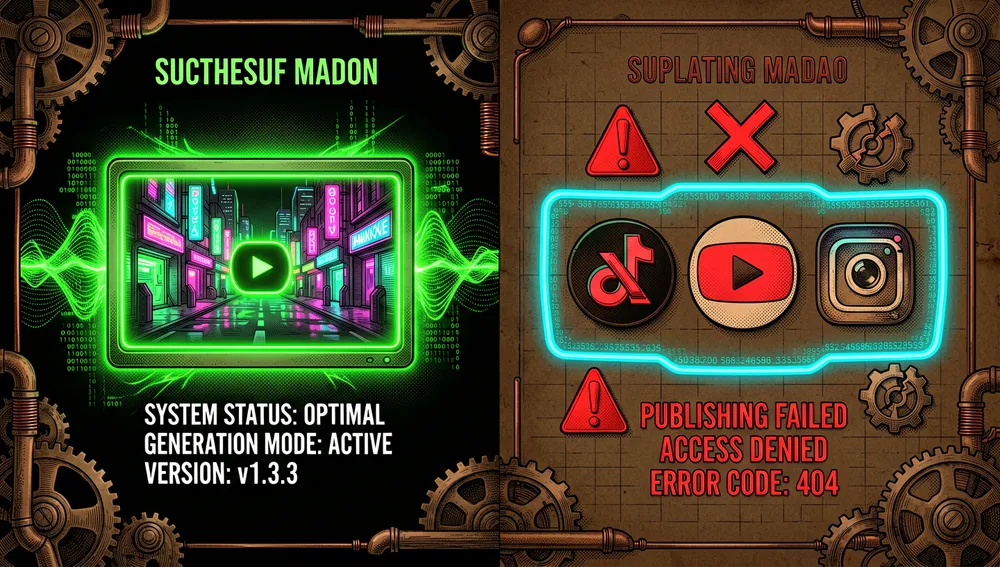
- Separate creation from publishing: a successful generation should not fail because of a social-publishing problem; version
v1.3.3explicitly states it isolated publishing failures from generation success. - Preserve local control:
config.toml, footage directories, and local Whisper models allow adjusting services, resources, and storage. This does not make the pipeline fully local, since Pexels and the LLM or TTS providers may require credentials and network access.
How it works
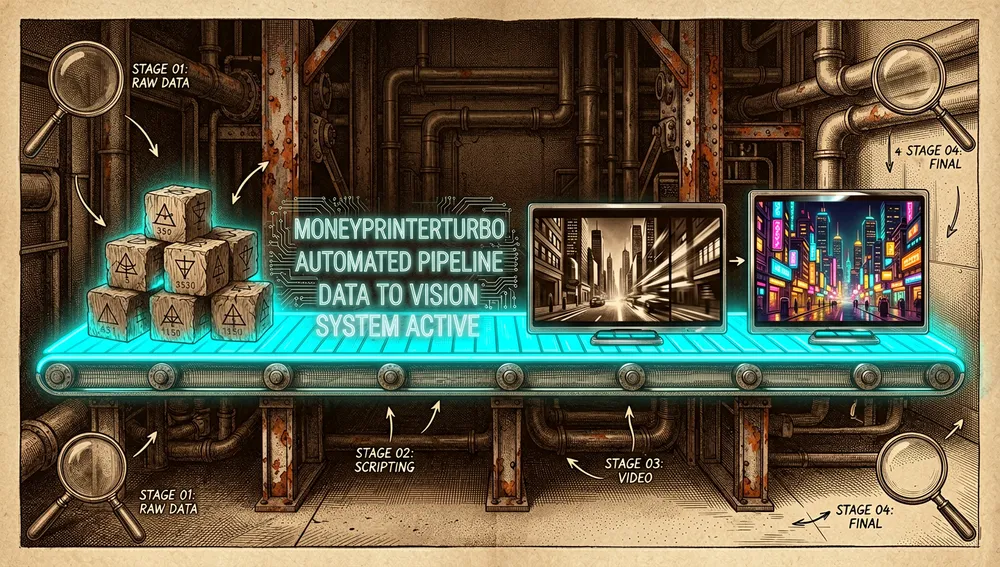
The documented flow starts from a subject or a script. The LLM can draft the text and produce terms to locate footage; the user can also supply the script. The system fetches clips from Pexels, Pixabay, or Coverr, or uses the user’s own footage, synthesizes narration, builds subtitles, and mixes music and video.
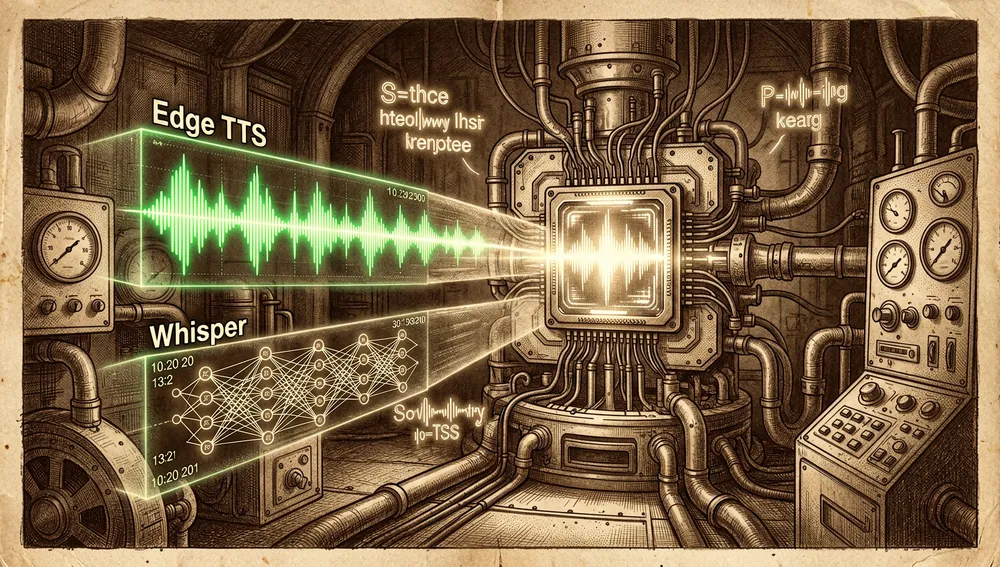
For voice, the documented options are Edge TTS, Azure Speech, SiliconFlow, Google Gemini, Xiaomi MiMo, ElevenLabs, and Chatterbox. For subtitles there are two routes: edge, the default, based on TTS timestamps, and whisper, which uses faster-whisper locally and downloads the model the first time. Whisper mode can give a more precise timeline, at the cost of a download and local resources.
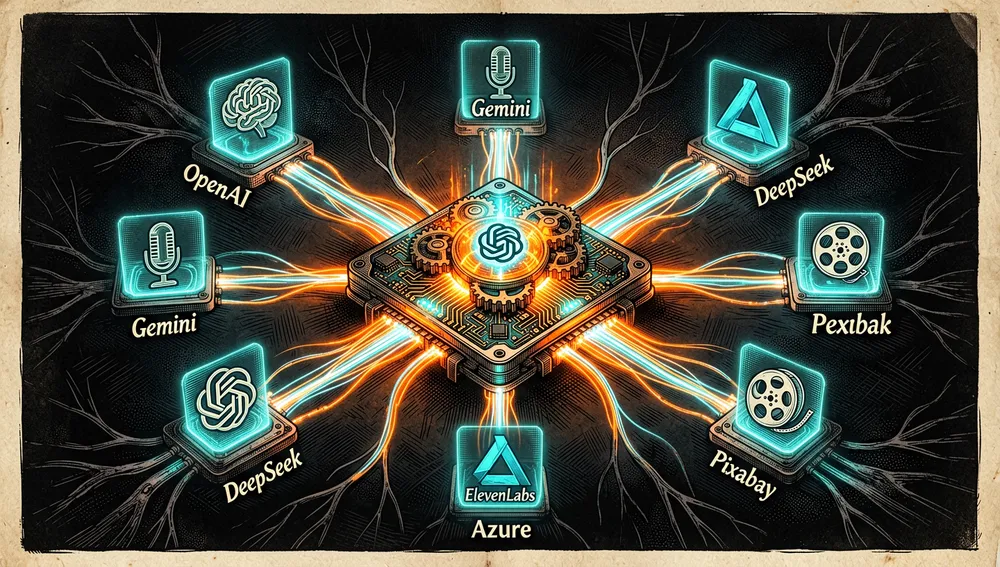
The official configuration lists LLM providers such as Moonshot/Kimi, OpenAI, Gemini, DeepSeek, Qwen, Azure OpenAI, VolcEngine Ark, xAI Grok, MiniMax, MiMo, Cloudflare AI Gateway, ModelScope, AIHubMix, AIML API, EvoLink, Ollama, OneAPI, LiteLLM, Groq, and Pollinations AI. That list confirms compatibility configured by the project, not a certification of every provider.
The current retrieved version, v1.3.3 (July 24, 2026), added voice preview with estimated duration, optional music matched to the video via Sonilo and ElevenLabs, uploading custom music from the WebUI, global speed control, ZoomIn/ZoomOut transitions, and task recovery. It also declares expanded CI coverage and fixes for restarts, interrupted tasks, and providers.
Official and semi-official status
No evidence was found of acceptance into an official marketplace from an AI provider, nor of a formal standard designation. The project does include its own official skill at docs/skill/SKILL.md, which an agent capable of reading skills can use to install and run the generation pipeline.
The README identifies Kimi/Moonshot AI as a sponsor and integration and displays promotional links from other sponsors. It also contains configurations for their APIs. That proves a sponsorship or integration relationship declared in the README, but it does not amount to official technical endorsement from Kimi, Moonshot AI, or the other providers. Its de facto adoption is reflected in GitHub forks and stars, not in a recovered certification.
The ecosystem
Author repositories and official resources
harry0703/mpt-assets: media asset repository for MoneyPrinterTurbo; 7 stars and 2 forks in this run’s GitHub search. The main project’s README links hosted examples using those assets.harry0703/MoneyPrinterTurbo: the core project, with an official Google Colab notebook (docs/MoneyPrinterTurbo.ipynb) and an agent skill (docs/skill/SKILL.md).- The repository itself contains Dockerfiles, Docker compositions,
cli.py,main.py, WebUI, API,config.example.toml, and tests. No other public repository from the author related to short video was identified when querying by name and description.
Derivatives, ports, and community extensions
The forks API and repository search reveal a community of derivatives. Not all of them are compatible with, maintained by, or endorsed by the original project:
q1uki/MoneyPrinterAICreate(314 stars, 62 forks) describes itself as based on MoneyPrinterTurbo and adds shot scripting plus connections to text-to-video and image-to-video generation.Asad-Ismail/MoneyPrinterTurbo-Extended(304 stars, 100 forks) presents itself as an extended implementation.yl365/MoneyPrinterTurboEasy(215 stars, 27 forks) presents itself as a direct-install variant and claims to replicate MoneyPrinter/MoneyPrinterTurbo.MentholG/VideoGenis the most prominent fork returned by the forks endpoint, with 42 stars and 6 forks; its description indicates short-video generation via large models.EnjiniaTech/MoneyPrinterTurbo-ES(5 stars) is identified as a Spanish-language fork; it is an unofficial translation/port.liortesta/MoneyPrinterTurbo-Hebrew(1 star) presents itself as a fork with a Hebrew WebUI and RTL/BiDi subtitle support; it is an example of non-English localization, also unofficial.korosu/mpt-batch(1 star) is described as a batch generator for MoneyPrinterTurbo, andkorosu/shorts-pilot(1 star) as a filler for a YouTube Shorts idea queue via LLM. These are community extensions, not dependencies declared by the core repository.
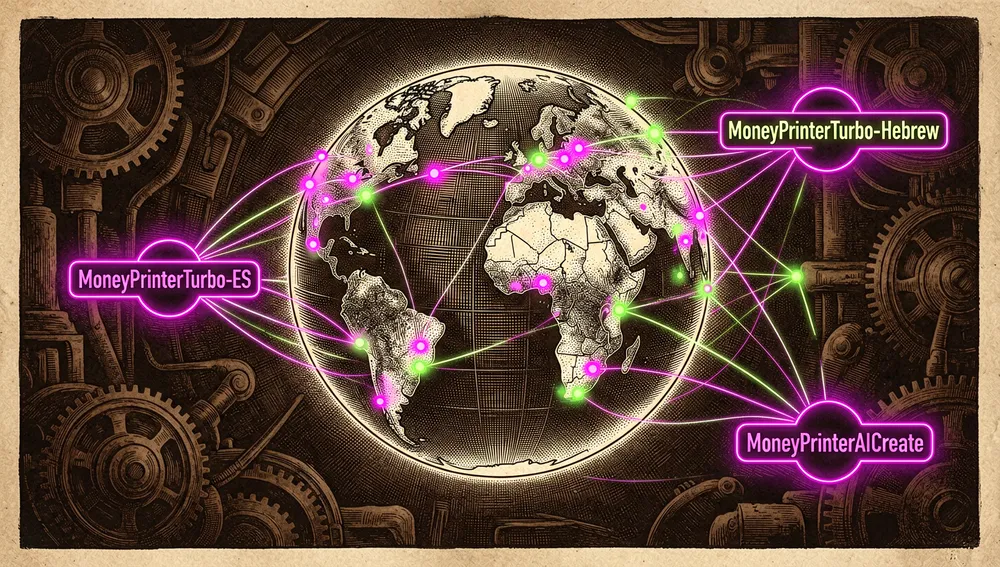
The figures in this section come from GitHub’s search and forks API as of August 6, 2026. A repository description does not prove quality, security, or compatibility with the current version.
Repository numbers
Measured: August 6, 2026 at 08:03 UTC, GitHub API.
| Metric | Value |
|---|---|
| Stars | 101,817 |
| Forks | 15,316 |
| Real subscribers | 643 |
| Commits | 685 |
| Open issues reported by the API | 16 |
| Main language | Python |
| License | MIT |
| Created | March 11, 2024 |
| Last metadata update | August 6, 2026, 08:00 UTC |
| Latest retrieved release | v1.3.3, July 24, 2026 |
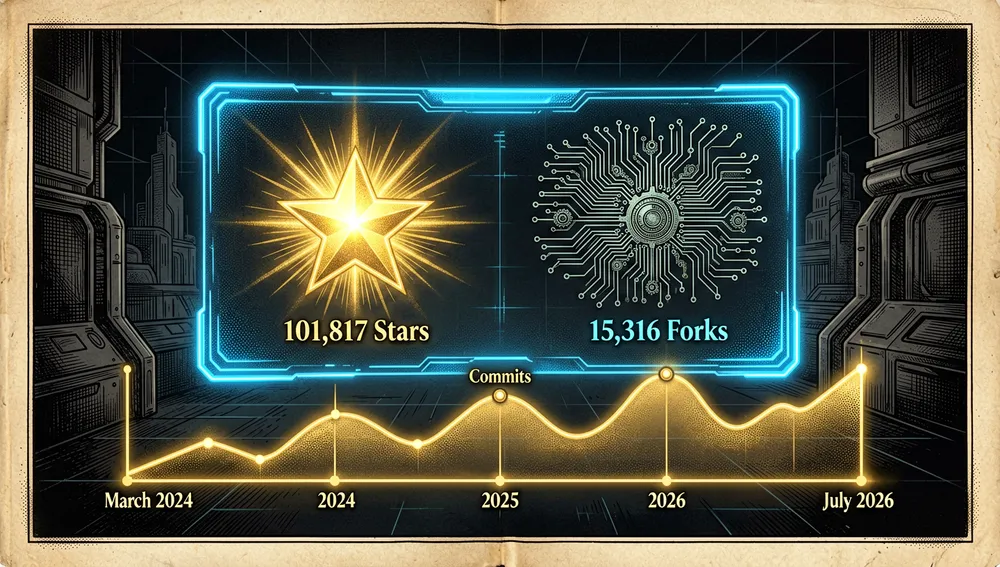
The contributors with the most contributions in the recovered API response were harry0703 (271), yyhhyyyyyy (22), and vuisme (14). The total of 685 commits was obtained from the last-page link of the API’s commit pagination. open_issues_count may include open pull requests; it should therefore not be read as an issue-only count. Also, watchers_count duplicates stars in GitHub’s general response, so subscribers_count is reported as the real subscriber figure.
A PyPI listing named MoneyPrinterTurbo, version 1.4.5, was located, but the official README does not link that distribution and no attribution tying it to harry0703 was recovered. As a precaution, it should not be treated as an official package or as an adoption metric for the project.
How to contribute
No CONTRIBUTING.md, pull-request template, or formal branching guide was recovered. The README invites submitting issues or pull requests, and the repository contains a test/ directory; version v1.3.3 also credits expanded CI. Consequently, the documented path is to open an issue or a pull request on GitHub, but the source does not allow attributing a more detailed contribution flow or review requirements that are not published.
How the community received it
The recoverable external evidence is limited, so it does not support claiming broad consensus:
- Hacker News preserves submission 42150493, posted by
amrrson November 15, 2024, and linked directly to the repository. When retrieved it had 2 points and 0 comments. That proves the project was submitted there, but it offers no user opinions that could be attributed as praise or criticism. - The Hacker News comment query returned matches for the economic term “money printer” in unrelated threads; those were discarded as not referring to the repository.
- The automated Reddit query returned an HTML page instead of retrievable data, and web searches for Reddit, X, Product Hunt, Dev.to/Hashnode, and YouTube returned no individually verifiable results. This does not prove such posts don’t exist; it only limits what can be reliably documented in this run.
The README does link two deployment and usage demos on Douyin. These are resources selected by the project, not independent reviews: a full demo and a Windows installation tutorial. No verifiable YouTube titles, channels, or view counts were recovered.
As signals of pending needs within GitHub, open issues from users luciomerlo request distinct scripts in multi-generation, batch work, and saving standard parameters; ouliu requested text-to-video and image-to-video features. These are concrete requests, not proof that those features are defective. Version v1.3.3 also documents fixes for a blank WebUI screen, Windows package startup errors, and recovery of interrupted tasks.
MoneyPrinterTurbo versus other proposals
| Proposal | Verifiable overlap | Verifiable difference |
|---|---|---|
q1uki/MoneyPrinterAICreate | Its description declares it is based on MoneyPrinterTurbo and generates video via AI. | It explicitly adds shot planning and connections to text-to-video and image-to-video; no performance comparison was recovered. |
Asad-Ismail/MoneyPrinterTurbo-Extended | It presents itself as an extended implementation of the project. | The recovered description does not specify which extensions are compatible or how they change the pipeline; they should not be inferred. |
yl365/MoneyPrinterTurboEasy | Its description declares the same goal of generating short video from text. | It presents itself as a direct-use variant; the source does not provide a comparable evaluation of installation, quality, or cost. |
The verifiable comparison is limited to repositories that declare their relationship to MoneyPrinterTurbo. No independent benchmark measuring voice quality, footage relevance, speed, or cost against these derivatives was recovered.
Quick usage guide
Installation and first run
macOS or Linux with uv (Python 3.11 or higher):
git clone https://github.com/harry0703/MoneyPrinterTurbo.git
cd MoneyPrinterTurbo
uv python install 3.11
uv sync --frozen
sh webui.sh
The script opens the browser, and the first run creates config.toml from config.example.toml. Configure the LLM provider, footage keys, and any relevant credentials in the WebUI or in that file. To expose the WebUI to the local network, the documentation shows:
MPT_WEBUI_HOST=0.0.0.0 sh webui.shContainer: first copy config.example.toml as config.toml, move into the repository directory, and run:
docker compose -f docker-compose.release.yml upThen open http://127.0.0.1:8501 for the WebUI or http://127.0.0.1:8080/docs for the API documentation. The recommended composition pulls the ghcr.io/harry0703/moneyprinterturbo:latest image.
Common workflows
-
Create a video from a topic via CLI:
uv run python cli.py --video-subject "How artificial intelligence is changing everyday life"To inspect all options verified by this installation, use
uv run python cli.py --help. -
Work in the browser: run
sh webui.sh, choose the provider and voice in the WebUI, enter a topic or script, and adjust orientation, subtitles, music, and footage source. The application supports multiple generations to pick the best result. -
Expose the API:
uv run python main.pyThe instance’s documentation will be available at
/docsor/redocon the configured port. -
Ask a skill-capable agent: the README offers the URL
https://raw.githubusercontent.com/harry0703/MoneyPrinterTurbo/main/docs/skill/SKILL.mdalong with a message stating the topic. The official skill states that the agent installs, configures, and delivers the MP4, asking only for missing credentials.
Essential configuration
config.toml: created fromconfig.example.toml; it should not be version-controlled since it contains keys and local settings.[app].video_source: choosespexels,pixabay,coverr, orlocal; the three remote services use their corresponding key lists.llm_providerand provider keys: select the LLM that drafts the script and prepares footage search terms.subtitle_provider:edgeis the default option;whisperactivates local transcription and may download a model the first time.upload_post_*: enable, select platforms for, and automate publishing via Upload-Post; left disabled by default.
Common pitfalls and fixes
- Windows and paths: the README warns that the package path must not contain Chinese characters, special characters, or spaces. After downloading the starter package, it recommends running
update.batthenstart.bat. - FFmpeg not detected: for
RuntimeError: No ffmpeg exe could be found, download FFmpeg and setffmpeg_pathunder[app]; the documentation includes an example Windows path. - Whisper download fails: the README suggests manually downloading
Systran/faster-whisper-large-v3and placing its directory atmodels/whisper-large-v3. To reduce size and speed things up, it showslarge-v3-turboas an alternative. - Too many open files: for
OSError: [Errno 24] Too many open files, checkulimit -n; the documentation suggests raising it, for example withulimit -n 10240. - Blank WebUI after startup: the README advises trying Chrome or Edge; release
v1.3.3declares a specific fix for a blank WebUI when starting generation.
Integrations and migration
The project integrates LLM and TTS providers by configuration, footage sources, Cloudflare AI Gateway, Ollama, and LiteLLM, plus Upload-Post for publishing. The publishing integration requires an Upload-Post key and can select TikTok, Instagram, and YouTube; YouTube visibility supports public, unlisted, or private.
No official migration guide from another video application was recovered. The identified derivatives are alternative starting points, not documented migration paths. To switch providers within MoneyPrinterTurbo, the verifiable route is updating the provider, base URL, model, and credential fields in config.toml or in the WebUI’s basic configuration.
Use cases and who this repository can help
- Short-video creators, marketing, or outreach teams who need to go from an idea to a draft with narration, music, clips, and subtitles without editing each layer separately can use the pipeline from the WebUI or CLI and choose 9:16 or 16:9.
- Teams publishing the same content across multiple networks can generate the video first and, if using Upload-Post, enable subsequent publishing to TikTok, Instagram, and YouTube. The separation of publishing and generation failures in
v1.3.3is relevant to that workflow. - Developers who want to integrate video production into their own service have
main.py, API documentation at/docs, and task-limit configuration (max_concurrent_tasksandmax_queued_tasks). - Users who require control over data or resources can choose local footage, use Ollama as a local provider, and store Whisper models in
models/; they should consider that other parts of the pipeline may still call external services depending on their configuration. - AI agents capable of handling a terminal and skills can use the official skill to install and run the process with
uv, returning the MP4 file when finished, provided the necessary credentials are available.
Resources
- Repository: https://github.com/harry0703/MoneyPrinterTurbo
- Documentation and installation: https://github.com/harry0703/MoneyPrinterTurbo#installation
- Releases and changes: https://github.com/harry0703/MoneyPrinterTurbo/releases
- Official skill for agents: https://github.com/harry0703/MoneyPrinterTurbo/tree/main/docs/skill
- Google Colab notebook: https://colab.research.google.com/github/harry0703/MoneyPrinterTurbo/blob/main/docs/MoneyPrinterTurbo.ipynb
- Container image: https://github.com/harry0703/MoneyPrinterTurbo/pkgs/container/moneyprinterturbo
- Demos selected by the project: https://v.douyin.com/iFhnwsKY/ and https://v.douyin.com/iFyjoW3M
- Hacker News discussion: https://news.ycombinator.com/item?id=42150493
- PyPI listing not verified as official: https://pypi.org/project/MoneyPrinterTurbo/
- Issues and pull requests: https://github.com/harry0703/MoneyPrinterTurbo/issues and https://github.com/harry0703/MoneyPrinterTurbo/pulls
Note: this article combines the official README, skill, and configuration, GitHub releases, commits, forks, and issues, and queries to Hacker News, Reddit, and search engines carried out on August 6, 2026. Metrics change over time; external platforms with no recoverable results are not interpreted as an absence of coverage.

Comments