

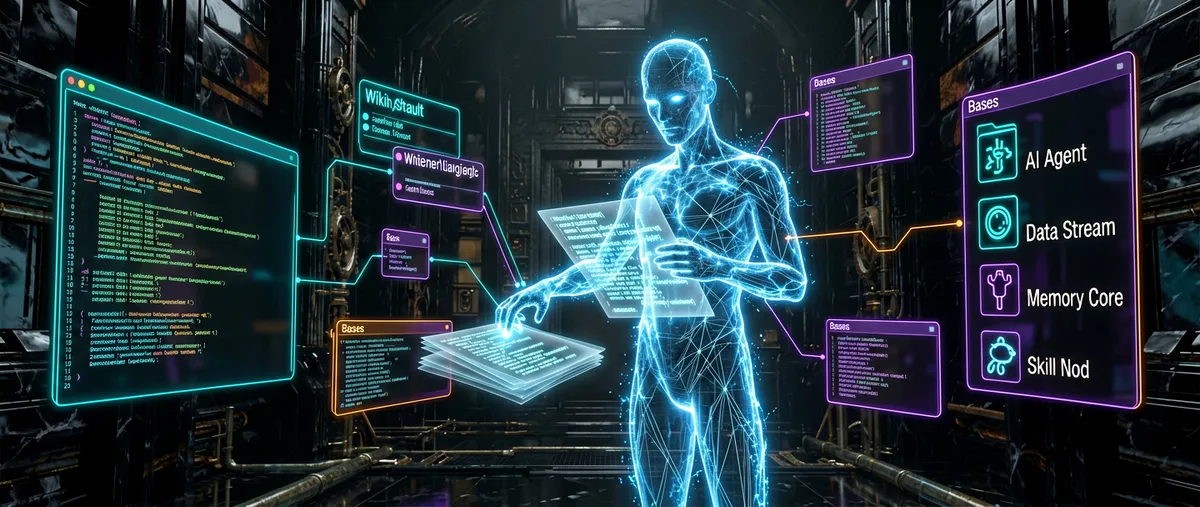
Obsidian Skills: teaching an AI agent to write Obsidian like a human does
kepano/obsidian-skills · 48,866★ · 3,484 forks
Everything worth knowing about kepano/obsidian-skills: the official agent-skills package from the Obsidian team that lets agents like Claude Code, Codex, or OpenCode read and edit Obsidian Markdown, Bases, JSON Canvas, and drive the Obsidian CLI itself.
What obsidian-skills is
obsidian-skills is an “agent skills” package for Obsidian, published by the same author behind several projects on the platform. It’s not a plugin, a model, or an execution tool: the product is Markdown instruction files, one per skill, that an agent compatible with the Agent Skills specification (agentskills.io/specification) loads to know exactly how to write valid Obsidian files.
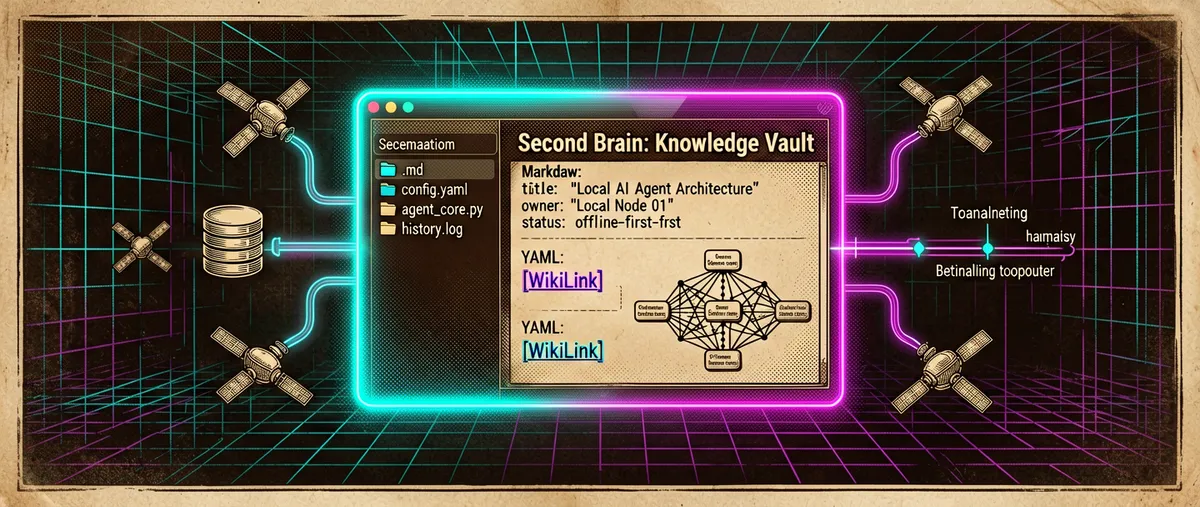
Its purpose is to close a concrete gap: a generalist agent doesn’t know Obsidian’s own extensions — [[wikilink]]-style internal links, ![[...]] embeds, > [!note] callouts, properties (frontmatter), Bases (.base), or the JSON Canvas format (.canvas) — and so it generates notes that Obsidian doesn’t render well or that break links and views. obsidian-skills provides the correct syntax and workflows so the agent can produce and edit those files safely.
As of September 11, 2026, the package documents six skills: obsidian-markdown, obsidian-bases, json-canvas, obsidian-cli, defuddle, and knap. The README presents them as compatible with “any skills-compatible agent,” explicitly naming Claude Code, Codex, and OpenCode.
Origin: an author from Obsidian itself
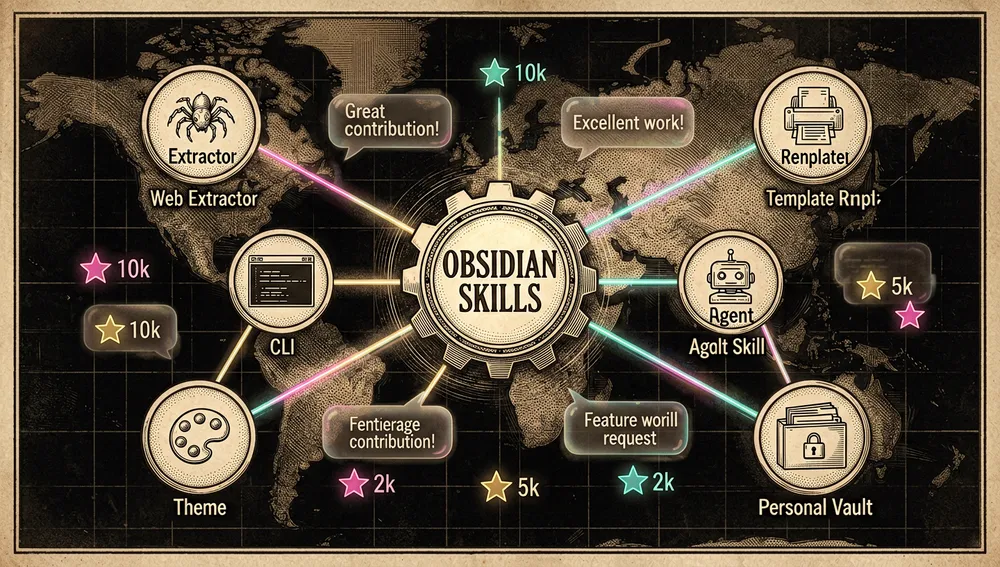
The repository was created on January 2, 2026 by Steph Ango (kepano), whose GitHub account identifies Obsidian as employer and links to his blog stephango.com and his X account @kepano. Ango is also the author of several prominent projects tied to the platform: the obsidian-minimal theme (5,373 stars), the defuddle extractor (9,353 stars), and the flexoki color scheme (3,655 stars), plus his personal vault kepano-obsidian (4,504 stars). This makes obsidian-skills the “first-party” package: not an external approach to Obsidian, but the guide published by the team behind the application itself so agents use its formats and CLI correctly.
The early commits are instructive. On January 2, 2026, the Obsidian Markdown and Bases skills were added (the same day the repo was created), and on January 6, JSON Canvas followed. Defuddle and obsidian-cli arrived on February 10, 2026, and knap was added on September 10, 2026. Growth was bottom-up: first the file formats that already existed, then interaction with the application, and finally template generation from structured data.
Philosophy and principles
Open formats, not a closed API. The README stresses that the skills teach “open formats, including Markdown, Bases, and JSON Canvas.” The bet is that an agent can work on plain, readable files without depending on a proprietary API.
Exact syntax, not approximate. Each skill documents the full syntax (wikilinks, blocks, callouts, Bases schemas, the JSON Canvas 1.0 spec) and, above all, the verification step: validating the YAML of a .base, checking that a canvas’s fromNode/toNode resolve to existing nodes, or confirming that a note renders correctly in reading view.
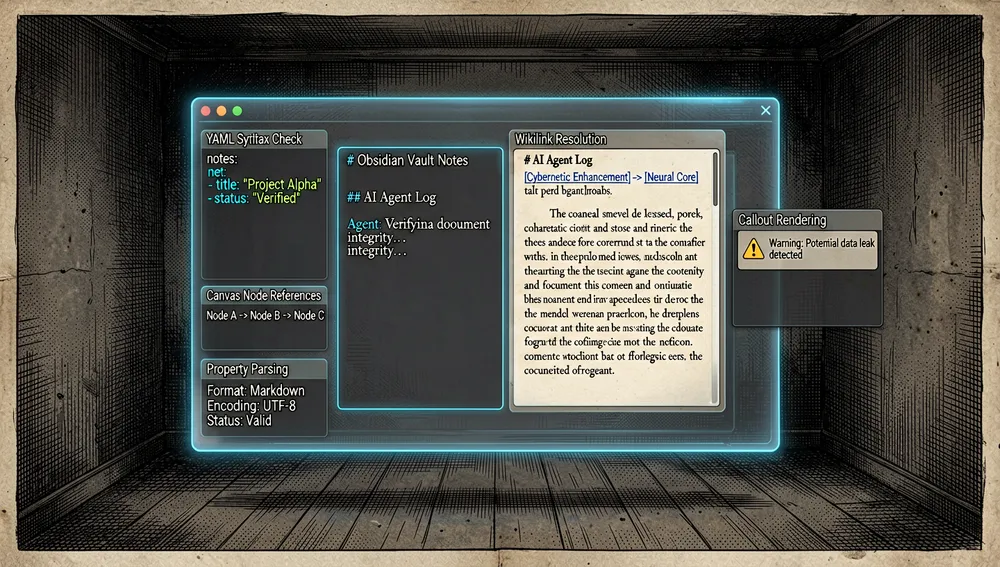
Multi-agent reusability. By following the Agent Skills spec, a single skill serves Claude Code, Codex, and OpenCode without being rewritten. The README and PR #27 (“Align skills with Agent Skills spec and Codex”) show that compatibility is treated as a requirement, not an extra.
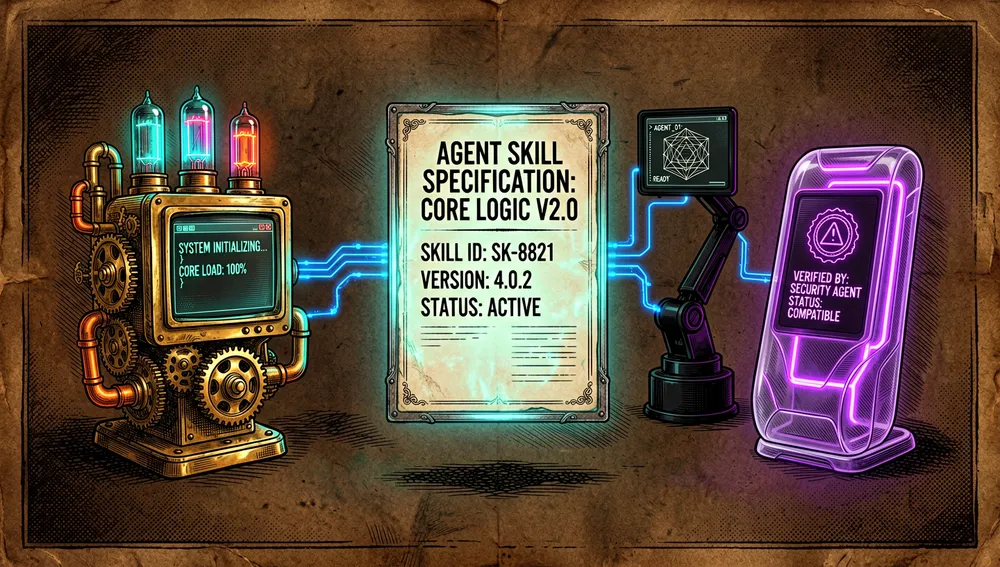
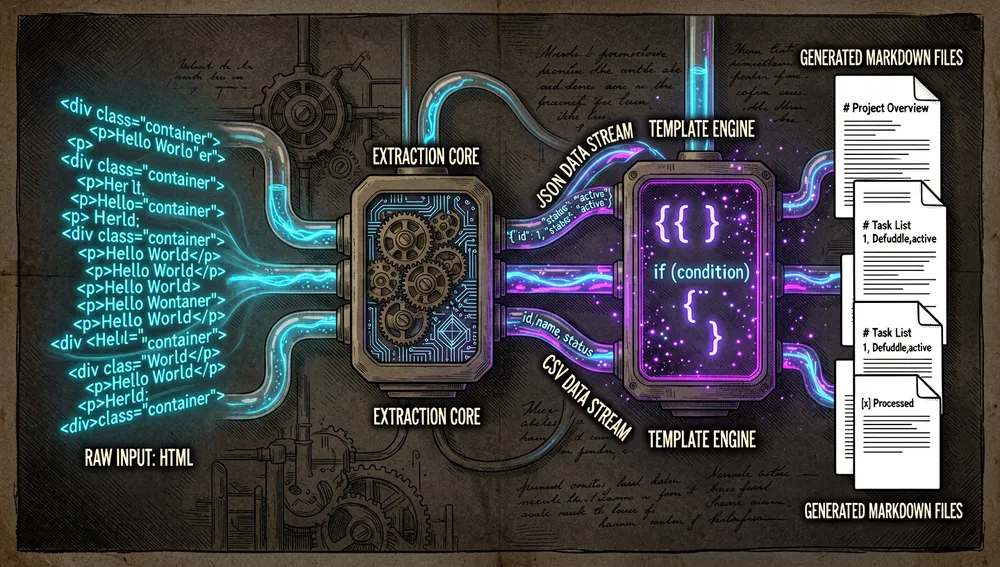
Composability with adjacent tools. defuddle (extracting clean Markdown from a web page) and knap (rendering templates from JSON/CSV) integrate into the same flow: capture, transform, and save into the vault, reducing token consumption.
How it works
The package is a skills/ folder with one subdirectory per skill, each with a SKILL.md (frontmatter with name and description) and, in some cases, additional reference files:
| Skill | Target file | What it teaches the agent |
|---|---|---|
obsidian-markdown | .md | Wikilinks, embeds, callouts, properties, %%...%% comments, highlighting, LaTeX math, Mermaid, and footnotes. |
obsidian-bases | .base | Bases as YAML files with filters (and/or/not), formulas, summaries, and table/cards/list/map views. |
json-canvas | .canvas | The JSON Canvas 1.0 spec: nodes and edges, unique 16-character hexadecimal IDs, fromNode/toNode, fromSide/toSide anchors. |
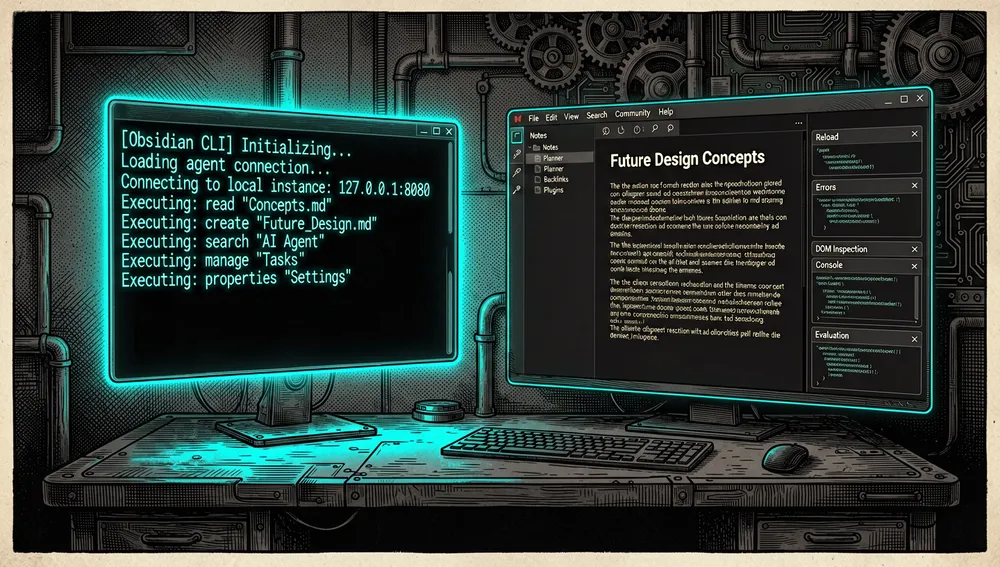
obsidian-cli | Vault (application) | Interacting with a running Obsidian instance via the obsidian CLI: reading, creating, searching, managing notes, tasks, and properties; and developing plugins/themes (plugin:reload, dev:errors, dev:screenshot, dev:dom, dev:console, eval). |
defuddle | Web → Markdown | Extracting clean content with the CLI defuddle parse <url> --md to save tokens versus WebFetch. |
knap | Data → Markdown | Rendering templates with {{ var }} variables, filters, and {% ... %} logic from JSON/CSV, and generating batches of files. |
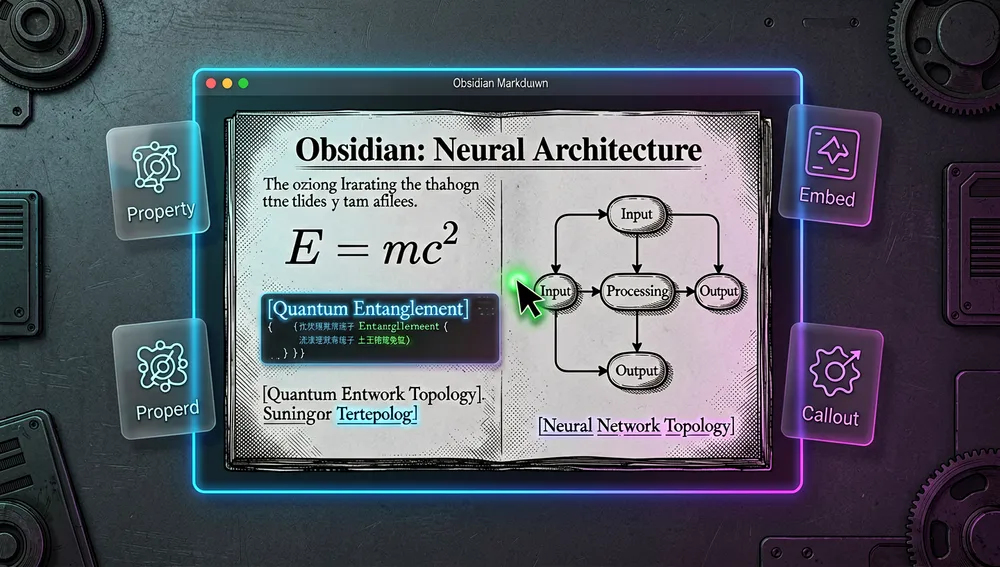
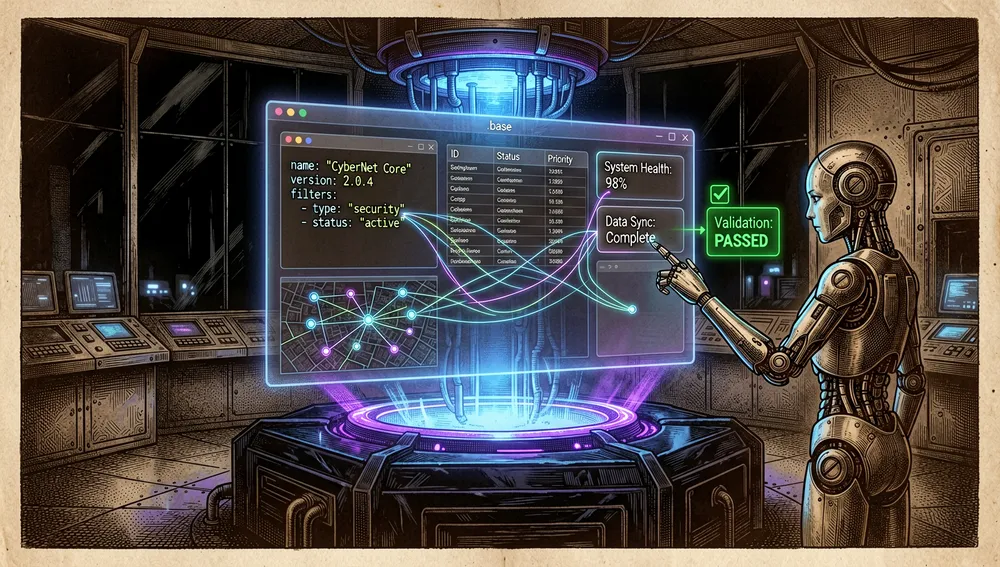
Format skills activate by description: the frontmatter states “use this when the user mentions wikilinks, callouts, frontmatter, tags, or embeds,” so the agent decides when to load them. obsidian-cli adds a step-by-step documented plugin-development cycle (reload → check errors → verify via screenshot or DOM → check console).
Official / semi-official status
A package from the Obsidian team itself. The author identifies Obsidian as his employer and is already the creator of the Minimal theme, Defuddle, and flexoki. In practice, it’s the “official” reference for how an agent should write Obsidian’s formats.
De facto standard format (Agent Skills). All the skills follow the agentskills.io/specification, the same standard used by Claude Code, Codex, and OpenCode. That means the package doesn’t depend on a specific agent and is portable to any compatible implementation.
Installable from Claude Code’s official plugin marketplace. The README offers /plugin marketplace add kepano/obsidian-skills followed by /plugin install obsidian@obsidian-skills, and the repo includes .claude-plugin/marketplace.json and plugin.json (name obsidian, version 1.0.1). Presence in Claude’s marketplace mechanism doesn’t imply Anthropic quality certification, but it does mean the package is distributed through that agent’s official channel.
Dependency on an official Obsidian feature. The obsidian-cli skill relies on the Obsidian CLI, a native application feature documented at help.obsidian.md/cli and introduced by the company itself (Hacker News thread 46961430, “Obsidian Introduces Obsidian CLI”). In other words, part of the package’s value derives from a capability that Obsidian officially exposes.
In practice, this positions obsidian-skills as the natural starting point for anyone who wants a coding agent to operate on an Obsidian vault, before considering community alternatives.
The ecosystem
The author’s companion repositories
kepano/defuddle — an HTML→Markdown extractor (“Get the main content of any page as Markdown”); 9,353 stars and 403 forks, TypeScript, created February 27, 2025, site defuddle.md. It’s the tool the defuddle skill uses. On npm, the defuddle package (version 0.19.3) logged 445,470 downloads between September 4–10, 2026 and 2,398,182 downloads the prior month. kepano/defuddle-cli — an earlier CLI version, now marked “Moved to the main defuddle repo”; 508 stars. obsidianmd/knap — “A simple template language that turns data into Markdown”; 251 stars and 6 forks, TypeScript, created August 21, 2026, site knap.md, belonging to the obsidianmd organization. On npm, the knap package (version 0.4.2) logged 705 downloads the week of September 4–10, 2026.
Other author projects: kepano/obsidian-minimal (a distraction-free theme, 5,373 stars), kepano/kepano-obsidian (a personal vault template, 4,504 stars), kepano/flexoki (an “inky” color scheme, 3,655 stars), kepano/clipper-templates (templates for the Obsidian Web Clipper, 1,442 stars), kepano/40-questions (1,666 stars), and kepano/datacore (a work-in-progress successor to Dataview, 0 stars).
The installer skill: npx skills
The README also installs via npx skills add .... The npm package skills (version 1.5.25) corresponds to the vercel-labs/skills repository, described as “The open agent skills ecosystem.” It’s not an Obsidian tool but a generic Agent Skills-ecosystem installer that the README reuses to add this package.
Community ports, packs, and related projects
The community has generated its own set of packs and utilities for agents operating on Obsidian, several of which appeared as Show HN on Hacker News: vladignatyev/brain-map-skill — “Skill for your agent to visualize your gbrain and Obsidian”; HN thread 48514124 with 23 points and 17 comments (June 13, 2026). anliberant/obsidian-ai-setup — “Obsidian AI Setup – A production-ready onboarding skill for AI agents”; HN thread 48771700 (July 3, 2026). ballred/obsidian-claude-pkm — “Obsidian and Claude Code PKM Starter Kit”; HN thread 46379291 (December 24, 2025). axtonliu/axton-obsidian-visual-skills — “Obsidian Visual Skills – Generate Canvas, Excalidraw, Mermaid from Text”; HN thread 46970701 (February 11, 2026). voicetreelab/voicetree — “Obsidian meets Claude Code. A Markdown graph for agents and context”; HN thread 46878200 (February 3, 2026). acertainKnight/project-thoth — “Thoth – Obsidian AI Research Assistant”; HN thread 46968889 (February 11, 2026).
These figures are what the Hacker News API returned during this research; they aren’t a quality or compatibility audit of each derivative.
Quick-start guide
Installation and first run
# 1) Marketplace (Claude Code)
/plugin marketplace add kepano/obsidian-skills
/plugin install obsidian@obsidian-skills

# 2) npx skills (any Agent Skills-compatible agent)
npx skills add git@github.com:kepano/obsidian-skills.git
# or, if HTTPS is preferred:
npx skills add https://github.com/kepano/obsidian-skills

# 3) Manual
#    - Claude Code: copy the repo's contents into the /.claude folder at the vault root.
#    - Codex: copy the skills/ folder into Codex's skills path (typically ~/.codex/skills).
#    - OpenCode: clone the whole repo into OpenCode's skills directory:
git clone https://github.com/kepano/obsidian-skills.git ~/.opencode/skills/obsidian-skills
On first run, the agent detects the available SKILL.md files (OpenCode auto-discovers all SKILL.md files under ~/.opencode/skills/ and requires no changes to opencode.json; skills become active after restarting OpenCode). From there, simply ask the agent to do a vault task (“create a note,” “search my vault,” “capture this page”) and it will load the relevant skill by its description.
Common workflows
- Create a valid Obsidian note. The
obsidian-markdownflow tells the agent to: add frontmatter (title, tags, aliases), write the content, link with[[wikilink]]for internal notes, embed with![[...]], add> [!tip]callouts, and, at the end, verify it renders correctly in reading view. - Query the vault from the command line. With
obsidian-cli, to read a note:obsidian read file="My Note"; to search:obsidian search query="search term" limit=10; to append a task to the daily note:obsidian daily:append content="- [ ] New task". - Capture a web page and save it to the vault. The
defuddle+knappipeline:
Defuddle delivers clean content as JSON (title, content, …) and Knap pours it into a template, generatingdefuddle parse https://example.com/article --md --json \ | knap render template.md --data - -o note.mdnote.md. - Generate a batch of notes from data. With
knap batch:
One CSV row (or JSON object) per file, withknap batch template.md --data articles.csv --output-dir notes \ --filename '{{ title | safe_name }}.md'--dry-runto validate without writing.
Essential configuration
skills/<name>/SKILL.md— each skill’s file. The frontmatter’snameanddescriptionare what the agent reads to decide when to activate it.- Per-agent install path —
/.claude(Claude Code, at the vault root),~/.codex/skills(Codex), or~/.opencode/skills/(OpenCode). The README insists that for OpenCode you must clone the whole repo, not just the innerskills/folder. defuddleandknap(optional CLIs) — if not installed,npm install -g defuddleandnpm install -g knap(Knap requires Node.js 20 or later; it also works withnpx knap).obsidianCLI — theobsidian-cliskill requires Obsidian to be open to interact with the vault;obsidian helpshows the available commands..claude-plugin/marketplace.jsonandplugin.json— plugin metadata for Claude Code’s marketplace; not normally touched.
Common pitfalls and fixes
- The CLI doesn’t respond. The
obsidian-cliskill documents that “Requires Obsidian to be open.” Ifobsidian ...does nothing, open the app first. - OpenCode doesn’t see the skills. Copying only the inner
skills/folder breaks the expected structure. The README requires cloning the whole repo so the path becomes~/.opencode/skills/obsidian-skills/skills/<skill-name>/SKILL.md, then restarting OpenCode. - Bases fails to render.
obsidian-baseslists typical failures: unquoted YAML strings containing special characters, unbalanced quotes in formula expressions, or referencingformula.Xwithout definingXinformulas. - ID collisions in canvas. The
json-canvasskill warns that every node and edge needs a unique 16-character hexadecimal ID, and that everyfromNode/toNodemust resolve to an existing node before saving. defuddleon.mdURLs.defuddle’sdescriptionexplicitly states: don’t use it for URLs ending in.md; useWebFetchdirectly instead. PR#41(“Skip defuddle for .md URLs”) reinforces this rule.knapwithout Node 20. Knap requires Node.js 20 or later; with older versions, usenpx knapor upgrade the runtime.
Integrations and migration
By following agentskills.io/specification, the package integrates unchanged into Claude Code, Codex, and OpenCode, and any compatible agent; there’s no “migration” between agents, only the install path changes. obsidian-cli connects the agent to the running application for live operations, complementing the other skills’ direct file editing. Defuddle and Knap chain together to capture web content and render it into notes. For templating, Knap is an alternative to the Templater plugin; for note queries, Bases occupies the ground of data plugins like Dataview (which also has kepano/datacore as a work-in-progress successor).
Repository numbers
Measured: September 11, 2026, GitHub API.
| Metric | Value |
|---|---|
| Stars | 48,174 |
| Forks | 3,437 |
| Real subscribers (watchers) | 249 |
| Commits | 47 |
| Open issues per API | 71 |
| Main language | (unclassified; the repo is Markdown) |
| License | MIT |
| Created | January 2, 2026 |
| Last push | September 10, 2026 |
Top contributors, by number of contributions: kepano (31), Ethereal49 (2), and a wide set of contributors with one contribution each (popey, mourjo, chiahsien, petersolopov, SDGLBL, shreyas-makes, SublimePeace, thibaultmol, chenminhua, costa92, Vinluo, zillydev, among others). Two API caveats: watchers_count in the general response mirrors the star count, so the real-subscriber figure is the subscribers_count field (249); and open_issues_count (71) may include open pull requests, so it shouldn’t be read as an exclusive issue count.
How to contribute
The repository doesn’t include a CONTRIBUTING.md or a documented test harness, and it’s a small project (47 commits). The effective process, inferred from the actual history of merged pull requests, is the GitHub standard: fork, open a branch, submit a PR against main. The history shows accepted community PRs, e.g. #27 (aligning skills with the Agent Skills spec and Codex), #37, #41, #43, #44, #59 (an embed example in Bases), #64 (skipping .md in defuddle), #66, #68 (fixing the Bases filter schema), and #94 (updating the defuddle URL to the new repo). In practice, contributions are syntax fixes, schema documentation, and multi-agent compatibility alignment, reviewed and merged by the author.
How the community received it
The evidence retrieved shows adoption and activity, but it’s worth noting: no obsidian-skills launch thread with broad, verifiable Hacker News discussion was found. Instead, the context rests on two strong ecosystem threads and several Show HN community-pack posts.
Thread 46961430 “Obsidian Introduces Obsidian CLI” (44 points, 7 comments, February 10, 2026) captures the reception of the feature the obsidian-cli skill relies on. User joshstrange noted a concrete limitation: “you still have to keep the UI open for the CLI to work, which is unfortunate,” though “I really appreciate the added control.” presbyterian observed that much of this was already possible “since it’s built almost entirely on plain text files.” Surac asked what use case it was aiming for.
Thread 44067409 “Show HN: Defuddle, an HTML-to-Markdown alternative to Readability” (418 points, 68 comments, May 22, 2025) shows the reception of the companion defuddle. creakingstairs said they found it “checking out the source code of the obsidian web-clipper” and came away “impressed with its markdown conversion results.” billconan asked whether it used AI models “under the hood.” tmpfs stated they’d “been investigating this recently and certainly not impressed with the quality of Readability implementations across various languages.”
On the community-packs side, Show HN 48514124 (“brain-map-skill”) reached 23 points and 17 comments, and 49394827 (“OzBrain, a shared brain for knowledge between agents and your team”) got 93 points and 59 comments — a sign of sustained interest in giving agents access to Obsidian-style vaults. No verifiable criticism of obsidian-skills itself was found beyond the CLI’s limitation (requiring the UI to be open).
obsidian-skills versus other proposals
| Proposal | Verifiable overlap | Verifiable difference |
|---|---|---|
kepano/defuddle | A tool from the same author that obsidian-skills uses (the defuddle skill) to capture web pages as Markdown. | Defuddle is a standalone HTML→Markdown extractor (9,353 stars); obsidian-skills is the instruction set that invokes it alongside other skills. |
obsidianmd/knap | A tool from the obsidianmd organization that obsidian-skills uses (the knap skill) to render templates from data. | Knap is a TypeScript template engine (251 stars); obsidian-skills teaches the agent to orchestrate Knap, not a replacement for the engine. |
Readability (mozilla/readability) | The web-content-extraction baseline that Defuddle (and by extension obsidian-skills’ pipeline) positions itself against. | Readability is a classic extraction library; obsidian-skills’ pipeline replaces it with Defuddle + Knap to feed a vault. |
| Community packs | Skill packs that make an agent operate on Obsidian. | Third-party packs focused on a niche (PKM, onboarding, visuals, knowledge mapping); obsidian-skills is the Obsidian team’s own package and covers the official formats (Markdown, Bases, Canvas) plus the CLI. |
| Built-in plugins (Templater, Dataview) | Cover templating and note queries within the application. | These are Obsidian UI plugins; obsidian-skills guides an agent to use knap and obsidian-bases to achieve the same result via command line / agent. |
The most useful comparison isn’t by popularity: obsidian-skills stands out when you need a “first-party” reference on official Obsidian syntax for a multi-platform agent. A specialized community pack may be preferable when the specific goal (PKM, visuals, knowledge mapping) exceeds what the official skills document.
Use cases
- People with an Obsidian vault who use Claude Code, Codex, or OpenCode can adopt the package so the agent creates, edits, and links notes with correct wikilinks, embeds, callouts, and frontmatter, without breaking syntax or views.
- Obsidian CLI users (and plugin/theme developers) can rely on the
obsidian-cliskill to have the agent read, search, and modify the vault live, and for the plugin-development cycle. - Content capture and publishing workflows can chain
defuddle parse <url> --md --json | knap render ...to turn a web page into a vault note, and useknap batchto generate batches of notes from CSV/JSON. - Anyone managing data about notes (projects, tasks, reading lists) can ask the agent to build a
.basewithfilters,formulas, andtable/cards/list/mapviews, delegating the “database” role over Markdown to Obsidian Bases. - Teams standardizing how an agent writes Obsidian can distribute this package (via Claude Code’s marketplace or
npx skills) as the common reference.
Resources
- Repository: https://github.com/kepano/obsidian-skills
- Documentation/installation: https://github.com/kepano/obsidian-skills#installation
- Official skills: https://github.com/kepano/obsidian-skills/tree/main/skills
- Agent Skills spec: https://agentskills.io/specification
- Obsidian CLI (official feature): https://help.obsidian.md/cli
- Defuddle: https://github.com/kepano/defuddle · https://defuddle.md
- Knap: https://github.com/obsidianmd/knap · https://knap.md
npx skillsinstaller (vercel-labs): https://github.com/vercel-labs/skills- Package registries (npm): https://www.npmjs.com/package/defuddle · https://www.npmjs.com/package/knap · https://www.npmjs.com/package/skills
- Relevant Hacker News threads: https://news.ycombinator.com/item?id=46961430 (Obsidian CLI) · https://news.ycombinator.com/item?id=44067409 (Defuddle) · https://news.ycombinator.com/item?id=48514124 (brain-map-skill) · https://news.ycombinator.com/item?id=46379291 (obsidian-claude-pkm) · https://news.ycombinator.com/item?id=48771700 (obsidian-ai-setup)
- Community / author’s X: https://x.com/kepano · blog https://stephango.com
Note: this article combines the README and SKILL.md files from obsidian-skills, GitHub API metadata, the npm registry, the Hacker News API, and the author’s profile, consulted on September 11, 2026. Star counts, downloads, and points change over time.
Comments