

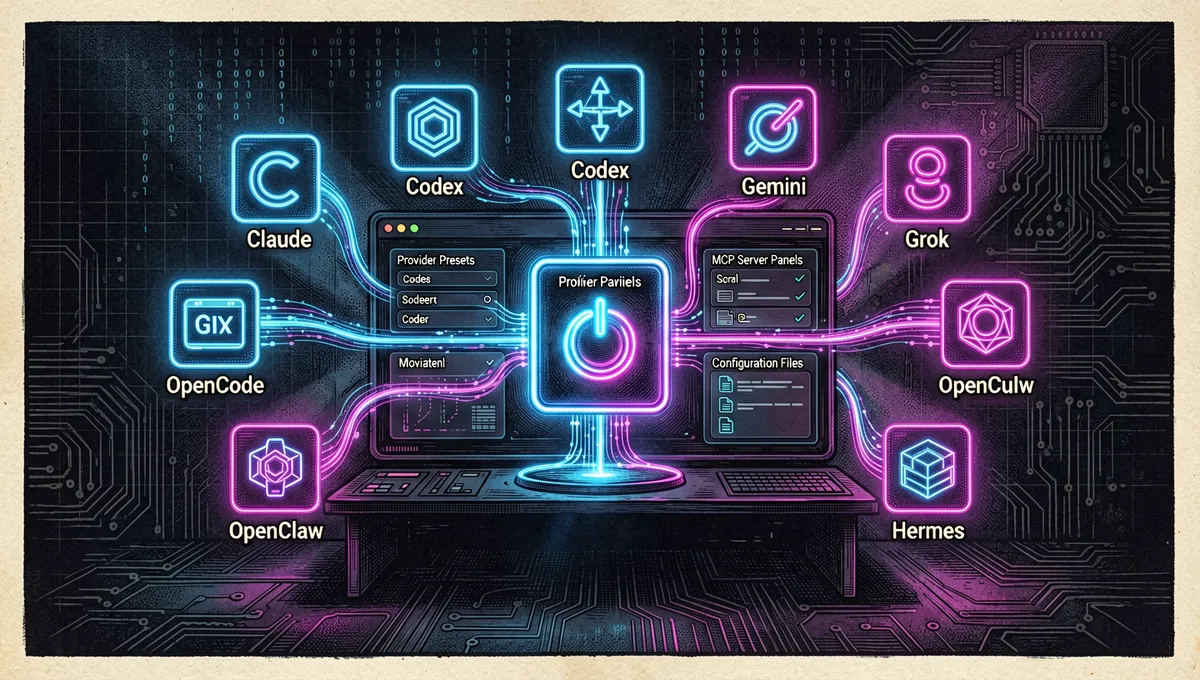
CC Switch: A Local Control Center for Code Agent Configurations
farion1231/cc-switch · 136,767★ · 9,318 forks
Everything you need to know about farion1231/cc-switch: a cross-platform desktop application that centralizes providers, configurations, MCPs, instructions, and sessions from various code agent tools.
What is CC Switch?
CC Switch is an open-source desktop application for Windows, macOS, and Linux. Its core problem is practical: Claude Code, Claude Desktop, Codex, Gemini CLI, Grok Build, OpenCode, OpenClaw, and Hermes Agent use different configuration formats. Switching providers often requires manually editing JSON, TOML, or .env files.
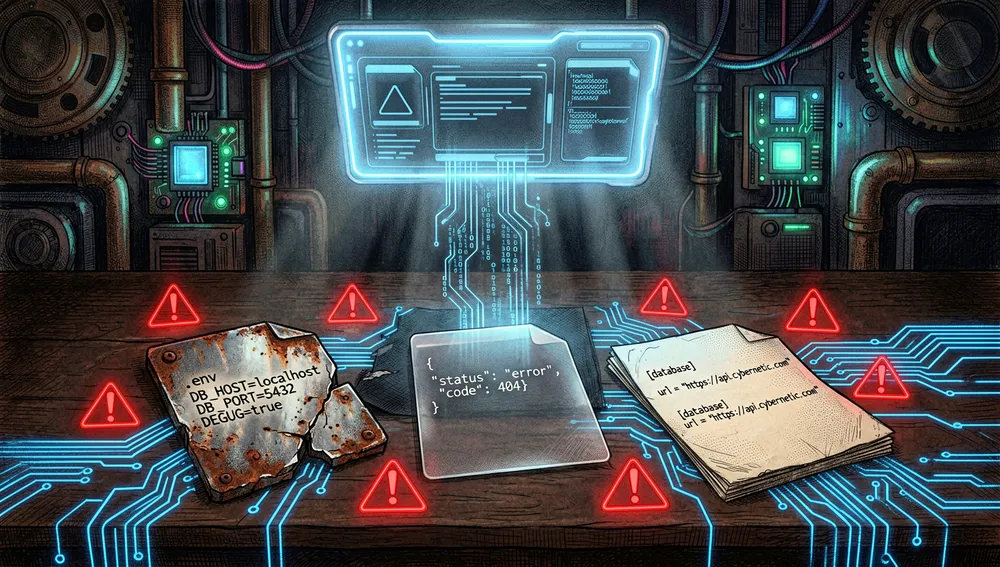
The project presents a unified interface for importing and activating providers, with over 50 presets. It also centralizes the management of MCP servers, Markdown instructions, skills, session histories, usage, and costs. Its goal is not to replace individual provider clients; instead, it writes and synchronizes their configurations so that users can continue using their familiar interfaces.
The Origin: From a Claude Code Switcher to a Multi-Agent Console
The repository was created on August 4, 2025, according to the GitHub API. Its main author is Jason Young (farion1231): his GitHub profile describes him as a full-stack development engineer interested in AI and developer tools; the README attributes the MIT license to Jason Young.
The name itself and the initial submission found on Hacker News describe the product’s original focus: on November 9, 2025, amrrs posted thread 45861477, which presented it as a provider switcher for Claude Code and Codex. The current version shows the subsequent expansion: it now manages eight families of tools, adds local proxy, MCP management, and instructions, skills, and sessions.
No launch post from the author was found explaining an anecdote or conflict with a specific native feature. Therefore, the tension that is documented is expressed in a limited way: the different clients maintain their own files and restart cycles, while CC Switch offers a local layer that translates, saves, and applies configurations; for most tools, the README recommends restarting the terminal or client after the change.
Philosophy and Principles
The documentation outlines several operating principles:
- Minimal Intervention: It always maintains an active configuration to prevent the command-line client from becoming unusable when deleting providers.
- Single Source of Local Truth: Synchronizable data is stored in SQLite at
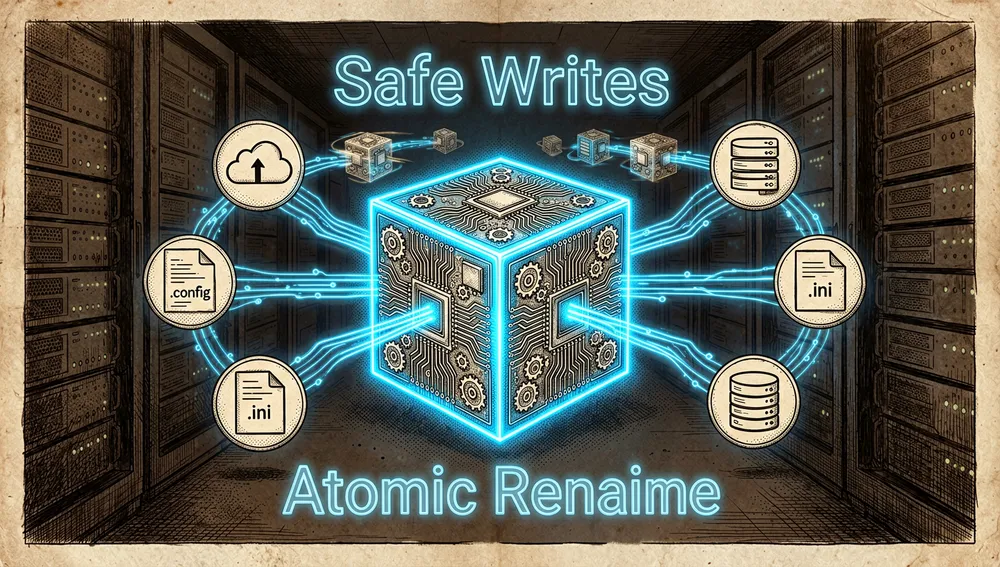
~/.cc-switch/cc-switch.db; device preferences are stored separately in JSON. - Safe Writes: It uses the temporary file and atomic rename pattern to reduce the risk of configuration corruption, along with rotating backups.
- Bidirectional Synchronization: When activating a provider, it writes the files in use, and when editing the active provider, it retrieves changes made to them.
- Human Responsibility over AI-Assisted Code: The contribution guide accepts AI-assisted contributions but requires that those who submit them understand and test the code; it warns that unreviewed generated changes may be closed.
These are product decisions described by the repository itself, not an independent audit of security, availability, or compatibility of the configured providers.
How It Works
The application consists of a React and TypeScript interface and a Tauri 2 backend with Rust. The README separates commands, services, data access, and the SQLite database; it identifies services for providers, MCPs, proxy, sessions, configuration, and latency testing.
The documented daily workflow is:
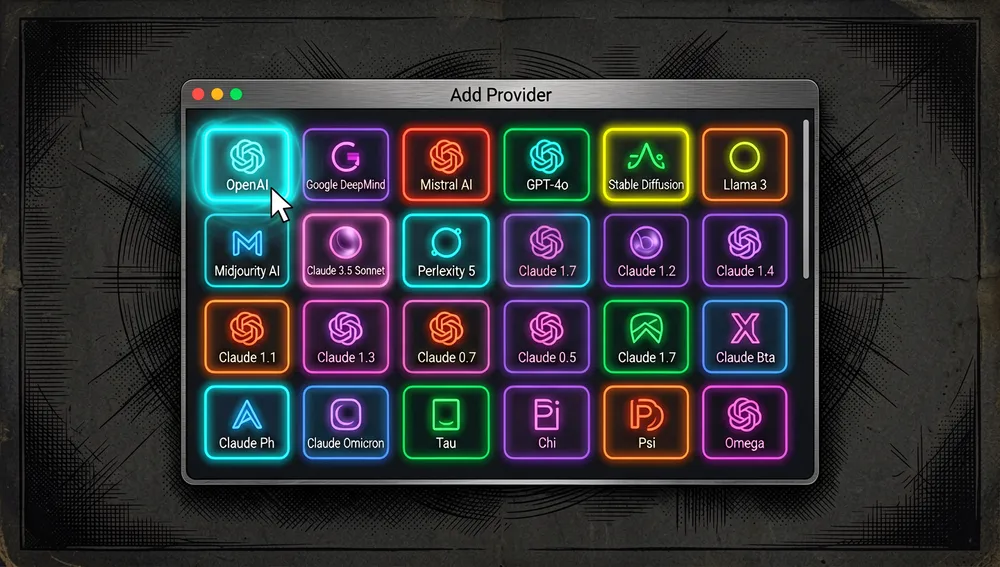
- Click Add Provider, choose a preset, or create a custom configuration.
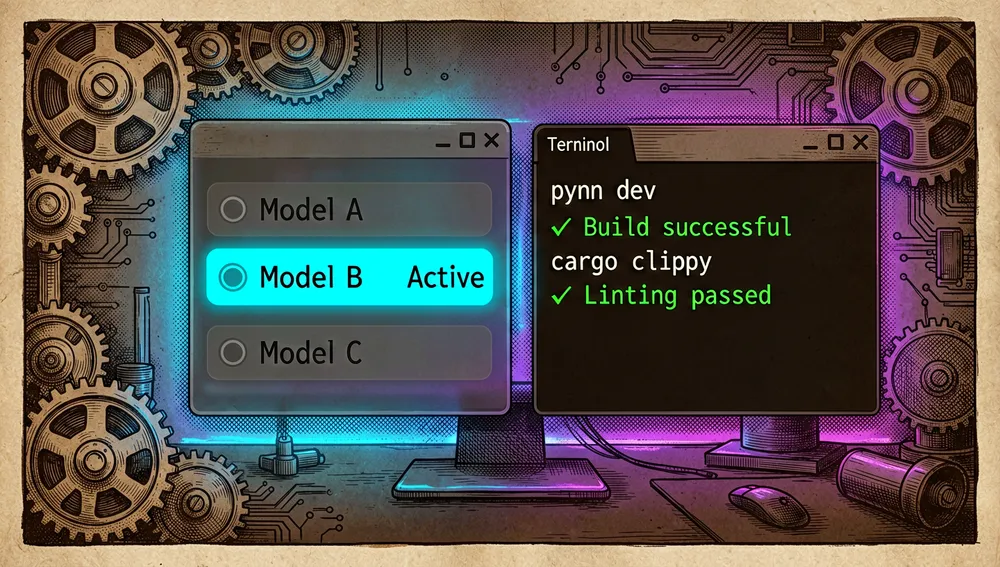
- Activate it from the interface or system tray.
- Restart the terminal or corresponding client so that it reads the changes; the README marks Claude Code as an exception, as it supports hot switching of provider data.
- To return to official access, activate an official login preset and follow the client’s authentication flow.
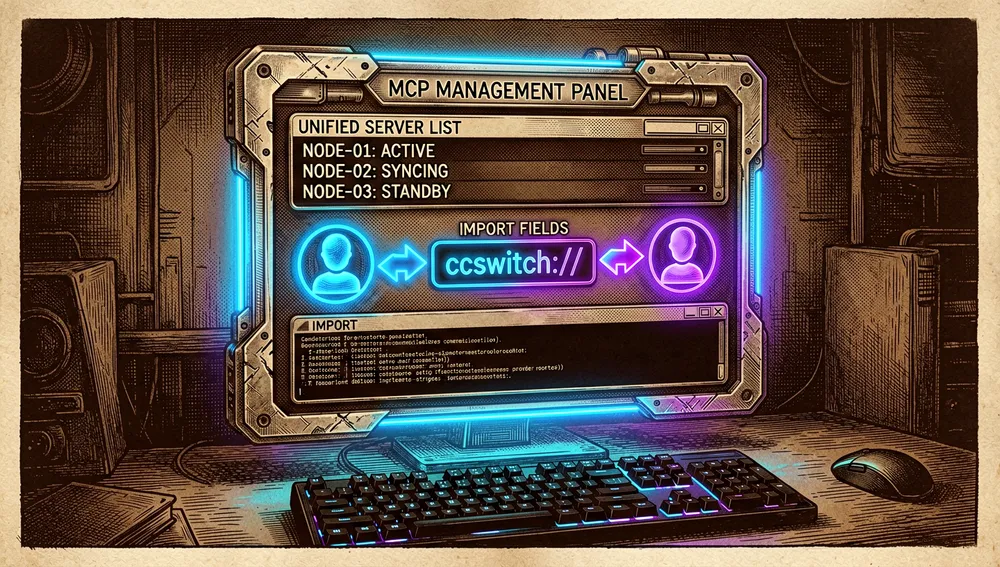
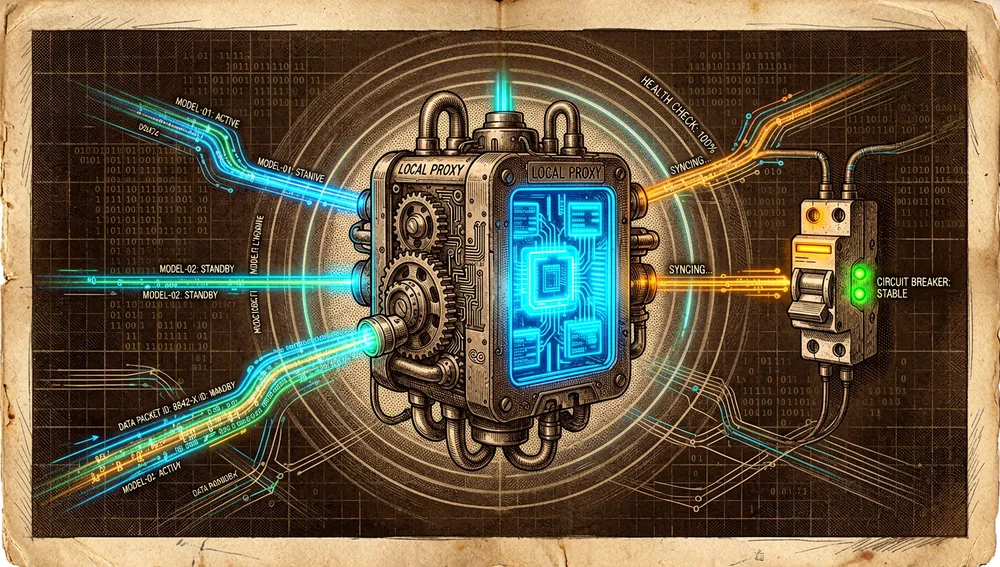
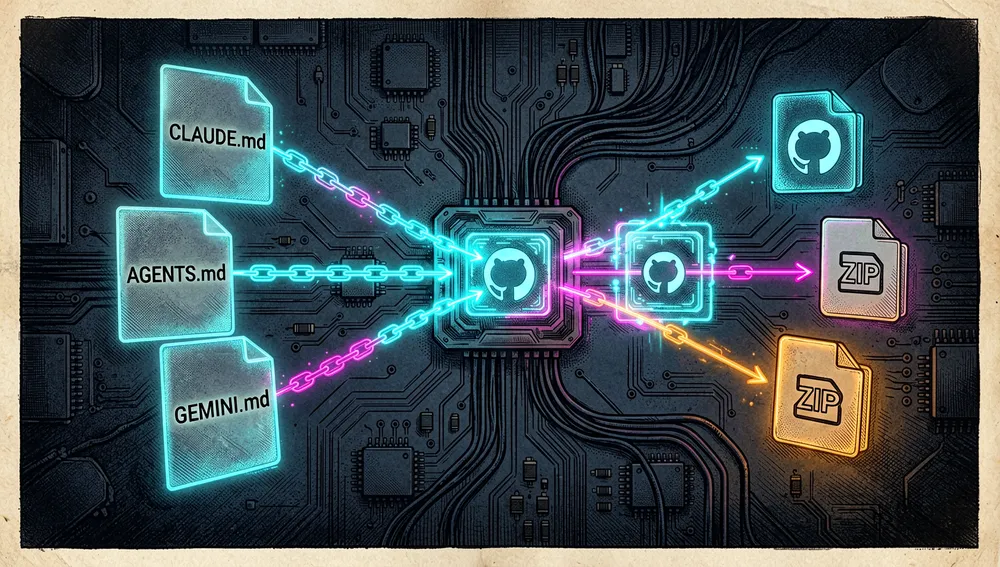
The local proxy mode adds format conversion, hot switching, health checking, circuit breaking, and failover. For MCP, there is a unified panel, import via ccswitch:// link, and bidirectional synchronization between the documented tools. For instructions, it synchronizes files such as CLAUDE.md, AGENTS.md, and GEMINI.md; for skills, it allows installing them from GitHub repositories or ZIP files, using symbolic links or copying.
Local storage includes the database, settings, backups, and skill directories under ~/.cc-switch/. The documentation also indicates synchronization via Dropbox, OneDrive, iCloud, or WebDAV. Published development commands include pnpm dev, pnpm typecheck, pnpm test:unit, pnpm build, cargo clippy, and cargo test.
Official and Semi-Official Status
There is no evidence found that the providers of the managed tools have adopted CC Switch as an official tool, incorporated it into an official marketplace, or certify its proxy and presets. The repository explicitly identifies itself as MIT software and declares ccswitch.io as its only official website; therefore, it should be understood as an independent project.
There is a recognizable but distinct distribution path from provider approval: the README publishes brew install --cask cc-switch for macOS and paru -S cc-switch-bin for Arch Linux. This confirms installation instructions maintained by the project, not a guarantee of compatibility, quality of third-party paths, or endorsement by model manufacturers.
The Ecosystem
Author’s Repositories
The list of public repositories retrieved for farion1231 shows related pieces, although not all are necessarily dependencies of CC Switch:
farion1231/cc-switch-website: project website; 14 stars.farion1231/homebrew-ccswitch: Homebrew tap for CC Switch; 53 stars.farion1231/claude-code-mux: routing proxy in Rust with failover and priorities; 4 stars.farion1231/CLIProxyAPI: wraps several CLI clients as a service compatible with OpenAI, Gemini, Claude, and Codex APIs; 4 stars.farion1231/code-switch: proxy and multi-provider management tool for Claude Code and Codex; 3 stars.farion1231/claude-code-router: repository that proposes using Claude Code as a code infrastructure base; 2 stars.
The GitHub descriptions allow them to be placed around the management and routing of models, but they do not prove that they are installed together or share support or versioning cycles.
Community Forks, Ports, and Extensions
The GitHub search retrieved during this research shows forks and derivations in other languages, especially Chinese:
BigStrongSun/ccswitchmulti, 239 stars: proposes multimodal routing for Codex, including OpenAI subscription, DeepSeek, Qwen, local models, and endpoints compatible with OpenAI.Zhang161215/cc-switch, 93 stars: desktop application to manage and switch configurations of Claude Code and Codex.kongkongyo/cc-switch, 82 stars: fork or derivation for desktop for Claude Code, Codex, OpenCode, and Gemini CLI.Radiant303/cc-switch-kimicode, 13 stars: presented as a variant focused on expanded support for Kimi Code.piaomiaoguying/cc-switch, 10 stars: archived improved branch whose text recommends using the later official version.jianhongyu136/claude-cli-switch, 3 stars: CLI client based on CC Switch to launch Claude, Codex, Gemini, and OpenCode with isolated provider environments, without mutating global configuration.
These figures come from a GitHub repository search on August 1, 2026. Being a fork, reusing the name, or stating that it is based on CC Switch does not equate to affiliation, security review, or supported compatibility by Jason Young.
Related Tools
Provider projects are not the only environment: CC Switch synchronizes client artifacts and does not replace their executables. Version v3.18.0 documents the incorporation of Grok Build as the eighth managed application; v3.19.0 documents hardening of skill installation, ccswitch:// import, SQL restoration, configuration mixing, and terminal launcher. The practical ecosystem, therefore, includes the configurations of the eight clients, their MCP servers, and the skills libraries, with CC Switch as a local coordination layer.
Repository Numbers
Measurement: August 1, 2026, API and GitHub page.
| Metric | Value |
|---|---|
| Stars | 123,204 |
| Forks | 8,332 |
| Actual Subscribers | 220 |
| Commits | 2,232 |
| Open Issues reported by the API | 2,086 |
| Main Language | Rust |
| Other relevant languages by bytes | TypeScript, HTML, JavaScript, and CSS |
| License | MIT |
| Creation | August 4, 2025 |
| Last metadata update | August 1, 2026 |
| Latest version | v3.19.1, published on July 31, 2026 |
The main contributors returned by the API were farion1231 with 1,835 contributions, yovinchen with 81, makoMakoGo with 15, TinsFox with 12, and dependabot[bot] with 9. The total of 2,232 commits was obtained from the last pagination link of the API for commits. open_issues_count may include open change requests, so it does not represent only issues. The API repeats the number of stars in watchers_count; therefore, subscribers_count is reported as the number of actual subscribers.
How to Contribute
The contribution guide asks to first open an issue to discuss new features, fork from main, and create a focused branch, for example, feat/my-feature or fix/issue-123. Each pull request should address a single feature or fix and complete its template.
Before submitting it, it requires at least pnpm typecheck, pnpm format:check, and pnpm test:unit; if you change Rust, also cargo fmt --check, cargo clippy, and cargo test. The project uses Conventional Commits and, for changes visible to the user, asks to update the three English, Chinese, and Japanese localization files. Vulnerabilities should not be submitted as a public issue: the guide refers to the security policy.
How the Community Received It
The evidence found combines visible adoption with operational and compatibility issues; it does not allow us to claim a general consensus:
- The Hacker News thread 45861477, posted by amrrs on November 9, 2025, named the project as a provider switcher for Claude Code and Codex. When consulted, it had 3 points and 0 comments. It is a direct reference, but its volume does not allow us to infer widespread reception.
- In thread 46255285, user radio879 wrote that he uses CC Switch to switch models in Claude Code and reported a good experience with another cheap model. It is an individual use recommendation, not a comparative test or proxy validation.
- The GitHub issues page shows real needs at scale: issue #404, opened by zlyuan99, accumulated 70 comments about Claude still asking for login after configuring
settings.json; #4420, from Zayia, had 27 comments about Codex Desktop not showing a custom model list. These are specific compatibility and configuration objections, not simple abstract opinions. - On the same page, makoMakoGo opened issue #2337, with 32 comments, to warn about a DeepSeek context adjustment in local routing mode. The activity confirms that the proxy and configuration translation need ongoing operational support.
- The notes of
v3.19.0recognize and correct specific security problems: a key leak in universal Gemini configuration and a confirmation window that may not show the MCP command to import. The project recommends rotating keys and reviewing unknown import links if they were used. It is a technical criticism from the maintainer and a reason to update and review configurations before trusting automatisms.
CC Switch vs. Other Proposals
| Proposal | Verifiable Match | Verifiable Difference |
|---|---|---|
BigStrongSun/ccswitchmulti | Routes or integrates several models for use with Codex. | Its description focuses on Codex and combines subscription, DeepSeek, Qwen, local models, and endpoints compatible with OpenAI; CC Switch documents a desktop application that manages eight families of tools and MCPs, instructions, and skills. |
jianhongyu136/claude-cli-switch | Switches providers for Claude, Codex, Gemini, and OpenCode and claims to be based on CC Switch. | It is a command-line client with isolated sessions and no global configuration mutation; CC Switch uses a desktop interface and maintains an SQLite database with synchronization to client files. |
Zhang161215/cc-switch | Manages and switches configurations of Claude Code and Codex on the desktop. | The retrieved source only verifies this scope of two tools; the README of farion1231/cc-switch documents additional support for Claude Desktop, Gemini CLI, Grok Build, OpenCode, OpenClaw, and Hermes Agent. |
The comparison is limited to descriptions retrieved on GitHub. No performance, privacy, or protocol fidelity tests were performed, so the alternatives are not ranked by quality.
Use Cases and Who This Repository Can Help
- People who switch between Claude Code, Codex, Gemini CLI, OpenCode, or other supported clients can create provider presets and activate them from a single interface, without manually editing the JSON, TOML, and
.envfiles of each tool. After the change, the documented flow is to restart the client or corresponding terminal, except for the exception indicated for Claude Code. - Teams that share a local configuration of agents can centralize providers, MCP servers, instructions, skills, sessions, usage, and costs in the SQLite database at
~/.cc-switch/, and synchronize this data using Dropbox, OneDrive, iCloud, or WebDAV. Atomic writing and rotating backups are useful when applying changes to multiple client files. - Users who maintain project-based instructions can synchronize
CLAUDE.md,AGENTS.md, andGEMINI.mdand install skills from GitHub repositories or ZIP files using symbolic links or copying. They can also use the local proxy when they need format conversion, health checking, or failover between providers.
The project coordinates local configurations; it does not replace secret management or validate the endpoints, ccswitch:// links, or skill packages that are imported. The security fixes in v3.19.0 make it necessary to review the keys and origin of each import.
Resources
- Repository: https://github.com/farion1231/cc-switch
- Documentation and installation: https://github.com/farion1231/cc-switch#quick-start
- User manual: https://github.com/farion1231/cc-switch/tree/main/docs/user-manual/en
- Contribution guide: https://github.com/farion1231/cc-switch/blob/main/CONTRIBUTING.md
- Versions and releases: https://github.com/farion1231/cc-switch/releases
- Official website: https://ccswitch.io
- Community and issues: https://github.com/farion1231/cc-switch/discussions, https://github.com/farion1231/cc-switch/issues
- Conversations: https://news.ycombinator.com/item?id=45861477, https://news.ycombinator.com/item?id=46255285
Note: This article combines the README, contribution guide, release notes, issue page, project website, GitHub API, and Hacker News results consulted on August 1, 2026. The figures change over time.
Comments