

Awesome OpenClaw Use Cases: a community catalog of practical flows
hesamsheikh/awesome-openclaw-usecases · 31,677★ · 2,715 forks
Everything worth knowing about hesamsheikh/awesome-openclaw-usecases: a curated list of documented examples for turning OpenClaw into concrete work and daily-life automations.
What Awesome OpenClaw Use Cases is
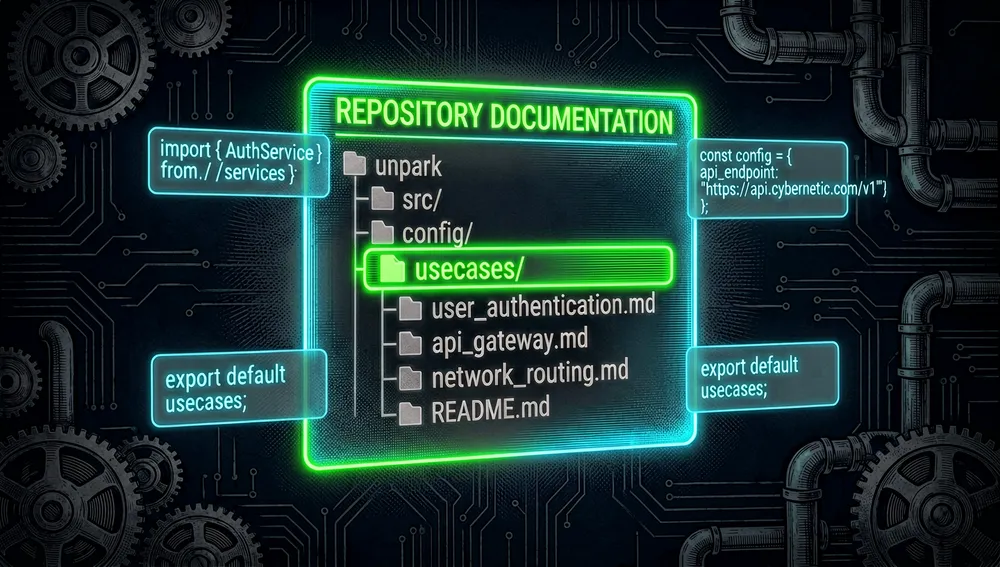
Awesome OpenClaw Use Cases is an “awesome” list in Markdown. It doesn’t install an agent, a skill, or a plugin: it gathers use-case guides for OpenClaw, with links to files in usecases/ where each proposal explains the problem, the required pieces, and the flow. The stated purpose is to reduce the adoption bottleneck — finding verified ways for OpenClaw to be useful, instead of just accumulating skills.
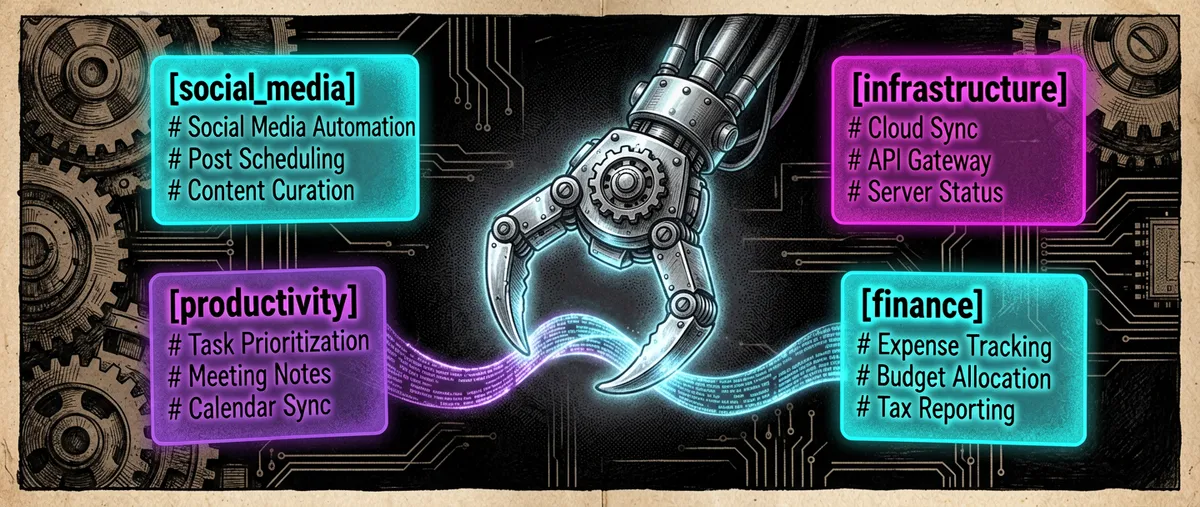
Entries are organized into social media, creation, infrastructure and operations, productivity, research and learning, and finance. Published examples include daily Reddit and YouTube digests, X automation, n8n orchestration, a self-healing home server, a personal CRM, meeting notes, a knowledge base, reading arXiv papers, and simulating operations on Polymarket.
Origin: documenting usage, not just extensions
The repository was created on February 8, 2026. Its author is Hesam Sheikh (hesamsheikh), whose account describes itself as “Full-Time Open Source” and links the X profile @Hesamation.
The approach is presented as a response to the problem of adopting OpenClaw without a clear use case. That’s why the README insists on real-life cases, and the contributing guide requires whoever proposes one to have tried it for at least a day; it prohibits inventing cases with AI and excludes anything related to cryptoassets.
Philosophy and principles
The list applies four recognizable rules:
- Prioritize reproducible outcomes: each case must describe the problem, what it does, the messages or configuration, the required skills, and related links.
- Document a small unit: one case per Markdown file, with a corresponding row in the README’s category table.
- Accept variants with their own value: duplicates are admissible if the approach is meaningfully different.
- Separate the catalog from security auditing: the maintainer warns they haven’t audited the linked third-party skills, plugins, or repositories; the user must review code, permissions, and credentials before using them.
How it works
The mechanism is deliberately simple: the README acts as an index, and each link opens a recipe in usecases/. The recipe doesn’t execute anything by itself; it translates an operational goal into OpenClaw pieces and, sometimes, external services. For instance, the n8n entry proposes delegating API calls via webhooks so the agent never handles credentials; the project-management one describes the STATE.yaml pattern; and the local CRM one mentions npx denchclaw, DuckDB, and browser automation.
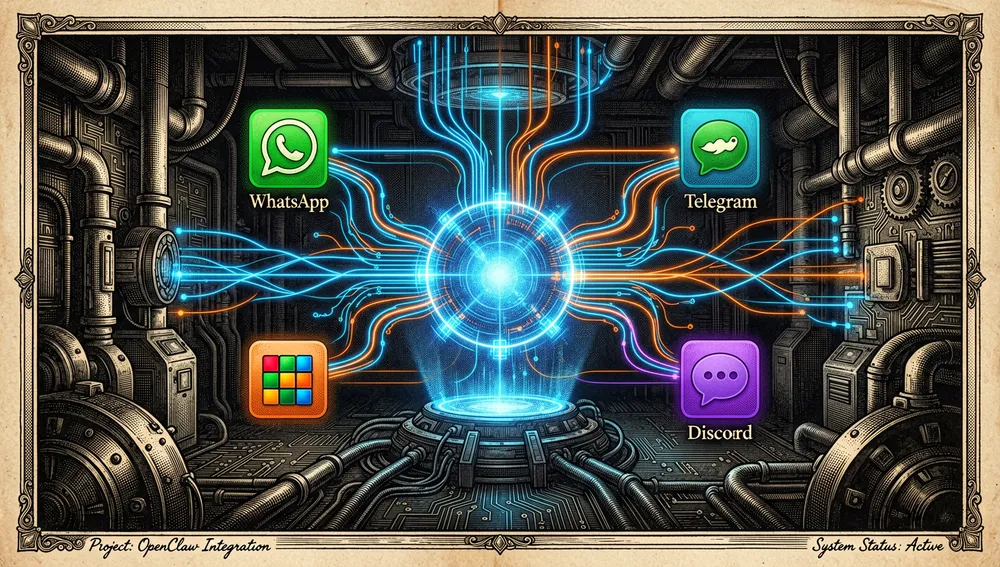
The catalog depends on the OpenClaw project. Its official README defines it as a personal assistant for a single operator, connected by a Gateway to models, tools, and messaging channels. The Gateway is the local control plane; the control interface, the CLI, and the TUI connect to it; and channels include, among others, WhatsApp, Telegram, Slack, and Discord.
Official and semi-official status
The repository is not an official OpenClaw catalog nor an extension published by the OpenClaw Foundation: it belongs to Hesam Sheikh’s personal account, and the README identifies it as a community collection.
Its status is semi-official only in the sense that it points to OpenClaw’s canonical repository and documents uses of that project. No evidence was found of acceptance into ClawHub, of publication in an official marketplace, or of a Foundation recommendation for this specific list. OpenClaw’s own official documentation does say new capabilities are typically distributed as plugins via its SDK and ClawHub — a different path from this documentation index.
The ecosystem
Dependency and core resources
openclaw/openclawis the project the cases target. It provides the Gateway, channels, tools, skills, plugins, and links to ClawHub.- The catalog links a Discord community called “Open Source AI Builders” and the author’s X account. Those are the list’s contact channels, not proof of OpenClaw sponsorship.
- The repository tree includes its own index translations in
README_CN.mdandREADME_KR.md, alongsideREADME.md; these are localizations maintained inside the repository, not independent ports.
Derivatives and community searches
GitHub forks sorted by stars and a repository search by the exact name were checked. Fork names aren’t included here as distinct products because the retrieved evidence didn’t establish that they were ports, extensions, or translations with an independent proposal; a fork doesn’t automatically amount to an ecosystem project.
No evidence of the author’s public sibling repositories documented as companions to this list was found either. That absence is limited to the measurement performed; it doesn’t claim that private, later, or off-GitHub tools don’t exist.
Repo numbers
Measured: August 12, 2026, GitHub API.
| Metric | Value |
|---|---|
| Stars | 31,671 |
| Forks | 2,726 |
| Real subscribers | 257 |
| Open issues per the API | 75 |
| License | MIT |
| Default branch | main |
| Created | February 8, 2026 |
| Last retrieved push | March 24, 2026 |
| GitHub releases retrieved | None |
The top contributors returned by the API were hesamsheikh with 39 contributions, github-actions[bot] with 16, willamhou with 6, and IceyLiu with 4.
The general API returns watchers_count duplicated from the star count, so subscribers_count is reported as real subscribers. Also, open_issues_count can include open pull requests; it shouldn’t be read as an exclusive issue count.
How to contribute
The process is documented and brief:
- Create a Markdown file in
/usecasesnamed after the case. - Explain the problem, how it works, messages or configuration, required skills, and links.
- Add a row to the appropriate category table in
README.md. - Open a pull request.
The guide asks for one proposal per file, concise but replicable descriptions, and a category suggestion if none fits. It also requires verifiable prior experience with the flow and expressly rejects cryptoasset-related proposals.
Quick-start guide
Installation and first run
The list has no installation: you browse it on GitHub and follow the chosen recipe. A working OpenClaw is a prerequisite. Official documentation offers the installer for macOS, Linux, and WSL2:
curl -fsSL https://openclaw.ai/install.sh | bash
openclaw onboard --install-daemon
openclaw gateway status
openclaw dashboard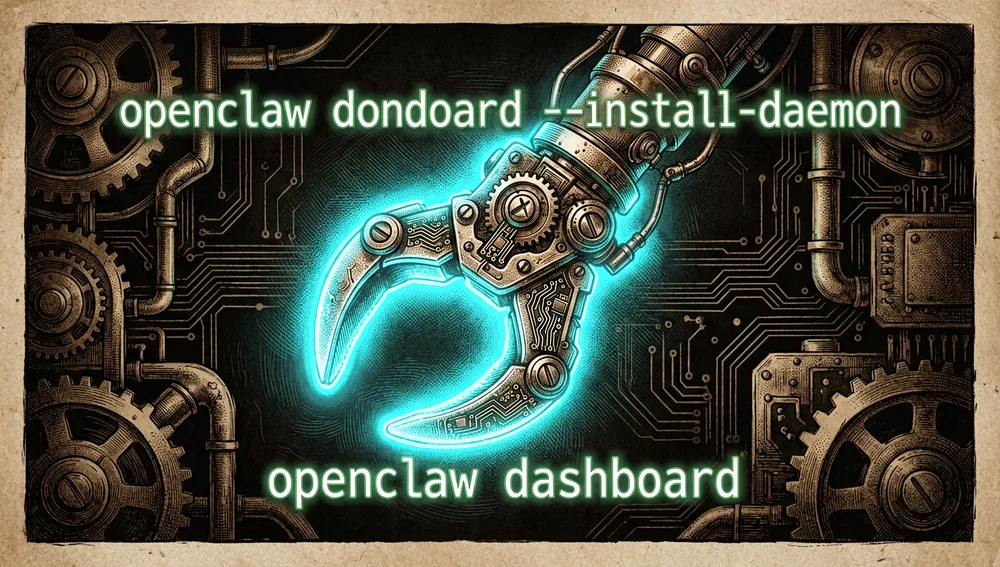
Alternatively, with user-managed Node.js, you can run npm install -g openclaw@latest; the README requires Node 22.22.3+, 24.15+, or 25.9+. The onboarding assistant verifies model access, creates the workspace, and configures the Gateway; openclaw dashboard opens the control interface to send the first message.
Common workflows
- Content digest: open “Daily Reddit Digest” or “Daily YouTube Digest,” set sources and preferences per the recipe, and use the agent to receive the periodic summary.
- Automation with isolated credentials: follow “n8n Workflow Orchestration” so API calls pass through n8n webhooks, instead of handing secrets to the agent.

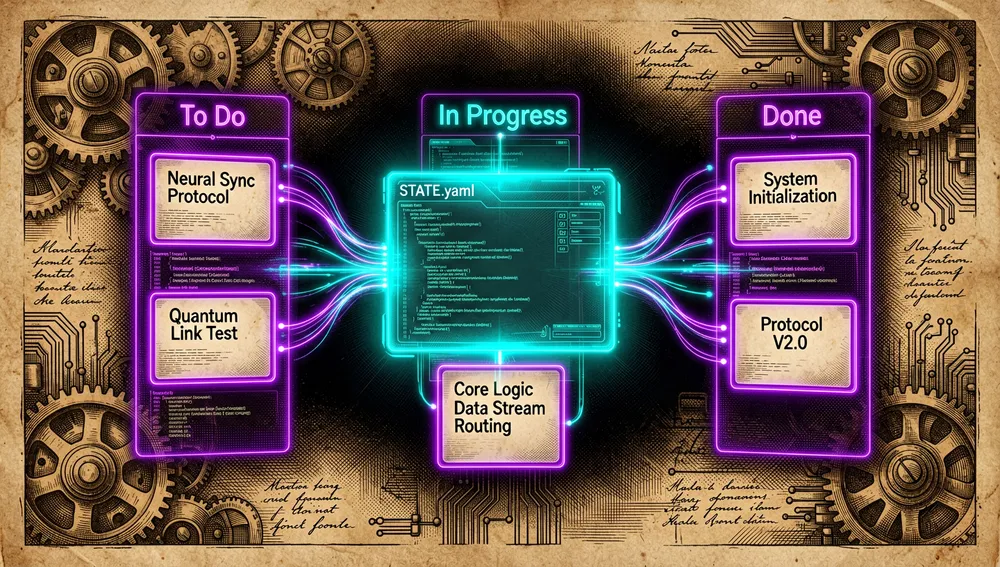
- Project management: use “Autonomous Project Management” as a reference for organizing shared state via
STATE.yamland coordinating parallel work.
- Knowledge base or technical reading: use the “Personal Knowledge Base (RAG)” or “arXiv Paper Reader” recipes to bring URLs, posts, and papers into the conversational flow.
Essential configuration
- OpenClaw Gateway: created and configured during
openclaw onboard --install-daemon; centralizes sessions, tools, events, and channel connections. - Messaging channel: connect the chosen channel, such as Telegram, Slack, or Discord, following OpenClaw’s documentation.
- The case file in
usecases/: the operational spec that should be read before installing any skills or external services it mentions. - Third-party credentials and permissions: must be reviewed before using a recipe; the catalog advises against hardcoding API keys and reminds that its dependencies haven’t been audited.
Common pitfalls and fixes
- Treating a guide as ready-to-run software: the list is documentation, not a package. Fix: install and verify OpenClaw first, then follow the selected case file.
- Blindly trusting linked skills or plugins: the maintainer warns about potential critical vulnerabilities. Fix: inspect source, permissions, and secret handling before installing them.
- Exposing the Gateway or accepting messages without reviewing security: OpenClaw treats inputs as untrusted and pairs unknown senders by default. Fix: only approve expected pairing codes and review the security and isolation guides before opening remote access.
- Proposing an untested recipe to the repository: this violates the contribution policy. Fix: test it for at least a day, document the real result, and open a pull request.
Integrations and migration
Recipes cover integrations with n8n, Telegram, Slack, email, calendars, Jira, Linear, Todoist, DuckDB, and browser automation, depending on the case chosen. No general migration guide from another use-case catalog was found. To extend OpenClaw, the main project recommends building plugins with its SDK and sharing them on ClawHub; this list can serve as a starting point for turning a validated recipe into a distributable plugin.
How the community received it
No direct Hacker News thread was found for the exact query awesome-openclaw-usecases; so there’s no identifier, score, comment count, or attributable opinion to characterize reception on that platform.
Reddit returned a challenge page in the automated search, so its coverage is unavailable, not absent. X requires authentication to search; the README only provides the author’s link. Product Hunt, Dev.to, Hashnode, newsletters, and podcasts didn’t yield a verifiable page during this run. This lack of retrievable evidence doesn’t allow inferring that no mentions exist.
Videos about the OpenClaw product itself were retrieved, not about this specific list: YouTube showed, among others, “21 INSANE Use Cases For OpenClaw…” by Matthew Berman with about 468,000 views, “OpenClaw Use Cases That You Must Try” by Adrian Twarog with about 105,000, and “I finally found a use case for OpenClaw…” by Fireship with about 618,000. These are context resources about OpenClaw, not independent reviews of the awesome-openclaw-usecases repository.
Awesome OpenClaw Use Cases vs. other approaches
| Proposal | Verifiable relationship | Verifiable difference |
|---|---|---|
openclaw/openclaw | Both center on OpenClaw and its extensible capabilities. | OpenClaw provides the assistant, Gateway, channels, and extensions; this list only catalogs application recipes. |
| ClawHub | OpenClaw’s official documentation presents it as the path for sharing plugins. | ClawHub distributes extensions; this repository doesn’t distribute plugins and links Markdown guides instead. |
n8n via the orchestration recipe | One catalog entry proposes using it to run API calls through webhooks. | The demonstrated relationship is integration within a recipe, not a general alternative to OpenClaw or a repository dependency. |
Use cases
- People already running OpenClaw can use the index to pick a concrete goal — for example, content summaries, a CRM, a family calendar, or meeting notes — before installing extensions without a defined use case.
- Teams wanting to automate services without exposing secrets to the agent can start from the n8n recipe, which proposes wrapping API calls behind webhooks and keeping credentials outside the agent.
- Anyone maintaining long-running personal assistants can find patterns for project-state management, memory, habit tracking, CRM, and multi-channel coordination.
- OpenClaw contributors with an already-tested flow have a simple path to turn that experience into a reproducible guide: a Markdown file, an index row, and a pull request.
Resources
- Repository: https://github.com/hesamsheikh/awesome-openclaw-usecases
- OpenClaw documentation and installation: https://docs.openclaw.ai/start/getting-started
- Official OpenClaw repository: https://github.com/openclaw/openclaw
- Official skills and plugins: https://docs.openclaw.ai/tools/skills and https://docs.openclaw.ai/plugins
- ClawHub: https://clawhub.ai
- List community/Discord: https://discord.gg/vtJykN3t
- Author’s X: https://x.com/Hesamation
Note: this article combines the list’s README and contributing guide, the GitHub API, OpenClaw’s official documentation, and community searches gathered on August 12, 2026. Figures change over time.
Comments