

PicoClaw: an AI assistant designed for very small footprints
sipeed/picoclaw · 30,013★ · 4,453 forks
Everything worth knowing about sipeed/picoclaw: a personal AI assistant in Go, built to run as a compact binary on boards, phones, and resource-constrained machines.
What PicoClaw is
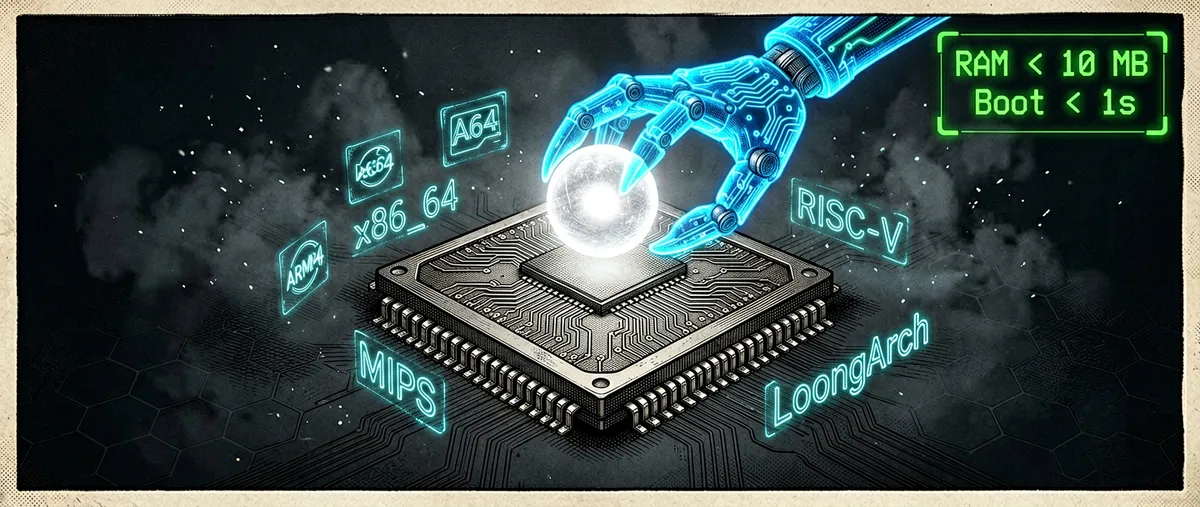
PicoClaw is an open-source personal AI assistant maintained by Sipeed. The project is implemented from scratch in Go and presents itself as a lightweight alternative for running an agent on x86_64, ARM64, MIPS, RISC-V, and LoongArch architectures; it is not declared a fork of OpenClaw or NanoBot.
Its unit of deployment is a single binary, with a command-line interface, a web launcher, a messaging-channel gateway, and local configuration. The README claims the core can use under 10 MB of RAM and boot in under a second on a 0.6 GHz single-core processor; the same source qualifies that recent builds may occupy 10 to 20 MB while features stabilize. These are the project’s own goals and measurements, not an independent evaluation.
The assistant connects to remote or local models, receives messages from chat apps, runs tools, keeps a workspace, and supports skills via SKILL.md files. It also supports MCP, so it can bring in tools and data from compatible servers.
The origin: from NanoBot to a Go reimplementation
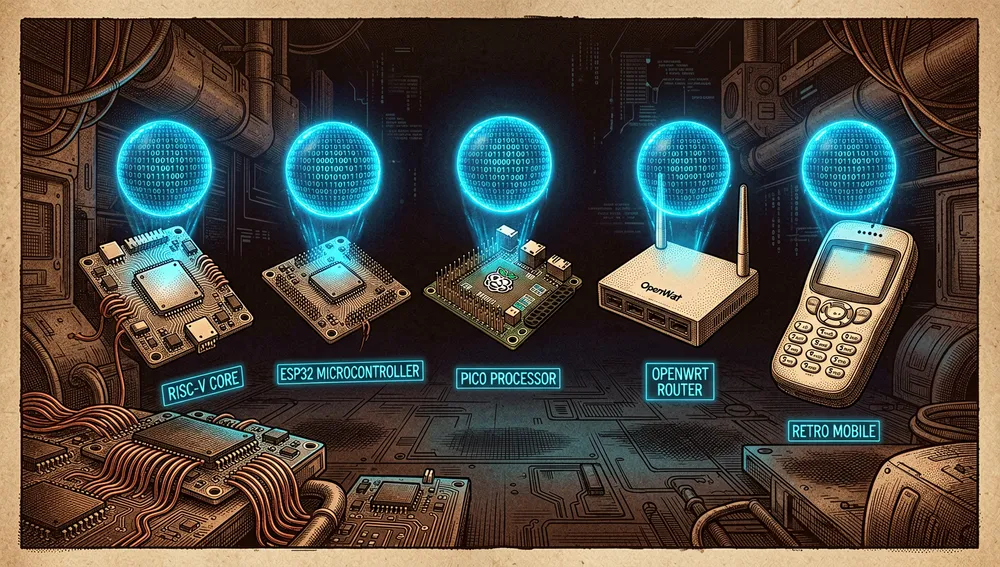
Sipeed is a Shenzhen-based organization whose GitHub profile describes itself as an open hardware platform for AIoT. PicoClaw appeared as a repository on February 4, 2026; the README’s own retrospective announcement places the launch on February 9 and says it was built in a day.
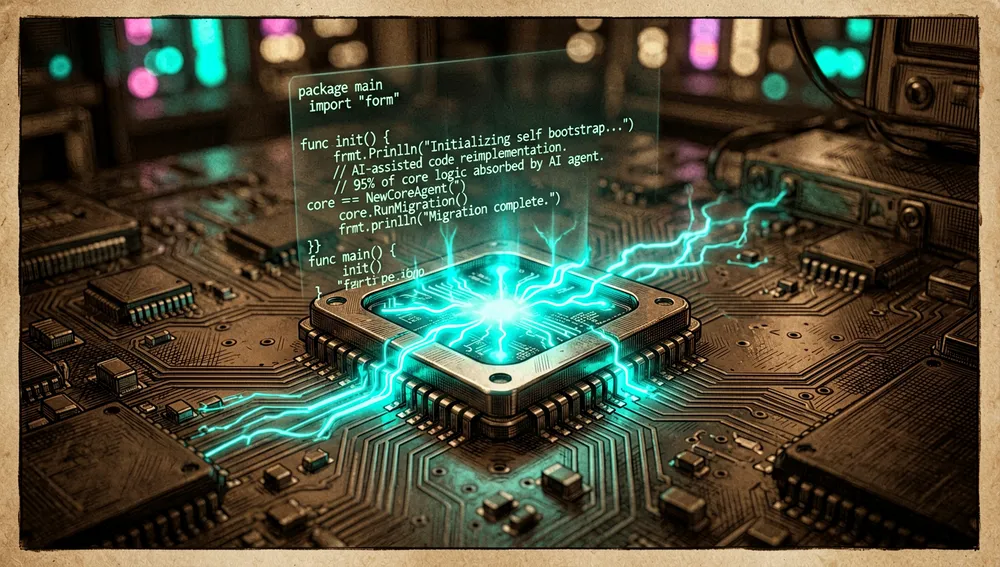
The origin story has a concrete tension: the project cites NanoBot as its inspiration but claims it was fully reimplemented in Go through a “bootstrapping” process, in which an AI agent participated in the architecture migration and optimization under human review. The README attributes 95% of the core code to that assistance; this is a team statement, not an authorship audit.
The technical motivation is to bring an agent to cheap edge hardware, contrasted with assistant setups the project compares against larger computers and memory footprints. Back in February, the repository already warned that promotional comparisons with specific machines could oversimplify the real cost; a later Hacker News commenter’s objection illustrates that friction.
Philosophy and principles
The roadmap defines the project’s identity around four lines: fighting software bloat to run on embedded devices, adopting defense in depth, designing around protocols first, and making deployment accessible to non-specialists.
In practice, those principles translate into:
- Small footprint over infrastructure breadth. The roadmap’s goal is to run on 64 MB RAM boards with a core process under 20 MB; it is not a production promise for every configuration.

- Protocol-based compatibility. The agent exposes integrations for providers, channels, and MCP, rather than locking into a single model or messaging app.
- Extensible capabilities. Skills load from
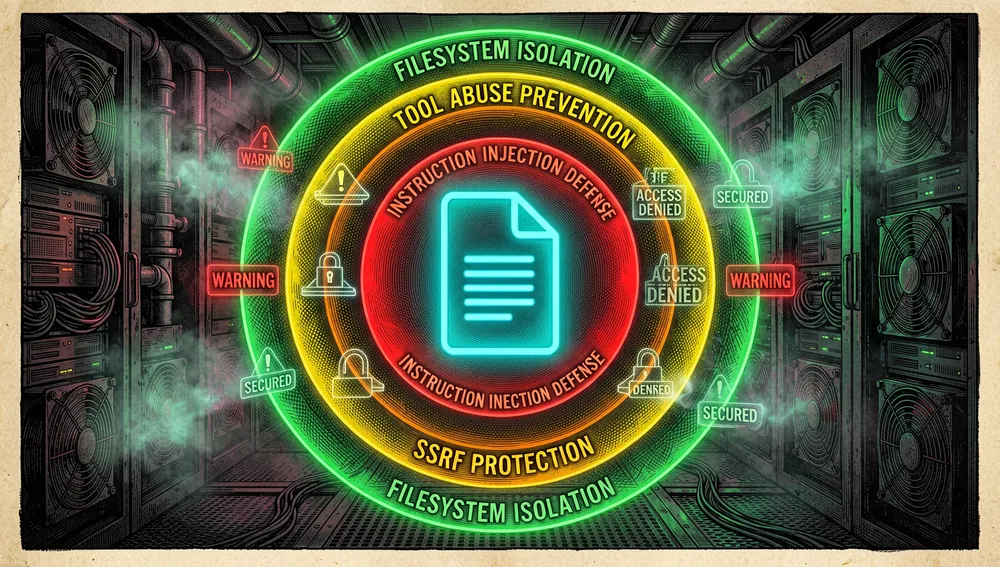
SKILL.md; the ClawHub registry and GitHub let you search and install extensions from within the program itself. - Security still evolving. The README advises against production use before version 1.0 and acknowledges possible unresolved security issues. The roadmap lists, among others, defenses against prompt injection, tool abuse, SSRF, filesystem isolation, and context separation.
How it works
The main configuration lives in ~/.picoclaw/config.json after initial setup. There you define a default model at agents.defaults.model_name, the entries in model_list, the workspace, tool policies, MCP, and channels. Credentials are progressively separated out into .security.yml per the migration scheme described by the project.
A typical flow is: receive a message or command, select the configured model, invoke enabled tools — files, execution, scheduling, or web search — and return the response to the channel. For simple tasks, rule-based routing can direct requests to lightweight models; for external tools, the tools.mcp.servers block registers MCP servers. The common gateway listens by default on 127.0.0.1:18790, while the web launcher opens its interface at http://localhost:18800.

Documented channels include Telegram, Discord, WhatsApp, Weixin, Slack, Matrix, IRC, MQTT, and others. The README’s matrix doesn’t guarantee identical maintenance across all of them: each integration needs its own credentials or connection mechanism.

Official and semi-official status
The verifiable official status is that of a Sipeed project: the repository links picoclaw.io as the sole official domain, docs.picoclaw.io as official documentation, the @SipeedIO account on X, and a community Discord. The README explicitly warns of similar domains registered by third parties and of fake cryptocurrency launches.
No evidence was found that PicoClaw has been accepted into an official marketplace by Anthropic, OpenAI, Google, or another agent provider. Compatibility with MCP or with providers like OpenAI, Anthropic, Google, Ollama, and vLLM is technical integration; it does not imply endorsement, certification, or official adoption by those providers.
Its high visibility on GitHub, and the existence of ports, interfaces, and projects that reference it, suggest a reference role within the lightweight “Claw”-family assistants, but the sources recovered do not show a formal standard designation.
The ecosystem
Linked Sipeed repositories
sipeed/picoclaw_fui: a Flutter GUI for PicoClaw; it had 52 stars at the time of the GitHub query.sipeed/picoclaw_docs: the documentation repository; it had 17 stars.sipeed/picoclaw.io: the project site, built with Astro; it had 2 stars.
These are repositories from the same maintainer covering interface, documentation, and site; the API alone doesn’t prove each is part of the main binary, but their names and descriptions establish that functional relationship.
Ports, interfaces, and community extensions
A GitHub search turned up derivatives and tools that declare a relationship, with figures observed during this investigation:
samiul000/femtoclaw: an ultra-lightweight port for ESP32 and Raspberry Pi Pico boards, with 37 stars.ghazalialshafi/nimclaw: a PicoClaw clone in Nim, with 16 stars.lingfan/picoclaw-rs: a reference implementation in Rust, with 7 stars; its description is in Chinese.GennKann/luci-app-picoclaw: a LuCI interface for managing it on OpenWrt routers, with 24 stars.LIKE2000-ART/luci-app-picoclaw: another LuCI app for OpenWrt, with 9 stars.iamr0s/ruto-phone-mcp: an MCP server for controlling phones via ADB; its description claims that OpenClaw and PicoClaw can use those capabilities indirectly, and it had 31 stars.drpedapati/sciclaw: an assistant for reproducible research that declares itself compatible with PicoClaw, with 89 stars.dekeky/finclaw: a multi-agent finance platform whose Chinese-language description claims it was built on PicoClaw; it had 120 stars.manaporkun/talking-flower: an integration of a Nintendo talking-flower toy with Raspberry Pi, PicoClaw, and ElevenLabs, with 23 stars.
This list should not be mistaken for certified compatibility. For example, the fork results include KarakuriAgent/clawdroid, an Android assistant with an embedded Go backend, and other forks with substantial changes; these are GitHub-declared forks, not official components.

The main repository also distributes README translations into Chinese, Japanese, Korean, Brazilian Portuguese, Vietnamese, French, Italian, Indonesian, and Malay. These are localized documentation within the project, not independent ports.
Repo numbers
Measured: August 12, 2026, GitHub API.
| Metric | Value |
|---|---|
| Stars | 29,853 |
| Forks | 4,446 |
| Real subscribers | 168 |
| Commits | 2,583 |
| Open issues per API | 51 |
| Primary language | Go |
| License | MIT |
| Created | February 4, 2026 |
| Last reported push | August 7, 2026 |
| Latest stable release | v0.3.1, July 3, 2026 |
The commit count comes from the API’s pagination link’s last page. Among contributors returned by the endpoint, afjcjsbx shows 406 contributions, alexhoshina 208, lc6464 100, and lxowalle 80; dependabot[bot] appears among them with 120 and should be distinguished from a person.
The general GitHub API mirrors stars in watchers_count; that’s why subscribers_count is reported here as the real subscriber count. Likewise, open_issues_count may include open pull requests, so 51 should not be read as an issues-only count.
Quick-start guide
Installation and first run
The project’s recommended route is downloading the right binary from https://picoclaw.io; the site claims to detect the platform. Precompiled binaries are also available from GitHub releases.
On desktop, after downloading the launcher, run:
picoclaw-launcher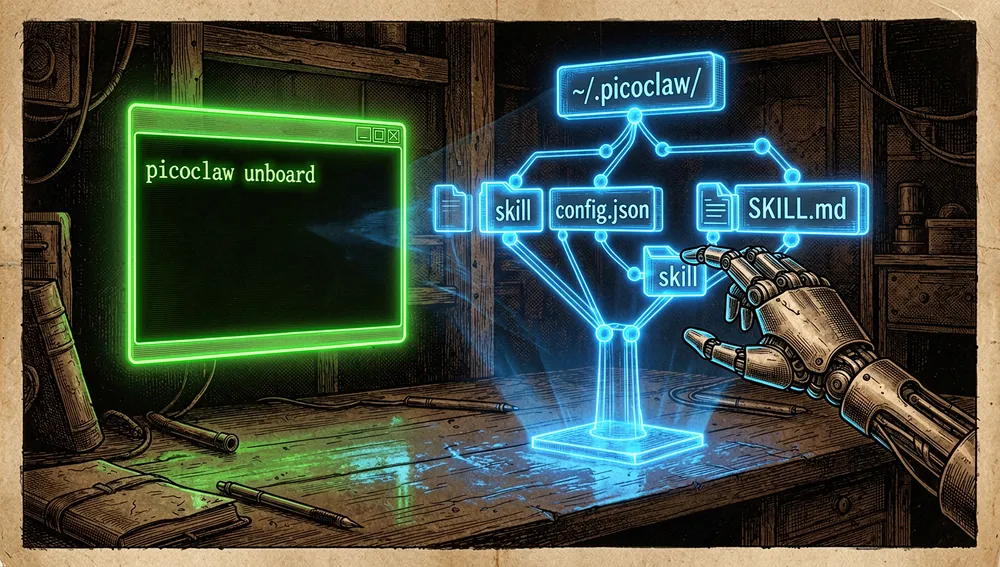
Then http://localhost:18800 opens. The interface flow is: configure a provider and its key, configure a channel, start the gateway, and chat. To publish the launcher on all interfaces, use picoclaw-launcher -public; doing so exposes the service to the network and should be weighed carefully.
For a development install, Go 1.25 or later is required; to build the interface, Node.js 22 and pnpm 10.33.0 or later. The README provides:
git clone https://github.com/sipeed/picoclaw.git
cd picoclaw
make deps
(cd web/frontend && pnpm install --frozen-lockfile)
make build
make install
In terminal mode, picoclaw onboard creates ~/.picoclaw/config.json and the working directory.
Common workflows
- A quick question or an interactive conversation. After configuring the model,
picoclaw agent -m "What is MCP?"makes a single request;picoclaw agentopens interactive mode. - Connecting a messaging app. Configure a channel, for example Telegram or Discord, and start
picoclaw gateway. The gateway receives events from supported channels. - Adding an MCP server. To register a filesystem server, the docs use
picoclaw mcp add filesystem -- npx -y @modelcontextprotocol/server-filesystem /tmp; thenpicoclaw mcp test filesystemchecks the configuration. The command updatesconfig.jsonbut doesn’t by itself keep the server process running. - Searching for and installing a skill.
picoclaw skills search "web scraping"searches configured registries andpicoclaw skills install <skill-name>installs a skill.
Essential configuration
~/.picoclaw/config.json: the main definition for agents, models, channels, tools, and MCP.agents.defaults.model_name: must exactly match amodel_namefrommodel_list; it determines the default model.model_list: identifies each provider, model, API base, and authentication. For OpenRouter, explicitly declaringprovider: "openrouter"is recommended when using thefreemodel..security.yml: the intended store for sensitive data after the configuration migration; keys shouldn’t be left in shared files.tools.mcp.servers: the catalog of MCP servers that extend the agent’s tools.
Common pitfalls and fixes
- The provider can’t find the model. If
model ... not found in model_listappears, check thatagents.defaults.model_namematches an entry inmodel_list. For OpenRouter, useprovider: "openrouter"andmodel: "free", ormodel: "openrouter/free". - The web interface isn’t reachable from Docker, a VM, or the network. The gateway listens on
127.0.0.1by default. The README points toPICOCLAW_GATEWAY_HOST=0.0.0.0or the-publicflag when remote access is intentional. - The Raspberry Pi binary won’t boot. Choose the architecture matching the OS:
make build-linux-armfor 32-bit Raspberry Pi OS andmake build-linux-arm64for 64-bit;make build-pi-zerobuilds both. - Underestimating footprint or security. Figures under 10 MB aren’t fixed in recent builds, and the project recommends not deploying to production before version 1.0.
- Downloading from a look-alike site. Use
picoclaw.ioand the Sipeed repository; the README warns of similar domains and fake cryptocurrencies.
Integrations and migration
PicoClaw integrates MCP natively and can work with local models via Ollama or vLLM, both configured as entries in model_list. Skill configuration supports ClawHub and a GitHub registry, though tools.skills.github.* is marked deprecated in favor of tools.skills.registries.github.*.
There’s a picoclaw migrate command for migrating data from earlier versions. No official guide was found for automatically migrating from OpenClaw, NanoBot, or a specific competitor; sharing the assistant category doesn’t prove configuration compatibility.
How to contribute
The contribution guide asks you to fork, clone the repository, add sipeed/picoclaw as the upstream remote, and branch from main. Pull requests must target main; pushing directly to main or release/* isn’t allowed.
The minimal loop is:
git checkout main
git pull upstream main
git checkout -b your-feature-branch
make check
make check runs pre-checks that include dependencies, formatting, linting, tests, and documentation consistency. There are also make test, make integration-test, make lint, and make lint-docs; Docker-based integration tests are discovered from integration/suites/.
The project accepts bug reports, features, documentation, translations, and tests on new hardware, providers, or channels. For a large feature, it asks that a design issue be opened first. The process has one important particularity: every pull request must disclose the degree of AI assistance involved — full, majority, or minor — and the contributor remains responsible for understanding, testing, and reviewing the code’s security. To merge, it requires green CI, a maintainer approval, resolved threads, and a complete template.
How the community received it
The recoverable reception is concrete but uneven; many Hacker News submissions have few points and no comments, so they show reach, not consensus.
- In thread 48056003, about OpenClaw problems, saratogacx wrote they use PicoClaw after finding OpenClaw slow; they praised it as small, fast, reliable, and consistent enough to leave running without constant supervision, though they acknowledged it had fewer tuning options. The comment is an individual experience, not a third-party measured comparison.
- In thread 47185002, whose submission linked directly to the repository, znpy objected that comparing PicoClaw against OpenClaw running on a Mac mini was, at minimum, misleading: they said they run OpenClaw in a self-hosted 1 GB VM. The thread had 1 point and 1 comment; this is a criticism of economic framing, not a rebuttal of the program’s memory measurements.
- The HN search recorded a direct submission from mariuz on April 1, 2026 with 2 points and 0 comments, and several earlier direct submissions with scores of 1 or 2 and no discussion. These shouldn’t be read as independent reviews.
- A comment from Imustaskforhelp in another thread said they tried PicoClaw on a 512 MB VPS and found it hard to administer or set up; this is a usability objection, not a confirmed issue. Another comment from tao_oat characterized it as aimed at low-end machines and Raspberry Pi, in an informal comparison with other assistants in the family.
No recoverable evidence was found of relevant Reddit threads, accessible X posts, a Product Hunt page, a Dev.to or Hashnode review, or dedicated podcast episodes. Automated Reddit and X searches were limited by their access barriers; that limitation doesn’t prove absence of coverage. Nor was a YouTube video with a title, channel, and direct page unambiguously naming this repository validated, so no media resources or view counts are invented.
PicoClaw versus other approaches
| Approach | Verifiable overlap | Verifiable difference |
|---|---|---|
| NanoBot | PicoClaw states NanoBot was its inspiration. | PicoClaw claims to be a full Go reimplementation, not a fork. |
| OpenClaw | Both appear in discussions as AI assistants in the “Claw” family. | PicoClaw explicitly prioritizes a small footprint and edge boards; the README’s resource comparison is promotional and has been questioned by a commenter. |
samiul000/femtoclaw | Its description states it’s an ultra-lightweight port of OpenClaw/PicoClaw. | It targets ESP32 and Raspberry Pi Pico, not Sipeed’s main Go binary. |
ghazalialshafi/nimclaw | It presents itself as a PicoClaw clone. | It’s written in Nim, per its GitHub description. |
drpedapati/sciclaw | It declares compatibility with PicoClaw and also uses a lightweight Go runtime. | It adds a scientific-assistant focus and manuscript integration, per its description; it’s not an official substitute. |
The choice isn’t just about languages. PicoClaw is more relevant if the priority is deploying an assistant on a board, an old phone, or a low-capacity machine, and accepting a still-maturing security surface. A specialized project may fit better if you need a specific interface, a target platform like OpenWrt, or a defined scientific workflow.
Use cases
- People repurposing an old board or phone can run the assistant via binary, APK, or Termux and connect it to a model provider, as long as they review the installed version’s security and memory limits.
- Anyone wanting personal automation over messaging can configure Telegram, Discord, Slack, Matrix, MQTT, or another documented channel and start the gateway to receive requests from chat.
- Teams with their own services and data can register MCP servers to give the agent external tools, for example a filesystem server, without assuming PicoClaw supervises the MCP process itself.
- Developers of edge devices or integrations can start from the Raspberry Pi builds, the channels, and the hardware matrix; the LuCI, Android, and microcontroller extensions show concrete community uses, but require validating maintenance and security separately.
- Contributors wanting to experiment with AI-assisted development find a guide that requires disclosing such assistance, passing tests, and answering for the code’s security, rather than treating automated generation as a substitute for human review.
Resources
- Repository: https://github.com/sipeed/picoclaw
- Official site: https://picoclaw.io/
- Official documentation: https://docs.picoclaw.io/
- Releases: https://github.com/sipeed/picoclaw/releases
- Contribution guide: https://github.com/sipeed/picoclaw/blob/main/CONTRIBUTING.md
- Official skills: https://github.com/sipeed/picoclaw#-skills
- Discord community: https://discord.gg/V4sAZ9XWpN
- Hacker News discussions: https://news.ycombinator.com/item?id=48056003, https://news.ycombinator.com/item?id=47185002
- OpenWrt extension: https://github.com/GennKann/luci-app-picoclaw
- Microcontroller port: https://github.com/samiul000/femtoclaw
Note: this article combines project documentation and code, the GitHub API, and Hacker News results retrieved on August 12, 2026. Figures change over time.
Comments